Picture this: It's 25°F. You are wearing thick winter gloves. You are balanced on the second step of a stepladder, trying to center a galaxy in your Dobsonian. You mistakenly bump the focuser. You need to check: "Wait, which eyepiece is this? What's the TFOV again?"
Do you:
A) Climb down, take off your gloves, pull out your bright smartphone, unlock it, and ruin your night vision?
B) Glance at your wrist?
This is why we built the Telescope Eyepiece Calculator for Apple Watch. It solves a specific problem: The "Friction of Tech" at the eyepiece.
The Problem with Phones
I love iPhone astronomy apps. SkySafari and Stellarium are amazing. But at the eyepiece, phones are clumsy.
- They are bright (even in red mode, the backlight bleeds).
- They require hands.
- FaceID doesn't work with a balaclava or in the dark.
- Touchscreens hate cold fingers.
The Watch Solution: Information "At a Glance"
The Apple Watch app is designed to be a "Read Only" dashboard for your observing session. You do your planning inside (on the phone), but you execute outside (on the watch).
The Workflow
Here is how a "Hybrid" session works:
1. Indoor Prep (iPhone)
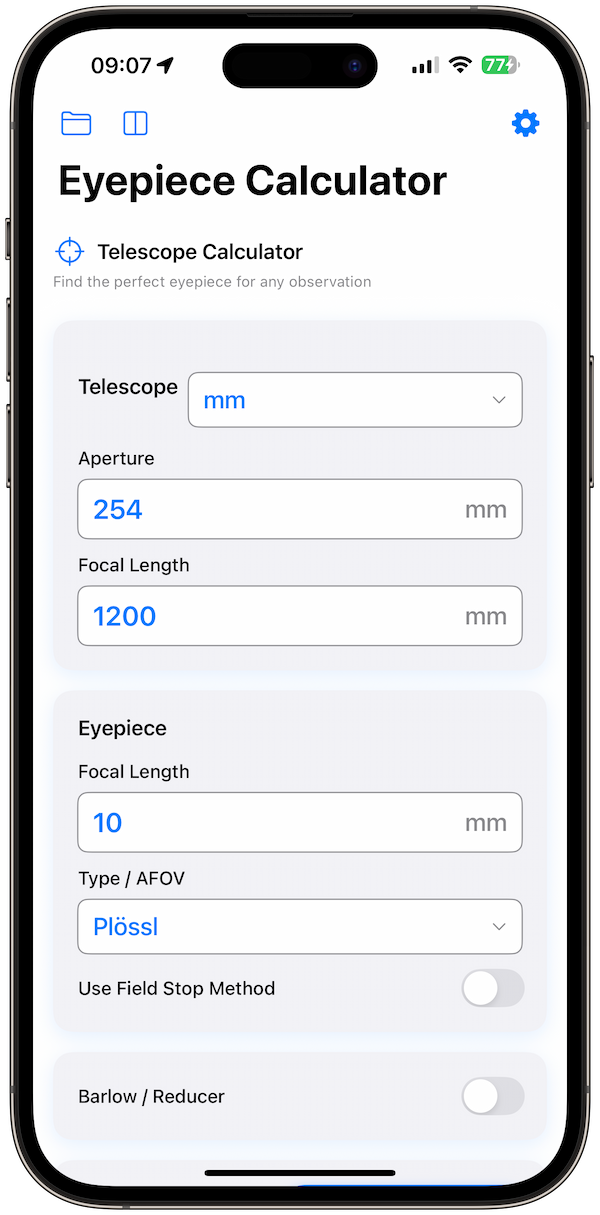
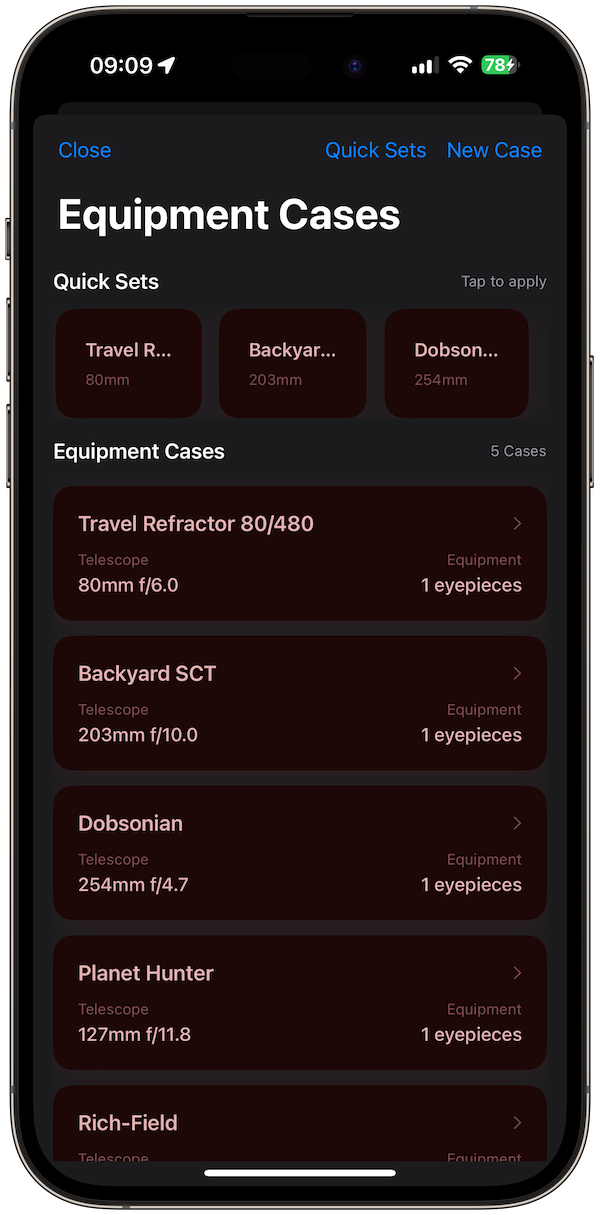
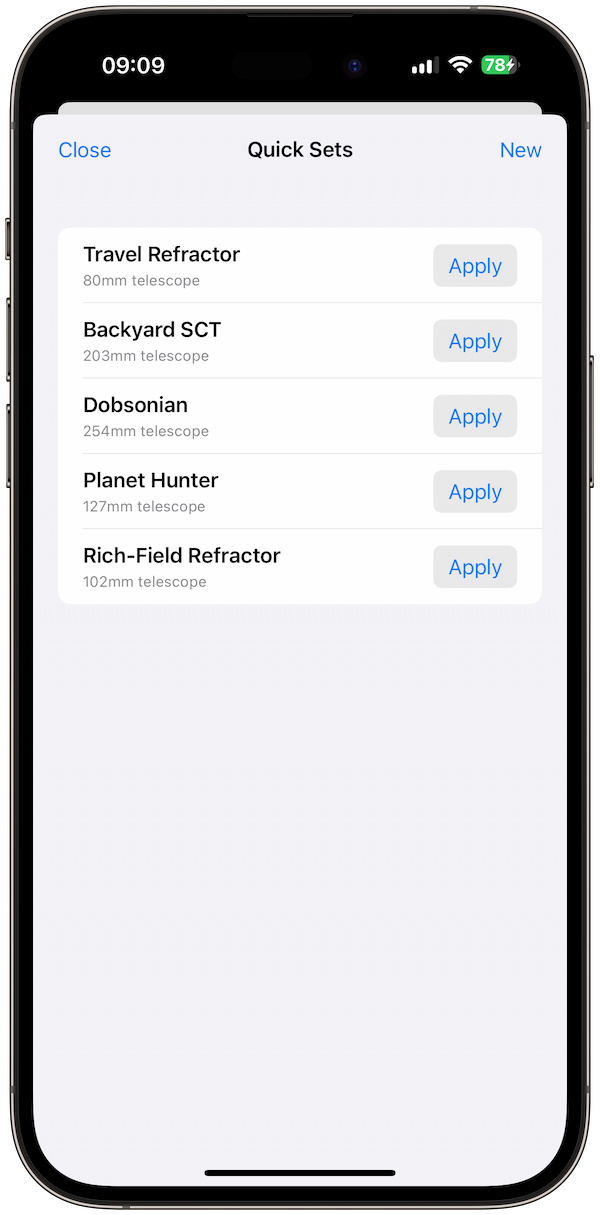
I select my telescope (8" SCT) and populate my "Virtual Case" with the three eyepieces I plan to use tonight: 40mm, 20mm, and 9mm. I swipe them into the "Active" list.
2. At the Scope (Watch)
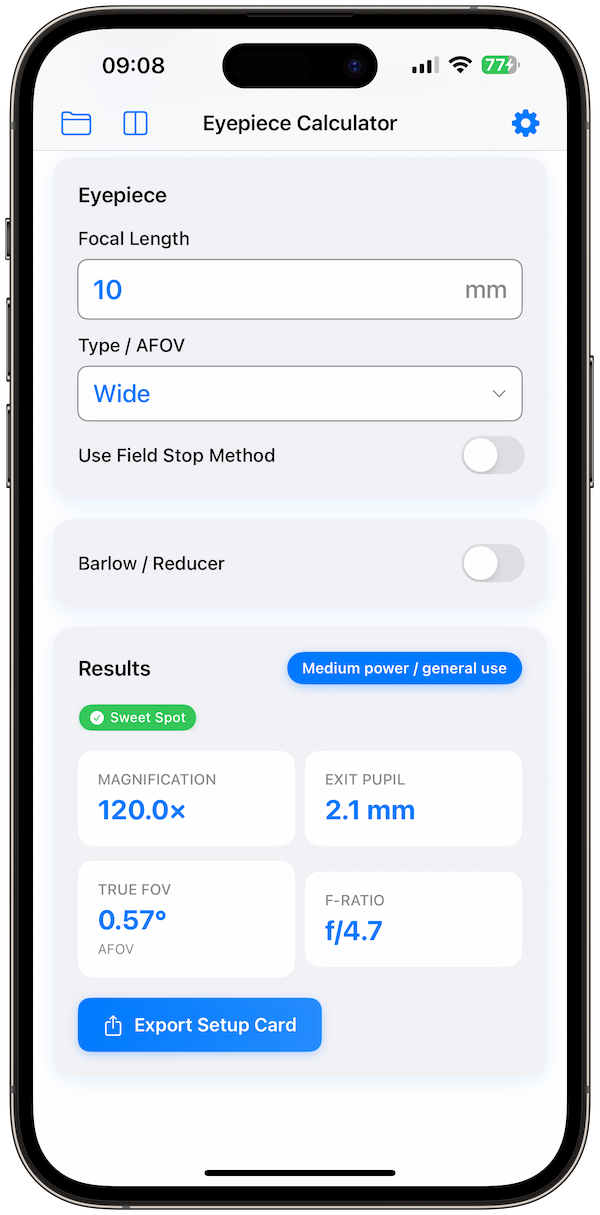
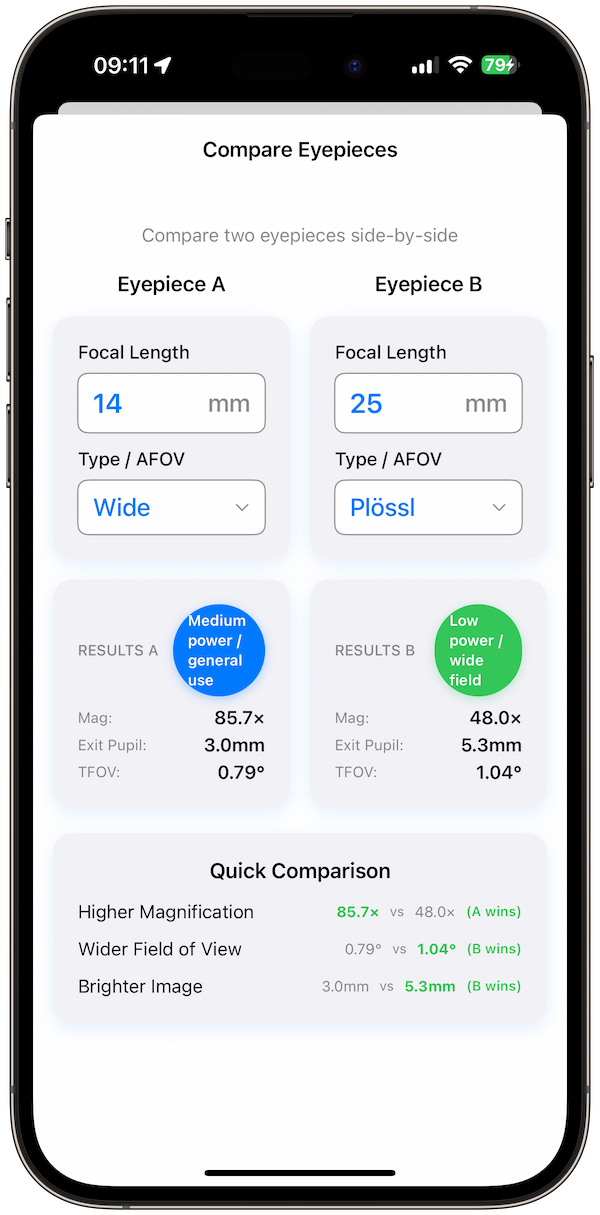
I put the 40mm in. I tap the watch. It shows me 60x and 0.9° TFOV. Good for finding the target.
I find M13. I want to resolve the core. I swap to the 9mm. I tap the watch to "Next Eyepiece." Boom. 225x. The Exsit Pupil is 0.9mm (dim, but usable).
The beauty is that I never touched my phone. My night vision is preserved. My hands stayed warm.
Real World Scenarios
Outreach Events: When you have a line of 20 people waiting to look, you can't be fiddling with a phone. The watch lets you answer the inevitable question ("How much magnification is this?") instantly and accurately.
Ladder Observing: If you have a large Dobsonian where you need a ladder, dropping your phone is a disaster. The watch is strapped to you.
Conclusion
The best technology is invisible. It gives you the answer without demanding your attention. That is what the Apple Watch companion app does for astronomy. It lets you keep your eyes on the stars.