Fog is one of the most dangerous weather conditions for drivers, reducing visibility to near zero and creating hazardous driving situations. Understanding fog visibility ratings and knowing when conditions become too dangerous to drive can save lives. This comprehensive guide explains how to interpret visibility measurements and make informed decisions about when to stay off the road.
What Are Fog Visibility Ratings?
Fog visibility ratings are measurements that indicate how far a person can see in foggy conditions. These ratings are typically expressed in feet or meters and are used by meteorologists, transportation officials, and safety experts to assess driving conditions.
How Visibility is Measured
Visibility is measured using specialized instruments called transmissometers or by trained observers who identify known landmarks at various distances. The measurement represents the distance at which a large object (like a building or tree) becomes invisible.
Understanding Visibility Categories
Different organizations use slightly different categories, but most follow similar guidelines for classifying fog visibility levels.
Standard Visibility Categories
- Excellent Visibility: 10+ miles (16+ km) - Normal driving conditions
- Good Visibility: 5-10 miles (8-16 km) - Slight reduction in visibility
- Fair Visibility: 1-5 miles (1.6-8 km) - Reduced visibility, caution advised
- Poor Visibility: 0.5-1 mile (0.8-1.6 km) - Dangerous driving conditions
- Very Poor Visibility: 0.25-0.5 miles (0.4-0.8 km) - Extremely dangerous
- Zero Visibility: Less than 0.25 miles (0.4 km) - Do not drive
When Is It Too Dangerous to Drive?
Determining when fog becomes too dangerous to drive depends on several factors, including visibility levels, road conditions, traffic density, and driver experience.
Visibility Thresholds for Safe Driving
As a general rule, driving becomes dangerous when visibility drops below 0.5 miles (0.8 km). However, this threshold can vary based on other factors:
- Highway Driving: Minimum 0.5 miles visibility required
- City Driving: Minimum 0.25 miles visibility required
- Rural Roads: Minimum 0.75 miles visibility required
- Mountain Roads: Minimum 1 mile visibility required
Factors That Affect Safe Driving in Fog
Several factors beyond just visibility measurements determine whether it's safe to drive in foggy conditions.
Road Conditions
- Wet Roads: Increase stopping distance and skid risk
- Icy Roads: Combine with fog to create extremely dangerous conditions
- Road Markings: Poor visibility of lane markings increases accident risk
- Shoulder Conditions: Soft or narrow shoulders limit escape options
Traffic Density
- Heavy Traffic: Increases collision risk in poor visibility
- Commercial Vehicles: Large trucks create additional blind spots
- Pedestrian Traffic: Reduced visibility puts pedestrians at risk
- Emergency Vehicles: May be difficult to see and hear
Driver Experience and Vehicle Condition
- Novice Drivers: Should avoid driving in any fog conditions
- Vehicle Lighting: Poor headlights reduce visibility further
- Tire Condition: Worn tires increase stopping distance
- Windshield Condition: Dirty or damaged windshields worsen visibility
Types of Fog and Their Characteristics
Different types of fog have different characteristics that affect driving safety and visibility patterns.
Radiation Fog
Forms on clear, cool nights when the ground loses heat rapidly. Typically forms in valleys and low-lying areas and can be very dense but usually dissipates by mid-morning.
Advection Fog
Develops when warm, moist air moves over cooler surfaces. Can be very persistent and widespread, often lasting for days. Common in coastal areas and near large bodies of water.
Upslope Fog
Forms when moist air is forced up sloping terrain. Common in mountainous regions and can be very dense and persistent. Often associated with strong winds.
Valley Fog
Common in low-lying areas where cold air settles. Can be very dense and persistent, often lasting all day. Common in river valleys and agricultural areas.
Warning Signs of Dangerous Fog Conditions
Recognizing the warning signs of dangerous fog conditions can help you make better decisions about when to drive.
Environmental Warning Signs
- Visibility dropping rapidly
- Other vehicles appearing suddenly from nowhere
- Difficulty seeing road markings
- Inability to see the horizon
- Street lights appearing as halos
Driving Warning Signs
- Other vehicles driving with hazard lights on
- Traffic moving much slower than normal
- Difficulty maintaining lane position
- Feeling disoriented or lost
- Other drivers appearing to be struggling
Safe Driving Techniques in Fog
When you must drive in foggy conditions, use these techniques to maximize safety.
Speed and Following Distance
- Reduce speed to match visibility conditions
- Increase following distance to 5-6 seconds
- Drive at a speed that allows you to stop within visible distance
- Be prepared to slow down further as conditions worsen
Lighting Strategy
- Use low beams - high beams reflect off water droplets
- Turn on fog lights if equipped
- Use hazard lights only when stopped or moving very slowly
- Keep all lights clean and functioning properly
Navigation and Positioning
- Stay in your lane and avoid lane changes
- Use the right edge of the road as a guide
- Follow painted lane markings when visible
- Pull over to a safe location if visibility becomes too poor
Emergency Procedures in Fog
If you become caught in dangerous fog conditions, knowing what to do can prevent accidents and save lives.
If You Must Stop
- Pull completely off the road if possible
- Turn on hazard lights
- Stay in your vehicle with seatbelt fastened
- Keep windows slightly open for ventilation
- Use your phone to call for help if needed
If You Become Lost or Disoriented
- Pull over to a safe location immediately
- Turn on hazard lights
- Wait for conditions to improve
- Use GPS or maps to reorient yourself
- Consider calling for assistance
How DriveSafe: Fog & Snow App Helps with Visibility Assessment
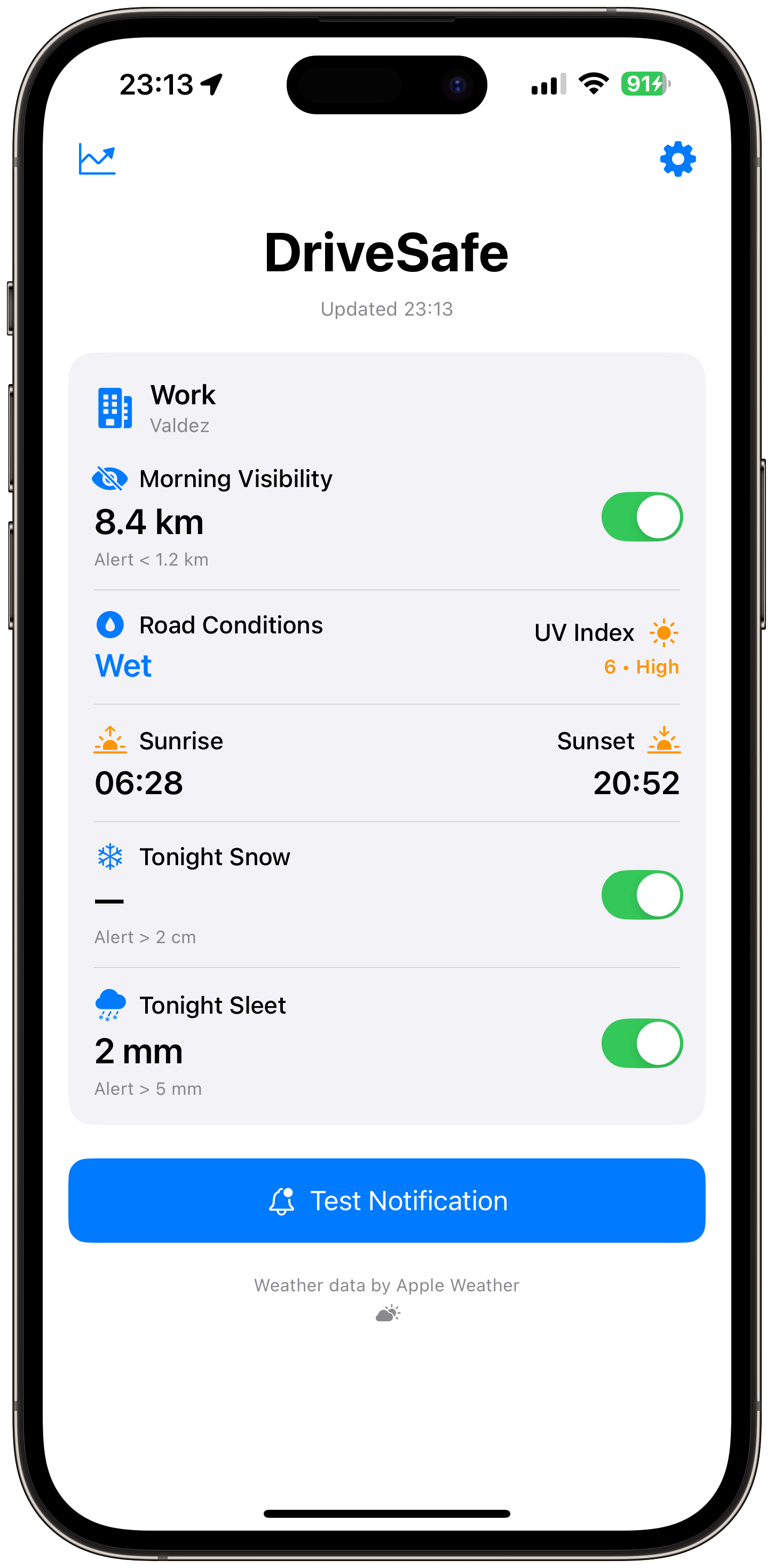
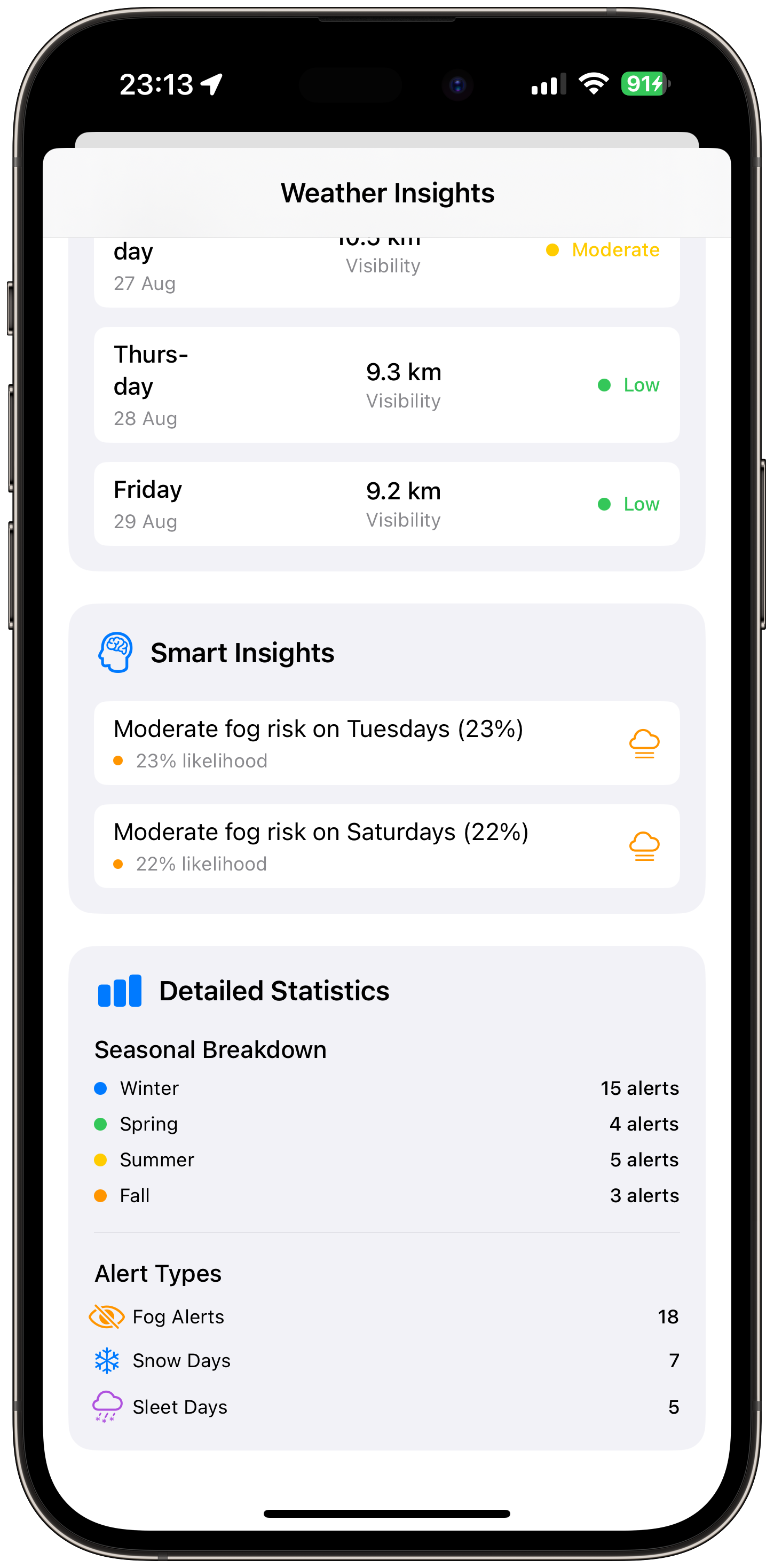
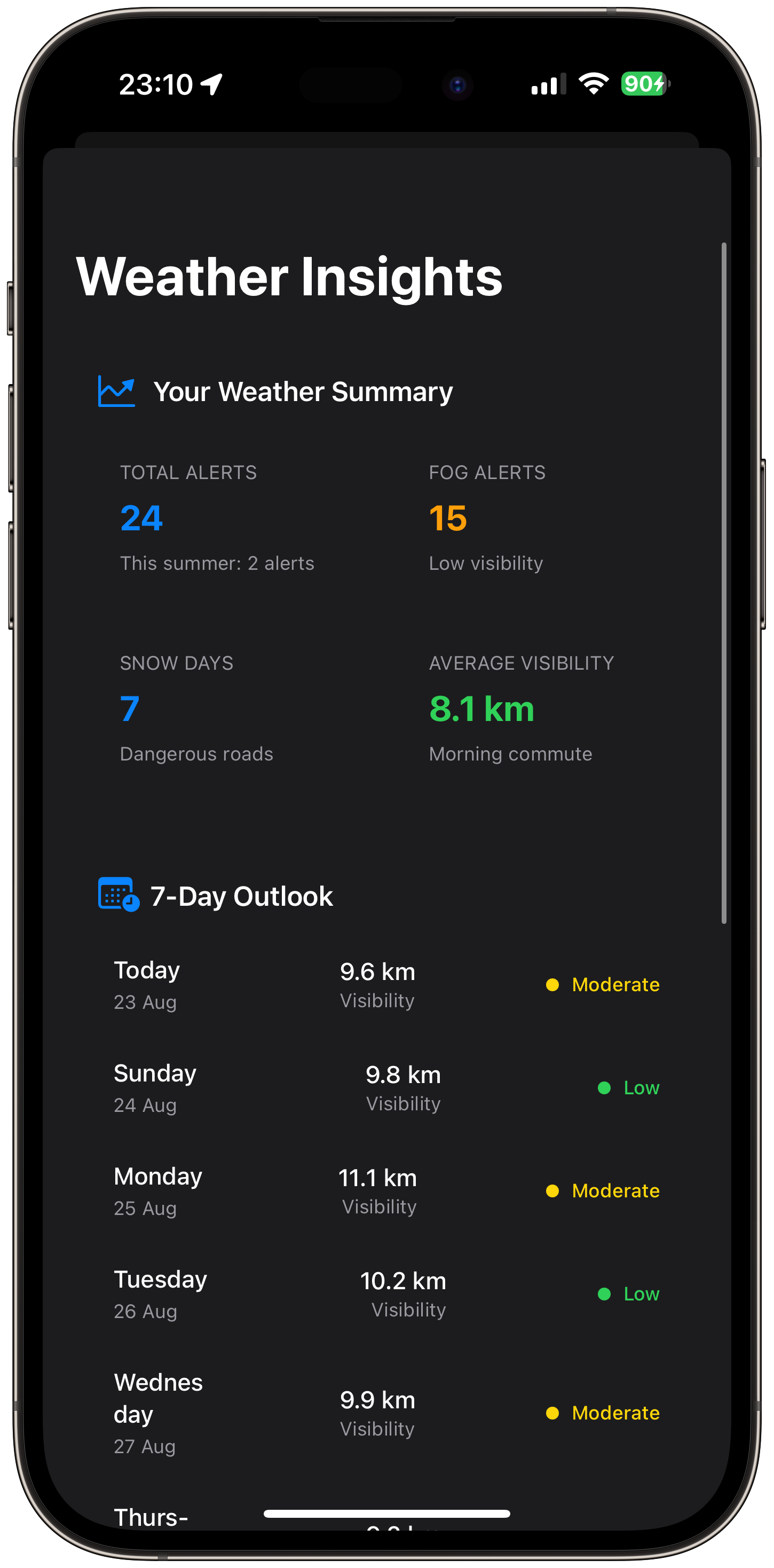
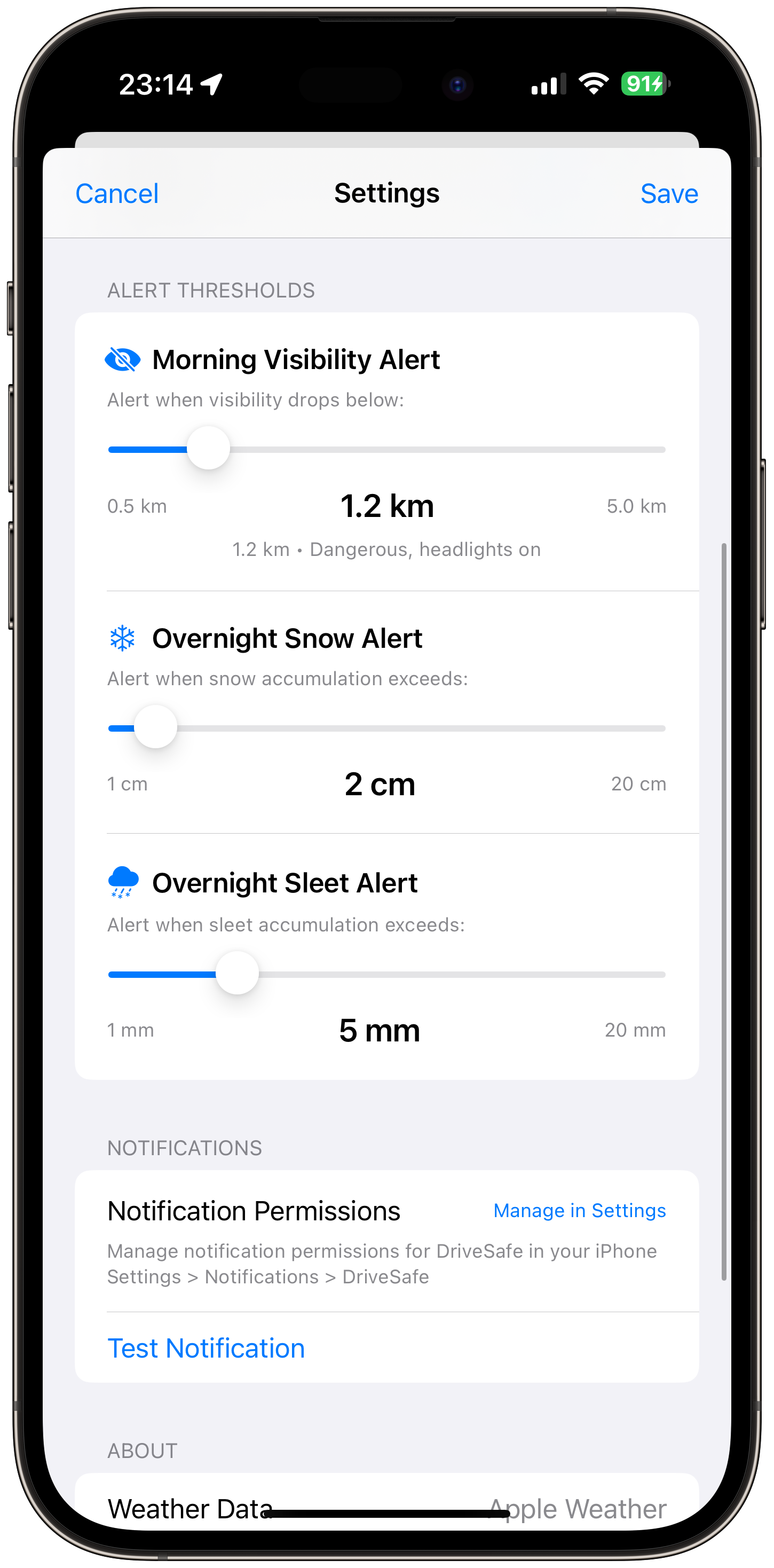
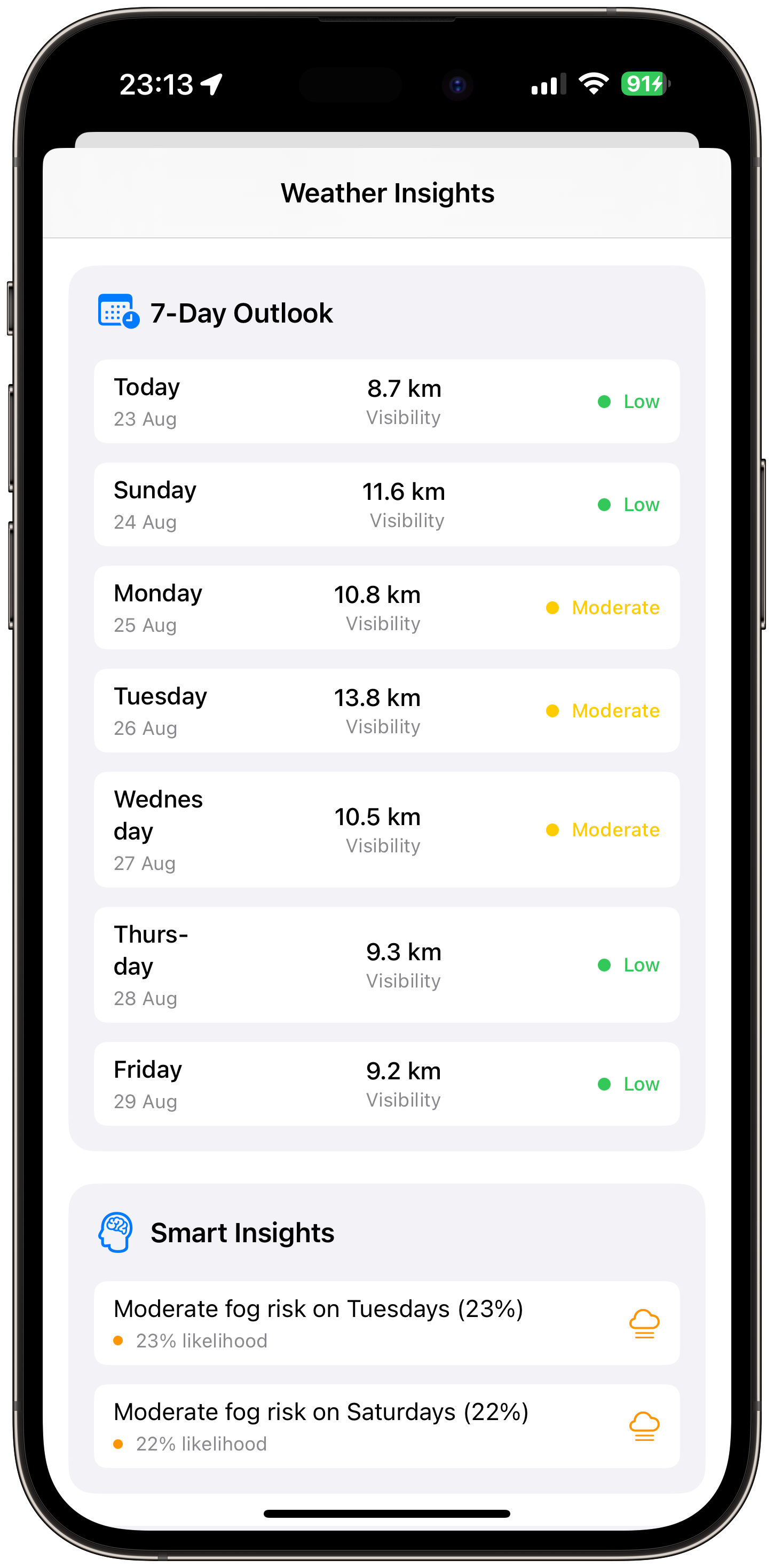
Modern technology can provide valuable assistance in assessing fog conditions and making informed driving decisions. The DriveSafe: Fog & Snow app offers real-time visibility monitoring and safety recommendations.
Real-Time Visibility Monitoring
DriveSafe provides current visibility readings and forecasts for your location and planned route, helping you understand when conditions become too dangerous for driving.
Safety Recommendations
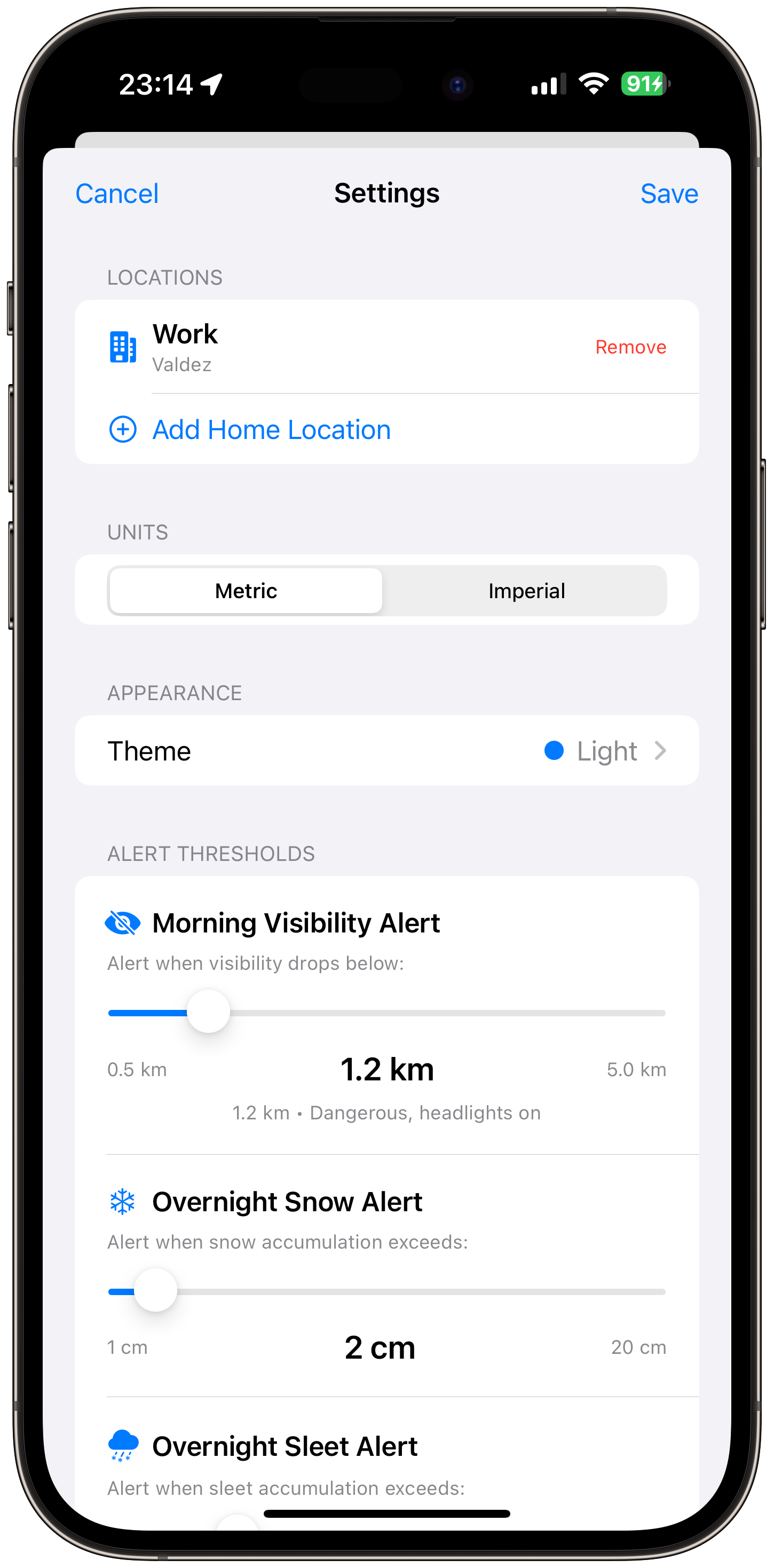
The app analyzes current conditions and provides specific recommendations about whether it's safe to drive, when to delay your trip, or when to find a safe place to wait.
Route Analysis
DriveSafe evaluates your planned route for fog-prone areas and suggests safer alternatives when visibility conditions make your original path hazardous.
Conclusion
Understanding fog visibility ratings and knowing when conditions become too dangerous to drive is essential for safe winter travel. By recognizing warning signs, using proper driving techniques, and leveraging modern technology like the DriveSafe: Fog & Snow app, you can make informed decisions about when to travel and how to stay safe in challenging weather conditions.
Remember, no destination is worth risking your life. When in doubt, stay home or find a safe place to wait until conditions improve. Your safety and the safety of others on the road should always be your top priority.