Video production involves complex technical decisions that directly impact file sizes, storage requirements, and workflow efficiency. Whether you're a filmmaker, editor, or content creator, understanding video file size calculations is crucial for project planning and budget management. This comprehensive guide explores how Video Size Calculator Pro simplifies complex video calculations and helps you make informed decisions about your production workflow.
Understanding Video File Sizes
Video file sizes are determined by multiple factors that interact in complex ways. Understanding these relationships is essential for accurate planning and efficient workflows.
Key Factors Affecting File Size
- Resolution: Pixel dimensions (720p, 1080p, 4K, 8K)
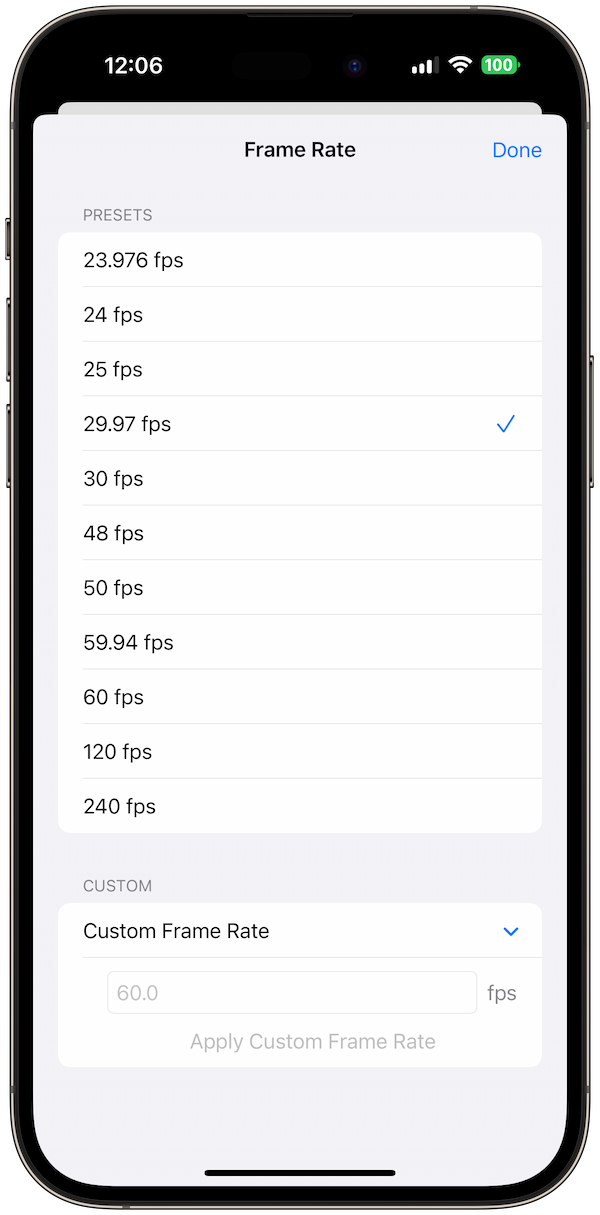
- Frame Rate: Frames per second (24, 30, 60, 120 fps)
- Codec: Compression algorithm (H.264, H.265, ProRes, etc.)
- Bitrate: Data rate per second (Mbps)
- Duration: Length of video content
- Audio: Audio track specifications
Resolution and Its Impact
Resolution is one of the most significant factors affecting file size, with each resolution jump dramatically increasing storage requirements.
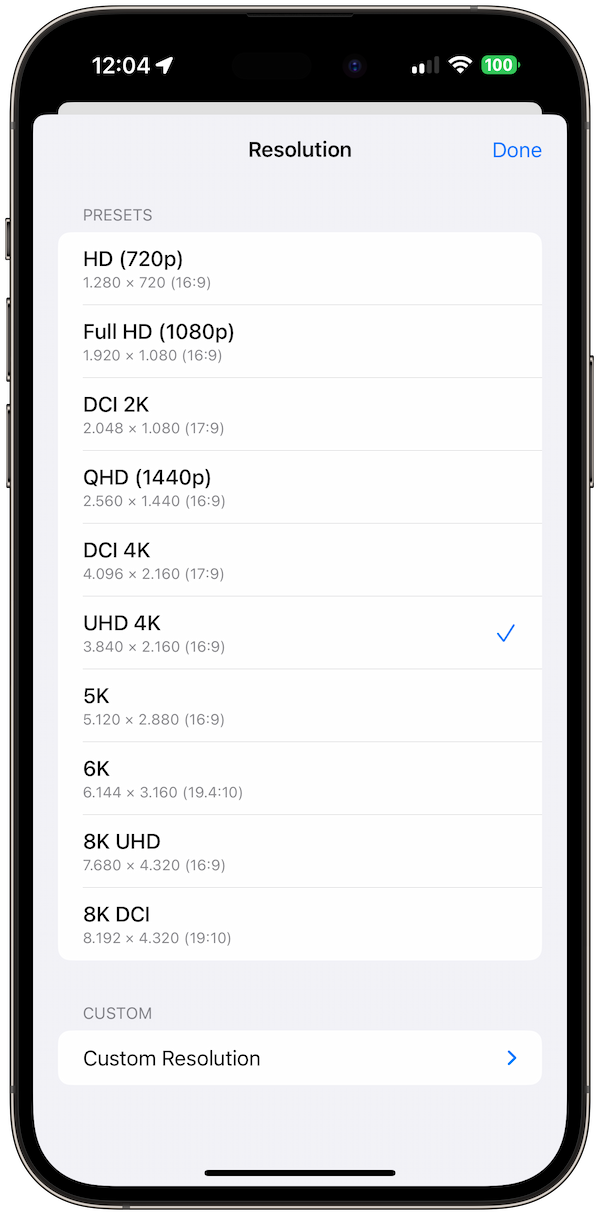
Common Resolution Standards
- 720p (HD): 1,280 × 720 pixels
- 1080p (Full HD): 1,920 × 1,080 pixels
- 4K (UHD): 3,840 × 2,160 pixels
- 8K (8K UHD): 7,680 × 4,320 pixels
- DCI 4K: 4,096 × 2,160 pixels (cinema standard)
Resolution Impact on File Size
Doubling resolution quadruples the pixel count, leading to approximately 4x the file size for the same codec and bitrate settings.
Codecs: The Compression Engine
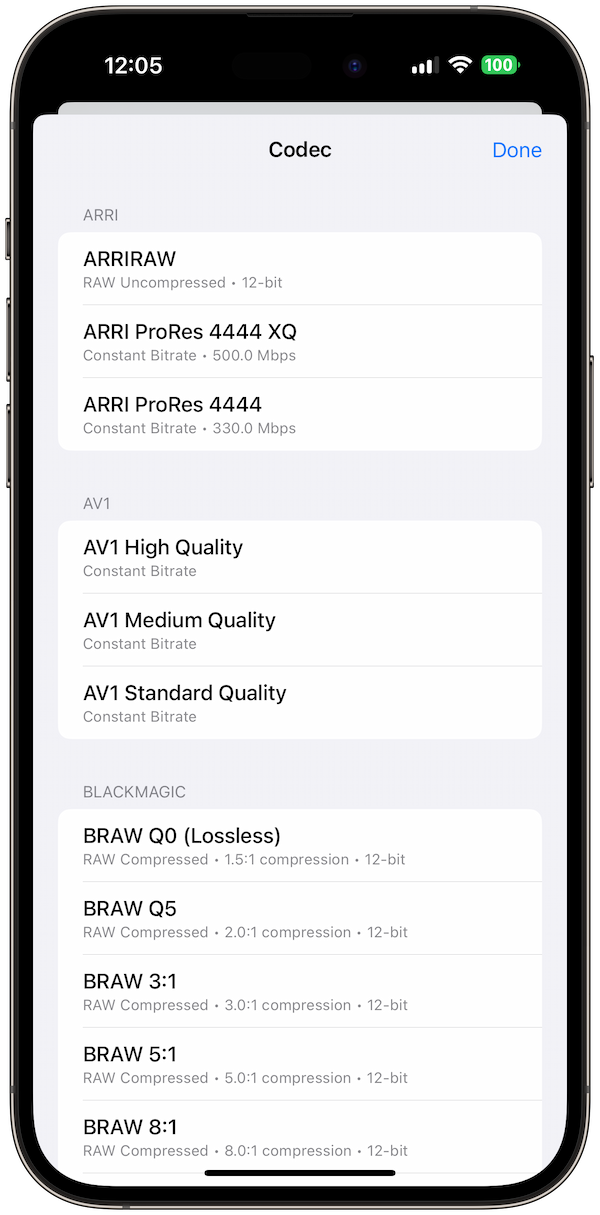
Codecs determine how video data is compressed and stored, with different codecs offering various trade-offs between file size and quality.
Consumer Codecs
- H.264 (AVC): Widely supported, good compression
- H.265 (HEVC): Better compression than H.264
- VP9: Google's open-source codec
- AV1: Next-generation open codec
Professional Codecs
- ProRes: Apple's professional codec family
- DNxHD/DNxHR: Avid's professional codecs
- ProRes RAW: Uncompressed professional format
- XAVC: Sony's professional codec
Frame Rate Considerations
Frame rate affects both file size and the visual characteristics of your video, with different rates serving different purposes.
Common Frame Rates
- 24 fps: Cinema standard, film look
- 25 fps: PAL video standard
- 30 fps: NTSC video standard
- 50/60 fps: High frame rate for smooth motion
- 120 fps: Slow motion capture
Frame Rate Impact
Higher frame rates increase file size proportionally, but also provide smoother motion and better slow-motion capabilities.
Bitrate: Quality vs. Size Balance
Bitrate determines the amount of data used per second, directly affecting both file size and video quality.
Bitrate Guidelines
- Low Quality: 1-2 Mbps for web streaming
- Medium Quality: 5-10 Mbps for HD content
- High Quality: 15-25 Mbps for professional HD
- Ultra High: 50+ Mbps for 4K content
Variable vs. Constant Bitrate
- VBR: Adjusts quality based on content complexity
- CBR: Maintains consistent quality and file size
Audio Considerations
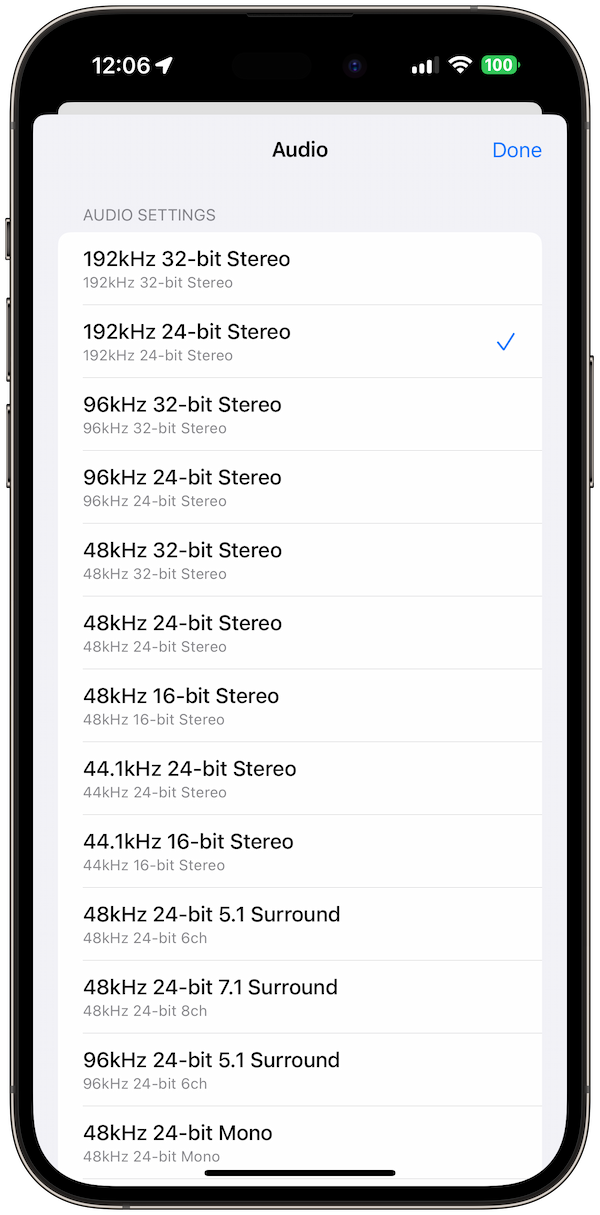
Audio tracks contribute significantly to file size, especially with high-quality audio formats and multiple channels.
Audio Format Options
- AAC: Compressed, widely supported
- PCM: Uncompressed, high quality
- FLAC: Lossless compression
- Dolby Digital: Professional audio format
Channel Configurations
- Mono: Single channel, smallest size
- Stereo: Two channels, standard
- 5.1 Surround: Six channels, immersive audio
- 7.1 Surround: Eight channels, premium audio
How Video Size Calculator Pro Simplifies Planning
Video Size Calculator Pro automates complex calculations and provides professional-grade planning tools for video production.
Instant Calculations
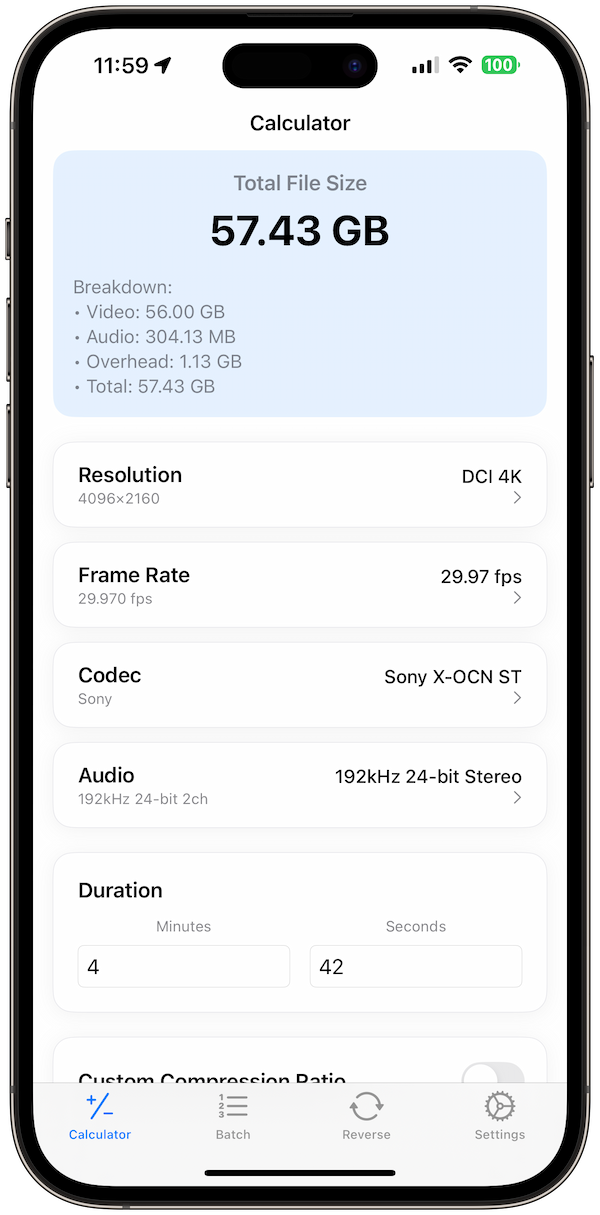
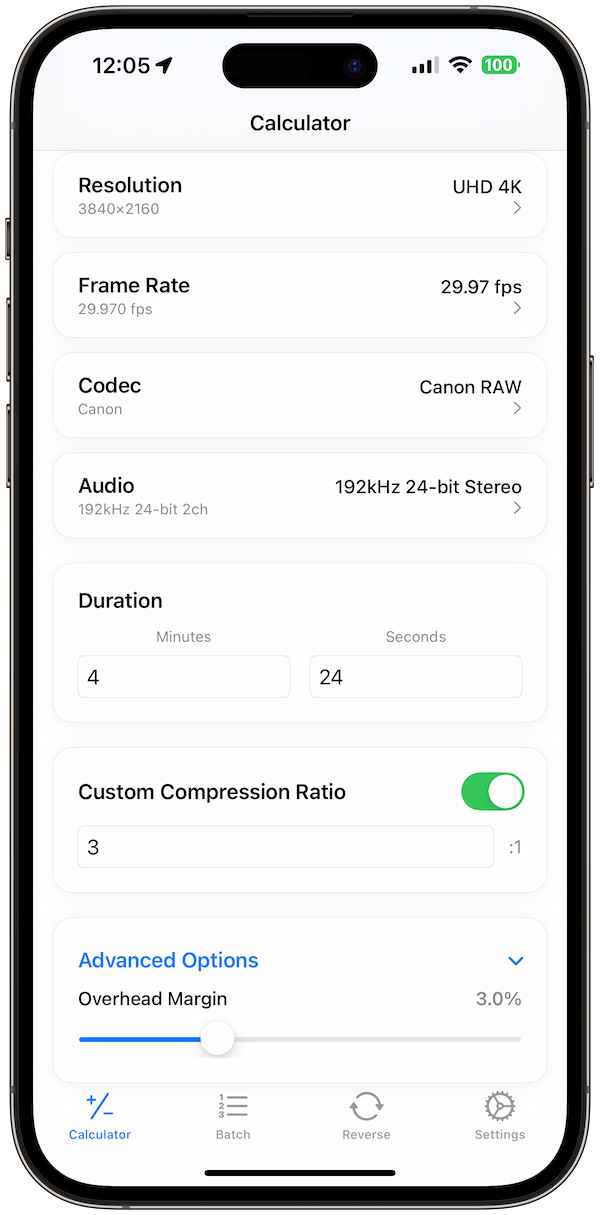
The app calculates file sizes instantly as you adjust resolution, frame rate, codec, and other parameters.
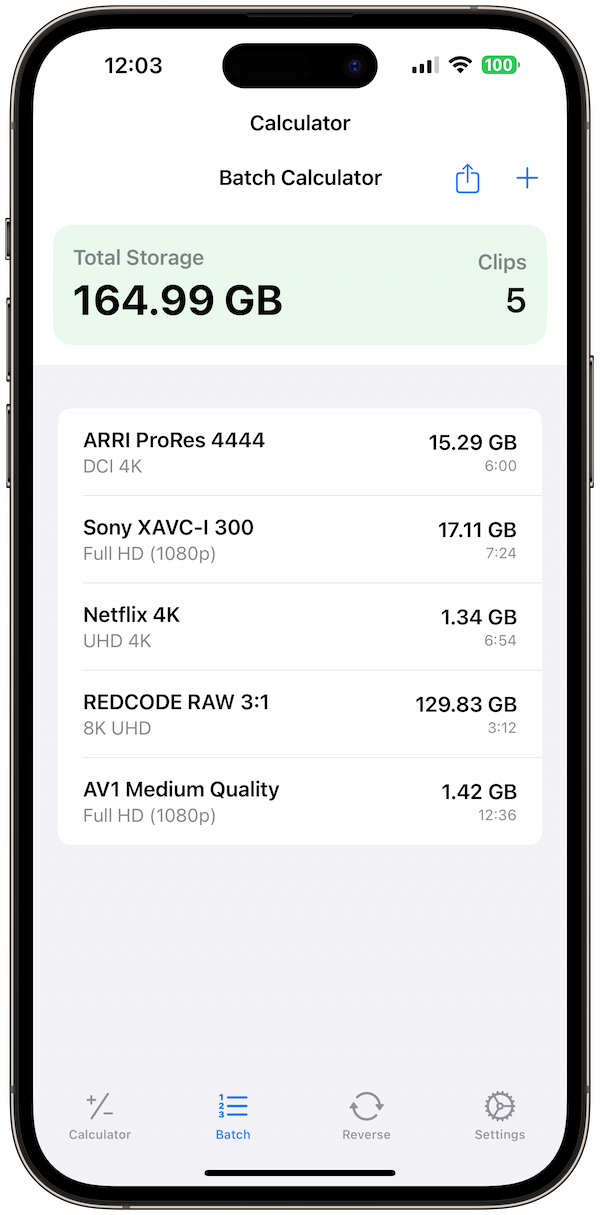
Batch Planning
Plan multiple clips with different settings and calculate total project storage requirements.
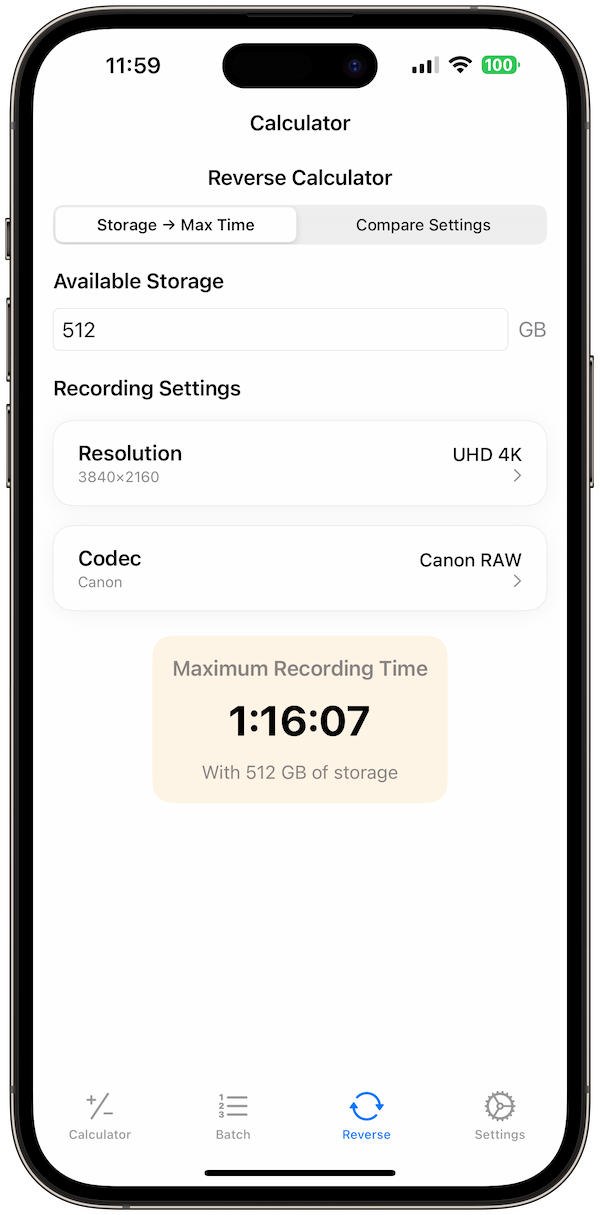
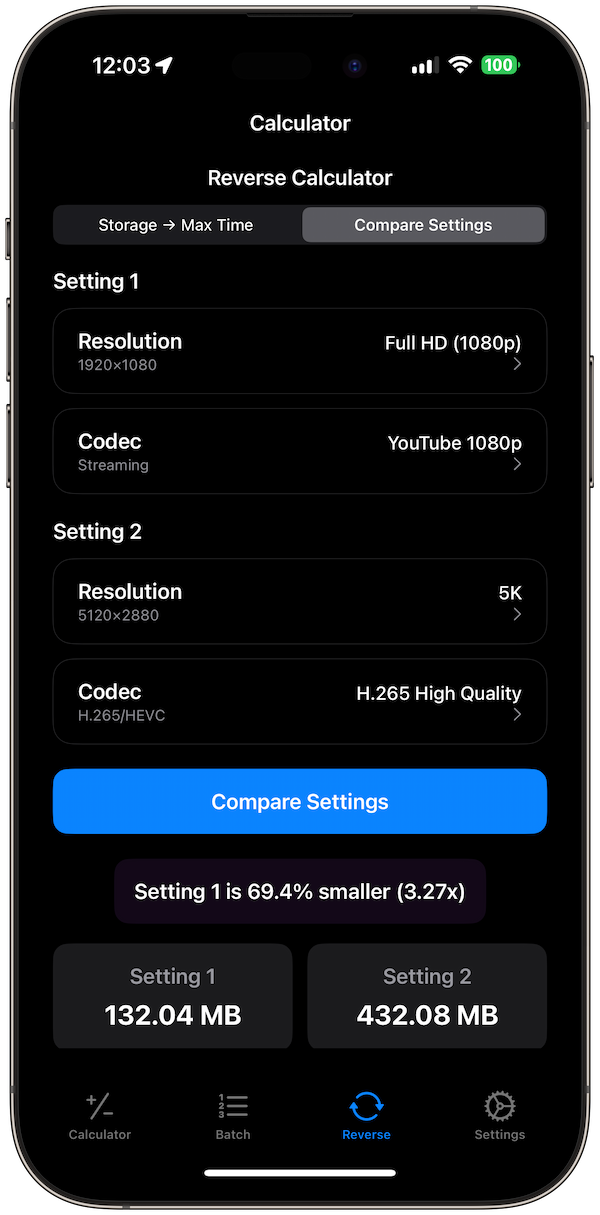
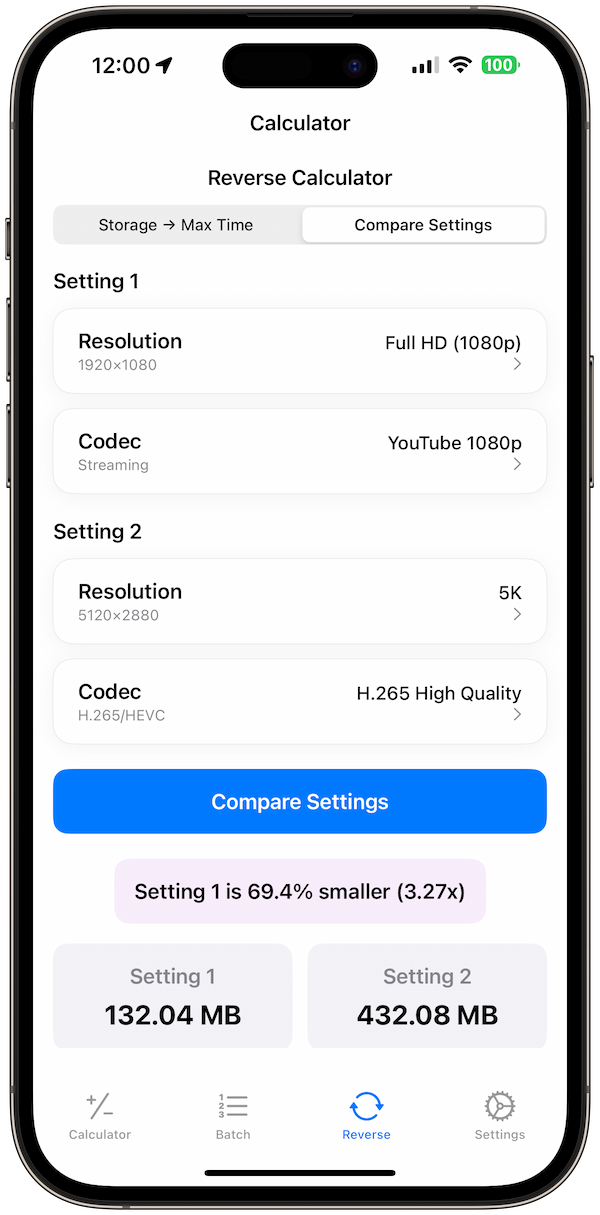
Reverse Calculations
Find optimal settings to achieve specific file sizes or storage constraints.
Production Workflow Planning
Effective video production requires careful planning of storage, bandwidth, and workflow considerations.
Storage Planning
- Raw Footage: Highest quality, largest files
- Proxy Files: Lower quality for editing
- Master Files: Final high-quality output
- Archive Storage: Long-term storage solutions
Bandwidth Considerations
- Upload Times: File size affects upload duration
- Streaming Requirements: Bitrate affects streaming quality
- Collaboration: File sharing and remote editing
Industry-Specific Applications
Different video production sectors have unique requirements and constraints.
Broadcast Television
- HD Broadcast: 1080i, specific codec requirements
- 4K Broadcast: UHD standards and workflows
- Live Production: Real-time encoding considerations
Streaming Platforms
- YouTube: Optimized encoding settings
- Netflix: Specific quality requirements
- Social Media: Platform-specific constraints
Cinema Production
- DCI Standards: Cinema-specific resolutions
- Color Grading: High bitrate requirements
- Archival: Long-term storage considerations
Budget Planning and Cost Analysis
Understanding file size implications helps with budget planning and resource allocation.
Storage Costs
- Local Storage: Hard drive and SSD costs
- Cloud Storage: Monthly subscription fees
- Archive Storage: Long-term storage solutions
Bandwidth Costs
- Internet Upload: Time and data costs
- CDN Services: Content delivery network fees
- Backup Services: Automated backup costs
Optimization Strategies
Professional video production requires balancing quality, file size, and workflow efficiency.
Codec Selection
- Acquisition: High-quality capture codecs
- Editing: Efficient intermediate codecs
- Delivery: Optimized distribution codecs
Workflow Optimization
- Proxy Workflows: Edit with lower-quality files
- Transcoding Pipelines: Automated format conversion
- Storage Tiering: Different storage for different purposes
Conclusion
Video file size planning is essential for successful video production, affecting everything from storage costs to workflow efficiency. Video Size Calculator Pro provides the tools and insights needed to make informed decisions about your production workflow.
By understanding the factors that affect file sizes, using the right planning tools, and implementing efficient workflows, you can optimize your video production process for both quality and efficiency. The key is to balance technical requirements with practical constraints to achieve the best results for your specific needs.