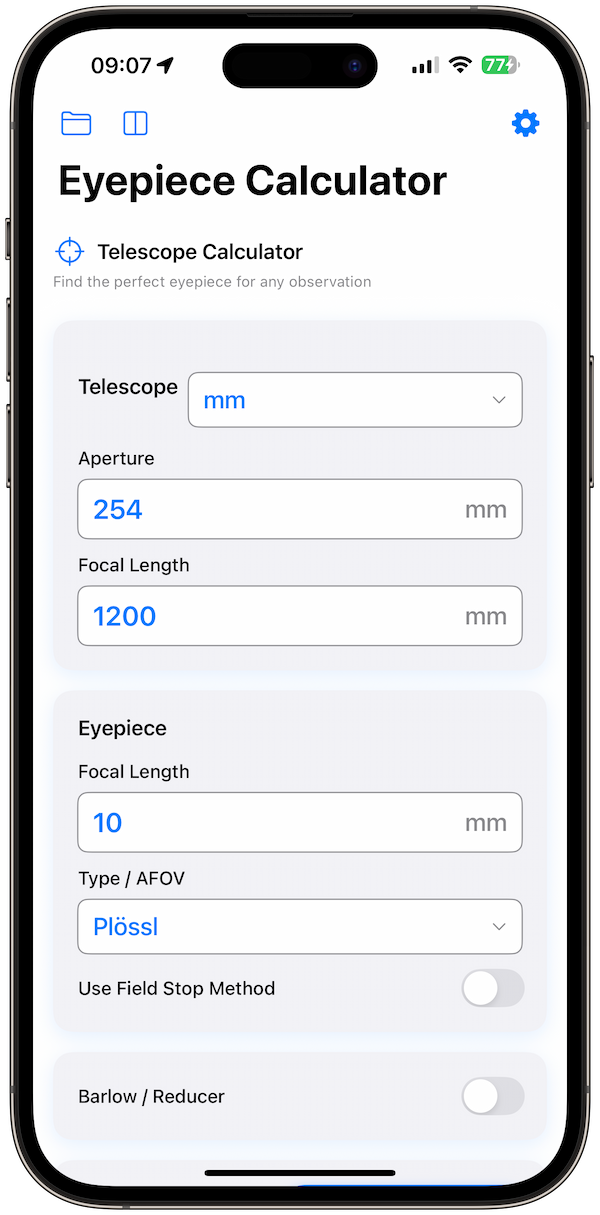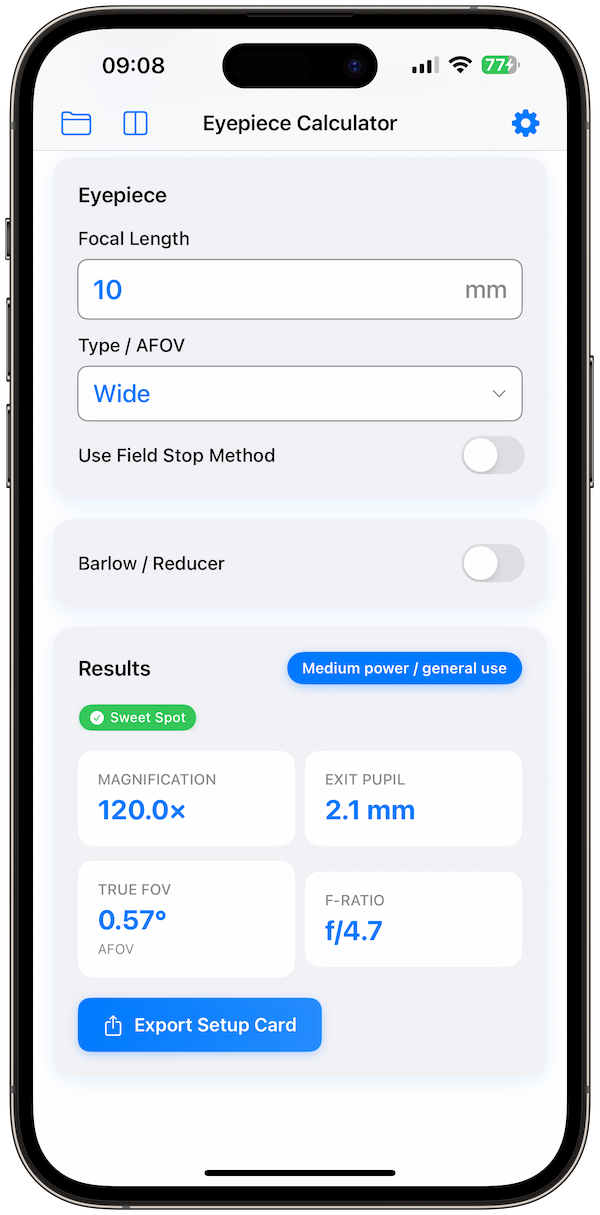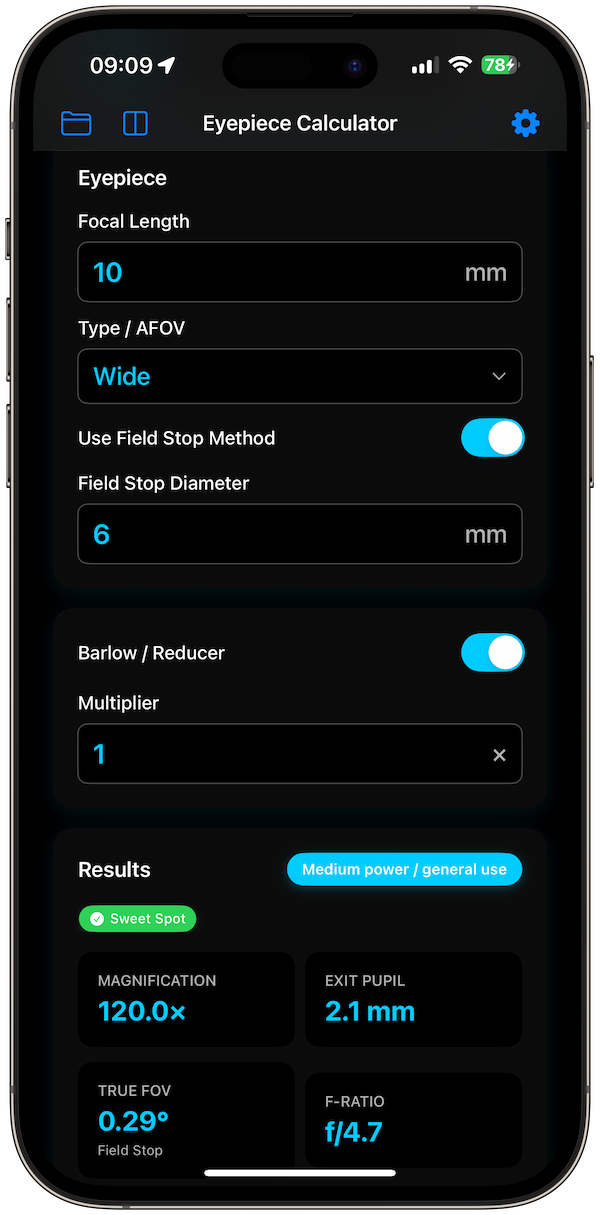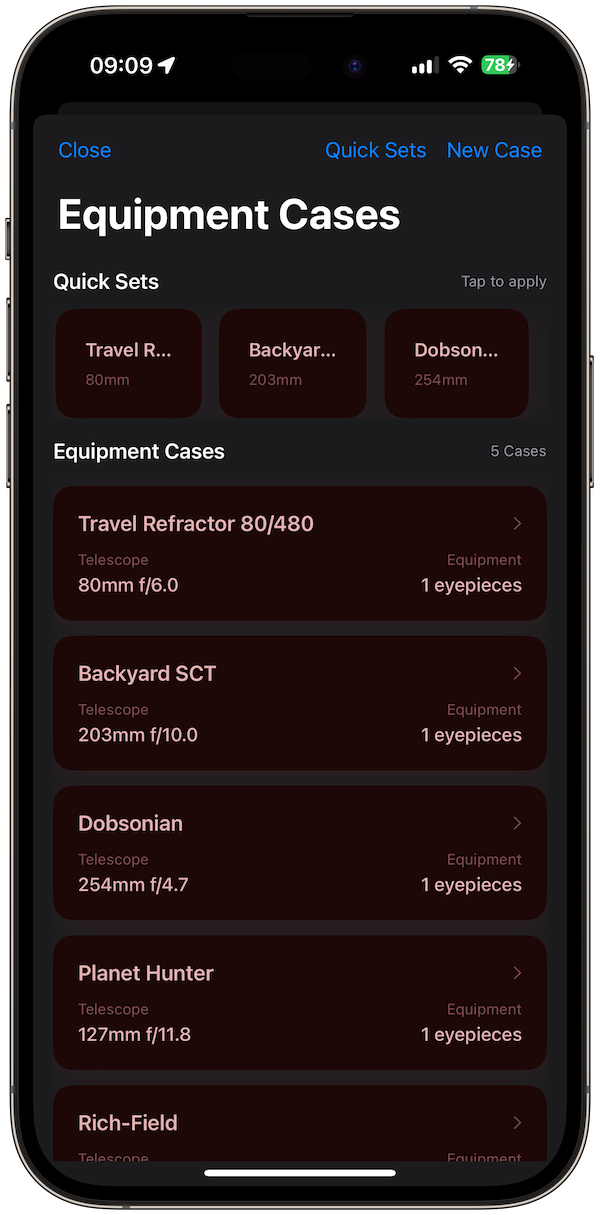
Ten years ago, my "astronomy planning" consisted of a spiral-bound notebook and a printed star chart. It was simple, reliable, and... frustrating. The notebook got damp with dew. I'd leave it in my coat pocket and forget to bring it. And if I wanted to check my previous observations of Jupiter, I had to flip through pages of scribbles.
Today, we live in a multi-device world. You research targets on your Mac during your lunch break. You check weather on your iPhone while walking the dog. You use an iPad at the telescope for charts. And increasingly, you use an Apple Watch for quick checks.
This fragmented workflow is exactly why we built Cloud Sync into the core of Telescope Eyepiece Calculator Pro+. Here is why moving your data to the cloud is the ultimate upgrade for your observing life.
The "Silo" Problem
Without sync, your data is trapped in silos.
-
❌The "Lost Note" Syndrome You log a brilliant observation of the Veil Nebula on your phone in the field. Two days later, you're at your desktop trying to write a report, but that note is stuck on your phone. You have to email it to yourself. Friction.
-
❌The "Double Entry" Drudgery You buy a new 10mm eyepiece. Your have to enter it into your phone app. Then you have to enter it again into your iPad app. It's annoying, so you don't do it. Now your gear lists are out of sync.
The Cloud Sync Solution
With Telescope Eyepiece Calculator Pro+, we use Apple's secure iCloud infrastructure to keep everything in harmony. It happens instantly and silently.
Plan on Mac
Big screen. Use the keyboard to type detailed notes. Research targets and add them to your "To-Do" list.
Check on iPhone
You're at the store. "Do I already have a 12mm eyepiece?" Open the app. Check your inventory instantly.
Observe on Watch
In the field, your hands are full. The Watch has your full gear list synced. Just tap to cycle eyepieces.
A Real World Workflow
Here is how a synced workflow changes a typical Tuesday night:
- 12:00 PM (Mac): I read an article about the "E.T. Cluster" (NGC 457). I open the app on my Mac and add it to my "Tonight" case.
- 5:00 PM (iPhone): I'm packing the car. I open the app on my phone to check which eyepieces I assigned to that case. I pack exactly what I need.
- 9:00 PM (iPad): I'm at the telescope. I have my iPad mounted to the tripod leg. I log my observation: "Eyes look like bright LEDs."
- 9:01 PM (Cloud): That log is instantly pushed to my iPhone and Mac.
- Next Morning (Mac): I open the app while drinking coffee. The log is there. I export it to PDF to share with my astronomy club.
Privacy & Offline Access
We know astronomers go to dark places—literally. Places without cell service.
Question: "Does Cloud Sync break when I'm offline?"
Answer: Absolutely not. The app is "Offline First." You can make edits, add gear, and log observations in the middle of the Sahara Desert. The app saves everything locally. The second you get back to civilization (and Wi-Fi), it syncs.
Privacy First
We don't see your data. We use Apple's CloudKit, which means your observing logs are encrypted with your Apple ID. We couldn't read them even if we wanted to.
Conclusion
Your observations are precious memories. Your gear list is a significant investment. Don't leave them trapped on a single device. Upgrade to Pro+ and let the cloud handle the administrative work, so you can focus on the universe.