Actions
Watch on YouTubeTutorial Details
Actions
Watch on YouTubeTutorial Details
How to Create an Epic Games Account - Complete Guide
Learn how to create an Epic Games account with step-by-step instructions. Access Fortnite, Rocket League, and other popular games available on the Epic Games Store platform.
Creating an Epic Games account opens the door to one of the largest gaming ecosystems available today. With millions of active players worldwide, Epic Games hosts popular titles like Fortnite, Rocket League, Fall Guys, and many more through their Epic Games Store and launcher platform.
This comprehensive guide will walk you through the complete account creation process, including verification, security setup, and getting started with your favorite games. Whether you're a new gamer or expanding your gaming library, this guide ensures you have everything needed to join the Epic Games community.
Understanding Epic Games Account Benefits
An Epic Games account provides access to:
- Fortnite: The world's most popular battle royale game
- Epic Games Store: Free games every week and discounted titles
- Rocket League: Soccer with rocket-powered cars
- Cross-Platform Play: Connect with friends across different devices
- Free Content: Regular free game giveaways and in-game rewards
Prerequisites for Epic Games Account Creation
- Valid Email Address: Required for account verification and security
- Date of Birth: Must be 13+ years old (COPPA compliance)
- Stable Internet Connection: For account creation and downloads
- Device Compatibility: PC, Mac, mobile, or gaming consoles
Solution 1: Creating Account via Epic Games Website
The most straightforward method is using the official Epic Games website to create your account.
Step 1: Access Epic Games Website
- Open your preferred web browser (Chrome, Firefox, Safari, or Edge)
- Navigate to the official Epic Games website:
https://www.epicgames.com - Wait for the page to fully load (the site may take a moment to load)
- Look for the "Sign In" button in the top-right corner
Step 2: Start Account Creation
- Click on the "Sign In" button
- On the sign-in page, look for and click "Create Account"
- The page will transition to the account creation form
- Verify you're on the correct Epic Games domain
Step 3: Enter Personal Information
- Enter Date of Birth: Click on the date field and select your birth month, day, and year
- Country Selection: Choose your country from the dropdown menu (affects game availability and regional pricing)
- Email Address: Enter a valid email address you have access to
- Display Name: Choose a unique name that will represent you in games (3-16 characters)
- Password: Create a strong password with at least 8 characters, including uppercase, lowercase, and numbers
Step 4: Accept Terms and Conditions
- Scroll through the Epic Games Terms of Service
- Review the Privacy Policy and Cookie Policy if desired
- Check the box to agree to the terms of service
- Click "Continue" to proceed
Step 5: Complete CAPTCHA Verification
- Epic Games will present a CAPTCHA challenge to verify you're human
- Follow the on-screen instructions (typically selecting images or typing characters)
- Complete the verification successfully
- Click "Continue" once verified
Step 6: Email Verification
- Open your email inbox (check spam/junk folder if needed)
- Look for an email from Epic Games with subject line containing "Verify your email"
- Open the email and click the "Verify Email" button or link
- This will redirect you back to Epic Games and complete verification
- Your Epic Games account is now active and ready to use
Solution 2: Creating Account via Epic Games Launcher
If you prefer to create your account directly in the gaming client, you can do so through the Epic Games Launcher.
Step 1: Download Epic Games Launcher
- Visit
https://www.epicgames.com/store/download - Click "Download Epic Games" for your operating system
- Run the installer and follow the installation prompts
- Launch the Epic Games application once installed
Step 2: Start Account Creation in Launcher
- In the launcher, click "Sign In"
- Select "Create Account" from the available options
- The launcher will open your default web browser to the account creation page
- Follow the same steps as the website method above
Solution 3: Mobile Account Creation
Create your Epic Games account directly from your mobile device.
Step 1: Download Epic Games App
- Open the App Store (iOS) or Google Play Store (Android)
- Search for "Epic Games" or "Epic Games Store"
- Download and install the official Epic Games app
- Open the app once installation is complete
Step 2: Create Account in Mobile App
- In the app, tap "Get Started" or "Sign In"
- Select "Create Account"
- Follow the same information entry process as the website method
- Complete email verification on your mobile device
Advanced Account Setup and Security
Once your account is created, enhance it with these security and customization features.
Two-Factor Authentication (2FA)
- Enable 2FA: Add an extra layer of security to your account
- Authenticator Apps: Use Google Authenticator or Authy
- SMS Verification: Receive codes via text message
- Backup Codes: Save recovery codes in a secure location
Account Recovery Options
- Recovery Email: Set up a secondary email for account recovery
- Phone Number: Add a phone number for additional verification
- Security Questions: Configure backup security questions
Troubleshooting Account Creation Issues
If you encounter problems during account creation, try these solutions:
Issue: Email Not Received
Problem: Verification email doesn't arrive in your inbox.
Solutions:
- Check your spam or junk email folder
- Wait 5-10 minutes for delivery (emails can be delayed)
- Add "epicgames.com" to your email whitelist
- Try using a different email provider (Gmail, Outlook, etc.)
- Contact Epic Games support if the issue persists
Issue: Display Name Already Taken
Problem: The username you want is unavailable.
Solutions:
- Add numbers or special characters to your name
- Use variations or abbreviations
- Consider your gaming style when choosing alternatives
- Display names can be changed later for a fee
Issue: CAPTCHA Not Working
Problem: Unable to complete the human verification.
Solutions:
- Refresh the page and try again
- Use a different web browser
- Disable browser extensions temporarily
- Try using an incognito/private browsing window
- Contact support if CAPTCHA repeatedly fails
Issue: Age Restriction Error
Problem: Account creation blocked due to age requirements.
Solutions:
- Verify your date of birth is entered correctly
- You must be at least 13 years old to create an account
- Some regions may have different age restrictions
- Check with a parent or guardian if you're under 18
Issue: Account Already Exists
Problem: Email address is already associated with an Epic Games account.
Solutions:
- Try signing in instead of creating a new account
- Use the "Forgot Password" feature if needed
- Use a different email address
- Check if you have multiple Epic Games accounts
Best Practices for Epic Games Accounts
Follow these guidelines to maintain account security and maximize your gaming experience:
Account Security
- Strong Passwords: Use unique, complex passwords
- Regular Updates: Keep your email and recovery information current
- Privacy Settings: Control what information is shared publicly
- Login Monitoring: Regularly check your account activity
Gaming Optimization
- Download Settings: Configure download locations and speeds
- Launch Options: Set up game-specific launch parameters
- Cloud Saves: Enable cross-device progress synchronization
- Friends List: Connect with other players for multiplayer gaming
Getting Started with Games
Once your account is set up, here's how to start playing:
Downloading Your First Game
- Epic Games Store: Browse free games and purchase options
- Library Management: Organize and update your game collection
- System Requirements: Verify your PC meets game specifications
- Installation Guide: Follow platform-specific setup instructions
Connecting with Friends
- Friends System: Add friends using their Epic Games usernames
- Cross-Platform Play: Play with friends on different devices
- Party Chat: Use in-game voice chat for coordination
Alternative Account Creation Methods
If the standard methods don't work, consider these alternatives:
Console Integration
- PlayStation: Link PSN account for cross-play features
- Xbox: Connect Microsoft account for enhanced gaming
- Nintendo Switch: Access Epic Games titles on Nintendo platforms
Third-Party Launchers
- Steam: Some Epic Games titles available on Steam
- Origin: EA games integration with Epic Games
- Ubisoft Connect: Ubisoft game launcher compatibility
Related Tutorials
- How to Redeem Fortnite V-Bucks Code - Learn how to add V-Bucks to your Fortnite account.
- How to Set Up Epic Games Parental Controls - Configure age-appropriate gaming restrictions.
- How to Add Friends on Discord Mobile - Connect with gaming friends on Discord.
Conclusion
Creating an Epic Games account opens up a world of gaming possibilities with access to some of the most popular titles available today. By following this comprehensive guide, you'll have your account set up securely and be ready to dive into the Epic Games ecosystem.
Remember to keep your account secure with strong passwords and two-factor authentication, and regularly check the Epic Games Store for free game offers and discounts. Whether you're into battle royale games like Fortnite or competitive sports games like Rocket League, your Epic Games account provides endless entertainment possibilities.
Start your gaming journey today by creating your Epic Games account and exploring the vast library of games and experiences waiting for you. Happy gaming!
Tags
Related Tutorials
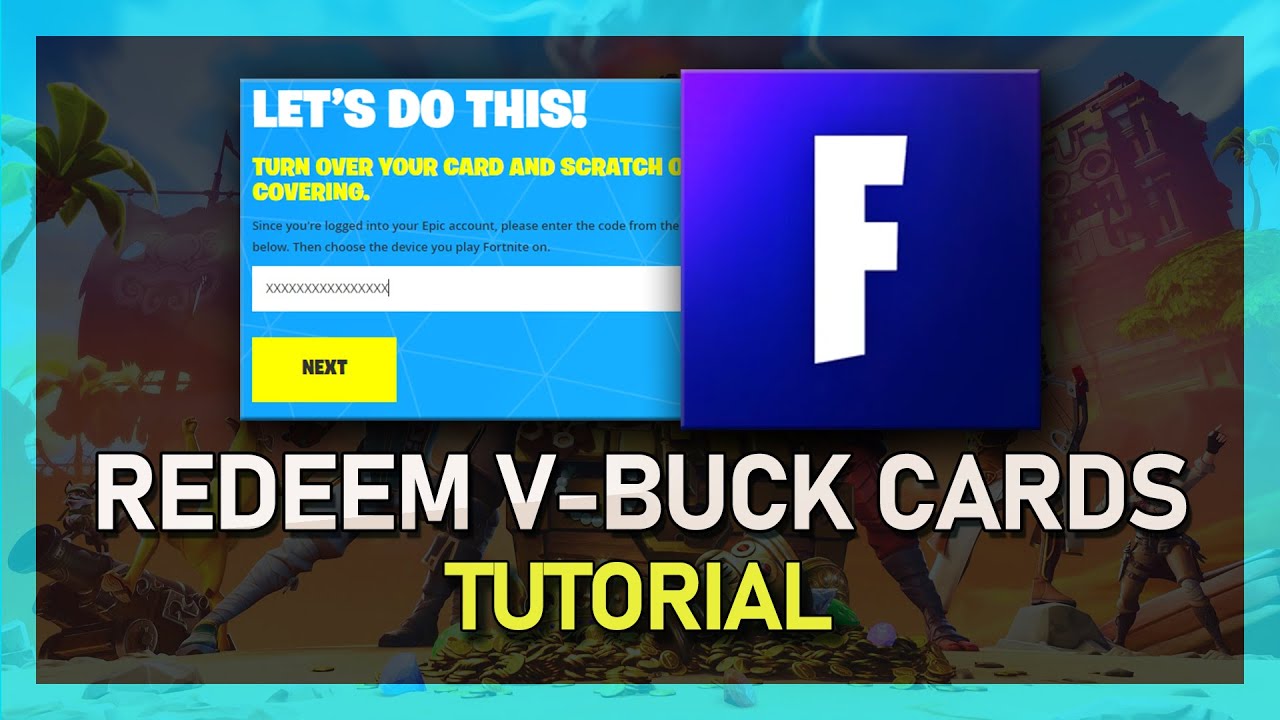
How to Redeem Fortnite V-Buck Cards on PC and Consoles
Sign into Epic Games, enter the V-Buck card PIN, select your platform, and confirm redemption so the currency appears on your Fortnite account.
How to Fix Roblox Launcher Not Responding After Clicking “Play”
Close and relaunch your browser, try another browser, reinstall Roblox, and check for conflicting software when the launcher freezes after clicking Play.
How to Fix Microphone Not Working in Roblox
Select the correct input device, update audio drivers, allow microphone access, and test recording apps to troubleshoot Roblox mic issues.
How to Claim Robux in Pls Donate on Roblox Mobile
Open Pls Donate, claim offline gifts, then visit roblox.com in a browser to monitor pending Robux until they post to your balance.