Actions
Watch on YouTubeTutorial Details
Actions
Watch on YouTubeTutorial Details
How to Fix Roblox Transaction Failed Can't Create Private Server - Complete Guide
Learn how to fix Roblox transaction failed error when trying to create private server with payment method issues, account verification, Robux balance, and technical troubleshooting.
Roblox private server transaction failures represent a common payment processing challenge that prevents users from accessing exclusive gaming experiences. The private server feature requires successful payment processing for server creation, making transaction resolution essential for uninterrupted gaming experiences. Understanding the systematic approach to transaction troubleshooting ensures successful private server creation and optimal Roblox functionality.
This comprehensive guide explores the complete Roblox private server transaction ecosystem, covering payment method verification, account status validation, Robux balance management, and technical troubleshooting techniques that maximize successful private server creation and payment processing.
Understanding Roblox Private Server Transactions
Roblox private server transactions encompass multiple operational dimensions:
- Payment Processing: Secure transaction handling for server creation
- Robux Management: Virtual currency allocation and verification
- Account Verification: User identity and payment method validation
- Server Creation: Technical infrastructure provisioning
- Error Resolution: Systematic troubleshooting and recovery procedures
Prerequisites for Transaction Resolution
- Valid Payment Method: Active credit card, PayPal, or gift card
- Account Verification: Verified Roblox account with proper authentication
- Sufficient Robux: Adequate virtual currency balance
- Stable Connection: Reliable internet connectivity for transactions
- App Permissions: Proper app permissions for payment processing
Solution 1: Verify Payment Method
Ensure payment method is valid and properly configured.
Step 1: Access Payment Settings
- Open Roblox app or website
- Navigate to account settings
- Find billing or payment methods section
- Review current payment information
- Verify payment method details and expiration
Step 2: Update Payment Information
- Remove expired or invalid payment methods
- Add new payment method if necessary
- Verify billing address matches payment method
- Confirm payment method is accepted by Roblox
- Test payment method with small transaction
Step 3: Verify Account Balance
- Check available Robux balance
- Ensure sufficient funds for private server creation
- Verify billing cycle and account status
- Confirm no outstanding account holds
- Check for any account restrictions
Solution 2: Check Account Verification Status
Ensure Roblox account is fully verified and compliant.
Step 1: Review Account Settings
- Access account settings in Roblox
- Check email verification status
- Verify phone number if required
- Review account security settings
- Confirm parental controls allow purchases
Step 2: Complete Verification
- Verify email address if not already done
- Add phone number for additional verification
- Complete identity verification if prompted
- Review and accept updated terms of service
- Confirm account is in good standing
Step 3: Check Account Restrictions
- Verify account is not suspended or restricted
- Check for geographic restrictions on services
- Confirm age requirements are met
- Review purchase history for any issues
- Contact Roblox support if restrictions exist
Solution 3: Verify Robux Balance and Pricing
Ensure sufficient Robux and correct pricing for private server.
Step 1: Check Robux Balance
- Open Roblox app or website
- Navigate to Robux purchase section
- Check current Robux balance
- Verify balance reflects recent purchases
- Confirm no pending transactions affecting balance
Step 2: Review Private Server Pricing
- Find the game with private server option
- Check current pricing for private server creation
- Verify pricing hasn't changed recently
- Compare pricing across different games
- Ensure pricing is displayed correctly
Step 3: Purchase Additional Robux
- If balance is insufficient, purchase more Robux
- Use verified payment method
- Wait for Robux to appear in account
- Verify transaction completion
- Attempt private server creation again
Solution 4: Update Roblox App
Ensure Roblox app is updated to latest version for compatibility.
Step 1: Check for Updates
- Open app store on device
- Search for Roblox in updates section
- Download and install any available updates
- Restart device after update completion
- Verify app version is current
Step 2: Clear App Cache
- Access device app settings
- Find Roblox in app list
- Clear app cache and temporary data
- Restart Roblox app
- Test private server creation
Step 3: Reinstall App
- Uninstall Roblox app from device
- Restart device to clear residual data
- Reinstall Roblox from official app store
- Sign in with existing account
- Test transaction functionality
Solution 5: Troubleshoot Network Issues
Resolve connectivity problems affecting transactions.
Step 1: Check Internet Connection
- Test internet speed and stability
- Switch between Wi-Fi and mobile data
- Restart router or modem if applicable
- Disable VPN if active
- Test connection with other online services
Step 2: Clear DNS Cache
- Restart device to clear DNS cache
- Flush DNS on computer if applicable
- Use different DNS servers temporarily
- Test Roblox connection after DNS changes
- Monitor for improved connectivity
Step 3: Test on Different Device
- Try creating private server on different device
- Use web browser version of Roblox
- Test with different internet connection
- Isolate issue to specific device or network
- Document results for support reference
Solution 6: Contact Roblox Support
Utilize official support channels for complex issues.
Step 1: Gather Information
- Document error messages and screenshots
- Note device and app version information
- Record payment method and account details
- Document troubleshooting steps attempted
- Prepare transaction reference numbers
Step 2: Access Support
- Visit Roblox support website
- Navigate to billing or transaction support
- Select appropriate issue category
- Provide detailed problem description
- Submit support ticket with gathered information
Step 3: Follow Up
- Monitor support ticket status
- Respond promptly to support requests
- Provide additional information if requested
- Document resolution steps for future reference
- Rate support experience when resolved
Roblox Private Server Transaction Ecosystem
Understanding the broader Roblox payment and server infrastructure:
Payment Processing Systems
- Robux Economy: Virtual currency system for transactions
- Payment Integration: Multiple payment method support
- Security Framework: Fraud prevention and transaction security
- Regional Support: Geographic payment method availability
- Transaction Monitoring: Real-time transaction verification
Private Server Infrastructure
- Server Provisioning: Dynamic server creation and management
- Access Control: User permission and invitation systems
- Resource Management: Server capacity and performance optimization
- Billing Integration: Automated payment processing and renewal
- Content Moderation: Server content and behavior monitoring
Account Management Systems
- User Verification: Identity and age verification systems
- Parental Controls: Purchase restrictions and monitoring
- Transaction History: Purchase tracking and receipt management
- Account Security: Multi-factor authentication and protection
- Support Integration: Help system and customer service access
Troubleshooting Transaction Failures
Resolve common private server transaction and payment problems:
Payment Method Declined
Problem: Payment method rejected during transaction.
Solutions:
- Verify payment method has sufficient funds
- Check billing address and card details
- Contact bank to confirm card is active
- Try alternative payment method
- Check for regional payment restrictions
Insufficient Robux Error
Problem: Transaction fails due to insufficient Robux balance.
Solutions:
- Purchase additional Robux first
- Wait for Robux to appear in account after purchase
- Check for pending transactions affecting balance
- Verify correct Robux amount required
- Contact support if balance doesn't update
Account Verification Issues
Problem: Account not verified preventing transactions.
Solutions:
- Complete email verification process
- Add and verify phone number
- Complete identity verification if required
- Check parental control settings
- Resolve any account security holds
Server Creation Limits
Problem: Unable to create more private servers due to limits.
Solutions:
- Check current private server limit
- Delete unused private servers
- Upgrade Roblox Premium for higher limits
- Wait for server expiration if applicable
- Contact support for limit increase requests
App-Specific Errors
Problem: Transaction fails only on mobile app.
Solutions:
- Try transaction on web browser instead
- Update app to latest version
- Clear app cache and data
- Reinstall Roblox app
- Test on different device or platform
Best Practices for Roblox Transactions
Optimize payment processing and private server management:
Payment Management
- Payment Method Maintenance: Keep payment information current and valid
- Robux Balance Monitoring: Maintain sufficient virtual currency
- Transaction Documentation: Record successful purchase procedures
- Security Practices: Use secure payment methods and devices
- Budget Planning: Plan Robux purchases and server costs
Account Maintenance
- Verification Completion: Maintain fully verified account status
- Regular Updates: Keep app and account information current
- Security Monitoring: Watch for unauthorized account activity
- Support Access: Know how to contact Roblox support quickly
- Backup Information: Maintain recovery options and backup access
Troubleshooting Preparedness
- Error Documentation: Record error messages and troubleshooting steps
- Alternative Methods: Know multiple ways to complete transactions
- Support Resources: Bookmark help articles and support contacts
- Community Knowledge: Learn from other users' experiences
- Prevention Strategies: Avoid common transaction pitfalls
Roblox Transaction Technology Evolution
Understanding the development of Roblox payment and transaction systems:
Current Transaction Features
- Multi-Platform Support: Consistent transactions across all platforms
- Advanced Security: Fraud prevention and transaction monitoring
- Instant Processing: Fast Robux delivery and server provisioning
- Global Payments: International payment method support
- User-Friendly Interface: Intuitive purchase and transaction flows
Future Transaction Developments
- Enhanced Security: Advanced biometric and behavioral authentication
- Cryptocurrency Integration: Blockchain-based virtual currency options
- AI-Powered Fraud Detection: Machine learning transaction monitoring
- Instant Cross-Platform Sync: Seamless transactions across devices
- Personalized Pricing: Dynamic pricing based on user preferences
Ecosystem Integration
- Developer Tools: Transaction APIs for game developers
- Educational Resources: Transaction safety and best practices
- Community Support: User forums and troubleshooting communities
- Regulatory Compliance: Adherence to payment industry standards
- Innovation Hub: Testing ground for new payment technologies
Related Tutorials
- How to Recover Lost Access to Roblox Authenticator - Account security and recovery.
- How to Unlock All Skin Tones in Roblox Mobile - Roblox customization features.
- How to Find Steam Account Information - Gaming account management.
Conclusion
Roblox private server transaction failures represent a solvable payment processing challenge that requires systematic troubleshooting and account verification. The multi-layered approach ensures successful transaction completion through payment method validation, account verification, and technical resolution.
The comprehensive troubleshooting methodology addresses everything from payment method issues to network connectivity problems, providing users with a complete toolkit for transaction problem resolution. Each solution builds upon the previous one, creating a thorough diagnostic and repair framework.
As Roblox continues to evolve with enhanced payment processing, improved security measures, and expanded global support, the transaction troubleshooting techniques remain fundamentally sound while incorporating new technological capabilities. The integration of advanced fraud prevention and user-friendly transaction flows ensures increasingly reliable payment processing.
For Roblox users experiencing transaction failures when creating private servers, implementing this systematic troubleshooting approach provides the foundation for successful payment processing and uninterrupted access to exclusive gaming experiences.
Tags
Related Tutorials
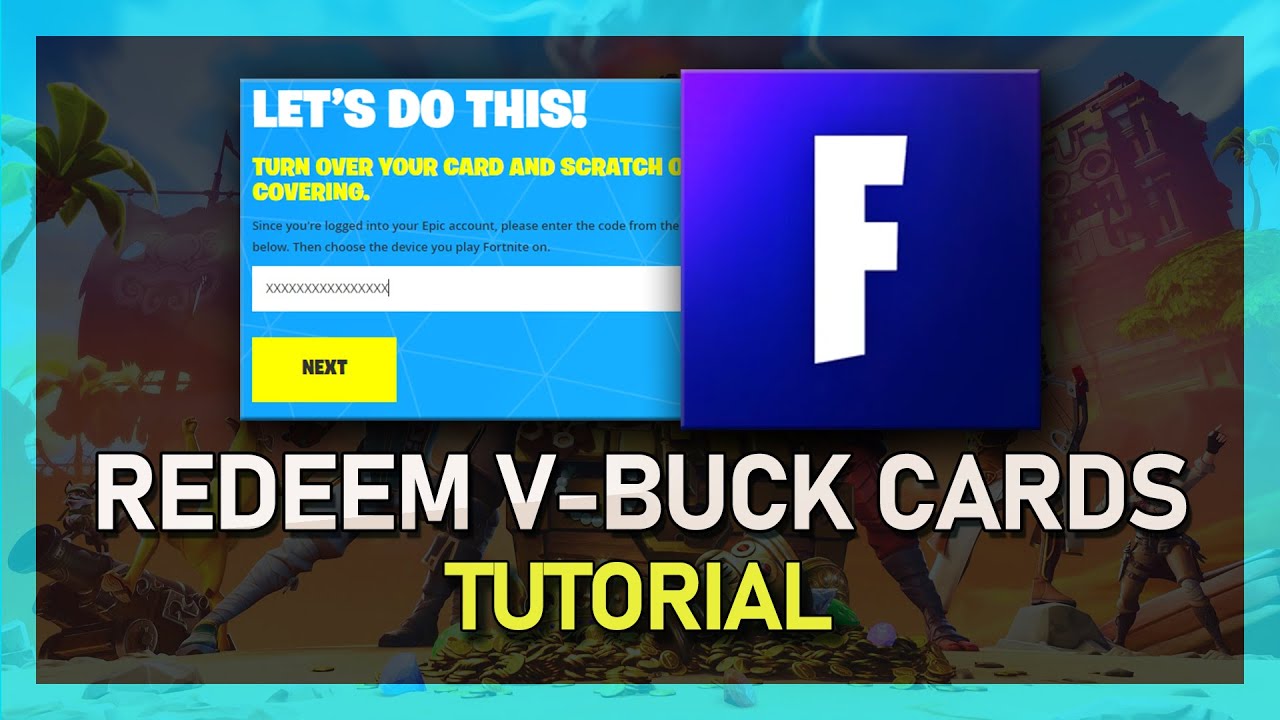
How to Redeem Fortnite V-Buck Cards on PC and Consoles
Sign into Epic Games, enter the V-Buck card PIN, select your platform, and confirm redemption so the currency appears on your Fortnite account.
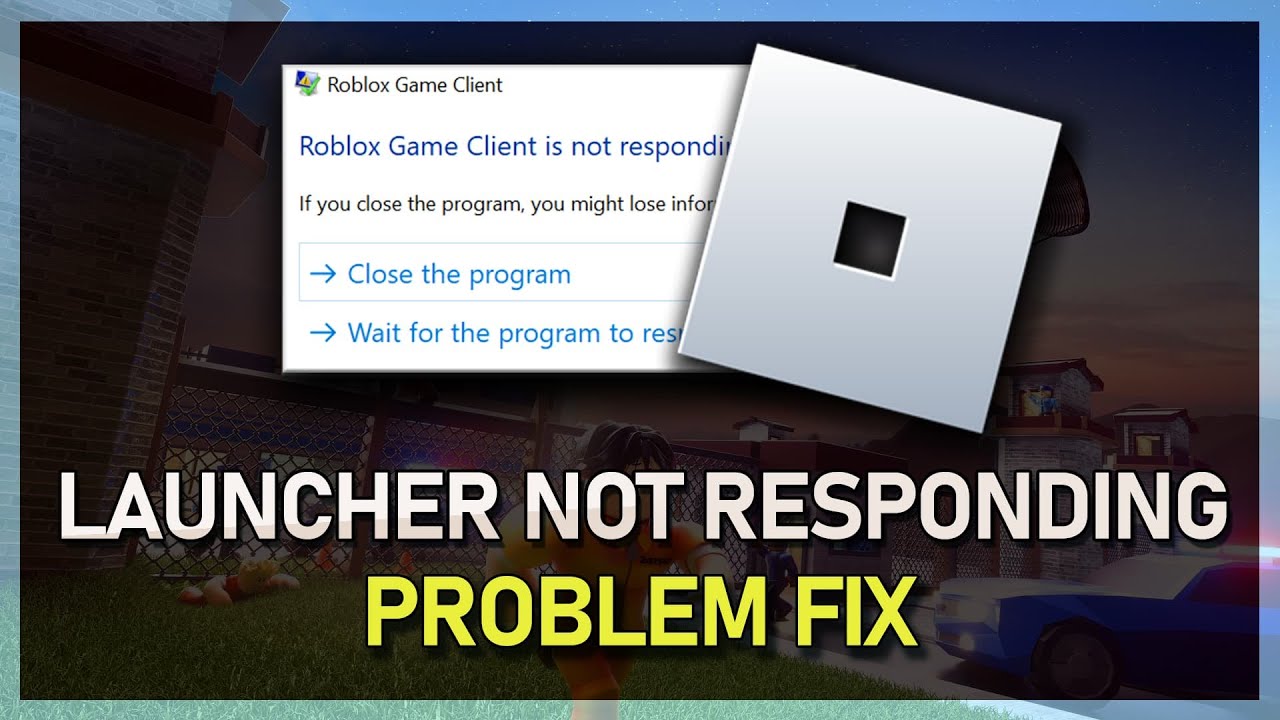
How to Fix Roblox Launcher Not Responding After Clicking “Play”
Close and relaunch your browser, try another browser, reinstall Roblox, and check for conflicting software when the launcher freezes after clicking Play.
How to Fix Microphone Not Working in Roblox
Select the correct input device, update audio drivers, allow microphone access, and test recording apps to troubleshoot Roblox mic issues.
How to Claim Robux in Pls Donate on Roblox Mobile
Open Pls Donate, claim offline gifts, then visit roblox.com in a browser to monitor pending Robux until they post to your balance.