
Utilities
Benchmark Pro
Live performance and deep hardware insight.
Real-time CPU, memory, storage, and power diagnostics for Mac, with an estimated performance score.
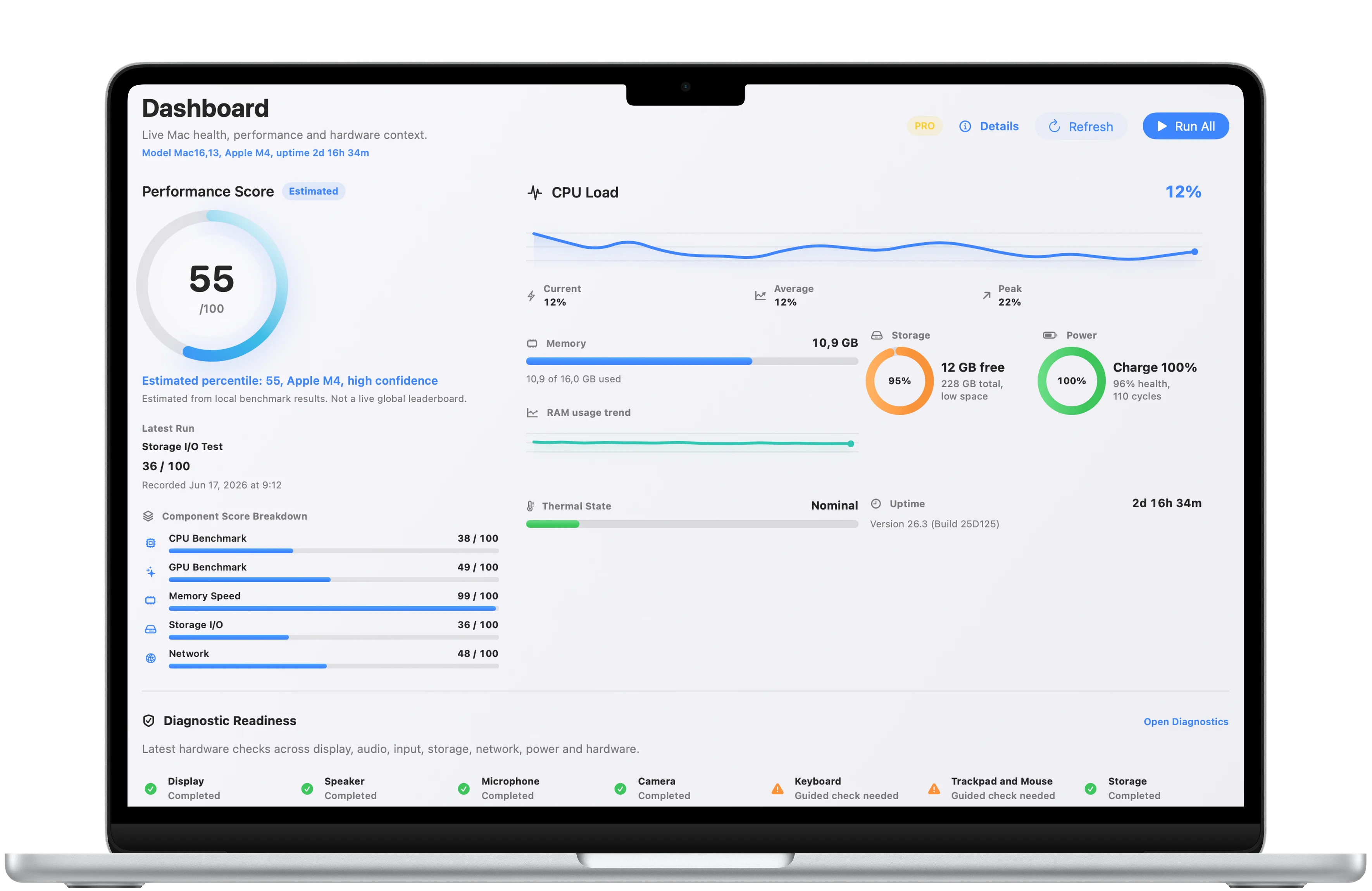
Live metrics
Watch performance, storage, power, and thermal state together.
Benchmark Pro keeps the most important Mac health and performance indicators visible in a single dashboard.
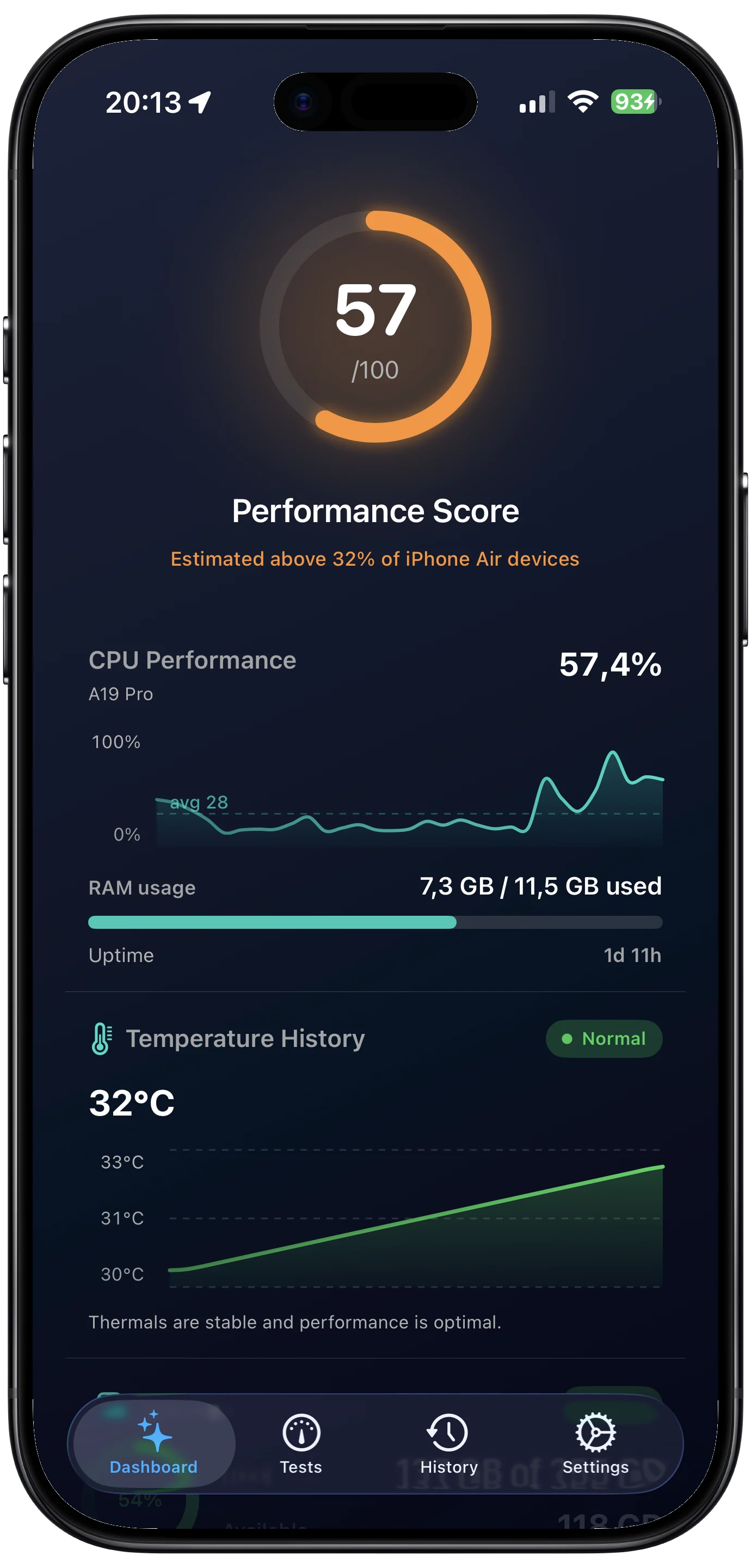
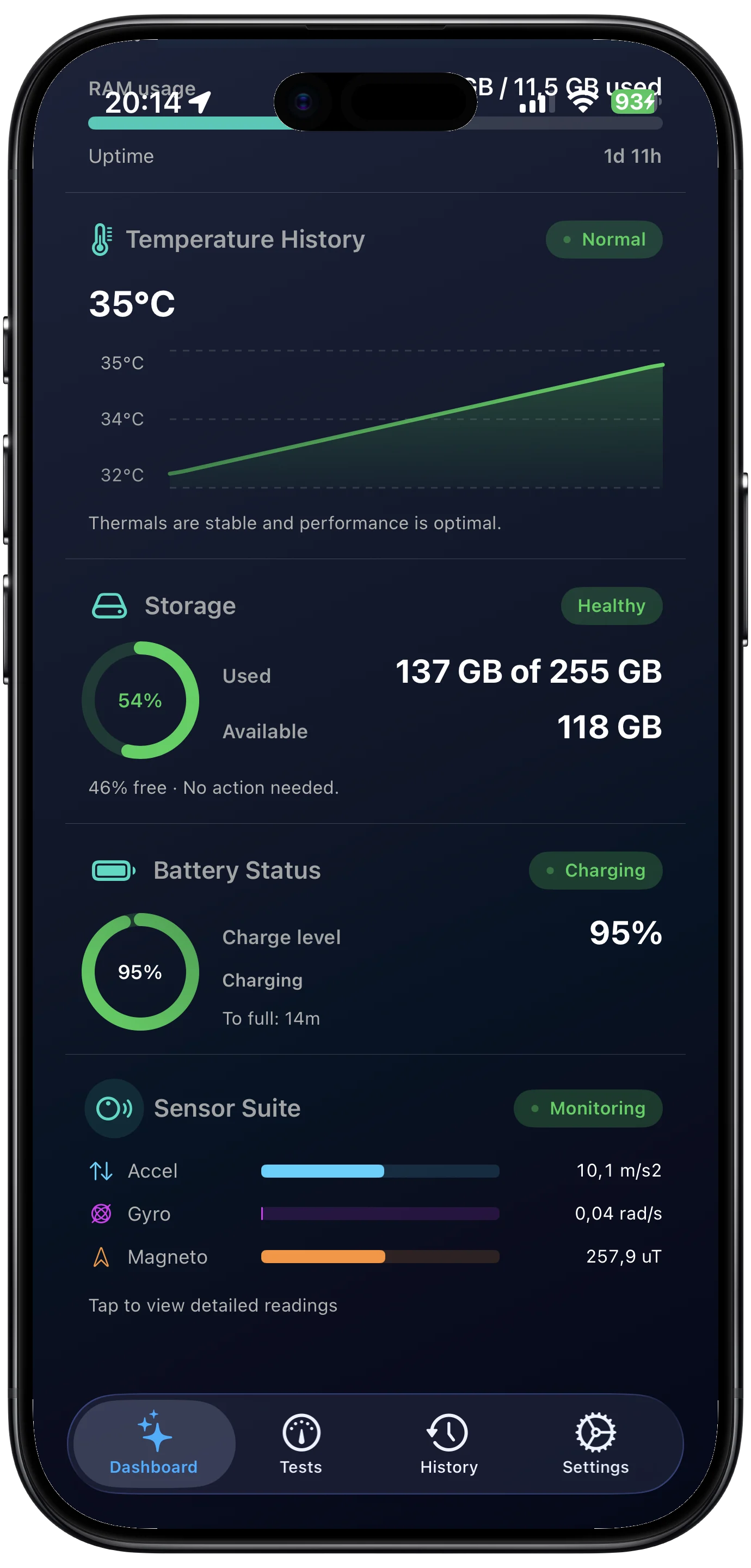
Mobile monitor
Check the same live context from iPhone.
The phone view keeps core metrics readable at a glance, including CPU load, memory, battery, and recent benchmark scores.
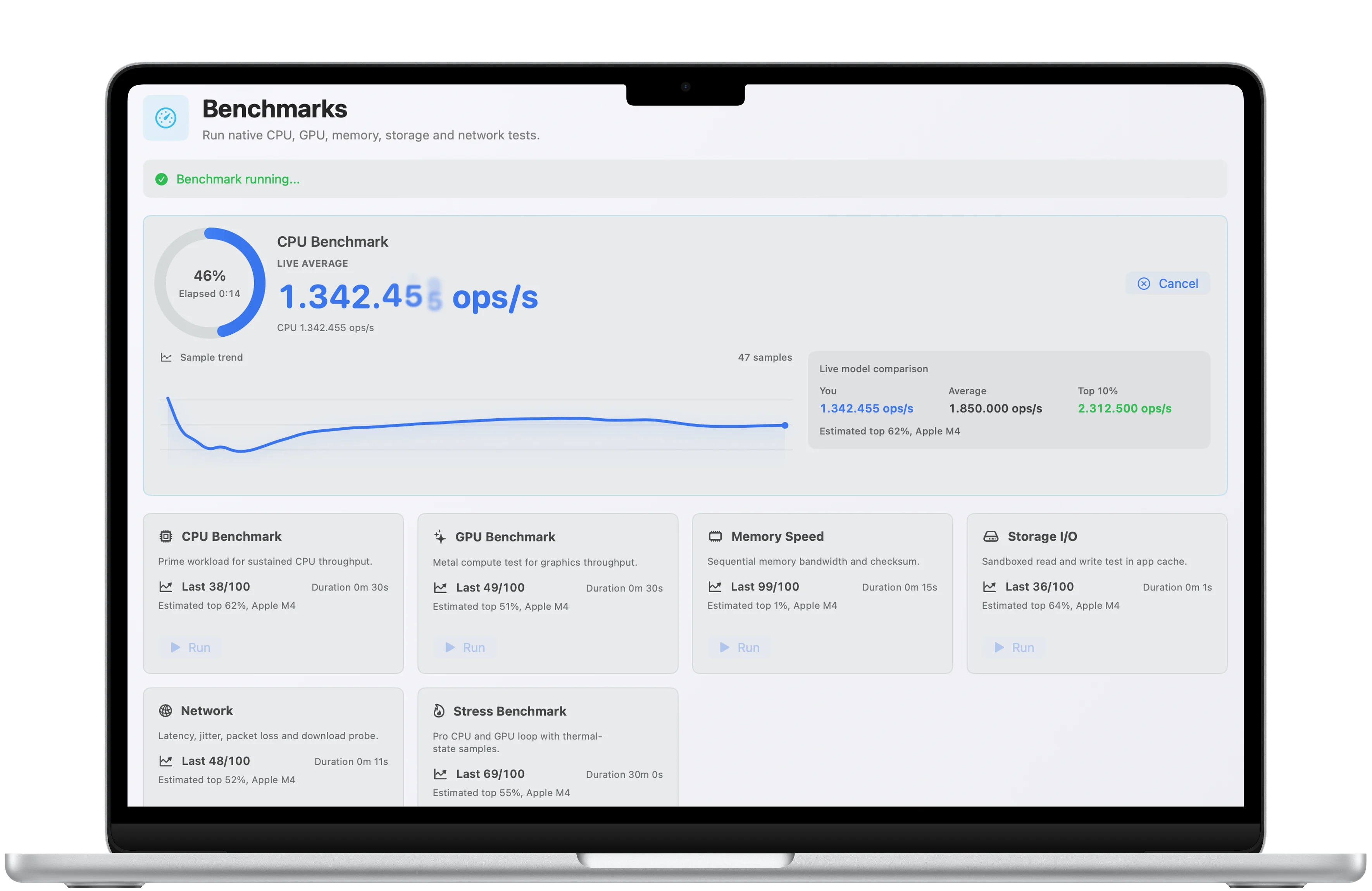
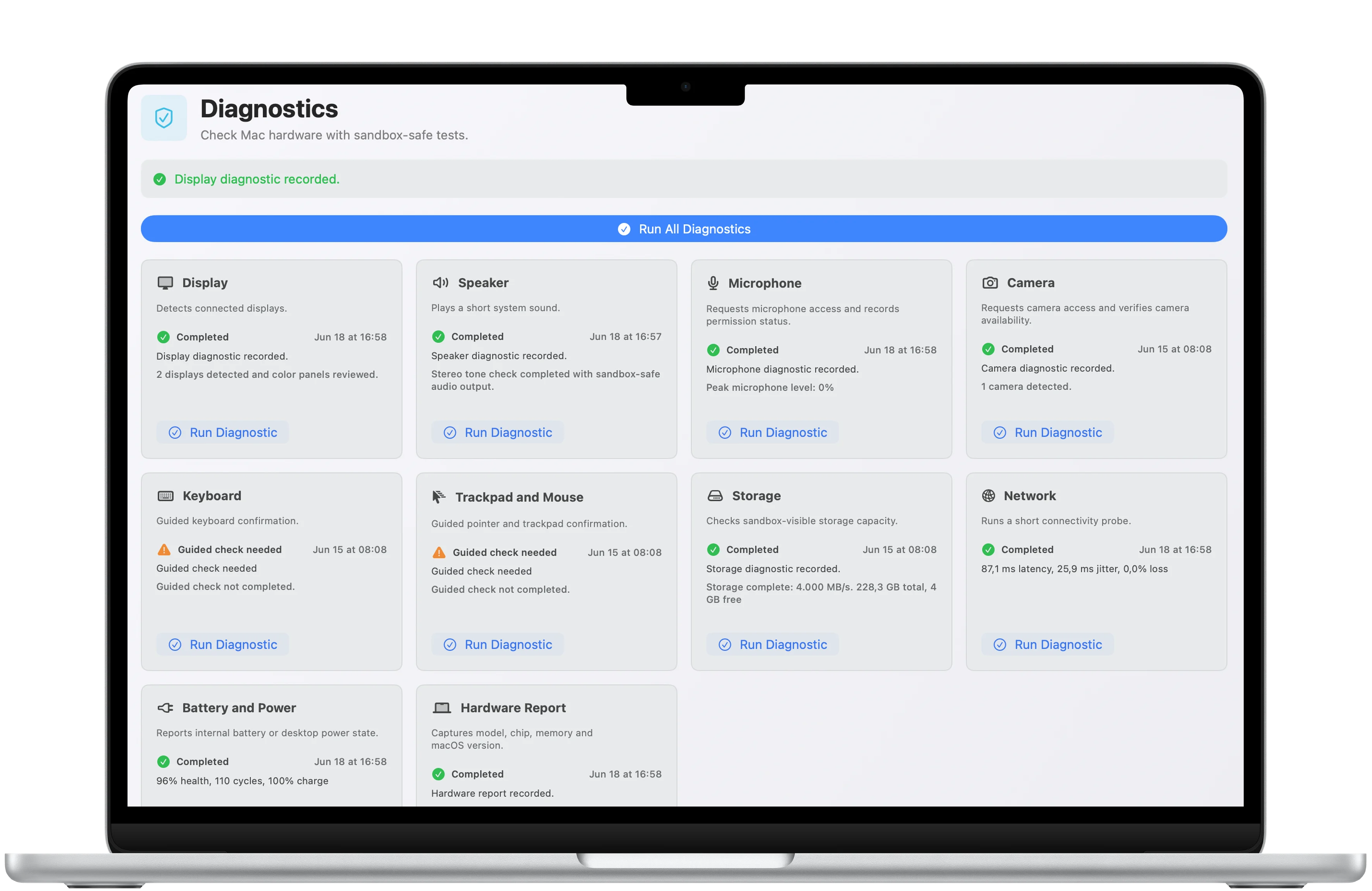
Diagnostics
Move from a score to the checks behind it.
Detailed benchmark and diagnostic views show what was measured so the final score has useful context.
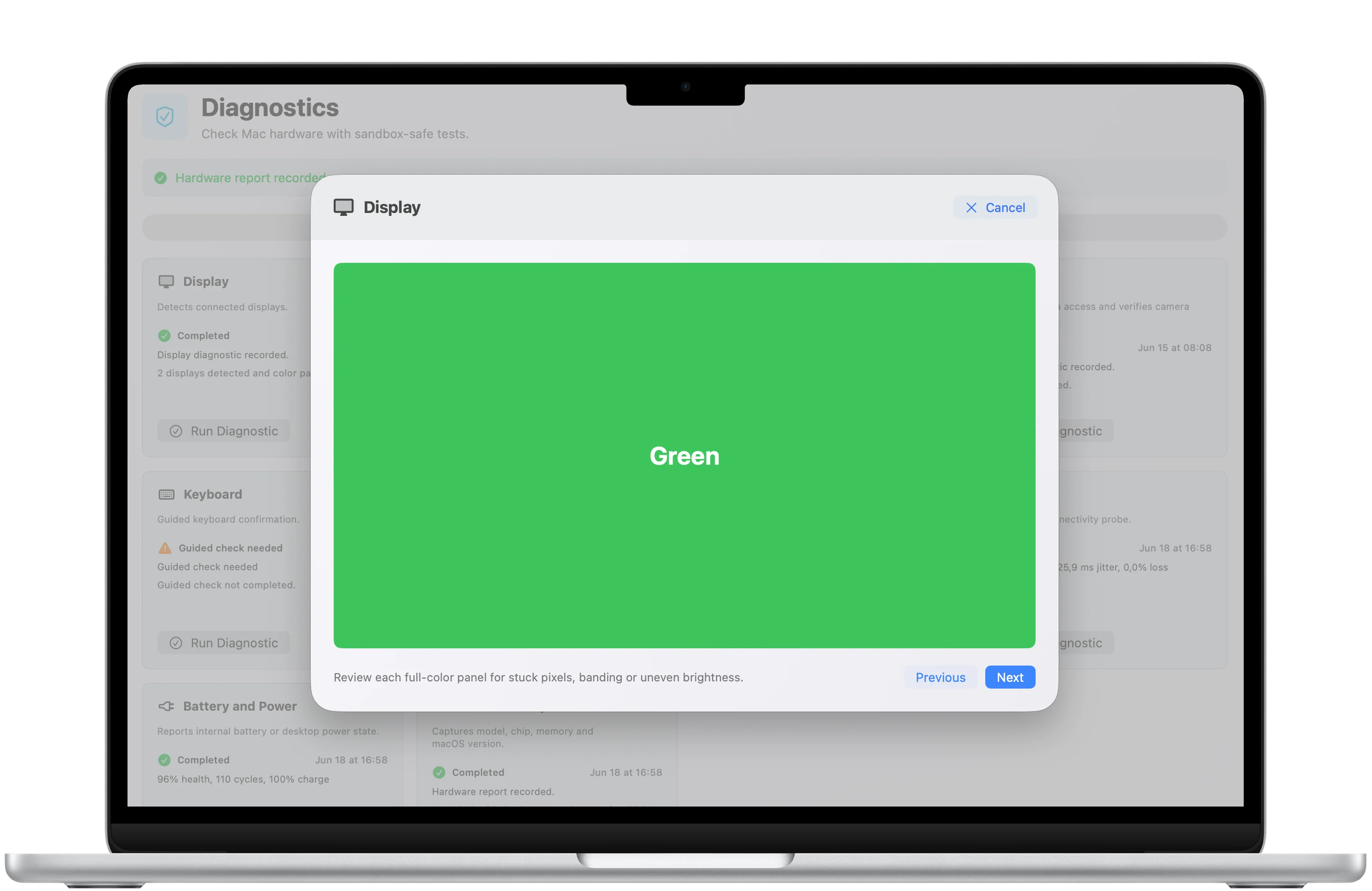
Mac and mobile
Performance context travels with the device.
Desktop and mobile screenshots show the same focused monitoring workflow from different surfaces.
Download
Ready to try Benchmark Pro?
Benchmark Pro is available on the App Store for supported devices.

What's new
What is new in Benchmark Pro.
Latest update
Version 1.3
- Performance improvements and stability fixes
A closer look
Benchmark Pro, in more detail.
What it is
Benchmark Pro is a focused hardware diagnostics app for reading live device performance in a clean, native interface. It helps Mac users, power users, buyers, sellers, and support teams understand CPU load, memory pressure, storage status, power behavior, and an overall performance score quickly.
Who it helps
Benchmark Pro is designed for mac users and device owners who want live performance context without a heavy desktop benchmarking suite.
- Monitor CPU, memory, storage, and power behavior
- Check a device before resale or troubleshooting
- Compare performance under real workloads
- Keep quick diagnostics available on supported devices
FAQ
Questions, answered.
Who is Benchmark Pro for?
Benchmark Pro is for mac users and device owners who want live performance context without a heavy desktop benchmarking suite.
What can I do with Benchmark Pro?
Use it to monitor CPU, memory, storage, and power behavior, check a device before resale or troubleshooting, compare performance under real workloads, and keep quick diagnostics available on supported devices.
What makes Benchmark Pro focused?
Benchmark Pro keeps its main tasks easy to reach: monitor CPU, memory, storage, and power behavior and check a device before resale or troubleshooting. The interface stays clear enough for repeated use.
How does Benchmark Pro handle privacy?
Benchmark Pro keeps support and privacy details close to the product page, so the formal data-handling information is easy to review before download.
Newsletter
New apps and product notes.
Occasional updates, no spam.
Your email is used only for NextTap updates. You can unsubscribe from any email.