Productivity
Clipboard Manager Pro
Keep every copy within reach.
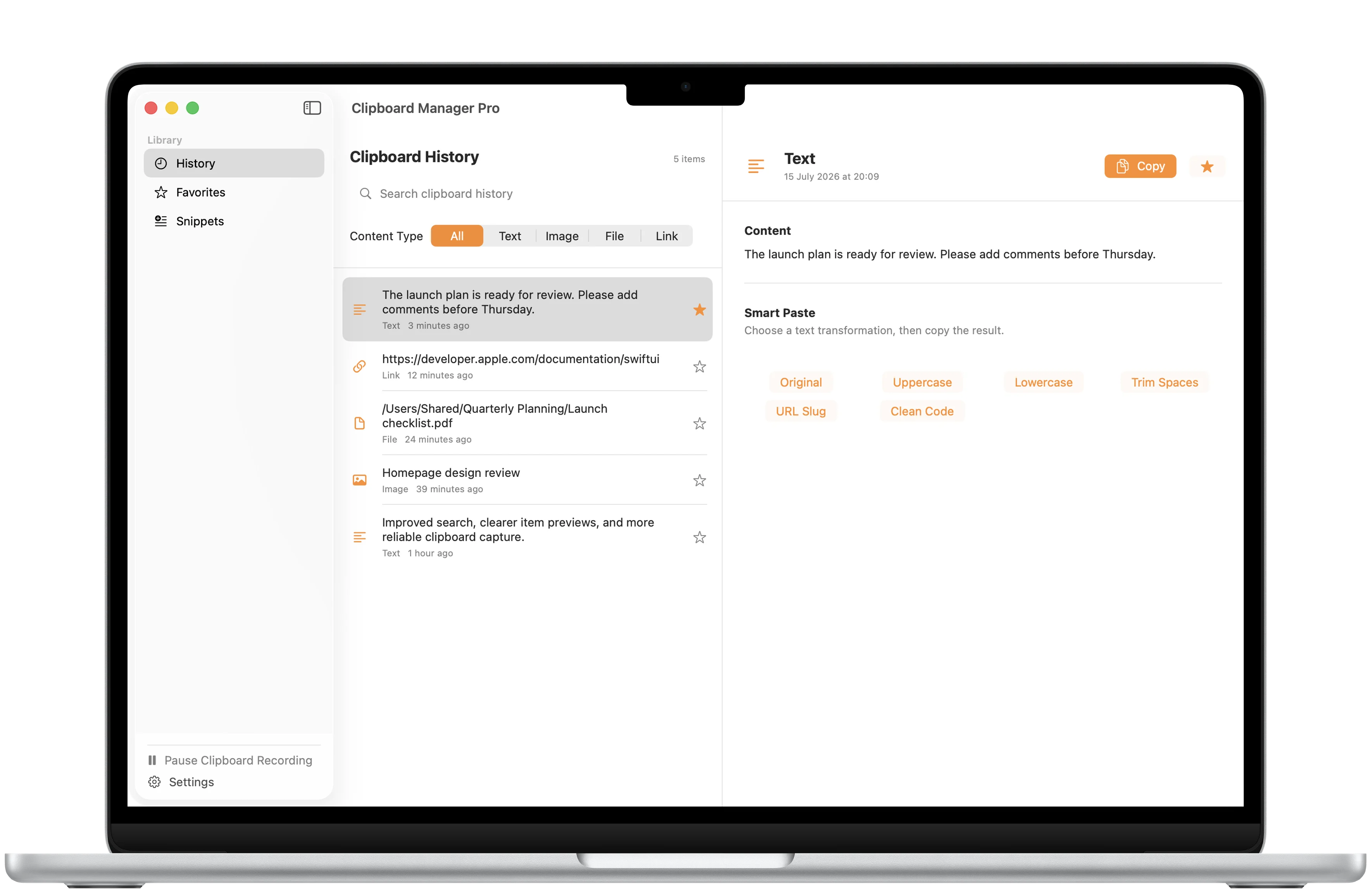
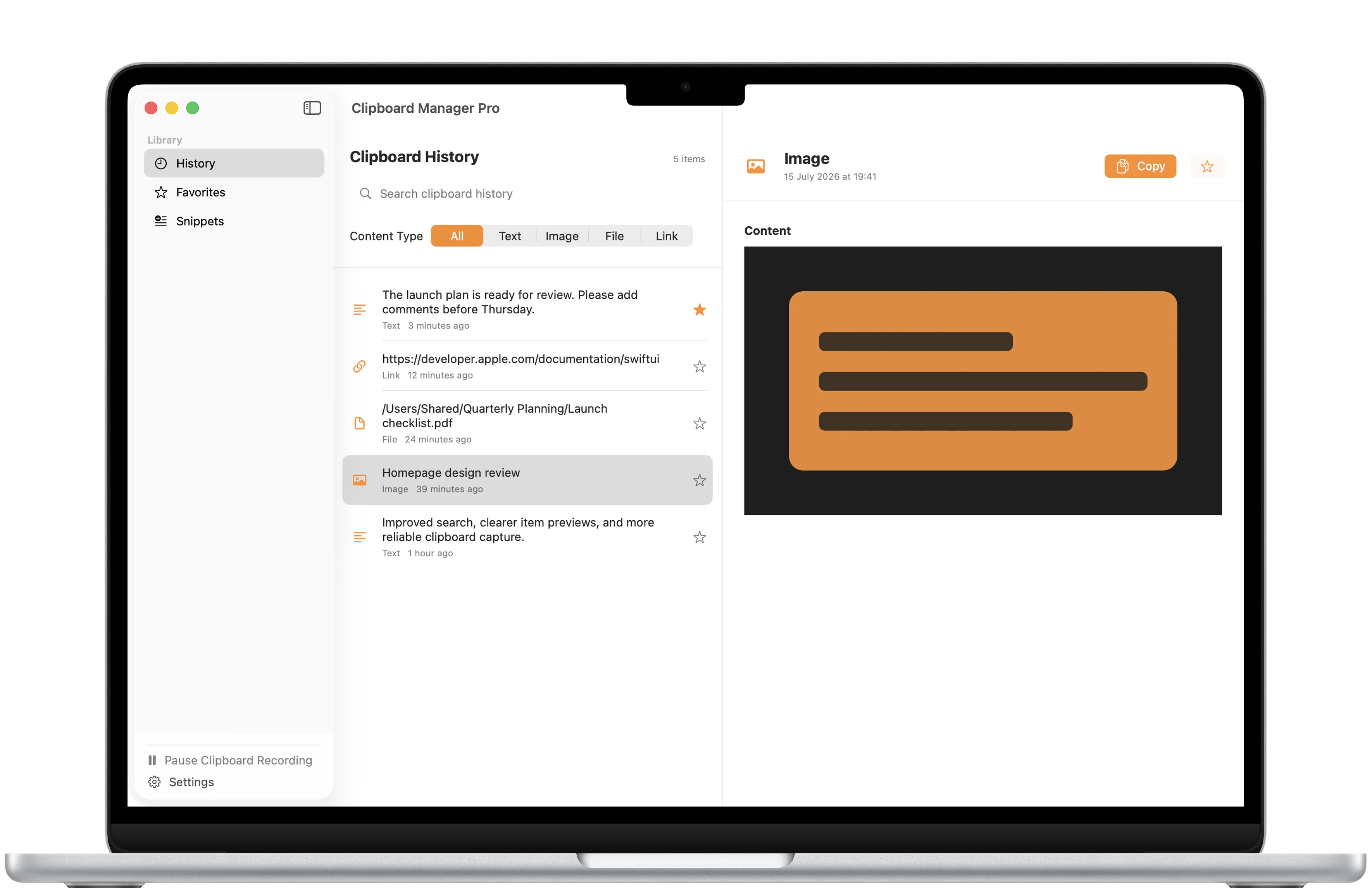
Search text, links, files, and images from a private local clipboard history, then reuse important content faster on Mac.

Favorites
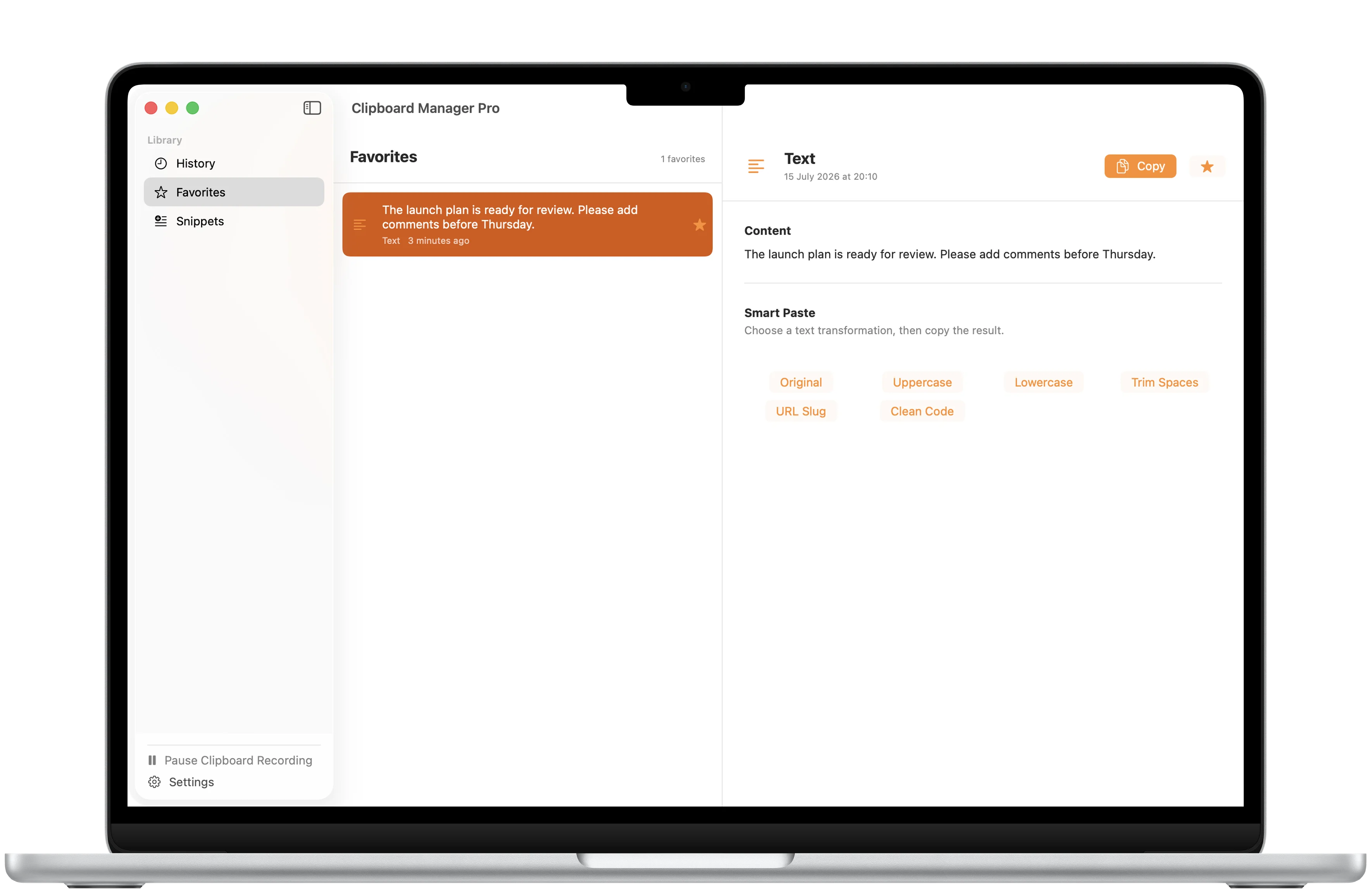
Keep important copies one click away.
Pro favorites give frequently reused text, links, files, and images a focused place of their own.
Snippets
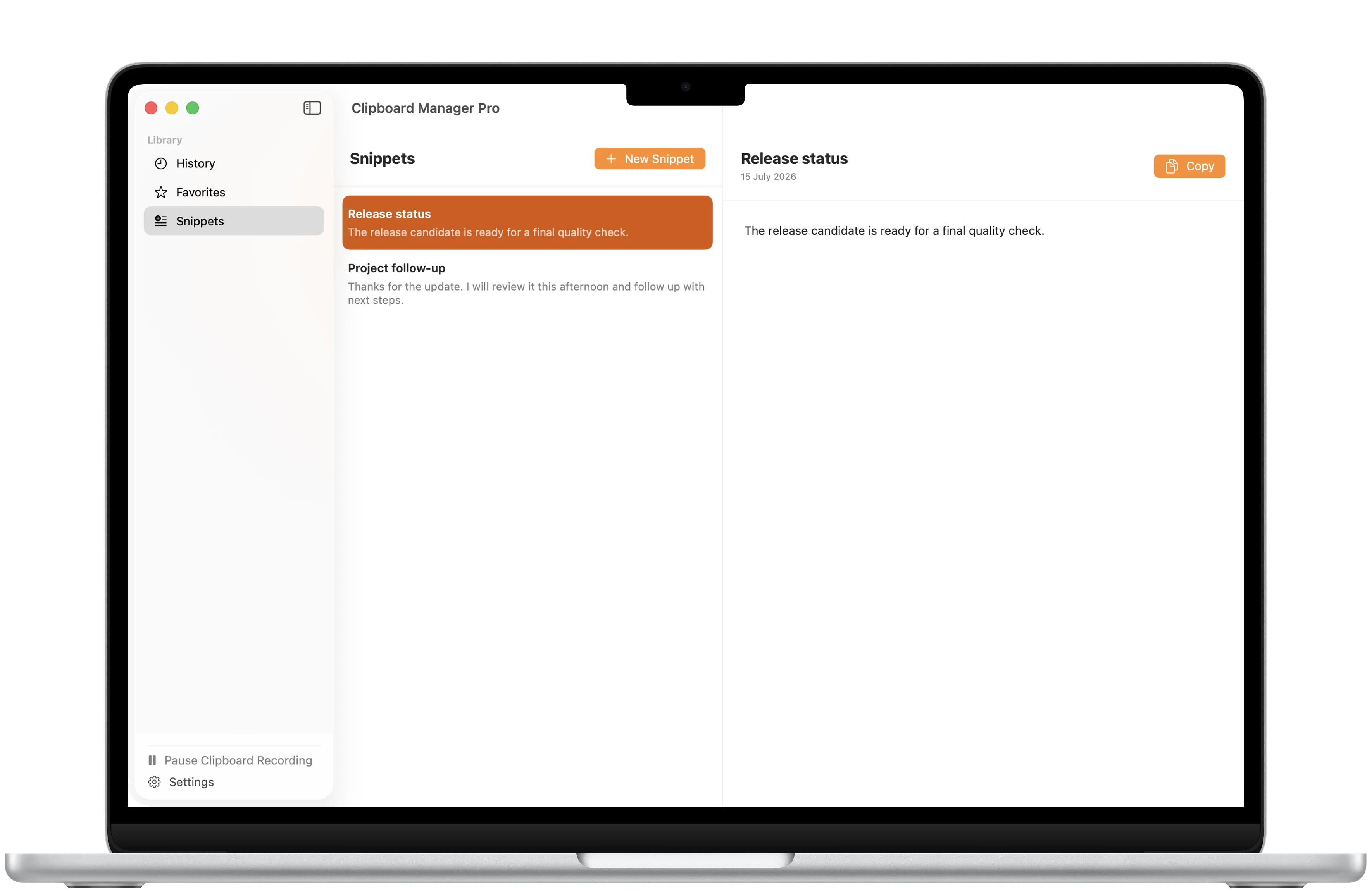
Save reusable text.
Pro snippets keep messages, replies, and other repeated text ready to copy without finding the original again.
Content previews
Know what you are about to paste.
Clear text, link, file, and image details make it easier to identify the right clipboard item before copying it again.
A closer look
Clipboard Manager Pro, in more detail.
What it is
Clipboard Manager Pro keeps recent text, links, files, and images searchable in one private Mac workspace. The free experience includes clipboard recording, search, previews, and up to 50 history items. A one-time Pro purchase adds flexible history limits up to unlimited, content type filters, favorites, snippets, and Smart Paste transformations.
Who it helps
Clipboard Manager Pro is designed for people on Mac who repeatedly copy and reuse text, links, files, images, and short snippets.
- Capture and search recent clipboard content
- Preview copied text, links, files, and images
- Keep frequently reused items in Pro favorites and snippets
- Transform text with Pro Smart Paste before copying it again
FAQ
Questions, answered.
What can Clipboard Manager Pro capture?
It can save text, links, files, and images copied through the macOS pasteboard while clipboard recording is enabled.
What can I use for free?
The free experience includes clipboard recording, search, detail previews, copying, and up to 50 history items.
What does Pro unlock?
Pro adds flexible history limits up to unlimited, content type filters, favorites, snippets, and Smart Paste transformations.
Is Pro a subscription?
No. Pro is a one-time lifetime purchase. The US App Store price is $12.99, and Apple shows the current price for your storefront before purchase.
Where is clipboard data stored?
Clipboard history and snippets stay on your Mac. The app has no accounts, CloudKit sync, analytics, tracking, or app-operated server.
Which platform and language are supported?
Clipboard Manager Pro is available for Mac and its current localization is English.
Newsletter
New apps and product notes.
Occasional updates, no spam.
Your email is used only for NextTap updates. You can unsubscribe from any email.