
Developer tools
DevInspect Browser
Inspect, debug, and test web pages on the go
A developer browser for inspecting and debugging web pages on iPhone, iPad and Mac.
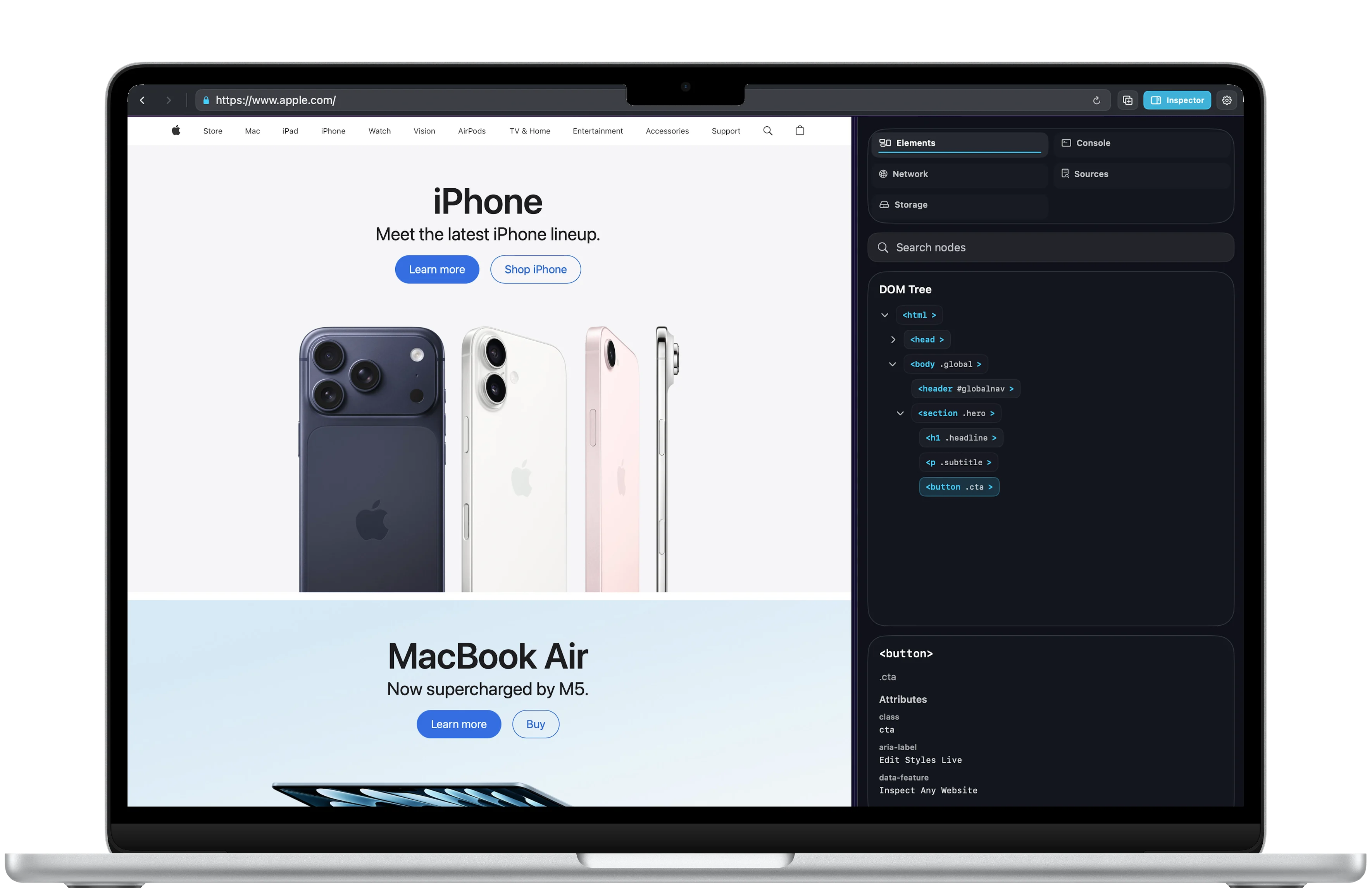
Console
Find the message behind the problem.
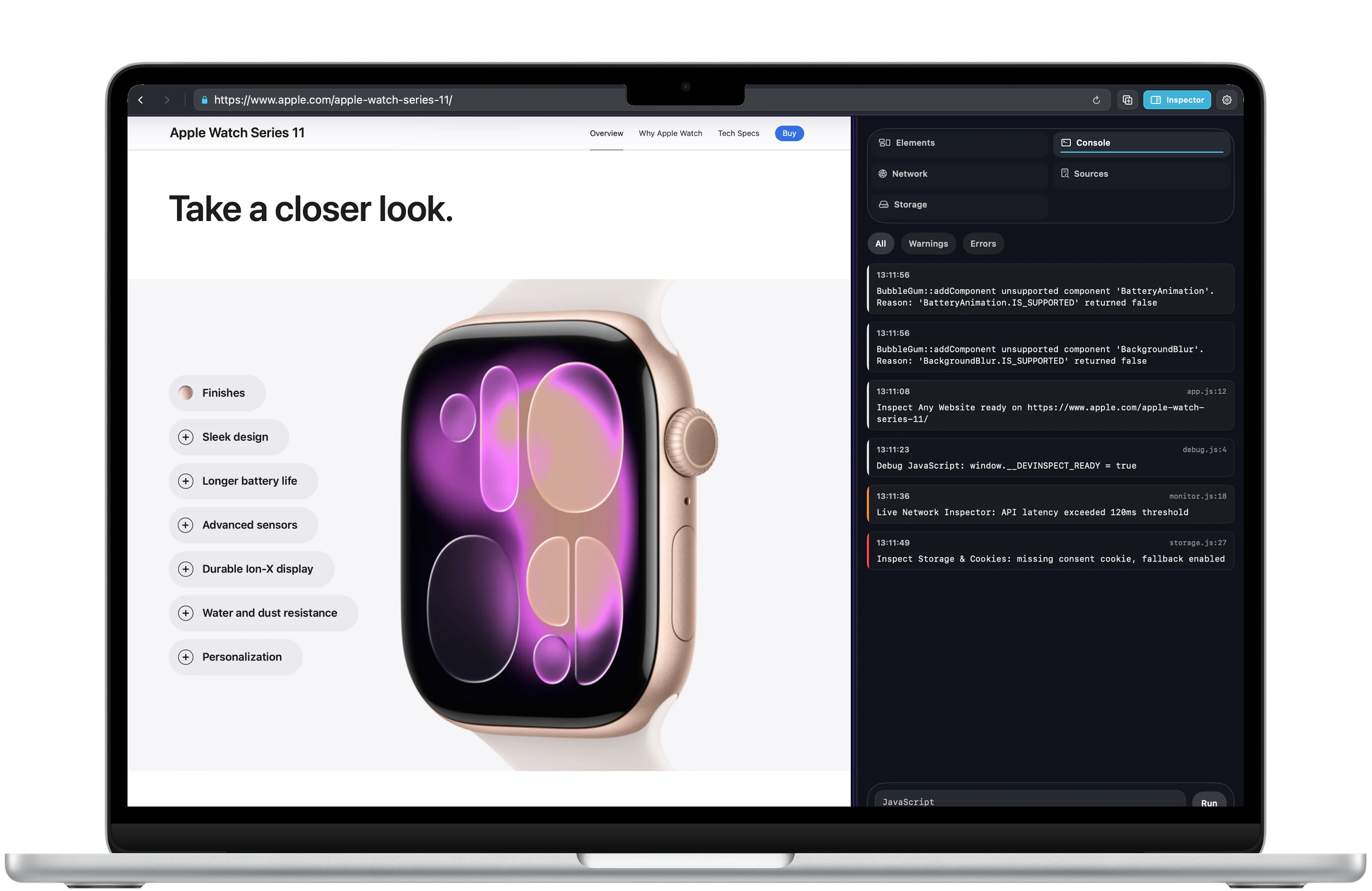
Keep console output beside the live page to follow errors and understand what happens as you browse.
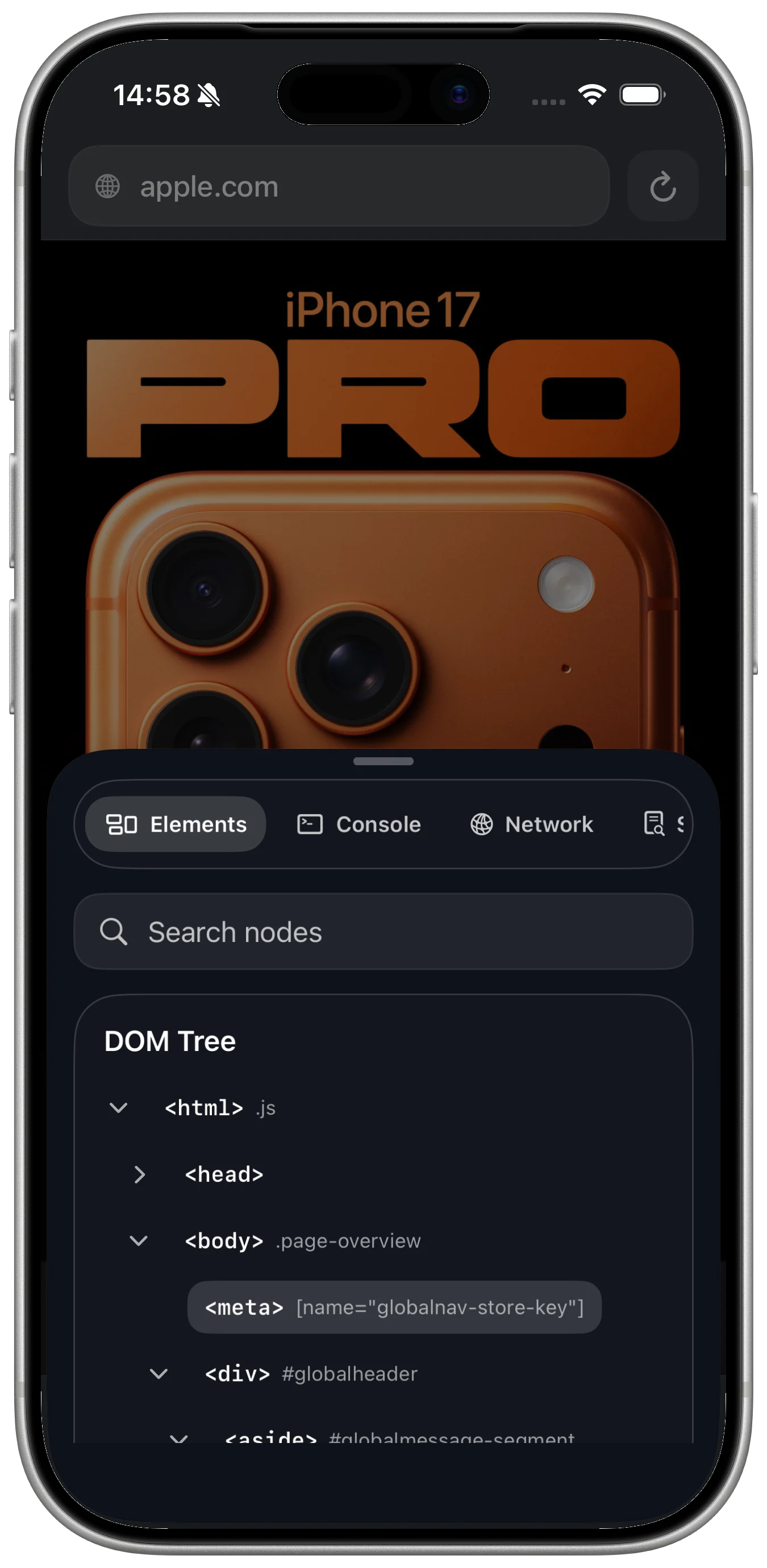
Mobile testing
Check pages from a mobile-focused browser too.
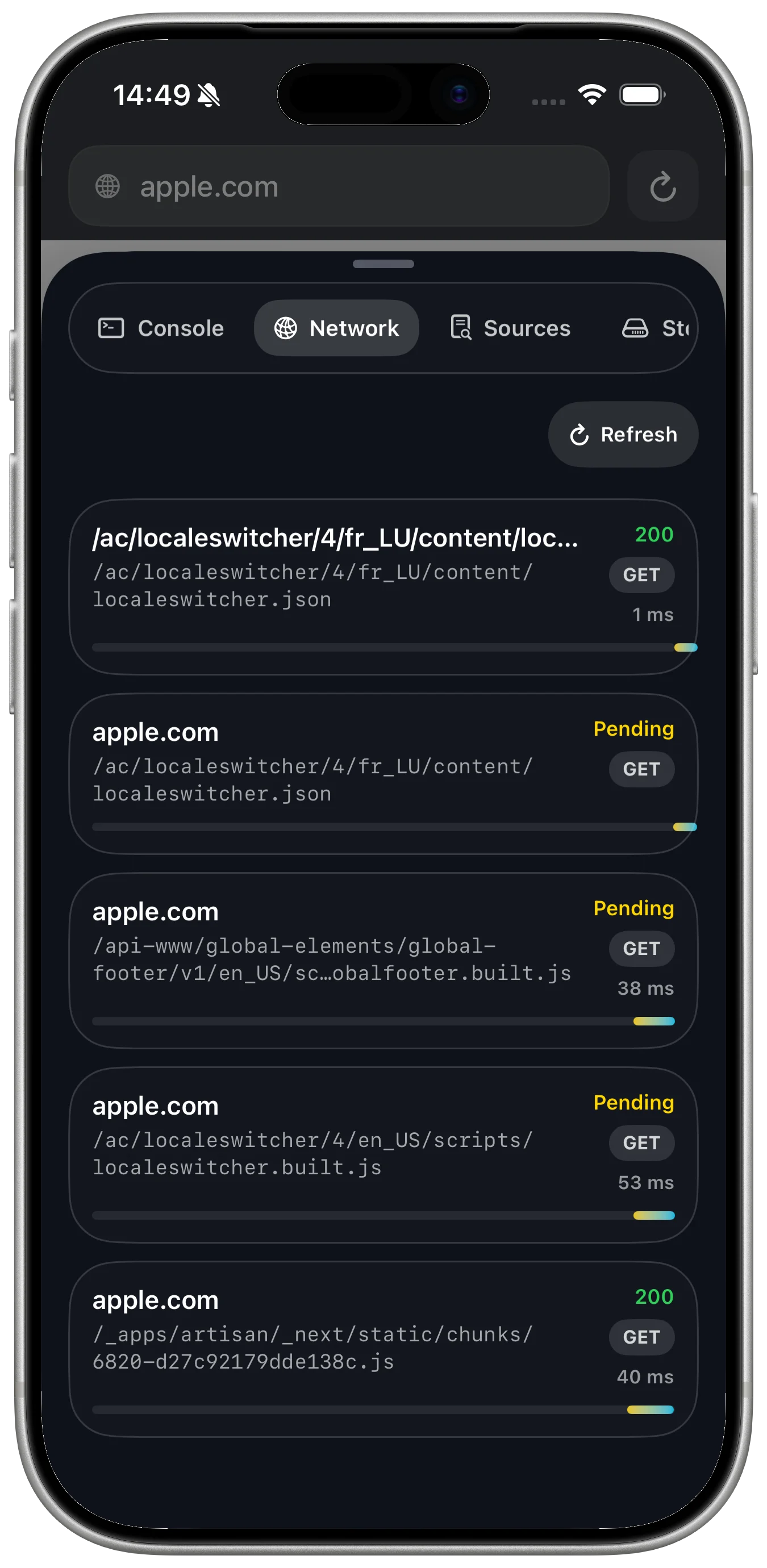
The iPhone view keeps developer controls reachable when testing a page away from the desktop.
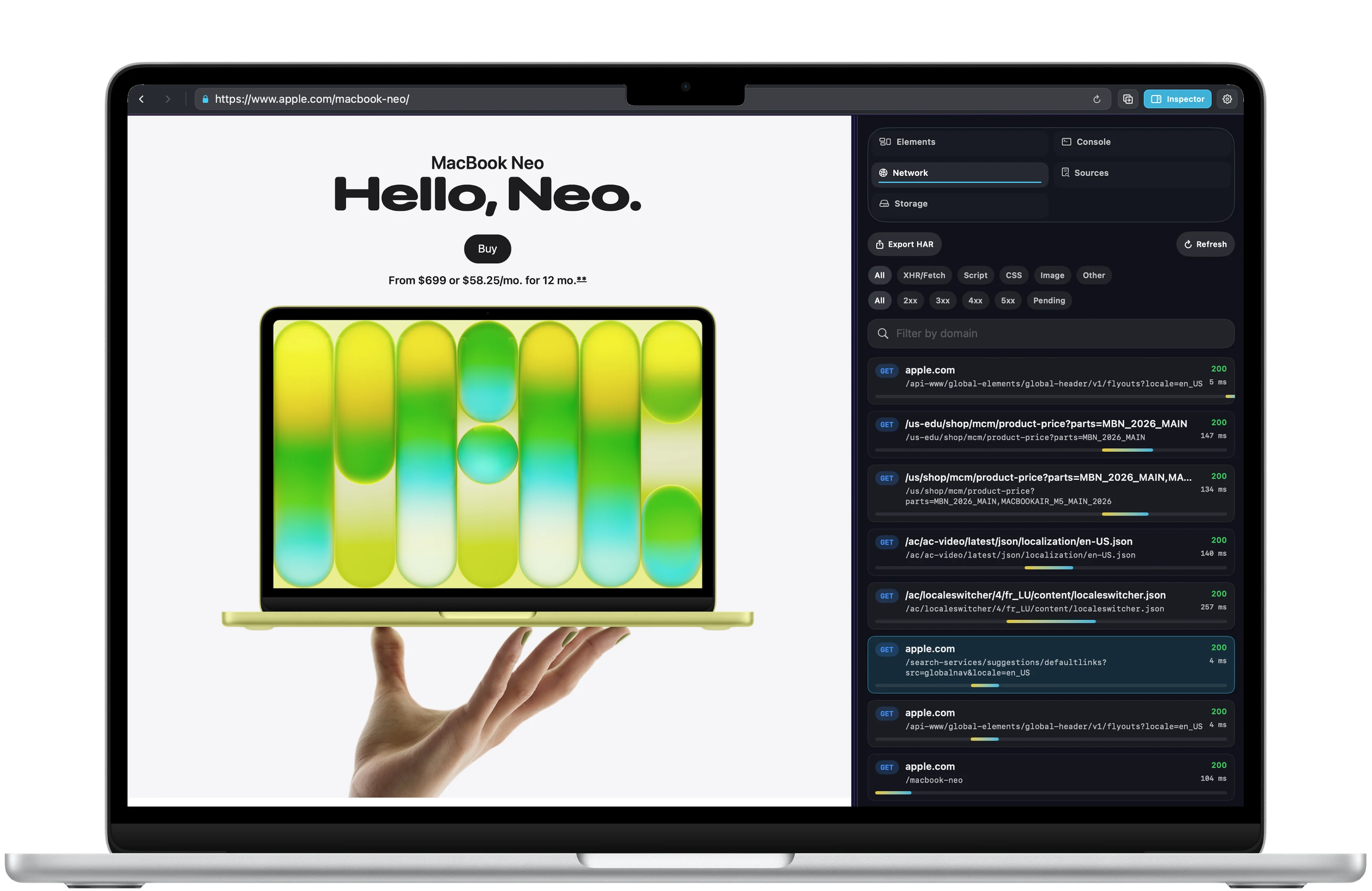
Debug panels
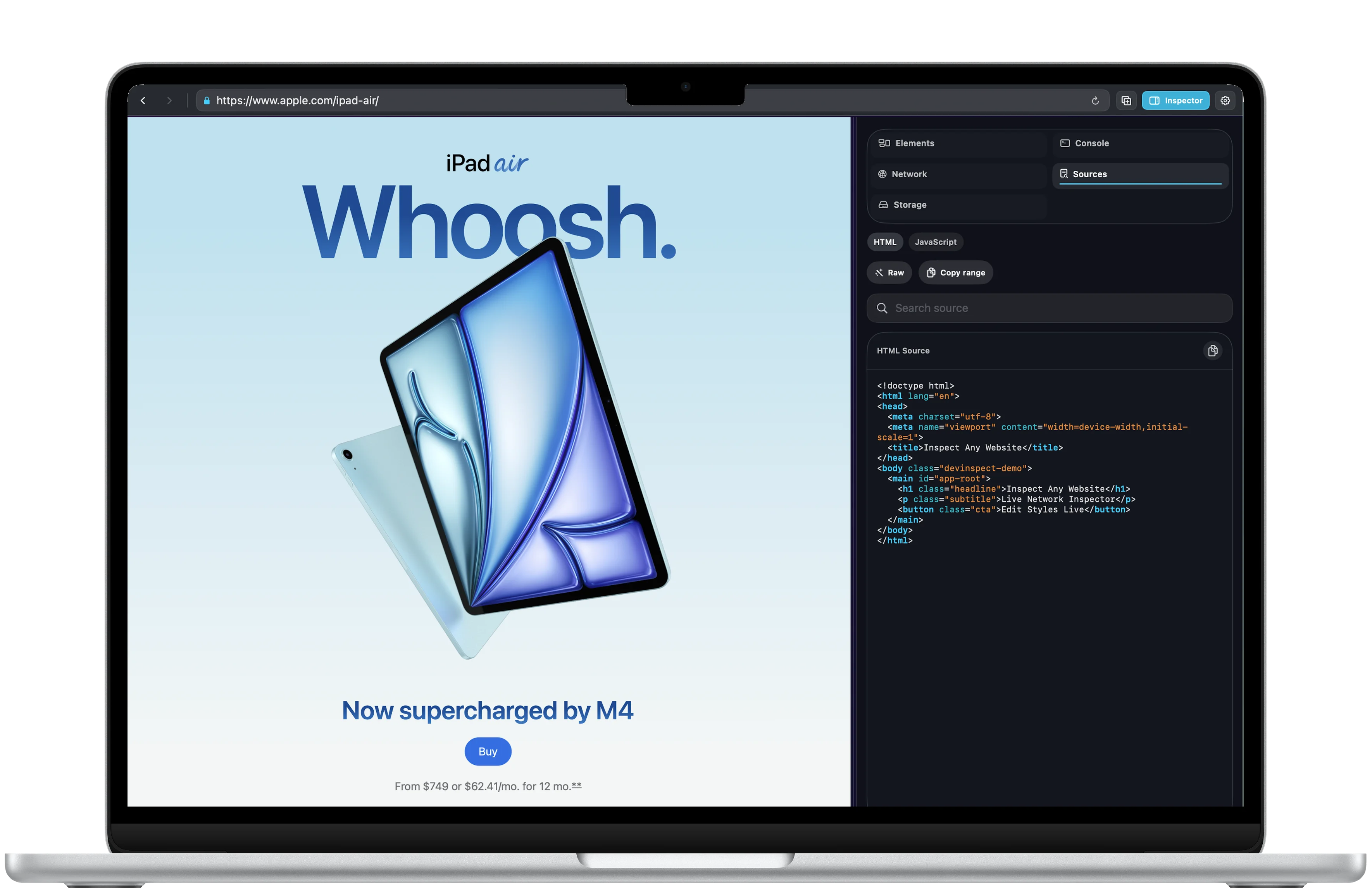
Switch between console, storage, and page details.
Dedicated panels make common front-end debugging tasks easier to reach while reviewing a page.
Built for iPhone Duo
More room to understand the web.
Browse on the compact display. Unfold to keep the page and its inspector side by side, with more room to follow the details.
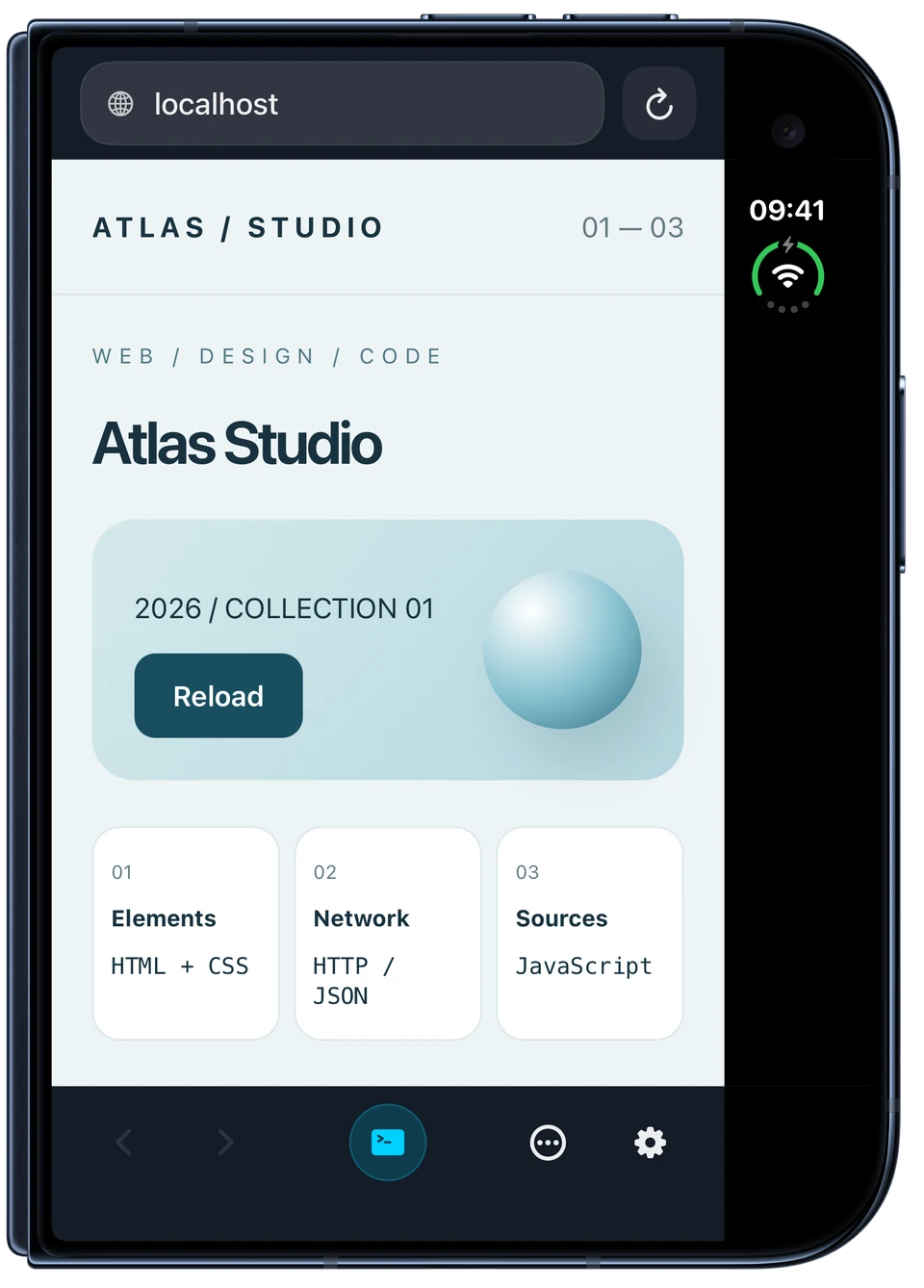
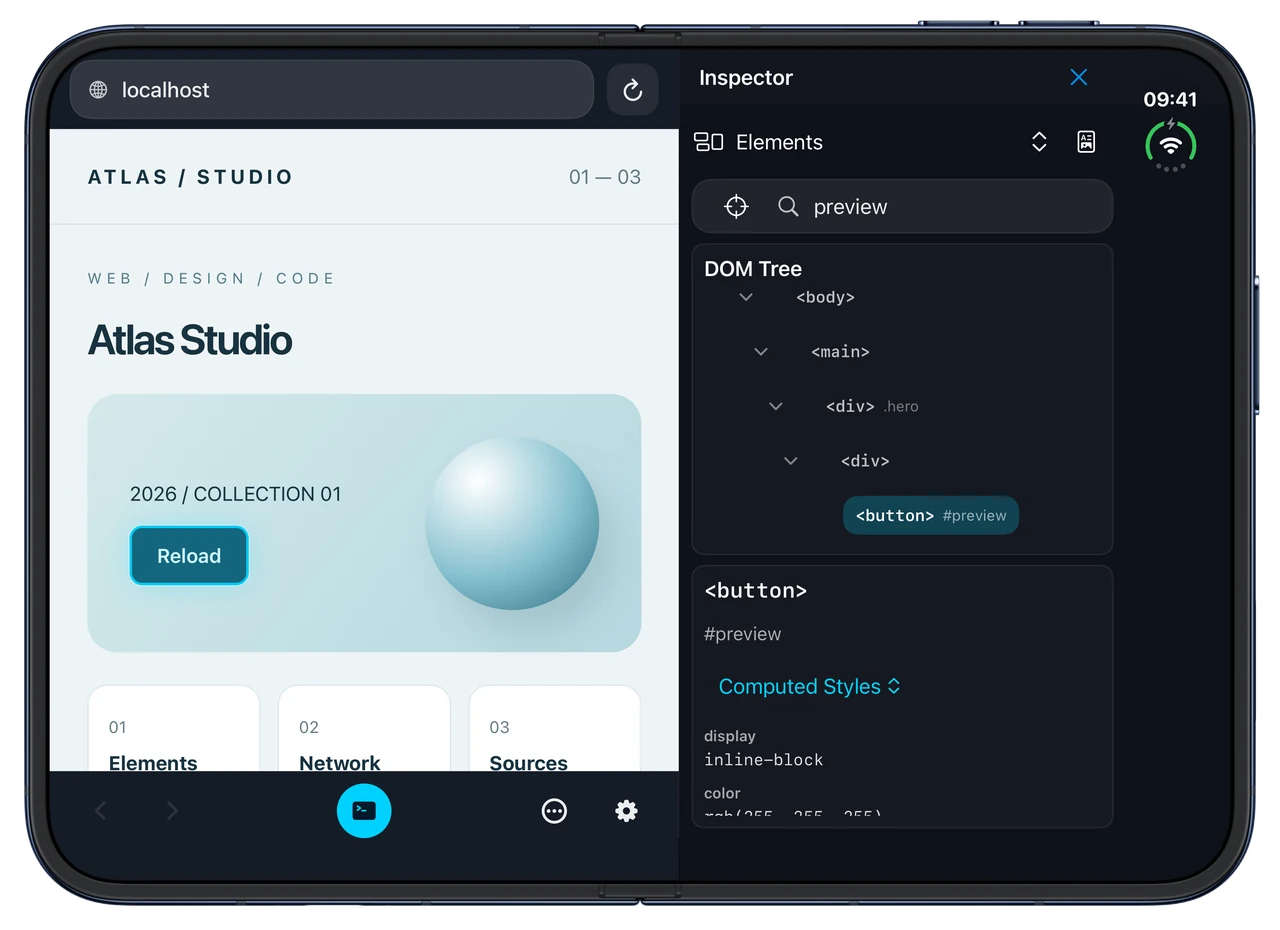
Browse folded. Inspect unfolded.
Developer workflow
Desktop depth and mobile checks share one workflow.
Keep familiar inspection tools close across Mac, iPhone and iPad.
Download
Ready to try DevInspect Browser?
DevInspect Browser is available on the App Store for supported devices.

What's new
What is new in DevInspect Browser.
Latest update
Version 1.2
September 26, 2026
- A refreshed start screen, onboarding and settings for iPhone, iPad and Mac.
- Adaptive inspector layouts with more room when you resize or rotate your device.
- PDF debug reports with selected requests, console messages and element details. Preview your report before sharing.
- Create one PDF report for free and keep reopening or sharing it. Pro unlocks additional reports.
- Improved bookmarks, translations and reliability, with optional usage analytics off by default.
A closer look
DevInspect Browser, in more detail.
What it is
DevInspect Browser is a focused developer browser for inspecting pages, testing responsive layouts, and debugging web behavior without switching into a heavier desktop setup. It brings viewport presets, user-agent testing, network inspection, HAR and cURL export, sources, storage, snippets, debug profiles, and sync into one compact workflow.
Who it helps
DevInspect Browser is designed for developers, designers, QA testers, and students who need focused browser inspection tools on iPhone, iPad or Mac.
- Inspect web pages from iPhone, iPad or Mac
- Test viewport and user-agent presets
- Review requests, headers, timing, and responses
- Export HAR files or cURL commands for debugging
FAQ
Questions, answered.
Who is DevInspect Browser for?
DevInspect Browser is for developers, designers, QA testers, and students who need focused browser inspection tools on iPhone, iPad or Mac.
What can I do with DevInspect Browser?
Inspect elements, console messages, network activity, sources and storage on iPhone, iPad or Mac. Test responsive layouts and share selected debugging details in a PDF report. Pro adds editing, scripts and advanced exports.
What makes DevInspect Browser focused?
DevInspect Browser keeps its main tasks easy to reach: inspect web pages from iPhone, iPad or Mac and test viewport and user-agent presets. The interface stays clear enough for repeated use.
How does DevInspect Browser handle privacy?
Usage analytics is optional and off by default. Browsing addresses, page content and PDF report contents are excluded from analytics. Reports are generated on your device, and you choose where to share them.
Newsletter
New apps and product notes.
Occasional updates, no spam.
Your email is used only for NextTap updates. You can unsubscribe from any email.