Science & education
GradeCalc Pro
Track grades, calculate GPA
Calculate grades, GPA, and class progress from a focused Mac utility.
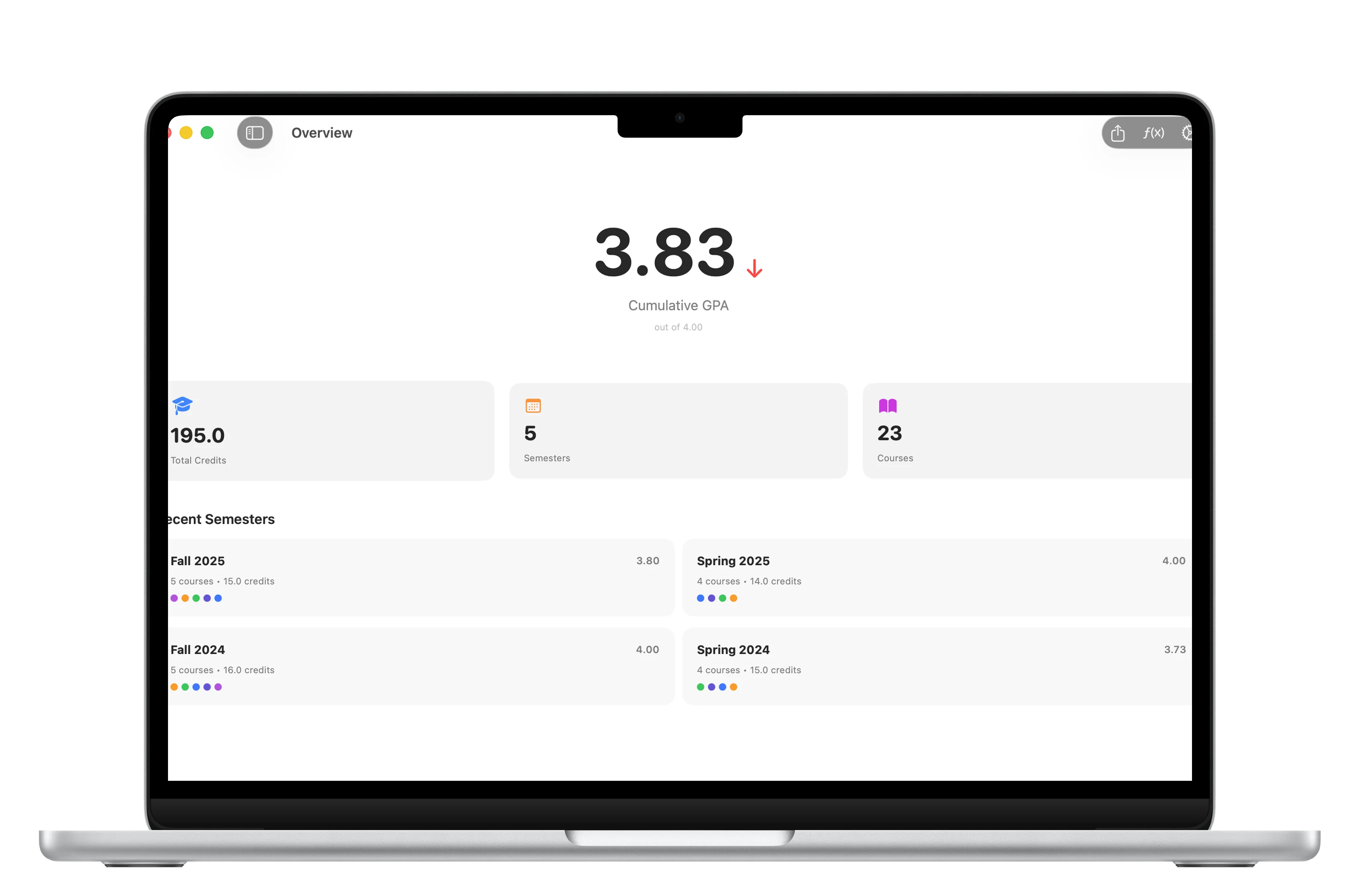
GPA overview
See cumulative performance from the first screen.
The overview brings GPA, credits, semesters, and courses into one readable Mac dashboard.
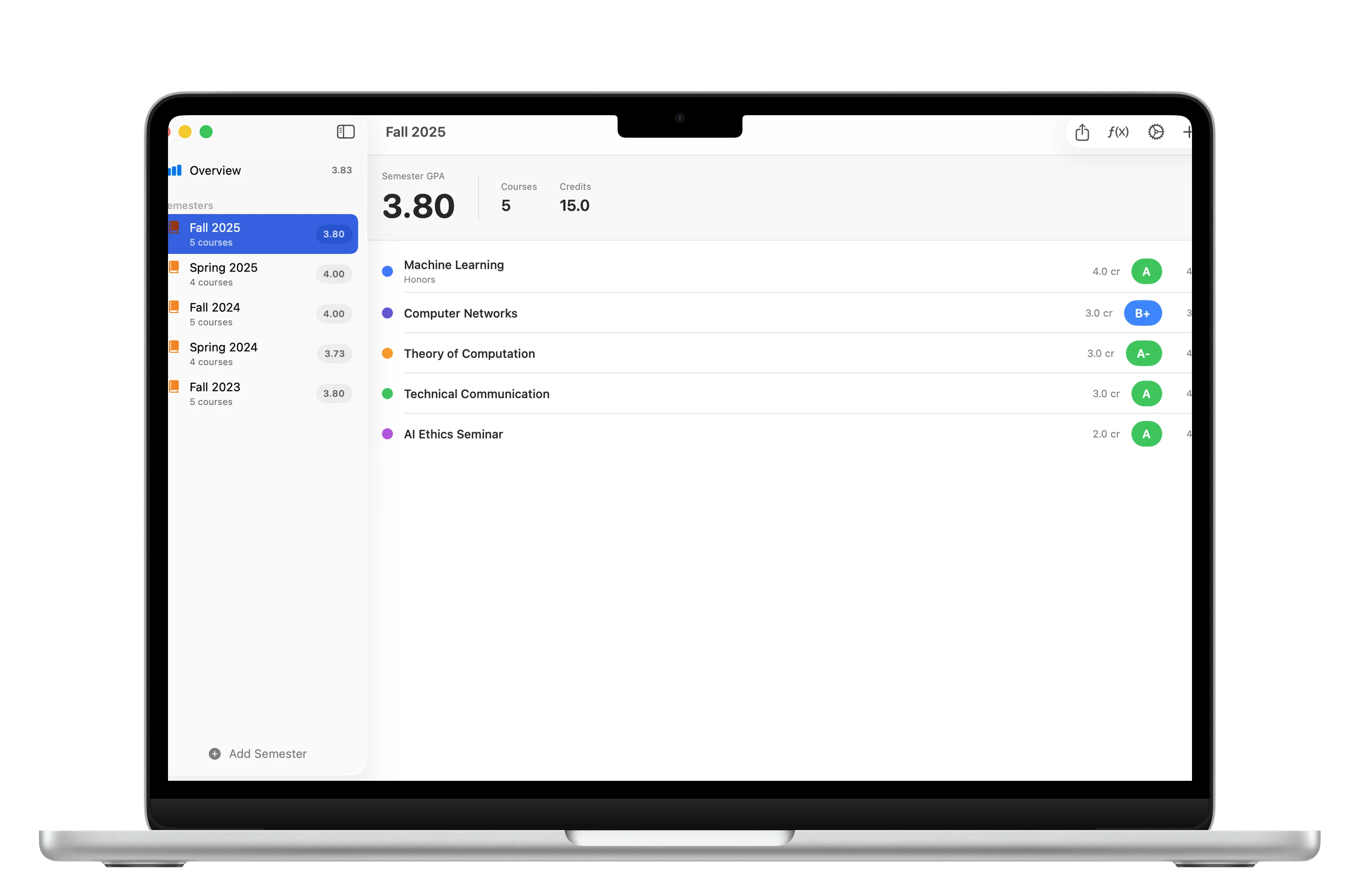
Semesters
Keep each term separated and easy to compare.
Semester views help students review progress term by term instead of one long grade list.
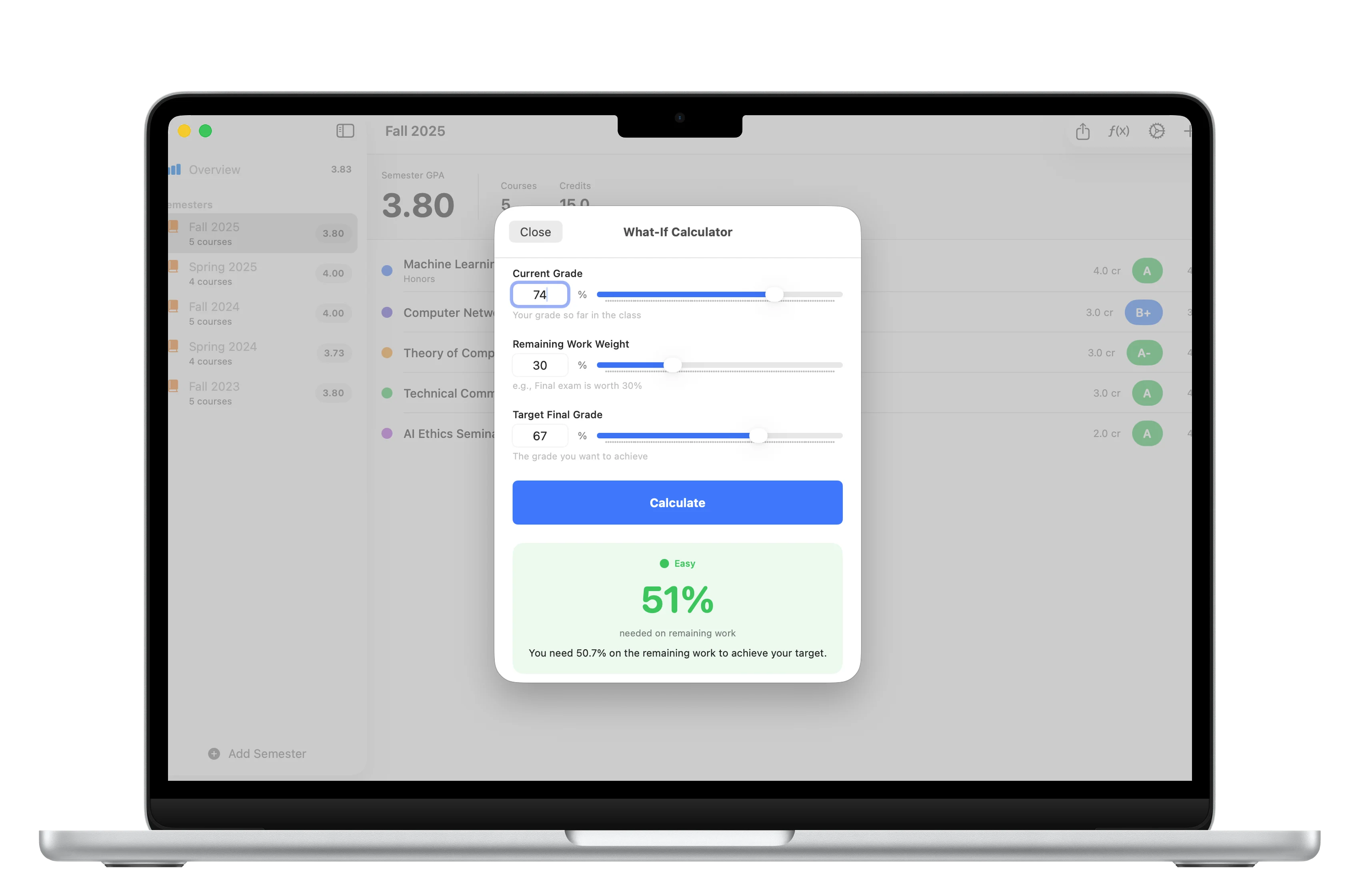
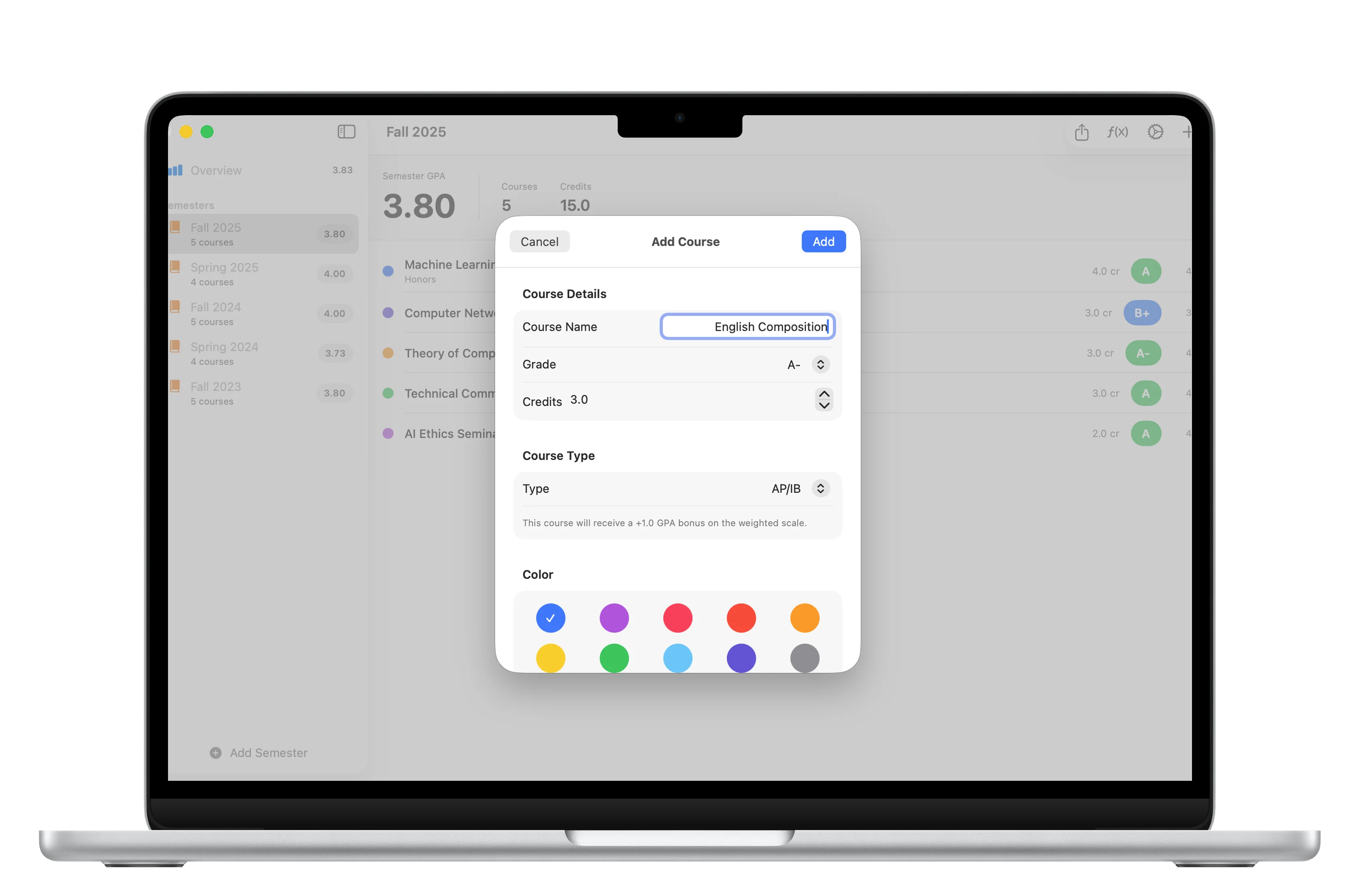
Course grades
Track individual courses behind the GPA.
Course-level screens make it easier to understand what is moving the final result.
Download
Ready to try GradeCalc Pro?
GradeCalc Pro is available on the App Store for supported devices.

What's new
What is new in GradeCalc Pro.
First release
Version 1.0
- Initial public release for Mac grade, GPA, course progress, and target-result calculations
A closer look
GradeCalc Pro, in more detail.
What it is
GradeCalc Pro is a Mac education calculator for grades, GPA, course progress, and target-score planning. It helps students and educators understand current standing, plan final scores, and keep academic calculations clear in a clean Mac workflow.
Who it helps
GradeCalc Pro is designed for students, educators, and Mac users calculating grades, GPA, and progress toward targets.
- Calculate current grades and GPA
- Plan what score is needed for a target result
- Track class progress
- Use quick academic calculations on Mac
FAQ
Questions, answered.
Who is GradeCalc Pro for?
GradeCalc Pro is for students, educators, and Mac users calculating grades, GPA, and progress toward targets.
What can I do with GradeCalc Pro?
Use it to calculate current grades and GPA, plan what score is needed for a target result, track class progress, and use quick academic calculations on Mac.
What makes GradeCalc Pro focused?
GradeCalc Pro keeps its main tasks easy to reach: calculate current grades and GPA and plan what score is needed for a target result. The interface stays clear enough for repeated use.
How does GradeCalc Pro handle privacy?
GradeCalc Pro keeps support and privacy details close to the product page, so the formal data-handling information is easy to review before download.
Newsletter
New apps and product notes.
Occasional updates, no spam.
Your email is used only for NextTap updates. You can unsubscribe from any email.