Media & creative
Mic Test Studio: Audio Check
Test your microphone before you record
A quick, reliable audio check tool for testing microphone quality before recording.
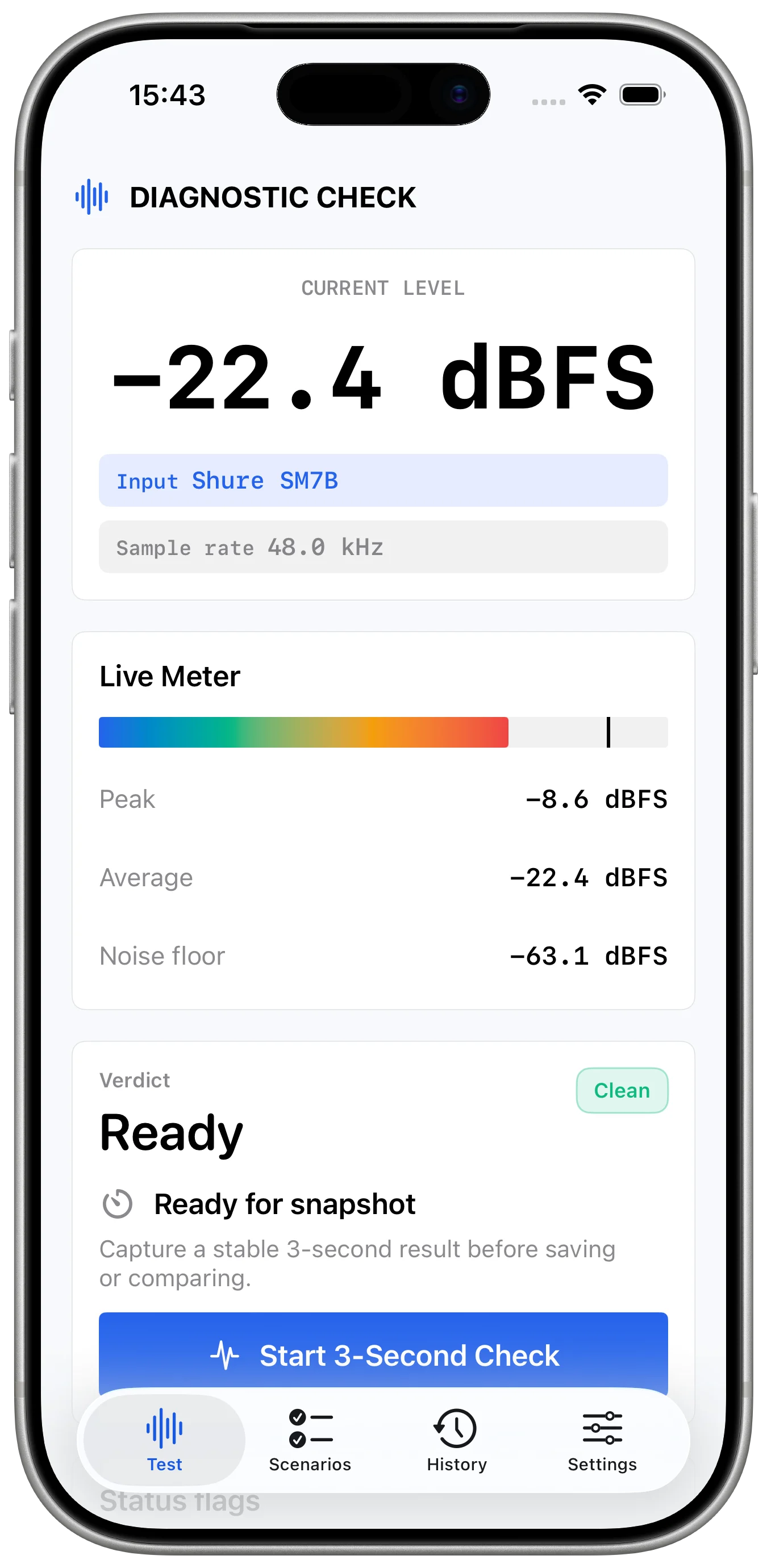
Live check
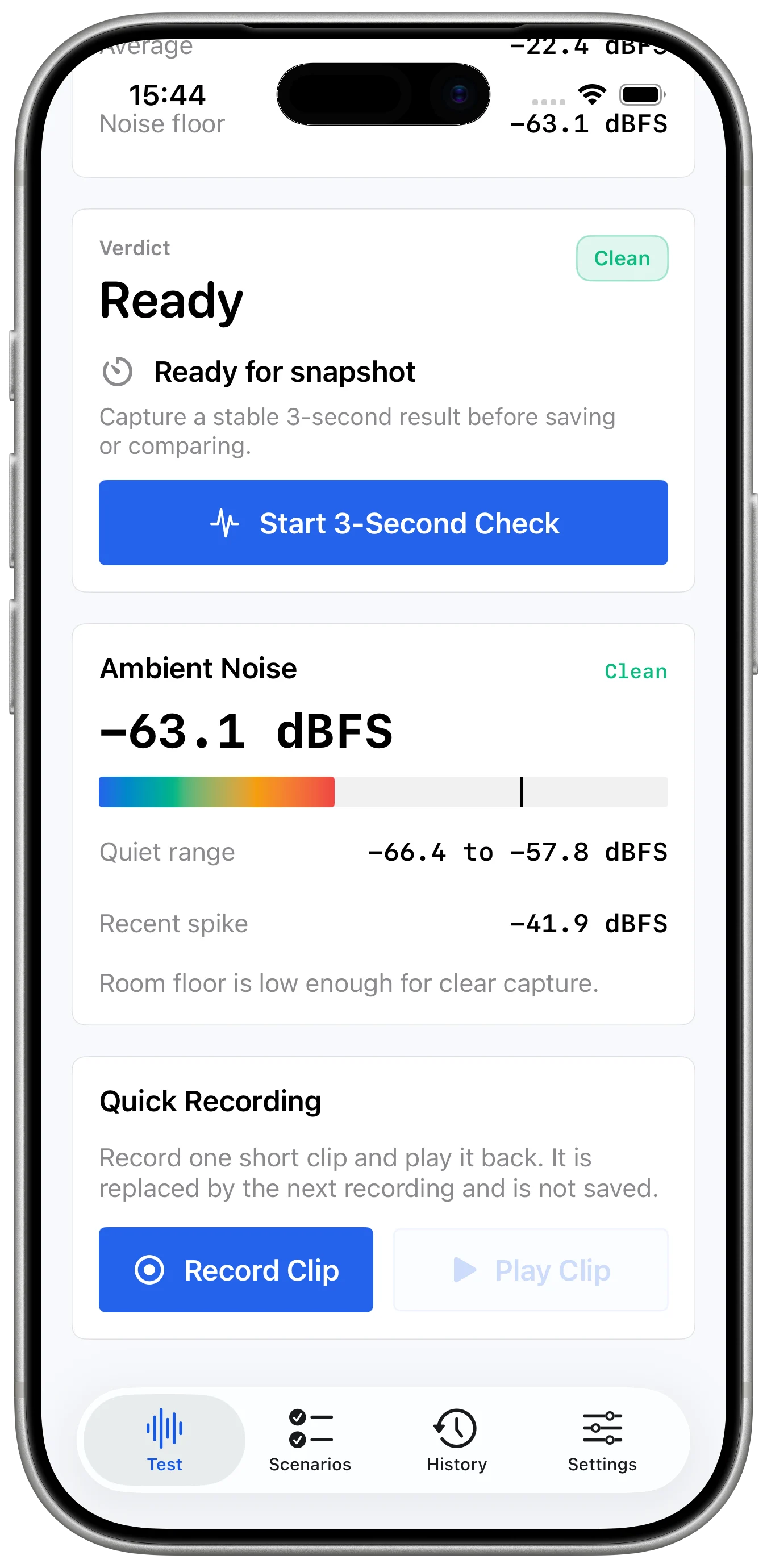
Confirm the microphone before the real session starts.
Live level feedback makes it easier to see whether a microphone is active and responding.
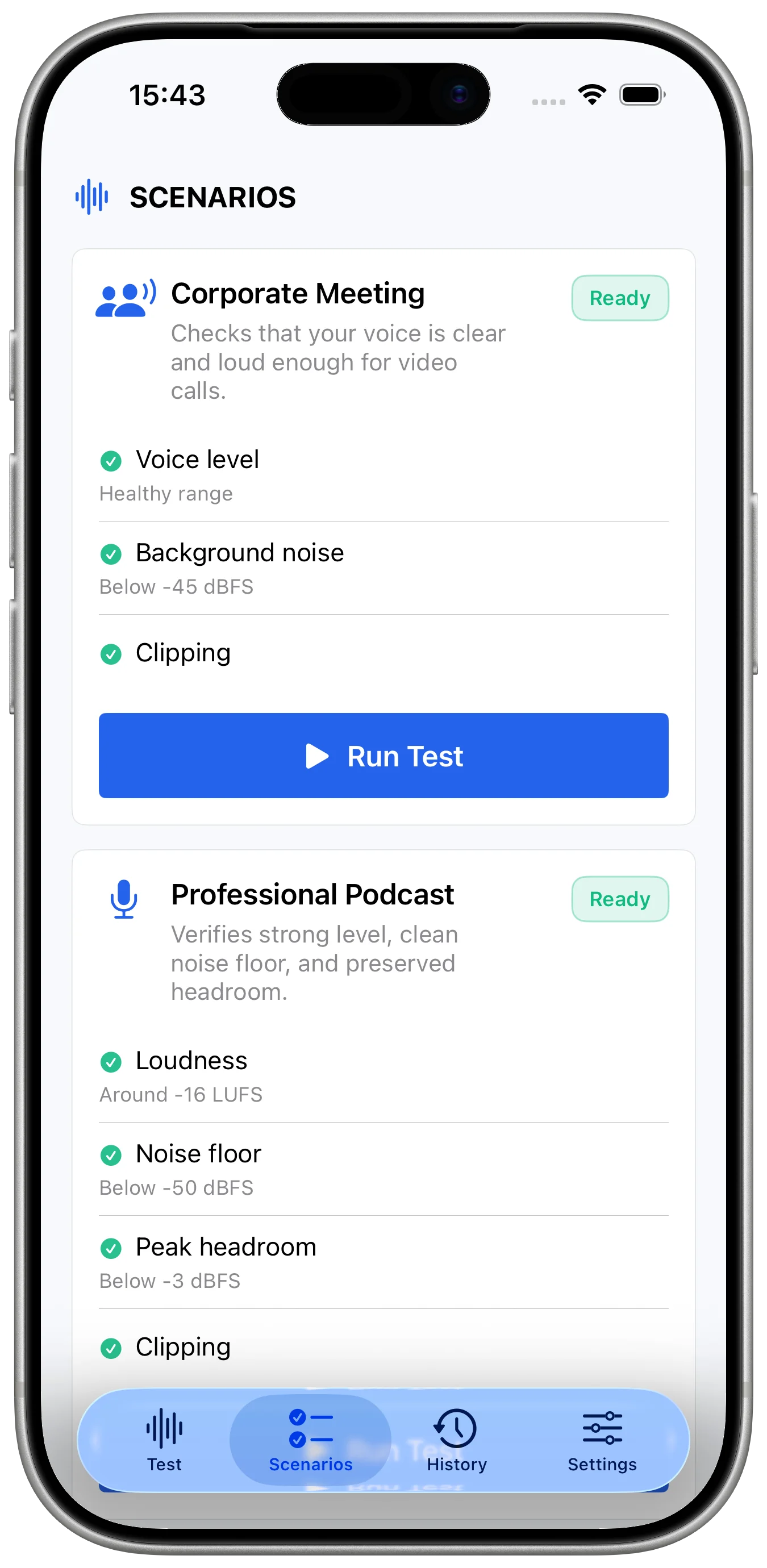
Recording
Record a short sample for a practical quality check.
A quick test recording helps catch volume, noise, or input issues before calls or production work.
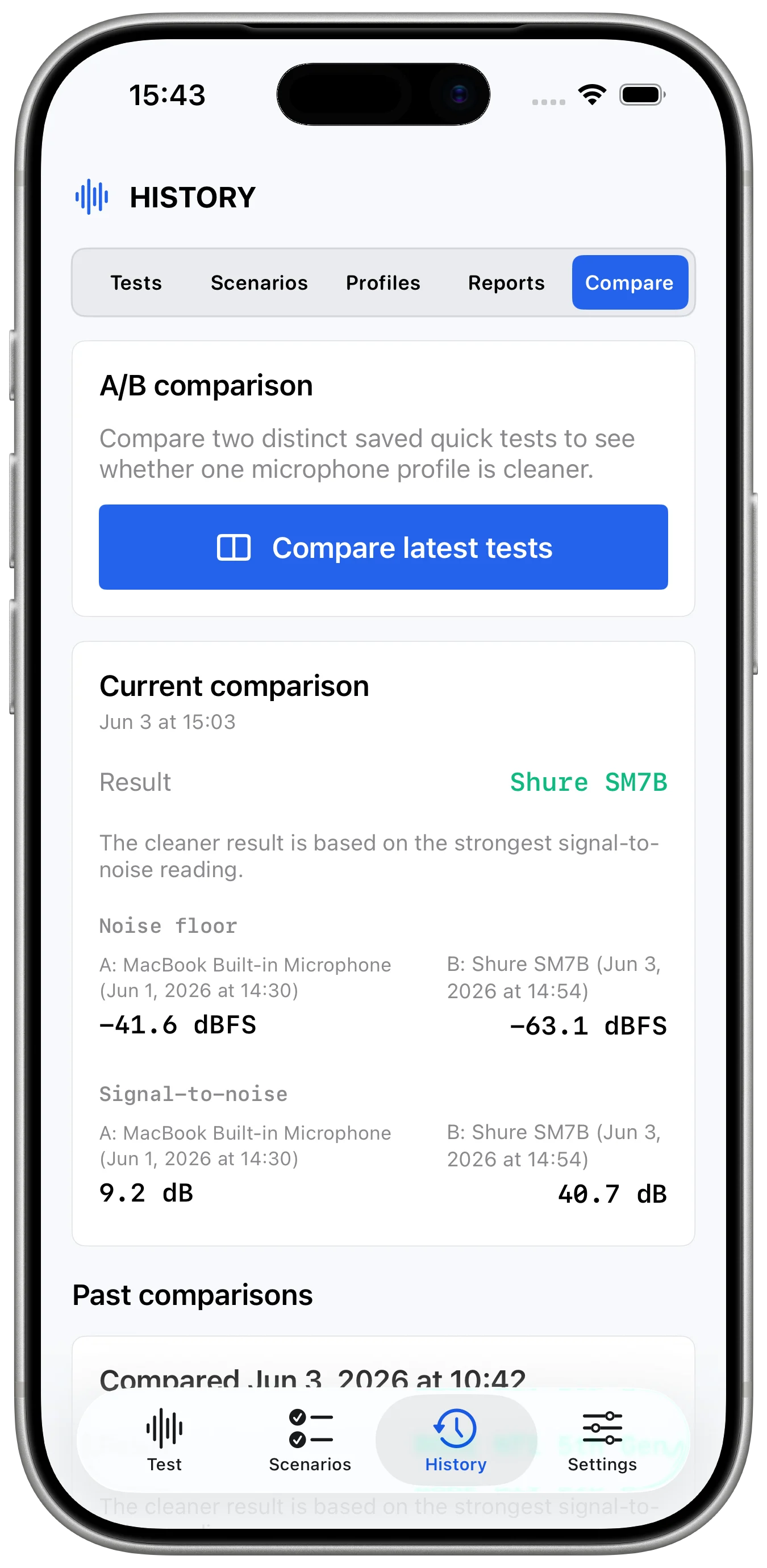
Playback
Listen back without leaving the test flow.
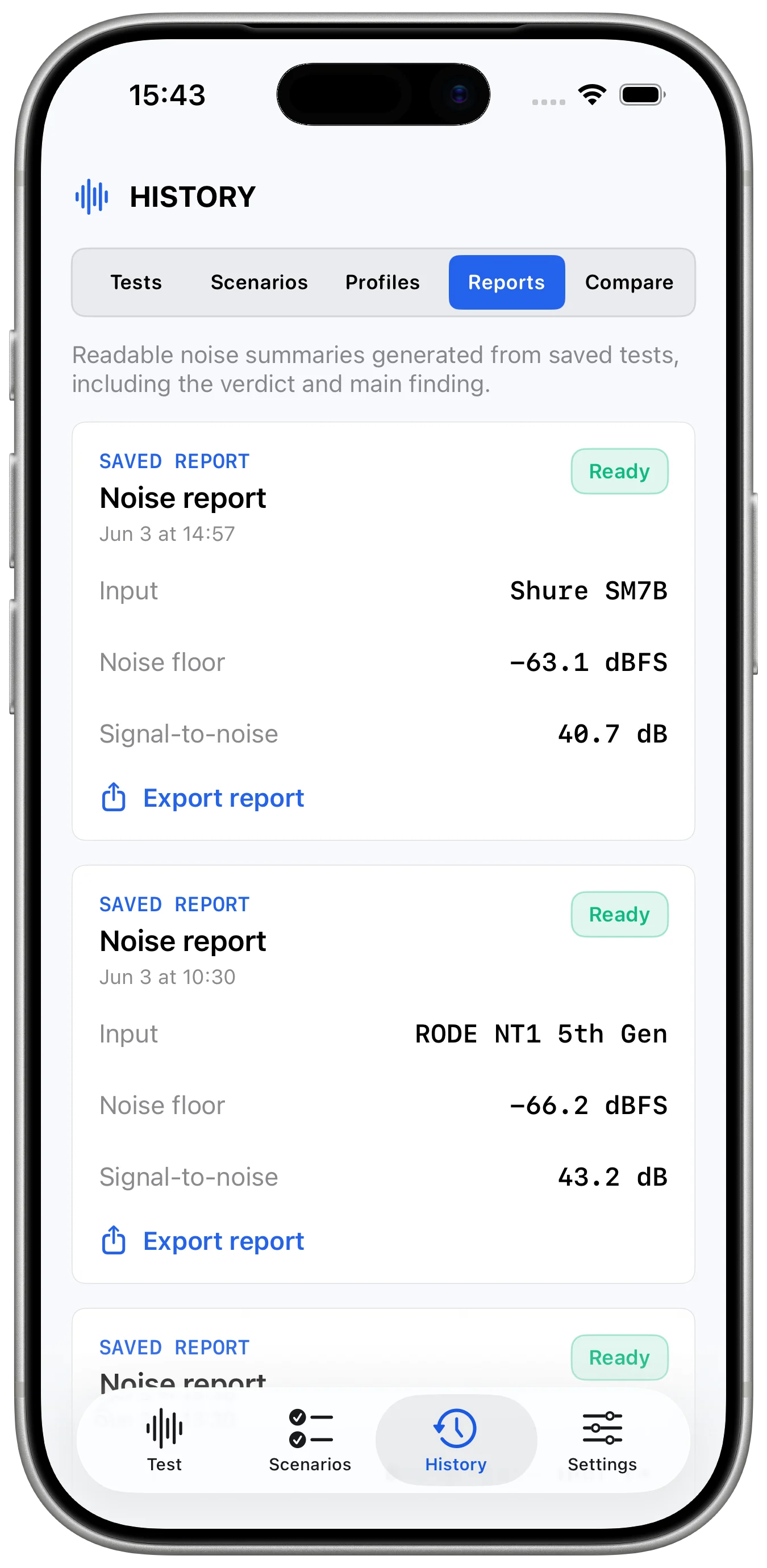
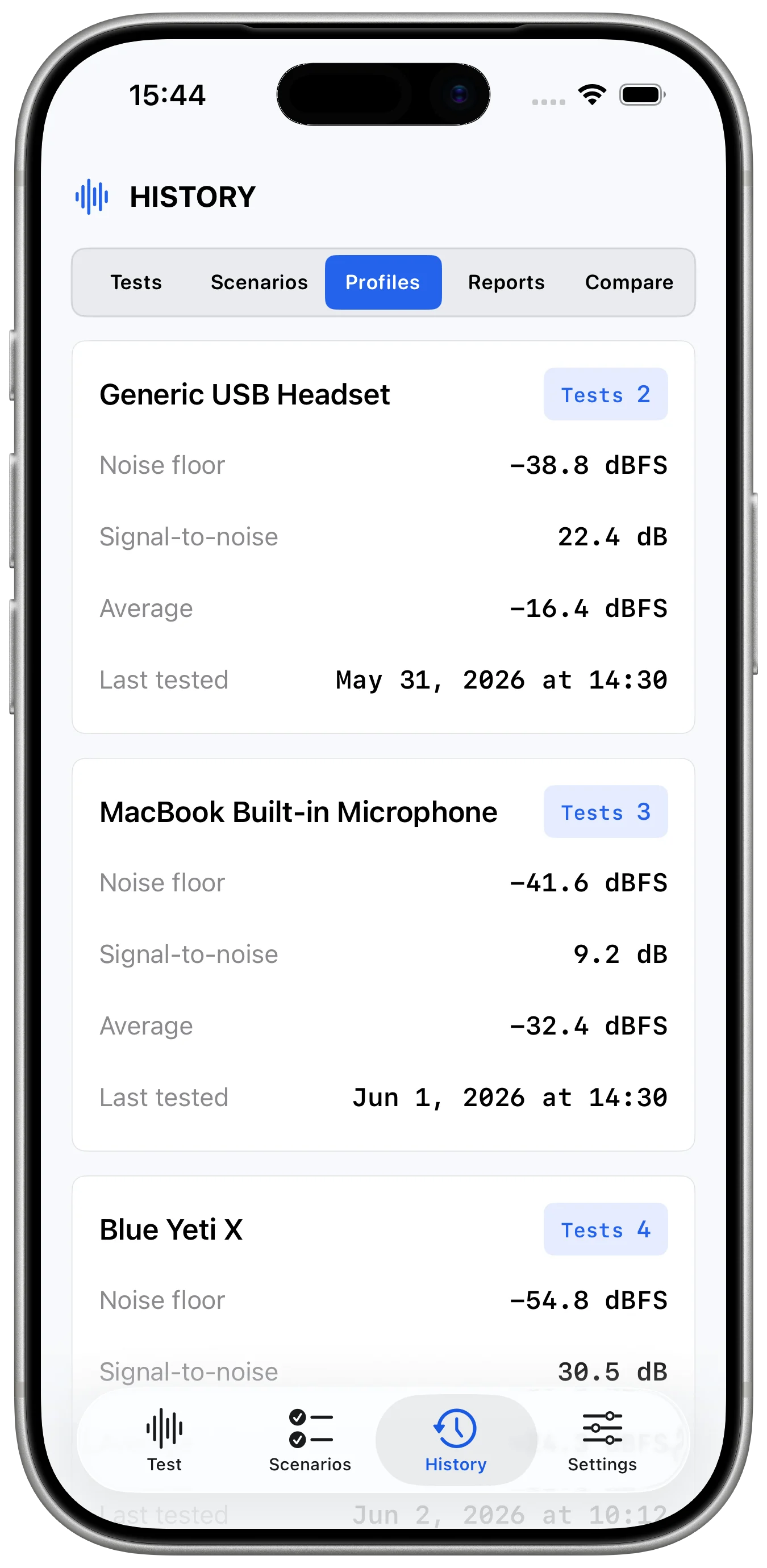
Playback and history screens keep previous checks available for comparison.
Repeat checks
History and settings support the next recording.
Saved tests and input preferences make repeat audio checks faster.
Download
Ready to try Mic Test Studio: Audio Check?
Mic Test Studio: Audio Check is available on the App Store for supported devices.

What's new
What is new in Mic Test Studio: Audio Check.
First release
Version 1.0
- Initial public release with microphone testing, audio checks, sound/noise level review, and creator-friendly setup tools
A closer look
Mic Test Studio: Audio Check, in more detail.
What it is
Mic Test Studio is an audio-check utility for verifying microphone input and recording readiness. It helps callers, podcasters, students, creators, and support teams check audio levels, noise, device setup, microphone access, and local recording quality before the real session starts.
Who it helps
Mic Test Studio: Audio Check is designed for creators, callers, podcasters, students, and support users who want to confirm microphone quality before recording or joining a call.
- Test microphone input before a meeting or recording
- Review audio levels and noise context
- Compare devices or setups
- Troubleshoot microphone access
FAQ
Questions, answered.
Who is Mic Test Studio: Audio Check for?
Mic Test Studio: Audio Check is for creators, callers, podcasters, students, and support users who want to confirm microphone quality before recording or joining a call.
What can I do with Mic Test Studio: Audio Check?
Use it to test microphone input before a meeting or recording, review audio levels and noise context, compare devices or setups, and troubleshoot microphone access.
What makes Mic Test Studio: Audio Check focused?
Mic Test Studio: Audio Check keeps its main tasks easy to reach: test microphone input before a meeting or recording and review audio levels and noise context. The interface stays clear enough for repeated use.
How does Mic Test Studio: Audio Check handle privacy?
Mic Test Studio: Audio Check is designed around a private, focused workflow. Review the linked privacy page for the formal data-handling details before download.
Newsletter
New apps and product notes.
Occasional updates, no spam.
Your email is used only for NextTap updates. You can unsubscribe from any email.