
Productivity
MoveLive - Natural Mouse Mover
Natural cursor movement, on your terms.
Keep your Mac awake with natural cursor movement, Smart Schedule, battery-aware controls, and Zen Mode.
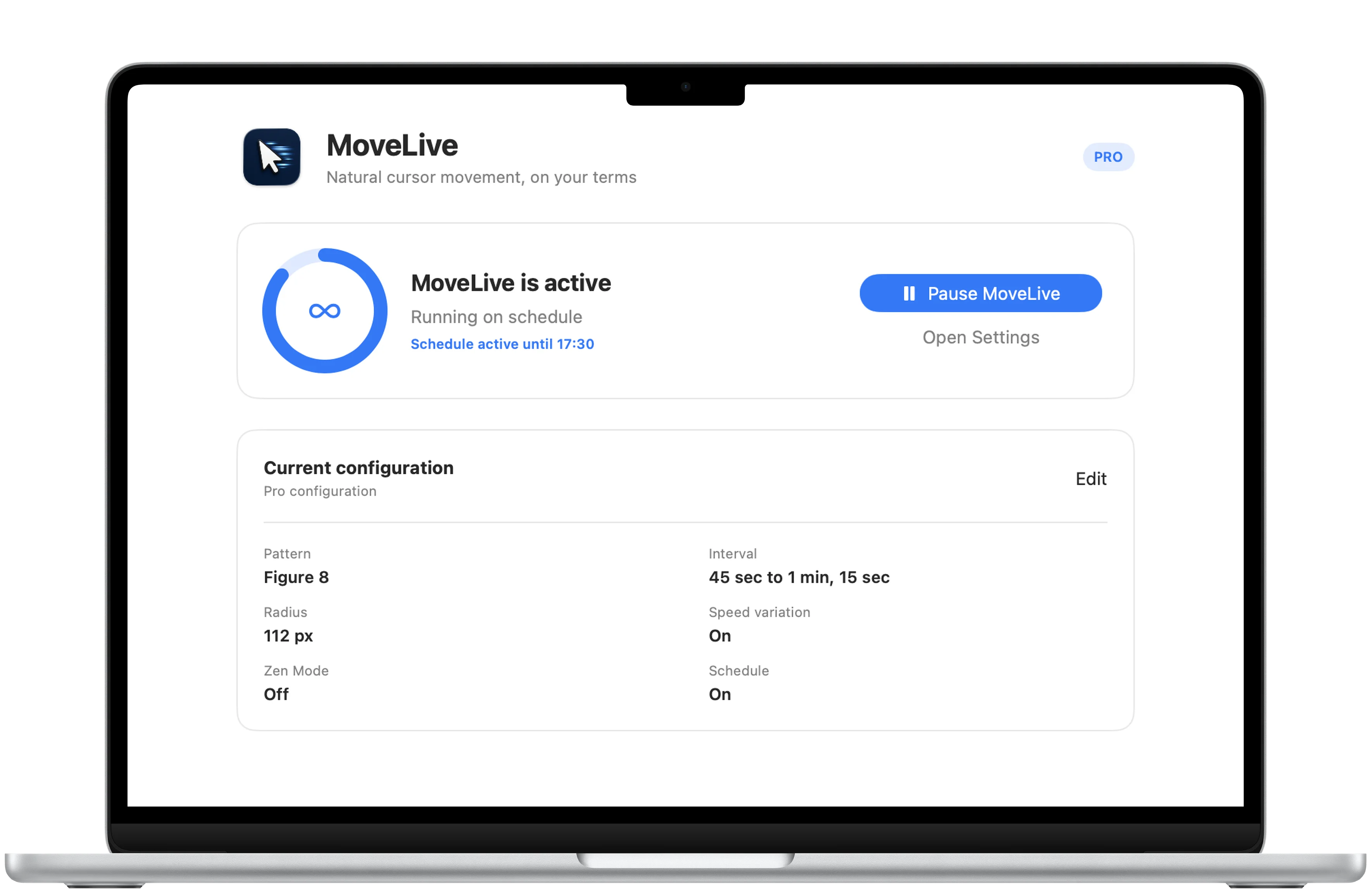
One focused control center
Start, pause, and see the current routine.
Movement status, the active schedule, pattern, timing, radius, and speed variation stay visible in one compact Mac window.
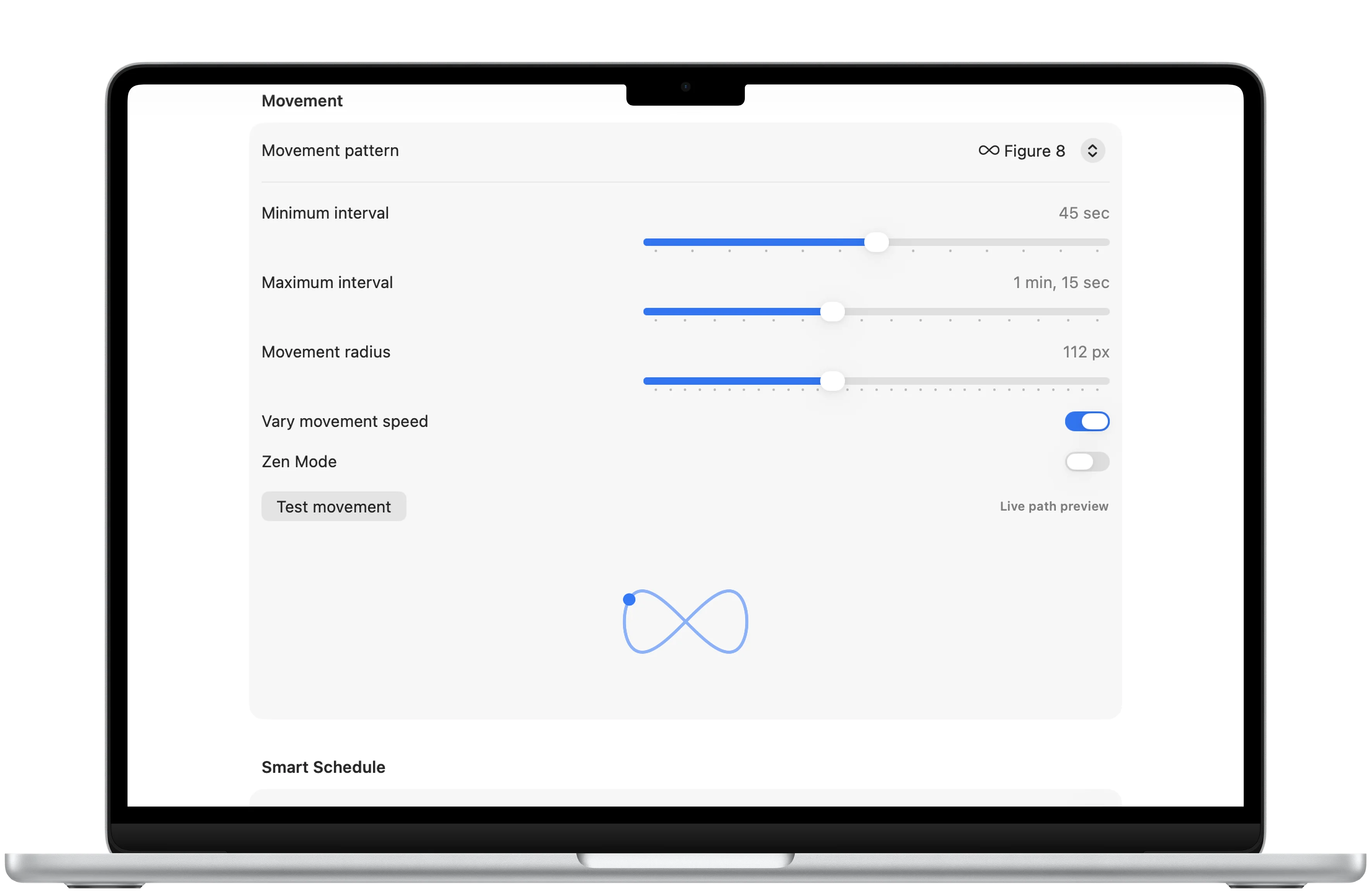
Natural movement
Choose how the cursor moves.
MoveLive Pro adds Figure 8 and Random Walk patterns, a custom interval range, movement radius, speed variation, and a live path preview.
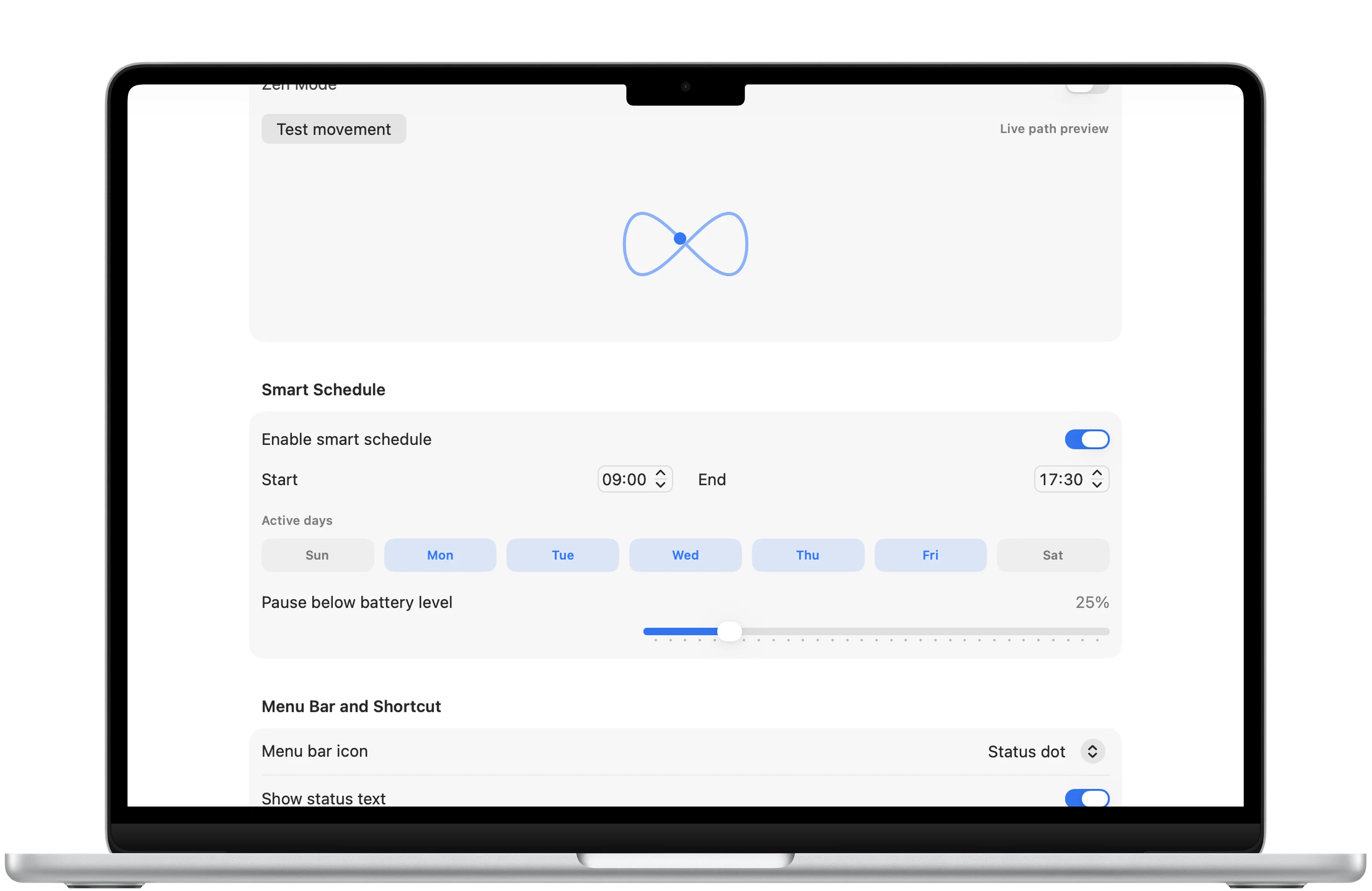
Smart Schedule
Run during the hours you choose.
Select active weekdays and working hours, then set the battery level where MoveLive should pause.

Download
Ready to try MoveLive - Natural Mouse Mover?
MoveLive - Natural Mouse Mover is available on the App Store for supported devices.

A closer look
MoveLive - Natural Mouse Mover, in more detail.
What it is
MoveLive keeps a Mac awake with natural cursor movement from a focused app and menu bar control. The free experience includes circular movement every 30 seconds with manual start and pause. A one-time MoveLive Pro purchase adds Figure 8 and Random Walk patterns, custom timing and radius, speed variation, Smart Schedule, battery-aware pausing, Zen Mode, a keyboard shortcut, hidden menu bar mode, and a live path preview.
Who it helps
MoveLive - Natural Mouse Mover is designed for mac users who need to prevent idle sleep during presentations, screen sharing, monitoring, or other long-running work.
- Start and pause natural cursor movement from the app or menu bar
- Choose a movement pattern, timing range, radius, and speed variation
- Run MoveLive during selected work hours and weekdays with a battery threshold
- Use Zen Mode to keep the Mac awake without visible cursor movement
Newsletter
New apps and product notes.
Occasional updates, no spam.
Your email is used only for NextTap updates. You can unsubscribe from any email.