Media & creative
Palette Studio
Color palette generator
Create and refine palettes on Mac with a focused color workflow.
Palette generation
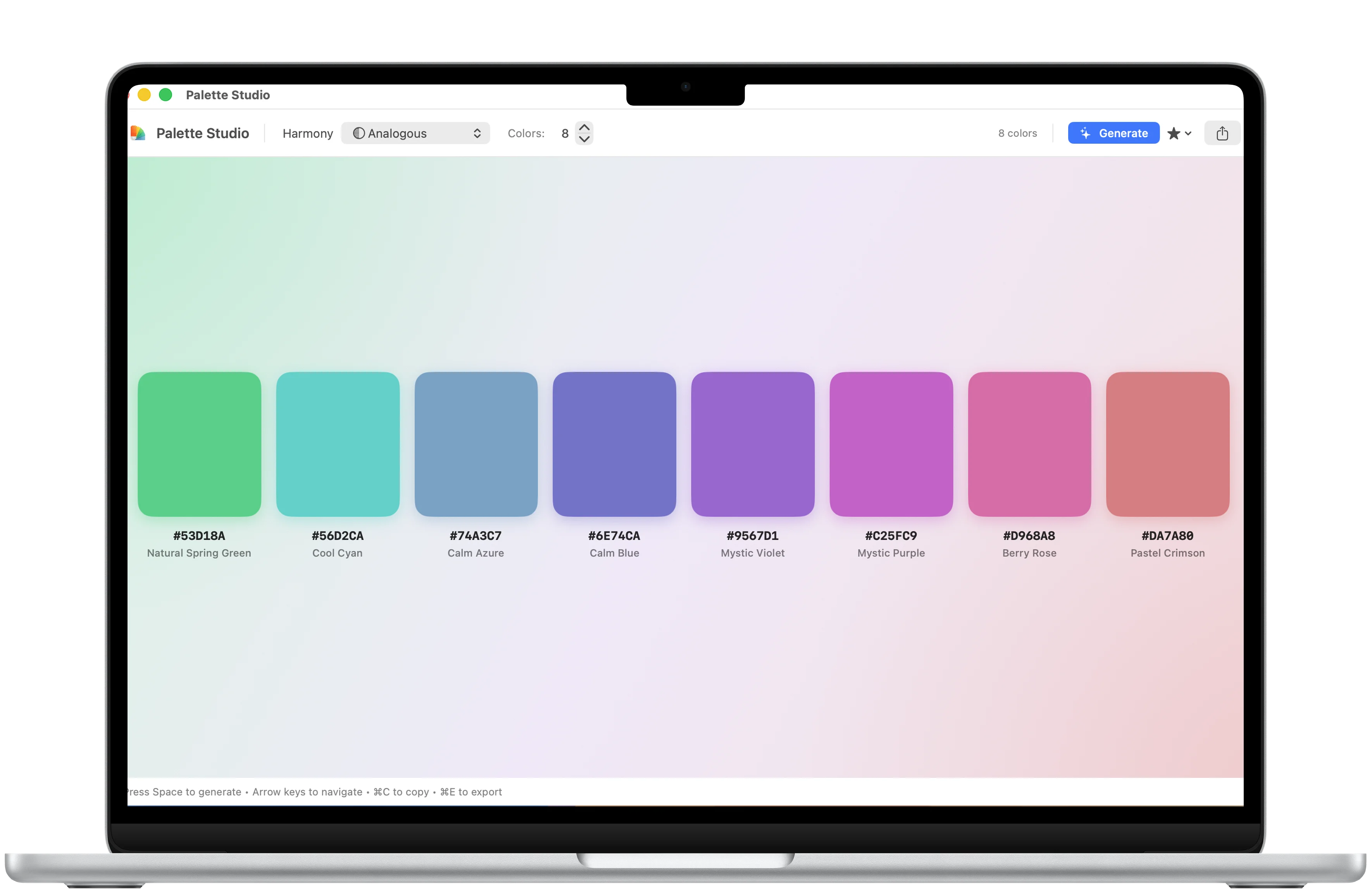
Build a color set around the harmony you need.
Palette Studio keeps harmony mode, color count, and generated swatches together in one Mac workspace.
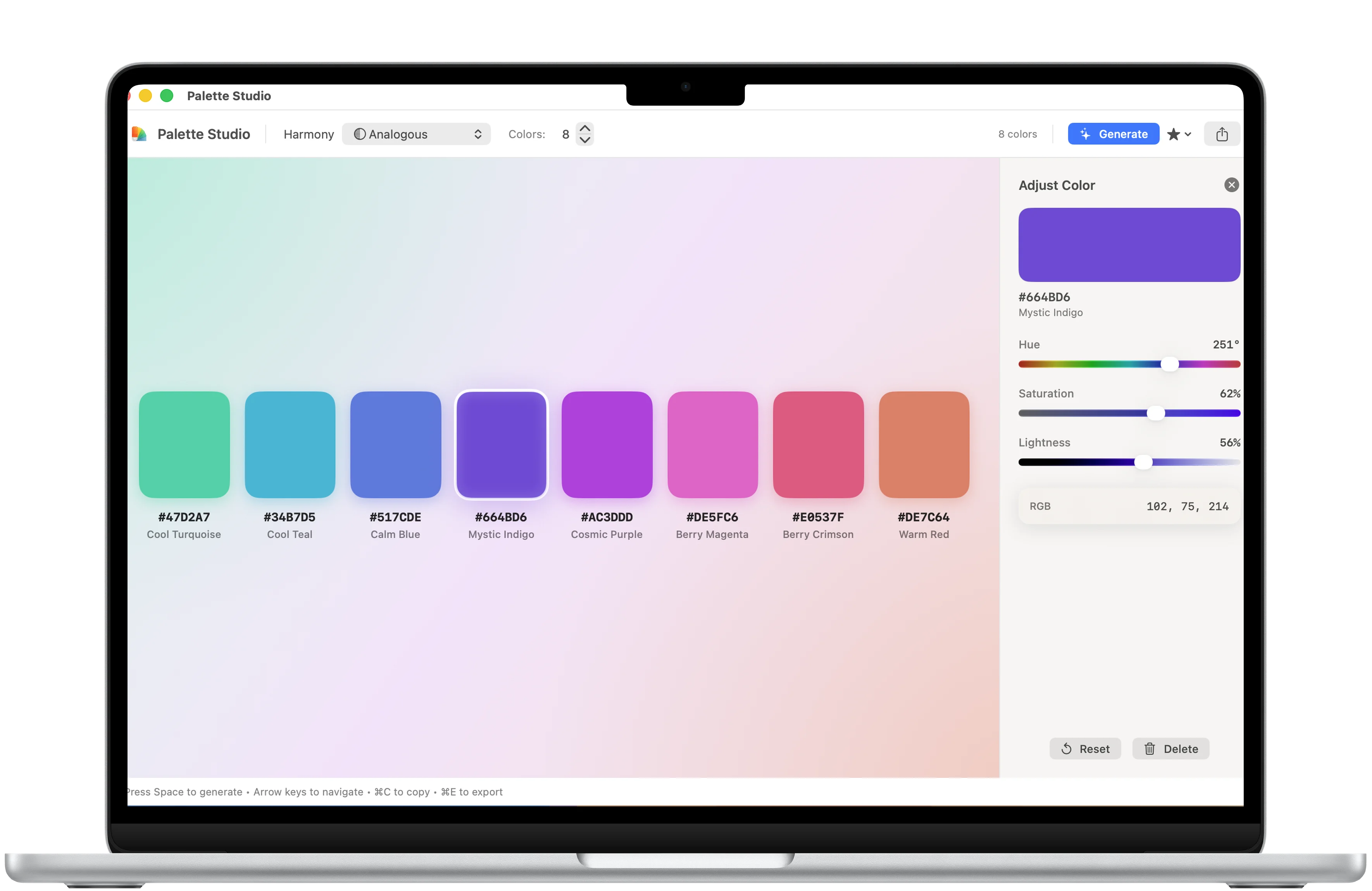
Color details
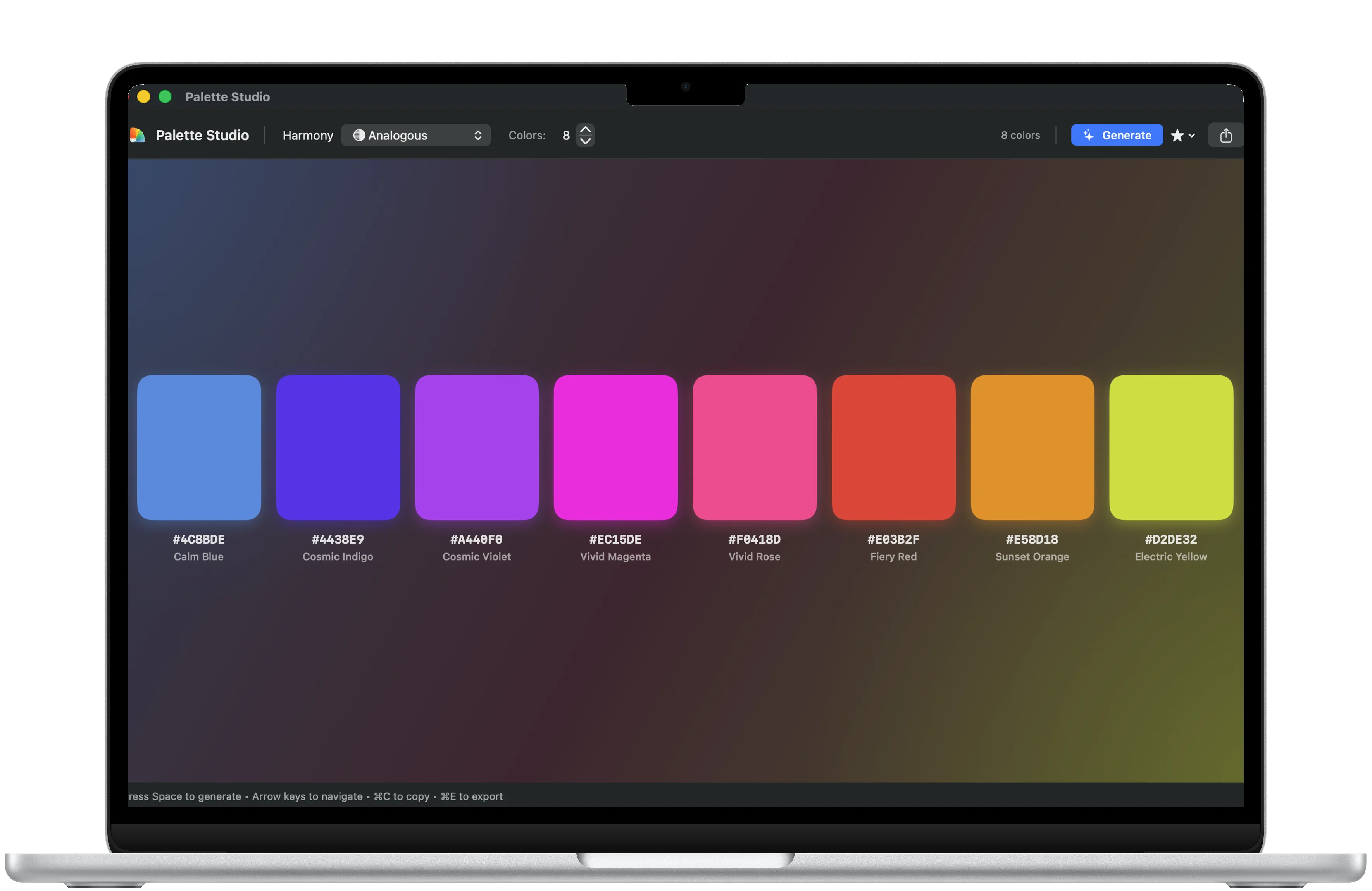
Inspect individual colors before exporting.
Detail views make it easier to copy, refine, and compare colors inside a palette.
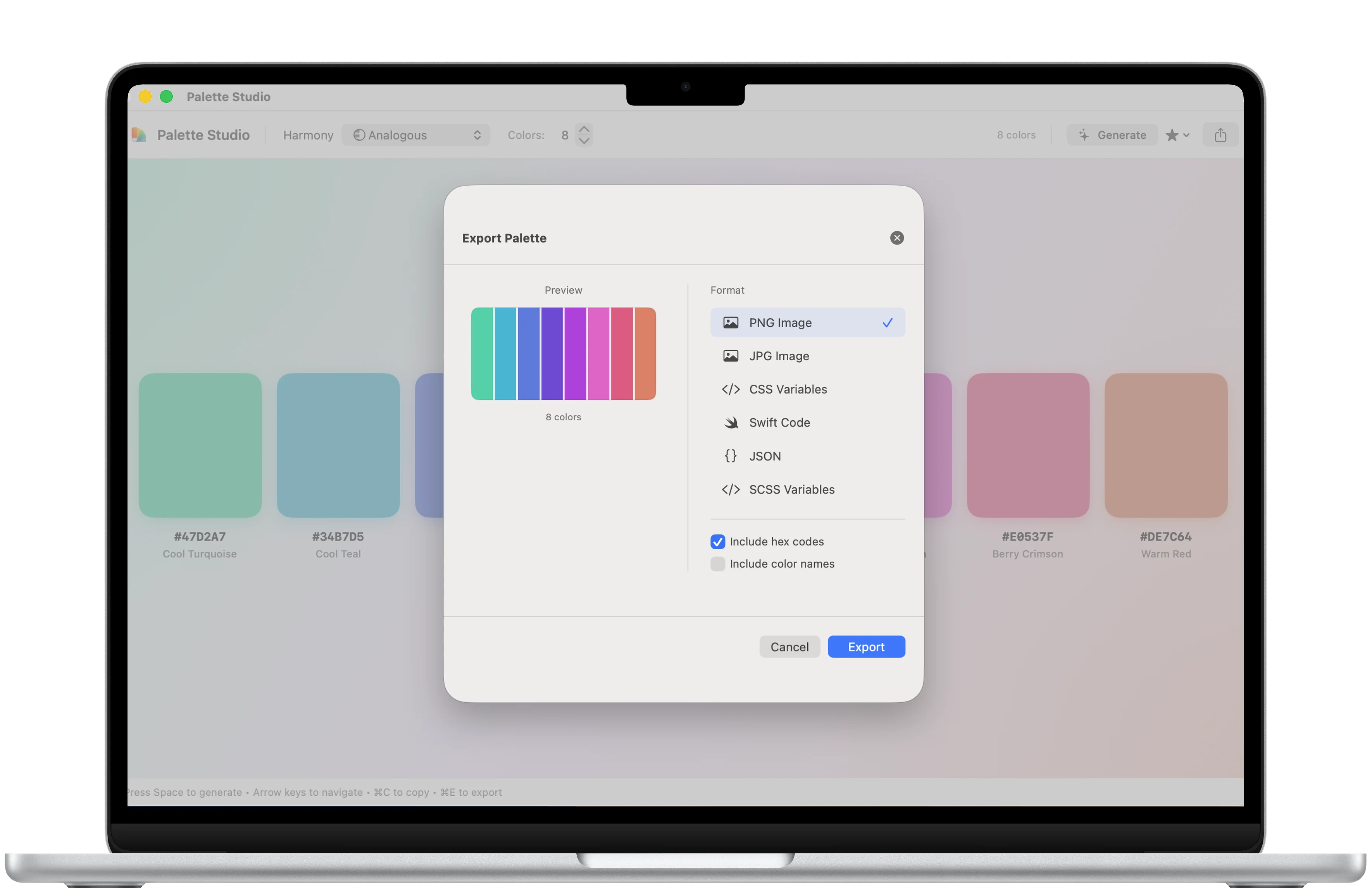
Export
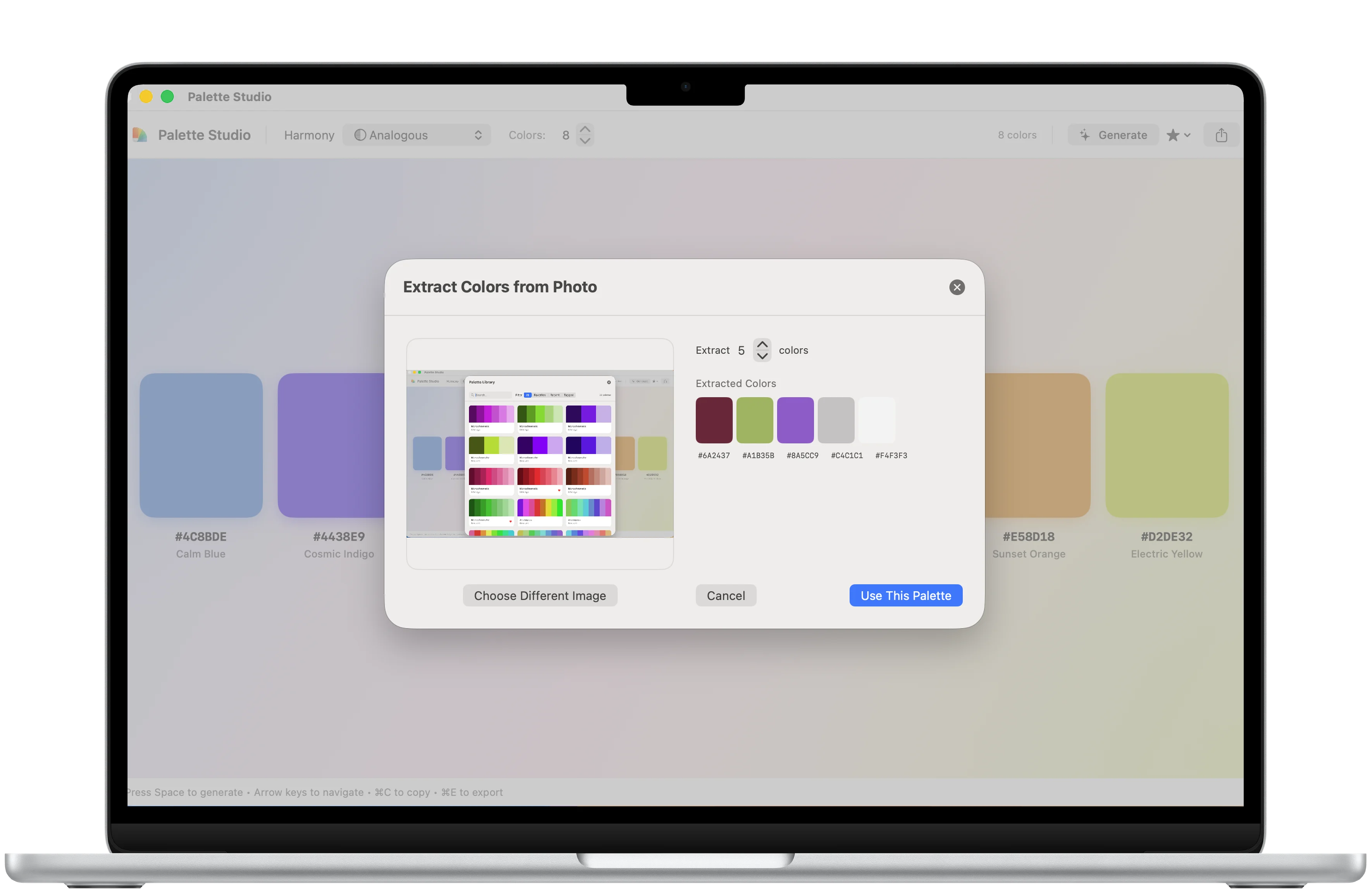
Move finished palettes into the next design step.
Export and favorites screens keep useful palettes ready for reuse.
Creative flow
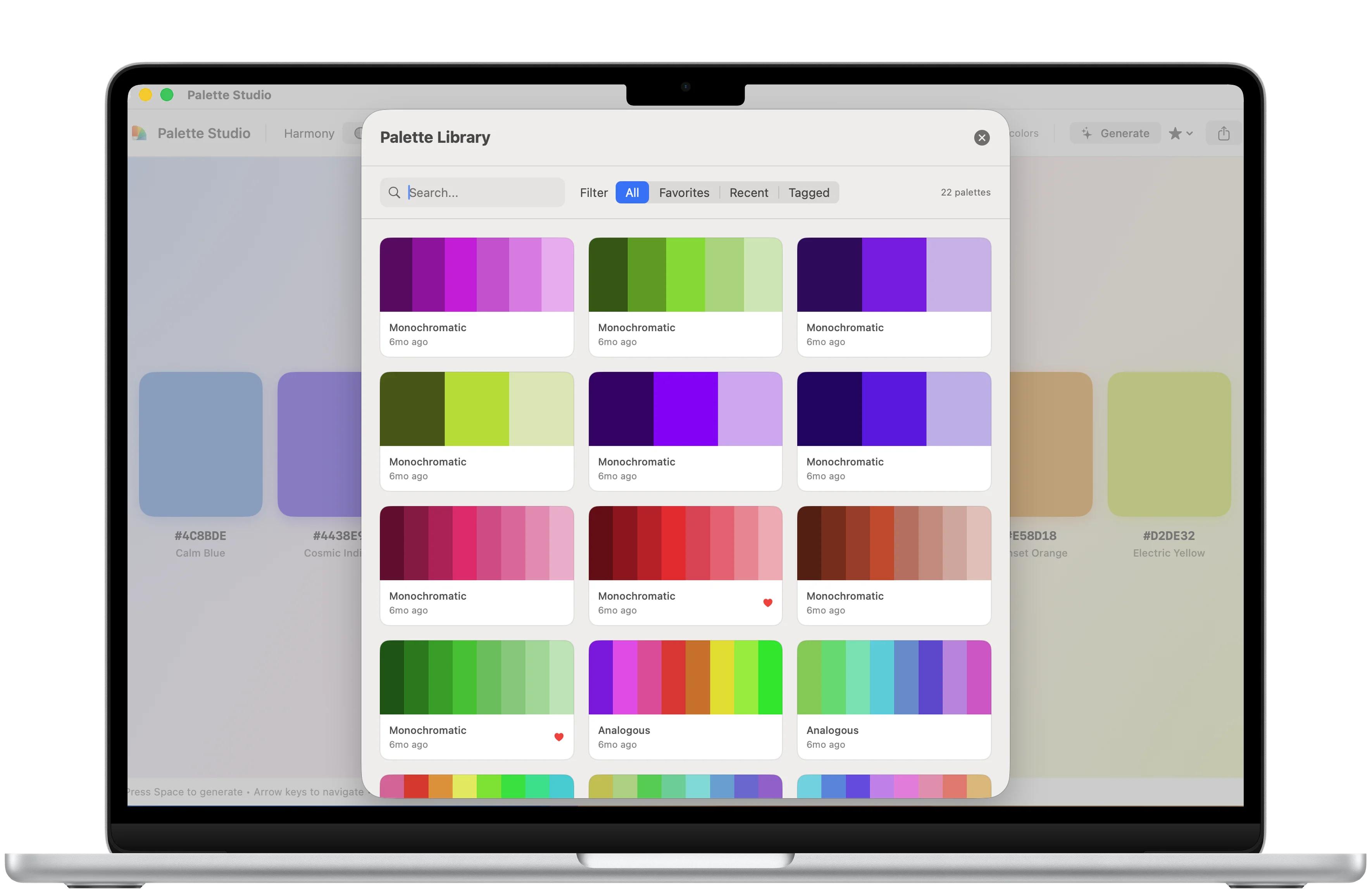
Favorites and adjustments keep palettes usable.
Saved colors and fine-tuning tools help a generated palette become a working asset.
Download
Ready to try Palette Studio?
Palette Studio is available on the App Store for supported devices.

What's new
What is new in Palette Studio.
First release
Version 1.0
- Initial public release for Mac palette creation, color refinement, color extraction, and design workflow organization
A closer look
Palette Studio, in more detail.
What it is
Palette Studio is a Mac color workflow app for generating, refining, extracting, and organizing palettes. It helps designers and developers capture colors from images, manage palette history and tags, and keep lightweight creative work local.
Who it helps
Palette Studio is designed for designers, developers, creators, and Mac users building or refining color palettes.
- Create and adjust color palettes
- Extract colors from images locally
- Organize palettes by tags/history
- Use colors in design and development workflows
FAQ
Questions, answered.
Who is Palette Studio for?
Palette Studio is for designers, developers, creators, and Mac users building or refining color palettes.
What can I do with Palette Studio?
Use it to create and adjust color palettes, extract colors from images locally, organize palettes by tags/history, and use colors in design and development workflows.
What makes Palette Studio focused?
Palette Studio keeps its main tasks easy to reach: create and adjust color palettes and extract colors from images locally. The interface stays clear enough for repeated use.
How does Palette Studio handle privacy?
Palette Studio is designed around a private, focused workflow. Review the linked privacy page for the formal data-handling details before download.
Newsletter
New apps and product notes.
Occasional updates, no spam.
Your email is used only for NextTap updates. You can unsubscribe from any email.