Productivity
Pomodoro Focus Pro
Focus on one clear task.
Run focused work and break sessions, save reusable rhythms, and review 30 days of progress in a native Mac timer.
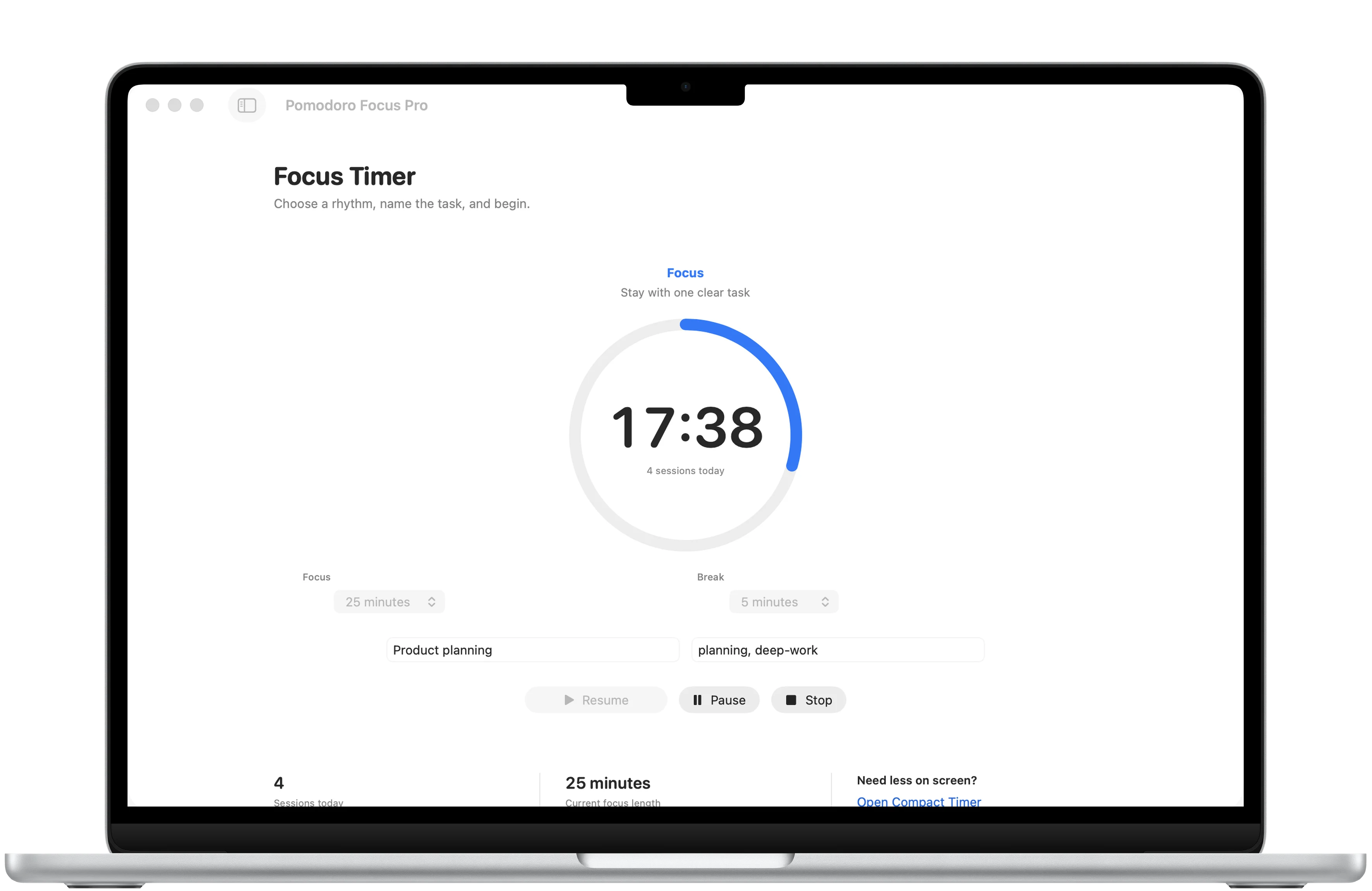
Reusable rhythms
Save the timing that works.
Pro presets keep useful work, short break, and long break combinations ready for another session.
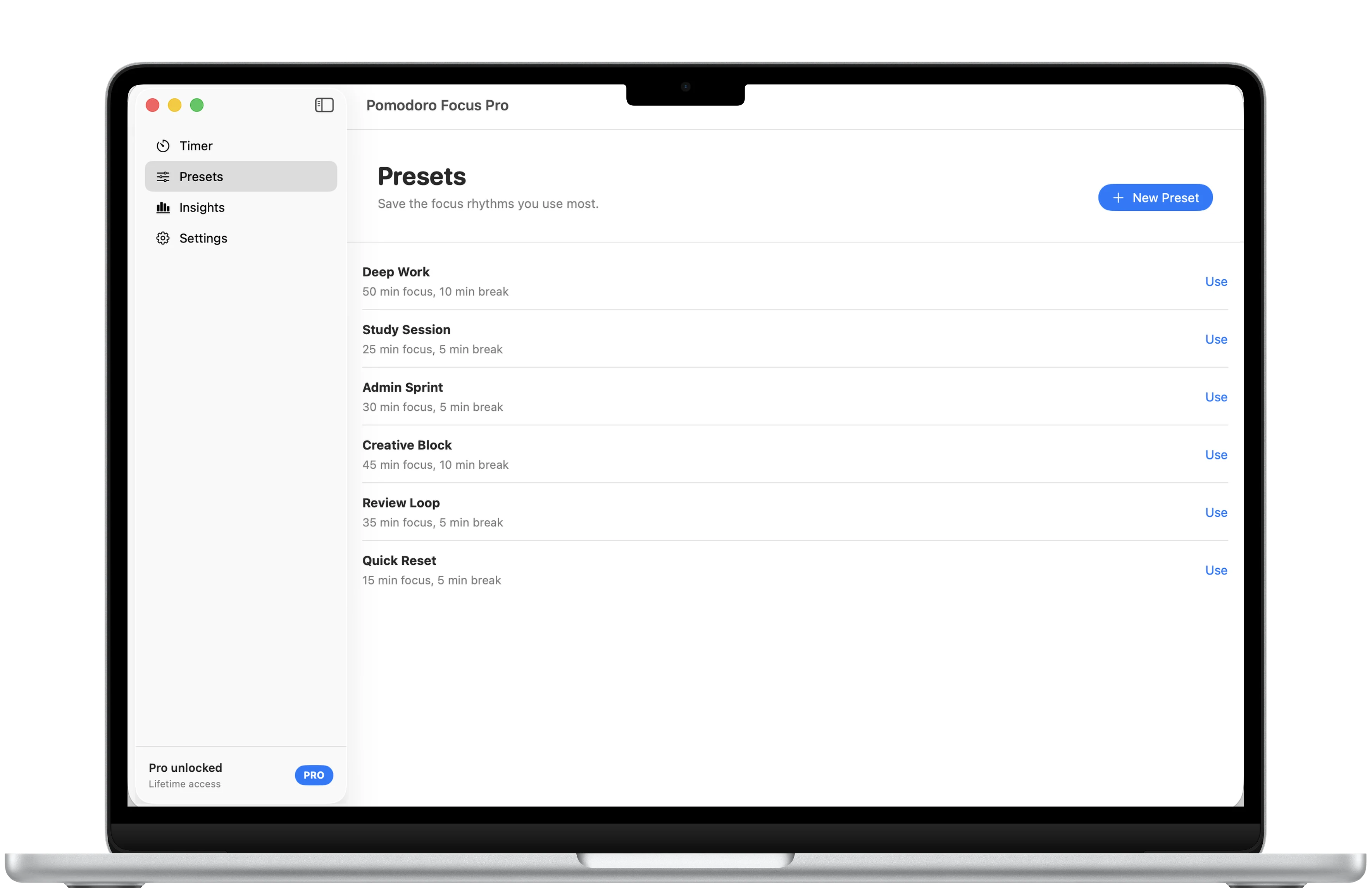
Private progress
Review 30 days without extra noise.
Pro brings sessions, focus time, goals, streaks, recent work, and a 30-day heatmap into one focused view.
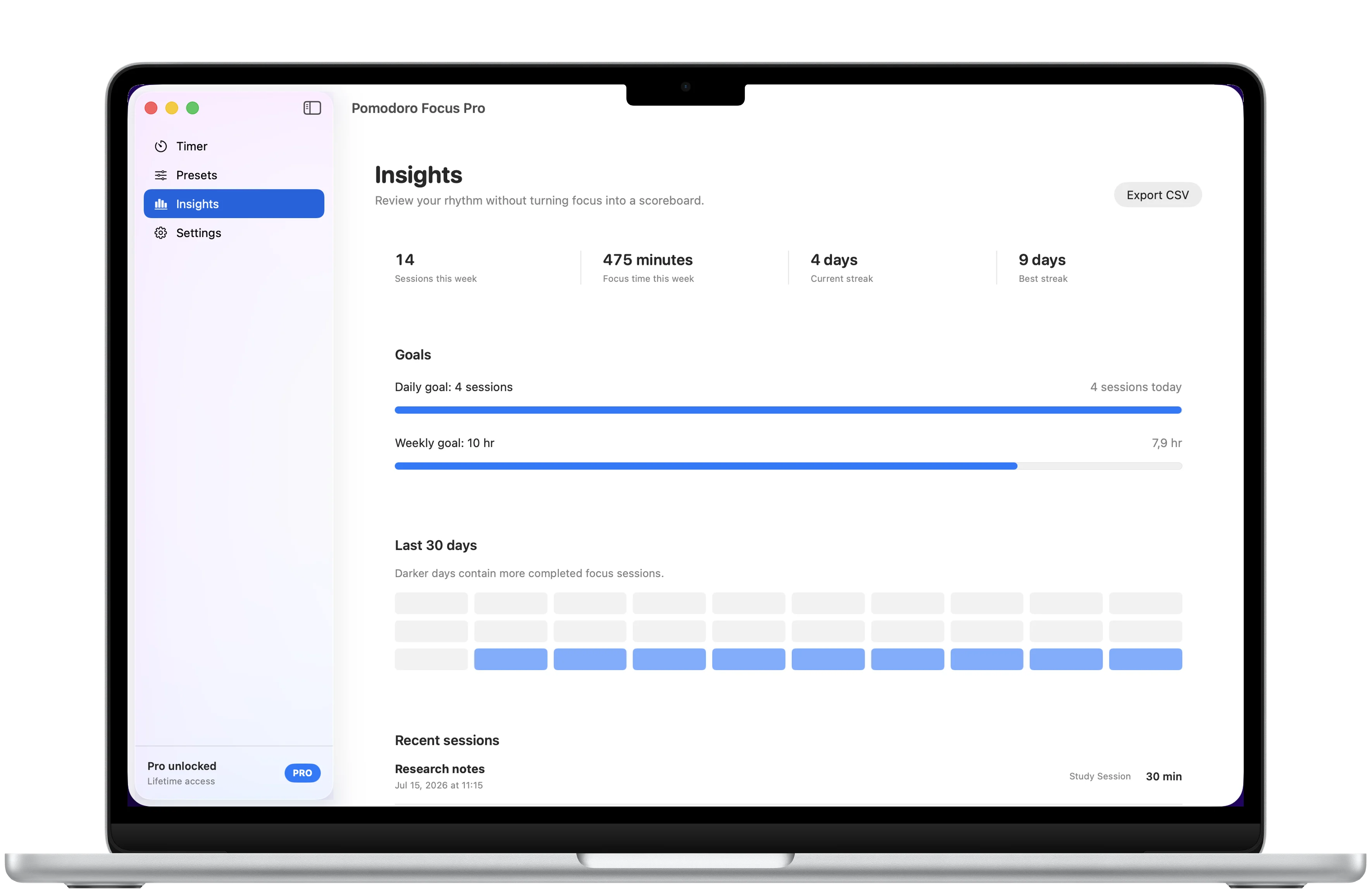
Made for Mac
Keep the timer close to the work.
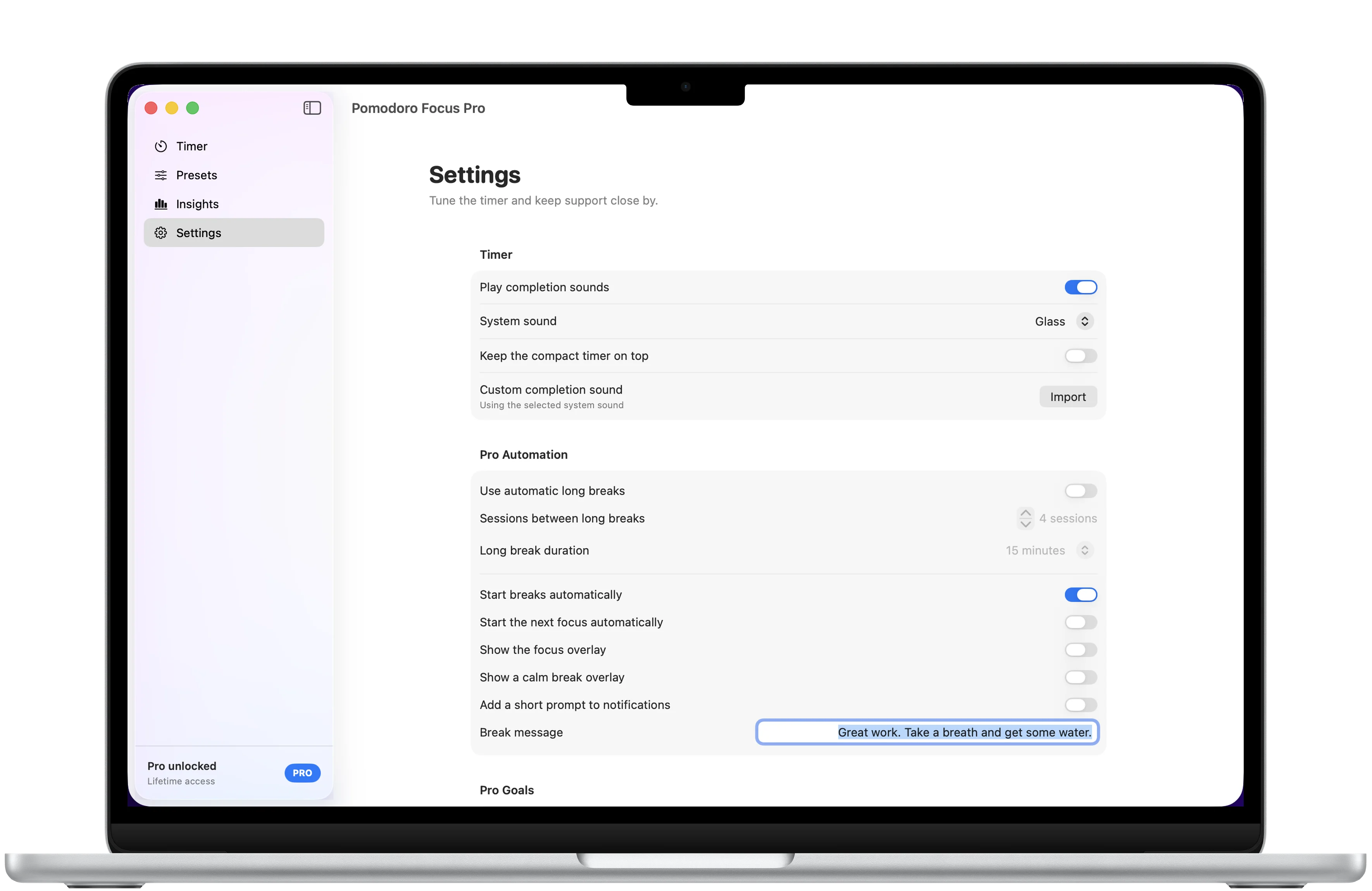
Use the menu bar or compact floating timer, then tune sounds, automation, overlays, and appearance for the way you focus.
Download
Ready to try Pomodoro Focus Pro?
Pomodoro Focus Pro is available on the App Store for supported devices.

A closer look
Pomodoro Focus Pro, in more detail.
What it is
Pomodoro Focus Pro is a native Mac focus timer for alternating work and break sessions. The free experience includes a customizable core timer, today count, menu bar and compact timer controls, local notifications, system sounds, and appearance settings. A one-time Pro purchase adds labels and tags, custom presets, 30-day insights, goals, streaks, CSV export, long breaks, automation, overlays, custom sounds, and custom break messages.
Who it helps
Pomodoro Focus Pro is designed for people on Mac who want a focused work and break timer with reusable routines and private progress history.
- Run customizable focus and break sessions
- Name focused work and reuse saved timer presets with Pro
- Review 30 days of sessions, focus time, goals, and streaks with Pro
- Keep the timer close through the menu bar or compact floating window
FAQ
Questions, answered.
Who is Pomodoro Focus Pro for?
Pomodoro Focus Pro is for Mac users who want clear work and break sessions, quick timer controls, and optional progress tools without an account-based workflow.
What can I use for free?
The free experience includes the customizable core timer, today count, menu bar and compact timer controls, local notifications, system sounds, and appearance settings.
What does Pro unlock?
Pro adds labels and tags, custom presets, 30-day insights, goals, streaks, CSV export, long breaks, automatic phase changes, overlays, motivational quotes, custom break messages, custom sounds, and skip-break controls.
Is Pro a subscription?
No. Pro is a one-time lifetime purchase. The App Store shows the current price for your region before purchase.
Where is timer data stored?
Timer settings, presets, goals, streaks, session history, and imported sounds stay on your Mac. The app has no accounts, cloud syncing, analytics, tracking, or app-operated server.
Which platform and language are supported?
Pomodoro Focus Pro is available for Mac and its current localization is English.
Newsletter
New apps and product notes.
Occasional updates, no spam.
Your email is used only for NextTap updates. You can unsubscribe from any email.