
Utilities
QR Code Snap: Scan & Create
Fast QR scanner and generator
Scan, create, and manage QR codes with a quick utility for everyday links and content.
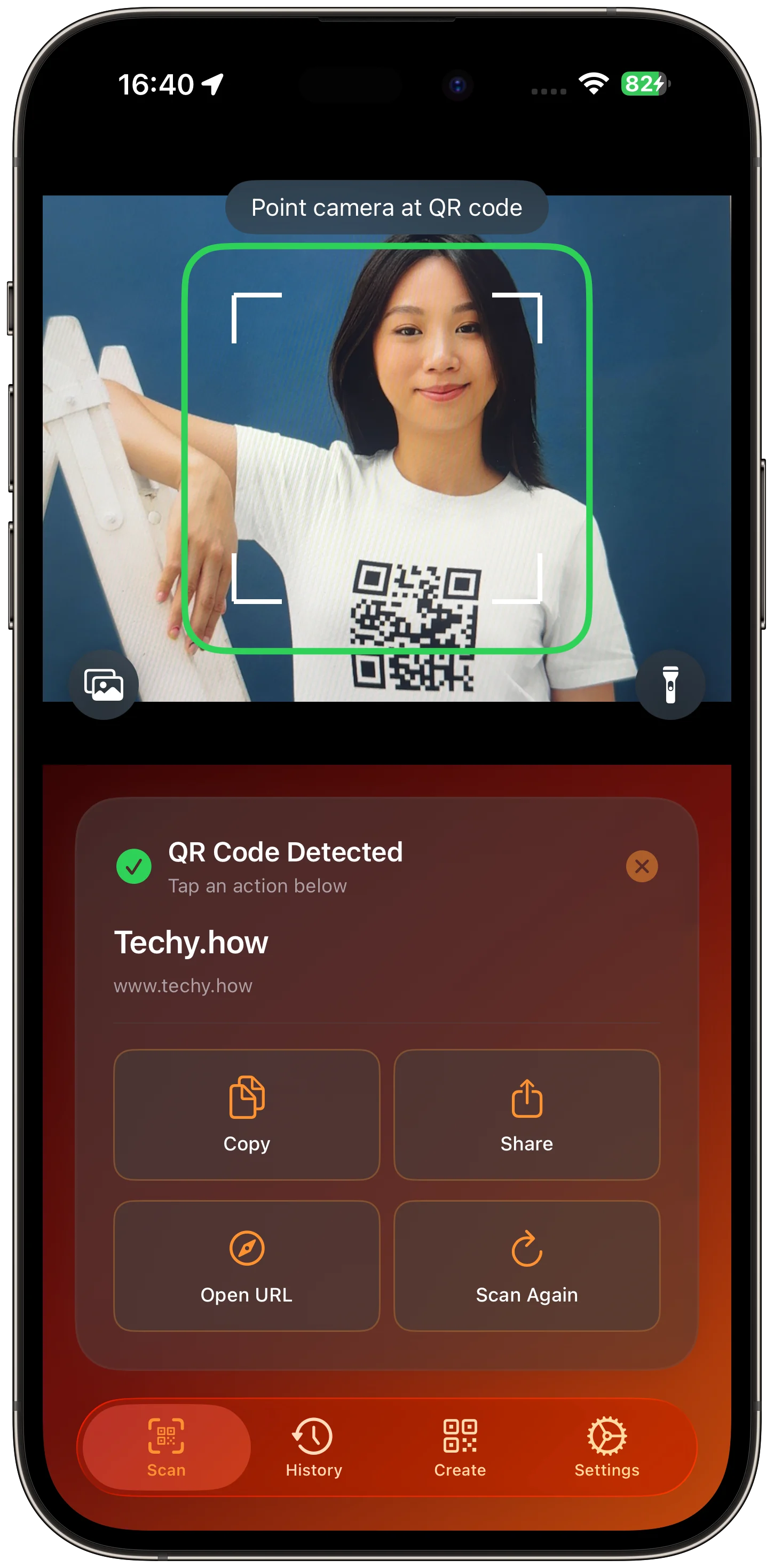
Scanner
Scan and act on a QR code from one screen.
The scanner keeps detected content and common actions visible as soon as a code is recognized.
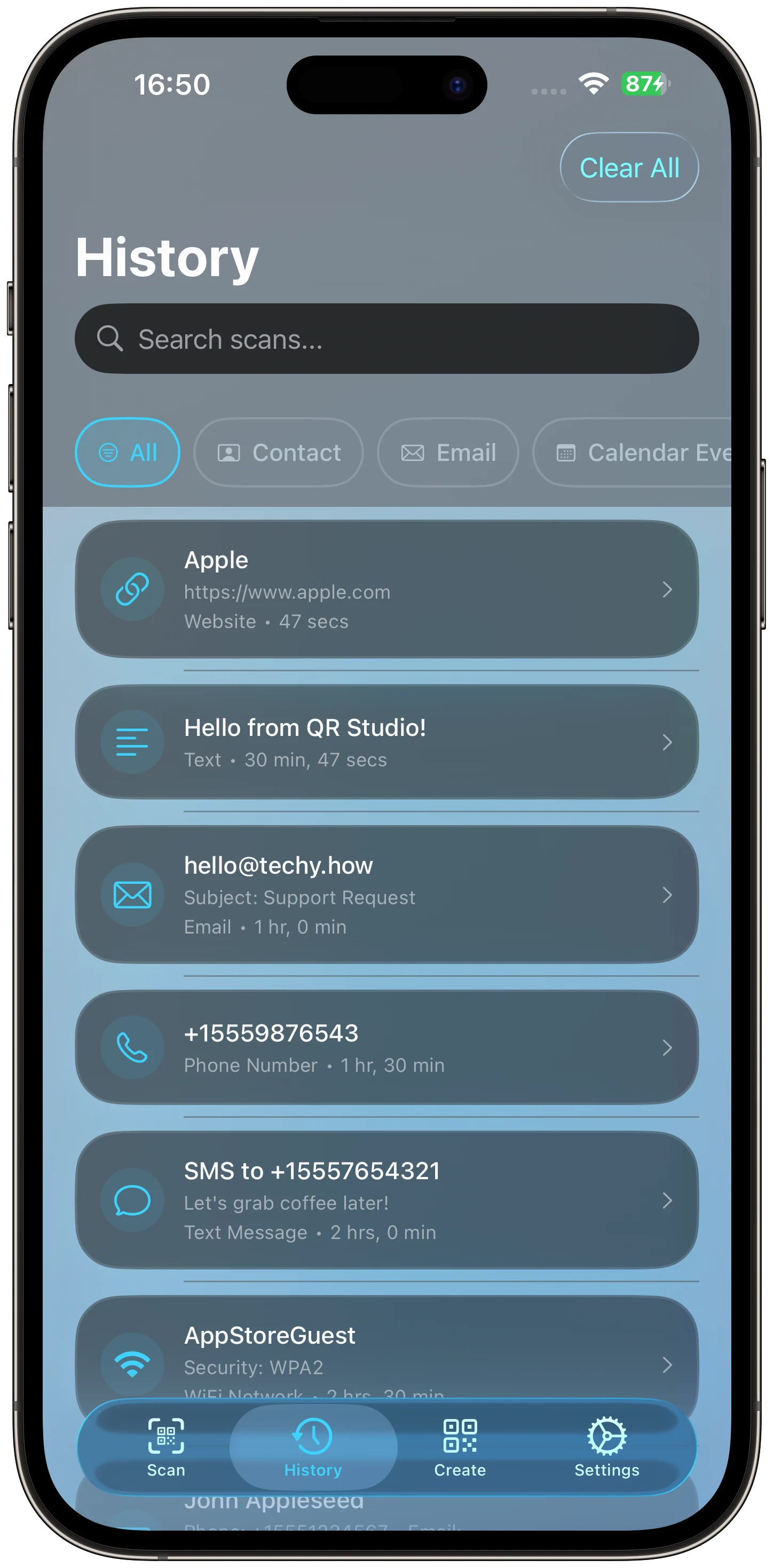
History
Find previous scans without rescanning.
History keeps recent codes available when the same link or content is needed again.
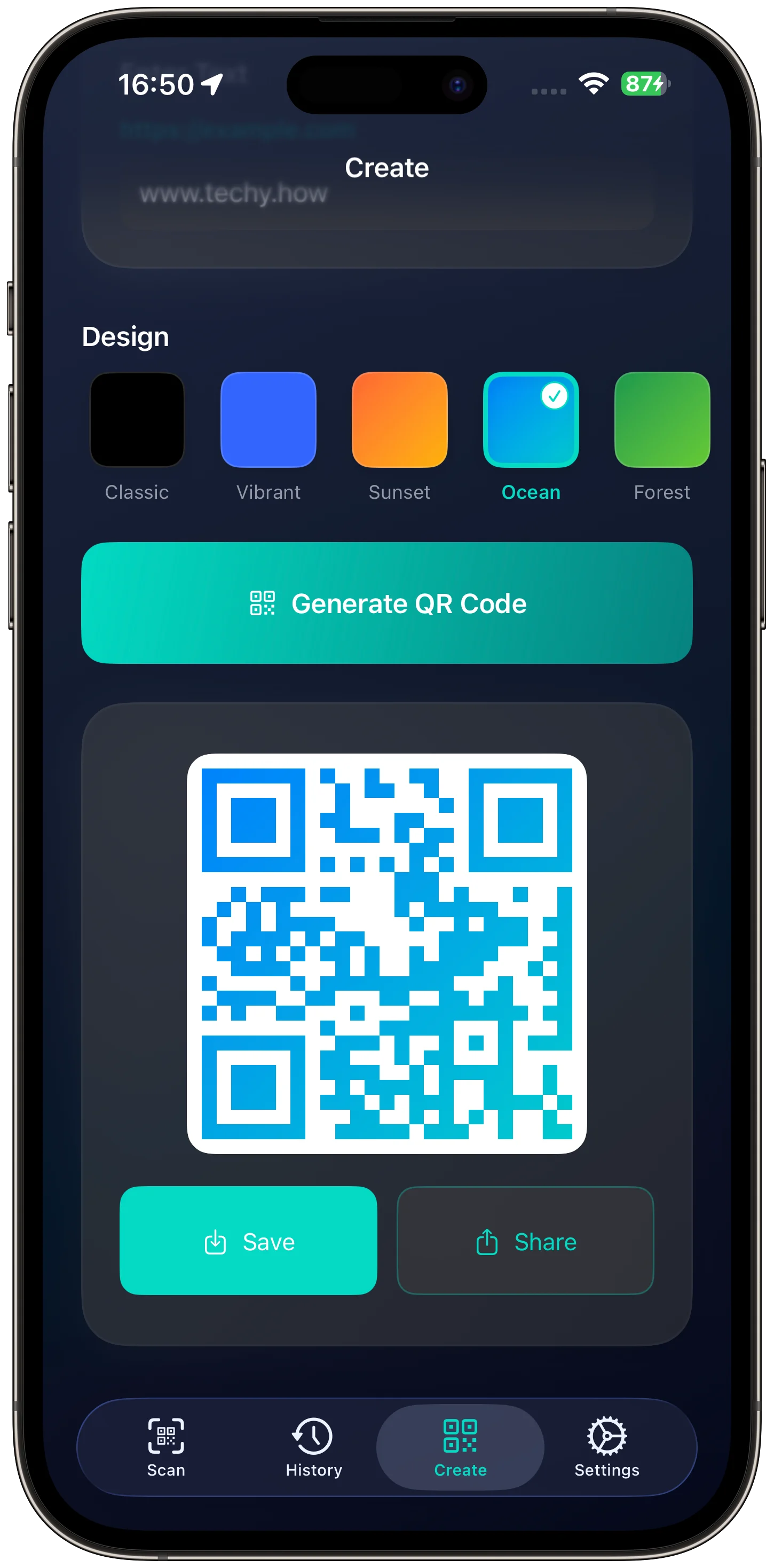
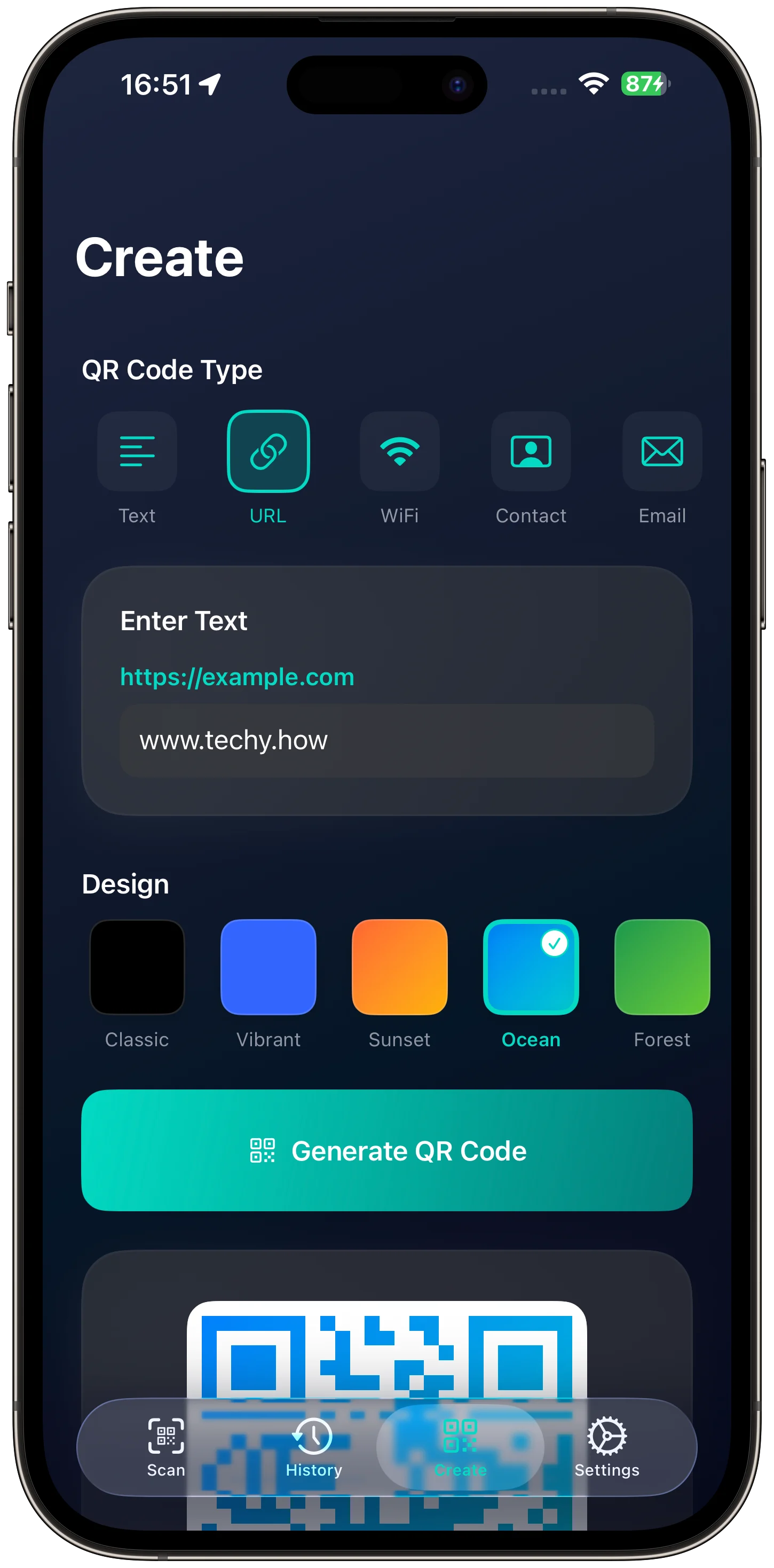
Create
Generate QR codes from your own content.
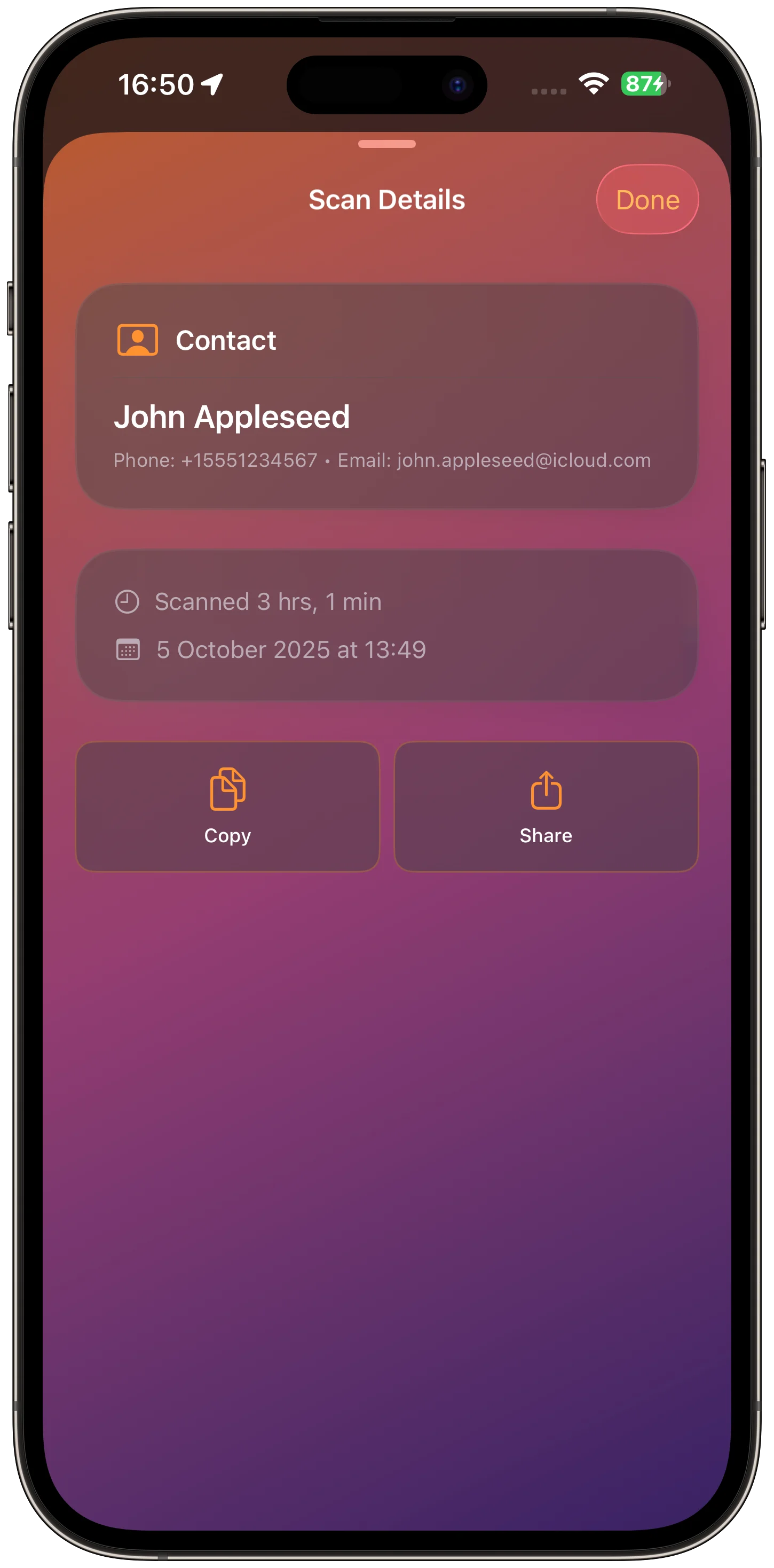
Creation and detail screens keep the QR workflow practical after scanning is done.
Scan and create
Saved codes and sharing complete the loop.
QR Code Snap keeps scanned and created codes ready to reuse.
Download
Ready to try QR Code Snap: Scan & Create?
QR Code Snap: Scan & Create is available on the App Store for supported devices.

What's new
What is new in QR Code Snap: Scan & Create.
First release
Version 1.0
- Initial public release with QR code scanning, creation, management, and sharing workflows
A closer look
QR Code Snap: Scan & Create, in more detail.
What it is
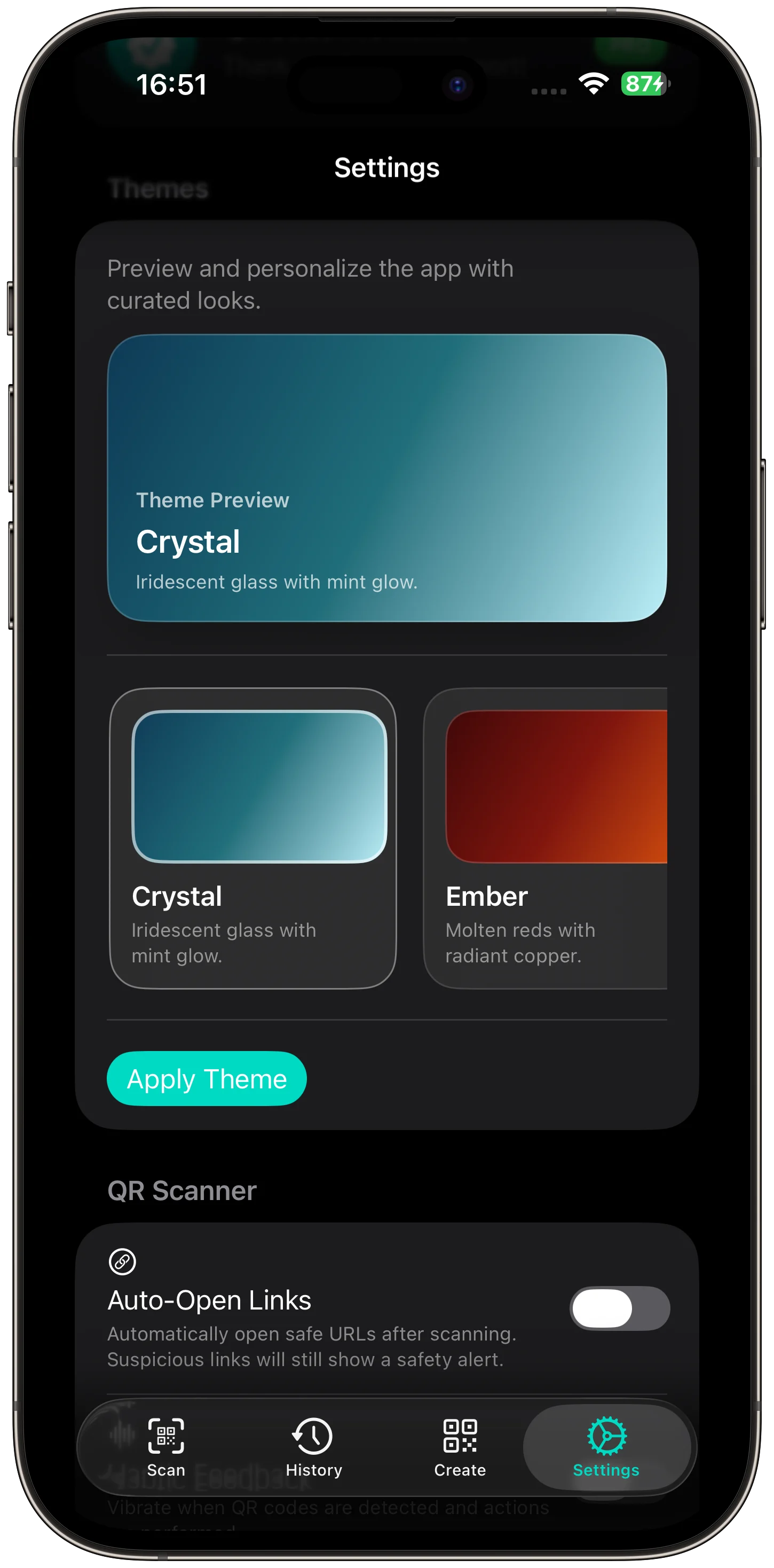
QR Code Snap: Scan & Create is a private QR scanner and generator for iPhone and iPad. It supports fast on-device scanning, VisionKit and AVFoundation capture, common QR types, QR creation, local history, safety previews, themes, no accounts, and offline privacy.
Who it helps
QR Code Snap: Scan & Create is designed for users who scan, create, save, and share QR codes without accounts or tracking.
- Scan QR codes from camera, Photos, or clipboard
- Create QR codes for URLs, text, Wi-Fi, contacts, events, email, SMS, and phone
- Review local scan history
- Preview links safely before opening
FAQ
Questions, answered.
Who is QR Code Snap: Scan & Create for?
QR Code Snap: Scan & Create is for users who scan, create, save, and share QR codes without accounts or tracking.
What can I do with QR Code Snap: Scan & Create?
Use it to scan QR codes from camera, Photos, or clipboard, create QR codes for URLs, text, Wi-Fi, contacts, events, email, SMS, and phone, review local scan history, and preview links safely before opening.
What makes QR Code Snap: Scan & Create focused?
QR Code Snap: Scan & Create keeps its main tasks easy to reach: scan QR codes from camera, Photos, or clipboard and create QR codes for URLs, text, Wi-Fi, contacts, events, email, SMS, and phone. The interface stays clear enough for repeated use.
How does QR Code Snap: Scan & Create handle privacy?
QR Code Snap: Scan & Create is designed around a private, focused workflow. Review the linked privacy page for the formal data-handling details before download.
Newsletter
New apps and product notes.
Occasional updates, no spam.
Your email is used only for NextTap updates. You can unsubscribe from any email.