Utilities
Storage Cleaner Pro
See what is taking up space.
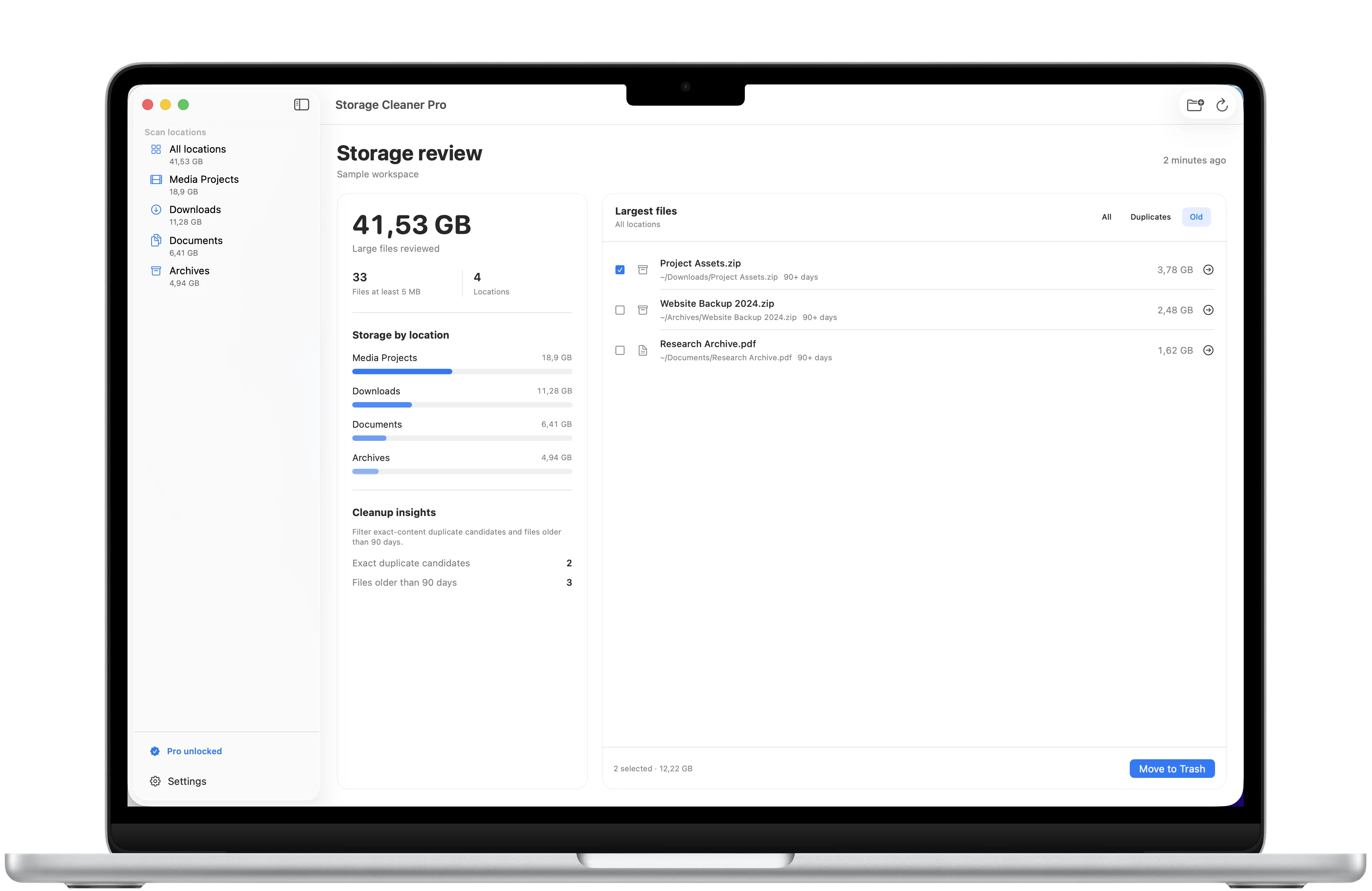
Scan folders you choose, find large files and exact duplicates, then move only what you no longer need to the Trash.
Review first
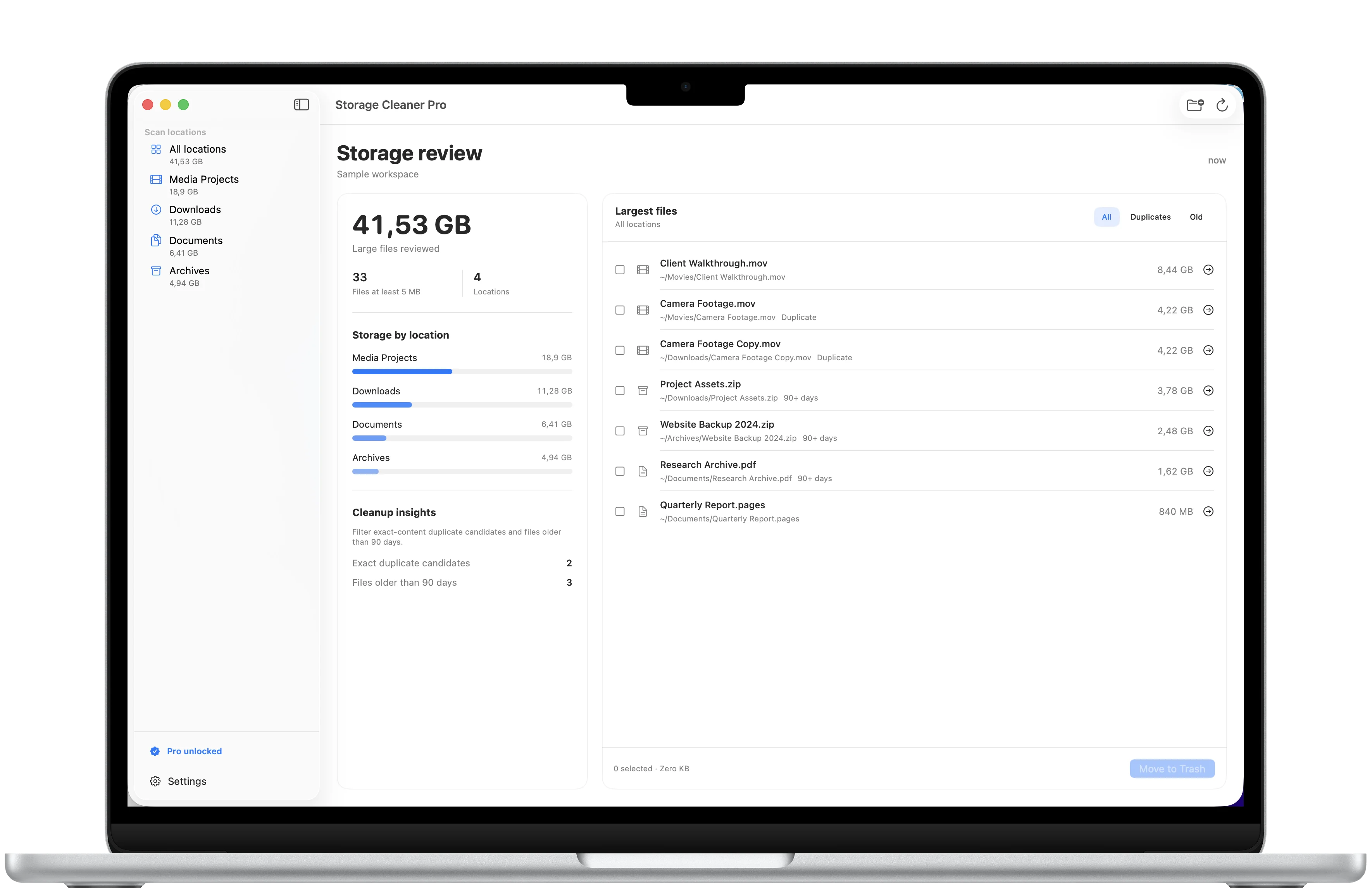
Start with the biggest files.
See each file's size, type, and location. Select only the items you are ready to move to the Trash.
Exact duplicates
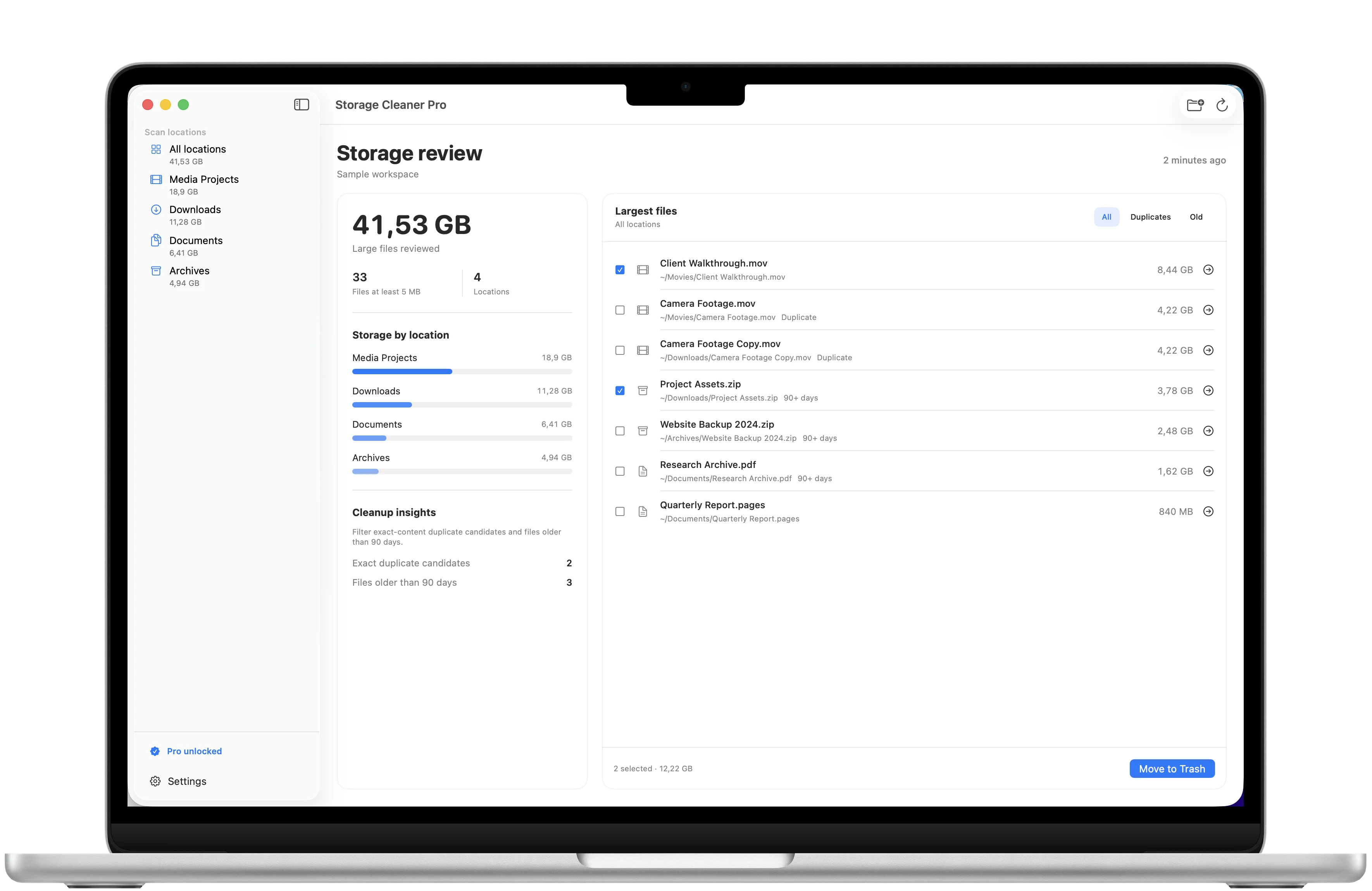
Find copies, not lookalikes.
Storage Cleaner Pro compares file contents, so matching names alone are never treated as duplicates.
Folders you choose
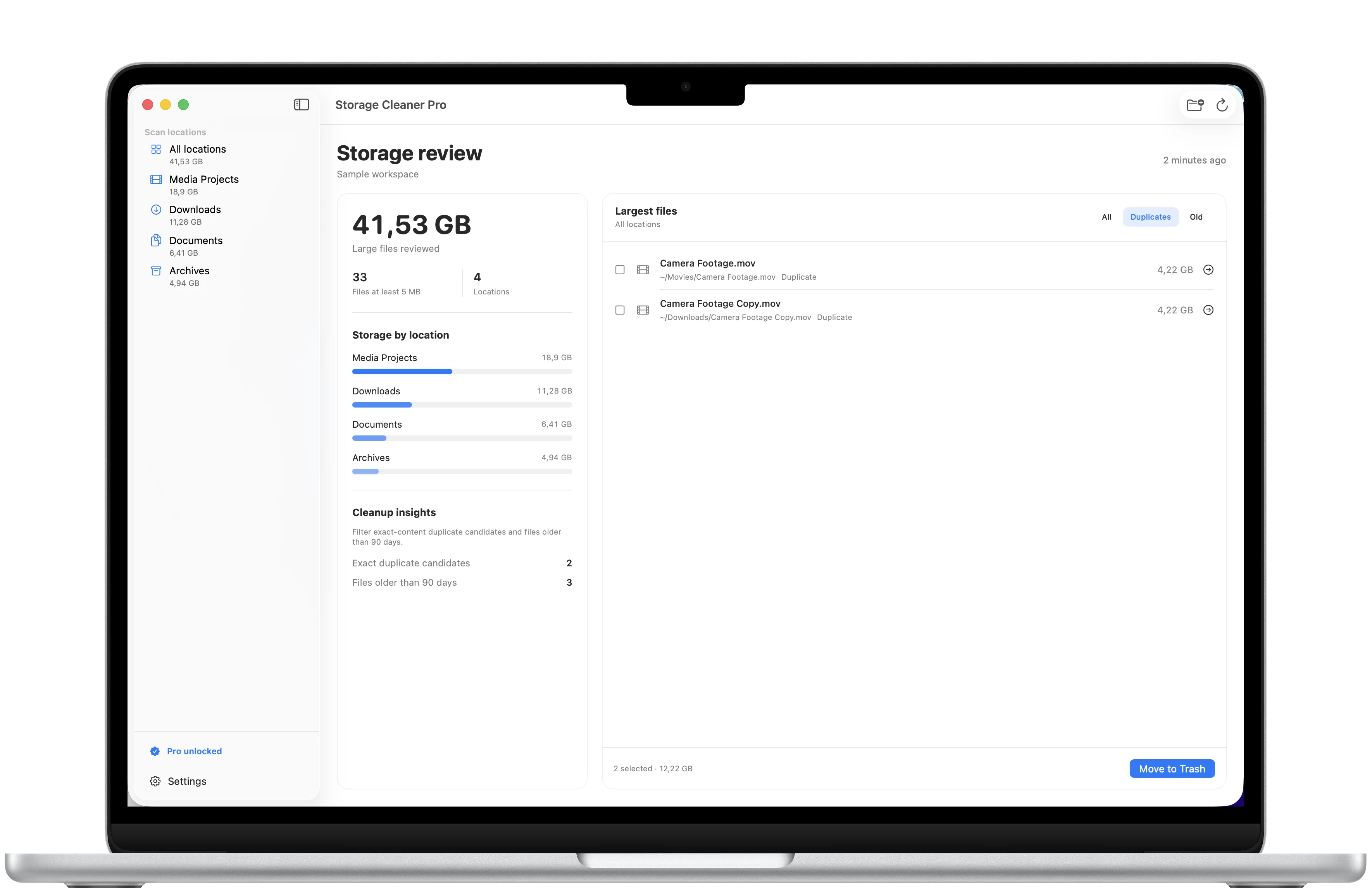
Keep every decision in your hands.
Scan only the locations you select. Nothing moves until you choose the files and confirm the cleanup.
Download
Ready to try Storage Cleaner Pro?
Storage Cleaner Pro is available on the App Store for supported devices.

A closer look
Storage Cleaner Pro, in more detail.
What it is
Storage Cleaner Pro gives you one clear place to see what is using space in the folders you choose. Review the largest files, focus on exact duplicates or older items, reveal anything in Finder, and move only your selections to the Trash.
Who it helps
Storage Cleaner Pro is designed for people who want a clear, deliberate way to free space on their Mac without handing control to an automatic cleaner.
- See which selected folders are using the most space
- Review large files with their size, type, and location
- Find exact duplicates by comparing file contents
- Revisit files untouched for 90 days or more
- Reveal files in Finder or move selected items to the Trash
FAQ
Questions, answered.
Which folders can I scan?
Only the folders you choose in the standard Mac folder picker. You can remove saved folder access from the app at any time.
What can I use for free?
You can scan one folder, see its storage overview, review the largest files, and reveal any file in Finder.
What does Pro unlock?
Pro adds multiple folders, exact duplicate and older-file filters, multi-file selection, and cleanup. It is a one-time purchase, not a subscription. The App Store shows the current price for your region.
How does duplicate detection work?
Files with the same size are compared by content before the app marks them as exact duplicate candidates. Matching names alone are not enough.
Will the app delete files automatically?
No. Nothing moves until you select it and confirm. Chosen files go to the Trash, where they remain recoverable until you empty it.
Does Storage Cleaner Pro upload my files?
No. Scanning and file comparison happen on your Mac. File names, contents, and scan results are not sent to NextTap.
Newsletter
New apps and product notes.
Occasional updates, no spam.
Your email is used only for NextTap updates. You can unsubscribe from any email.