Utilities
StrongPass Password Generator
Private password generator
Generate strong passwords and passphrases with offline tools, local storage, and biometric lock.
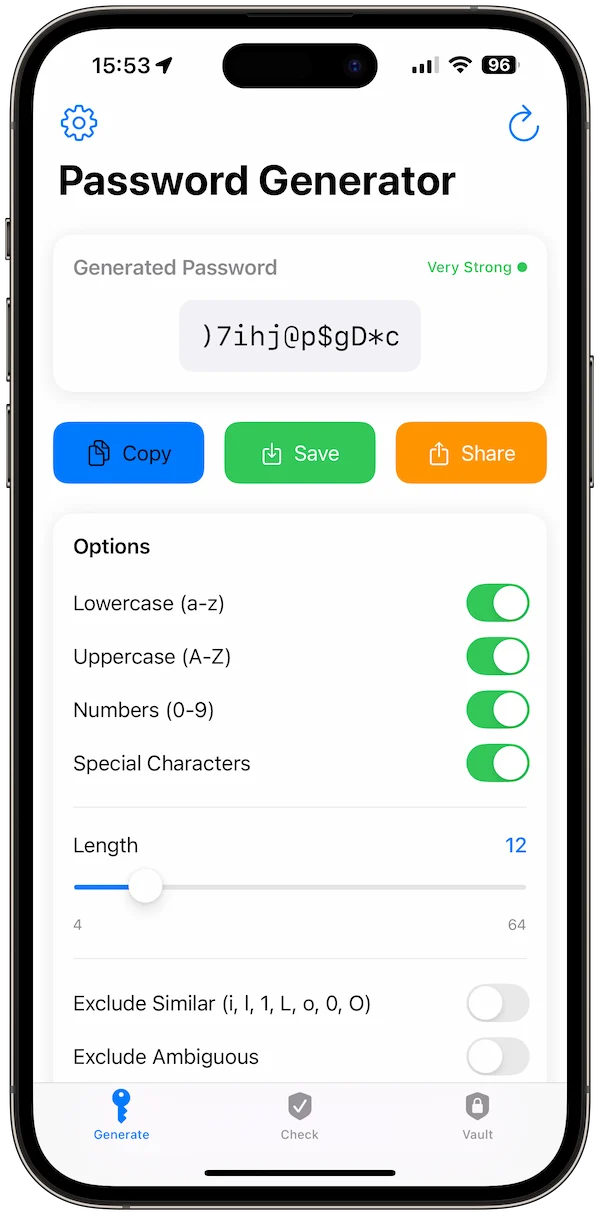
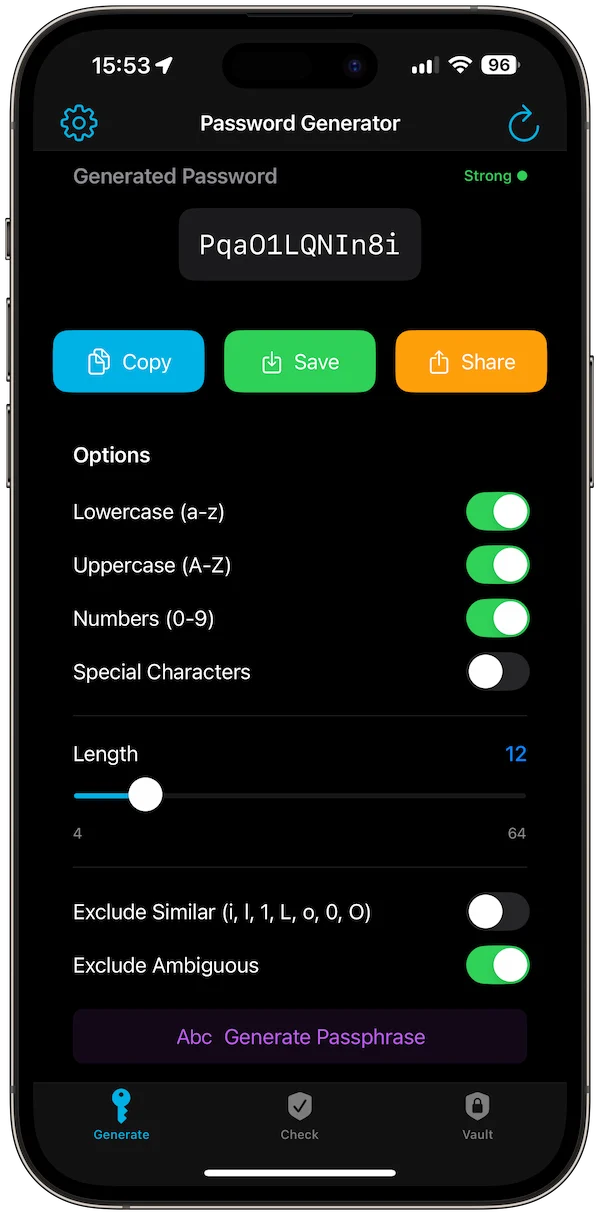
Generator
Create a strong password without extra steps.
The generator keeps length, character rules, and the final password easy to adjust and copy.
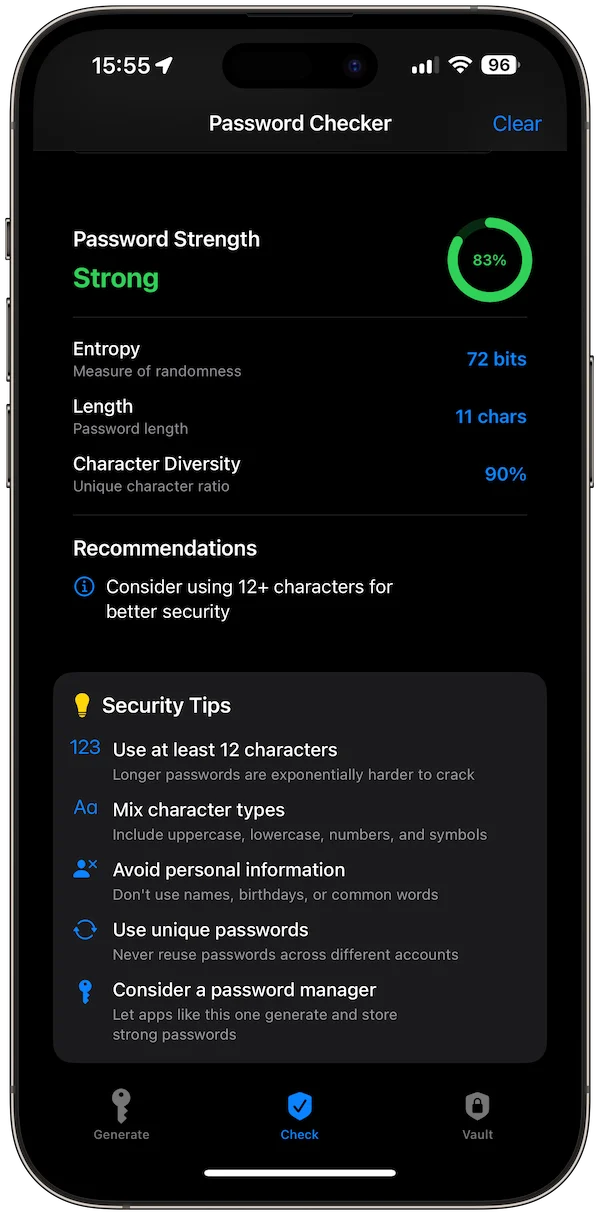
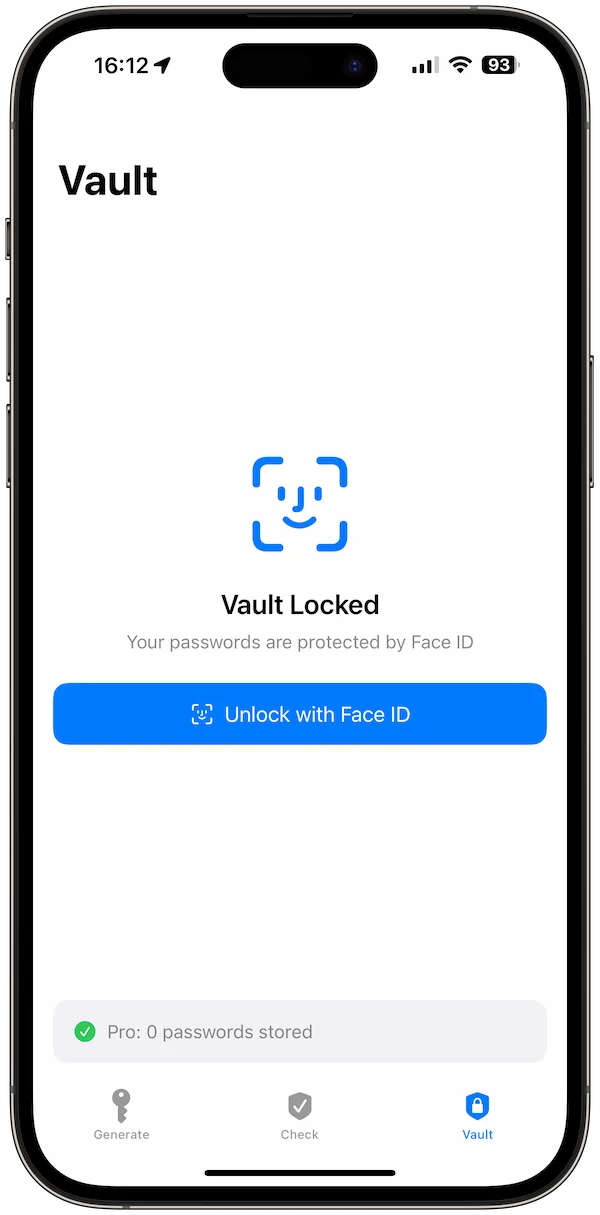
Vault
Keep saved credentials available offline.
The vault view gives generated passwords a local place to live when users need to revisit them.
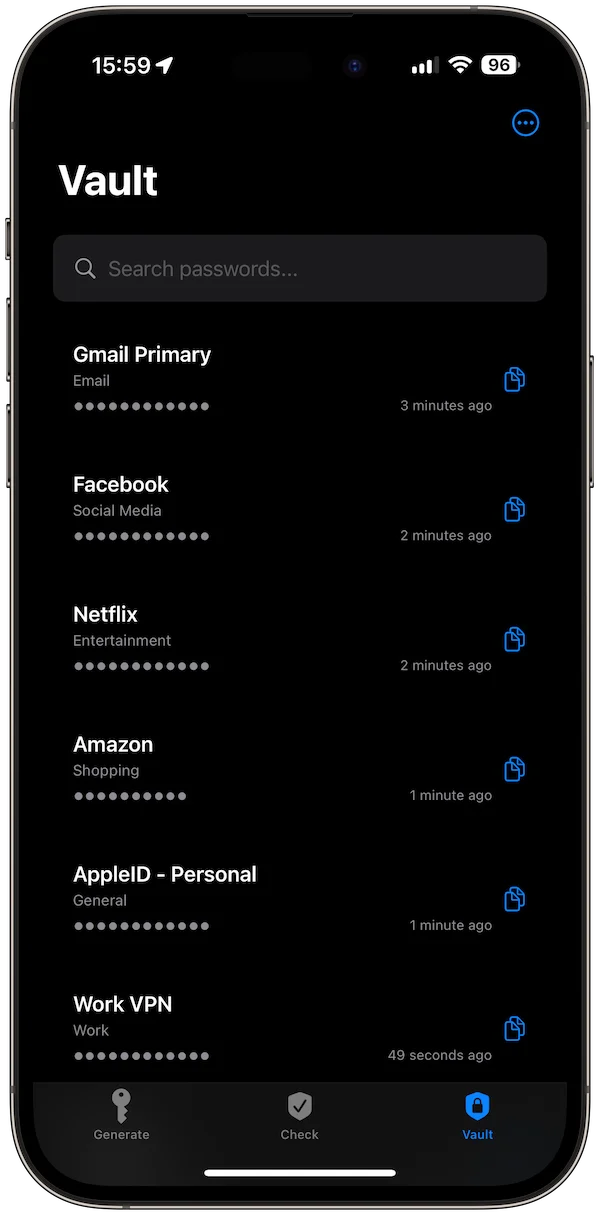
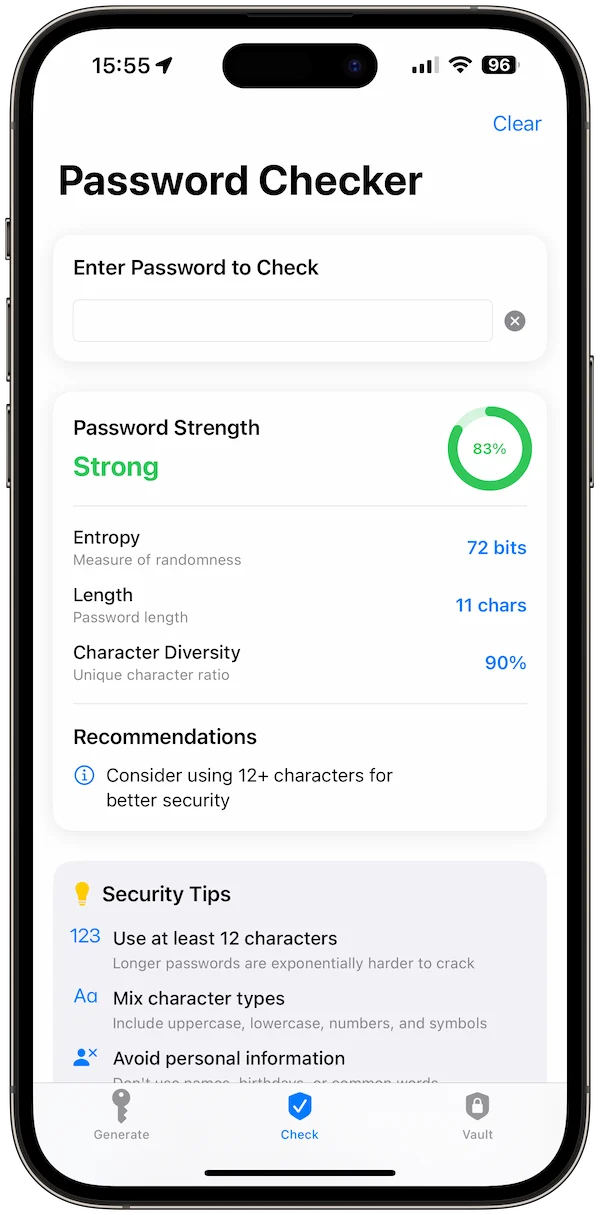
Protection
Use lock and tips to reinforce safer habits.
Biometric protection and security guidance keep the utility focused on practical password safety.
More formats
Tips and passphrases support different credential needs.
StrongPass handles both strict passwords and memorable passphrases from the same toolset.
Download
Ready to try StrongPass Password Generator?
StrongPass Password Generator is available on the App Store for supported devices.

Free web tool
Try the Password Strength Lab.
Check password strength and generate a stronger password in your browser before moving into the full StrongPass app.
What's new
What is new in StrongPass Password Generator.
Latest update
Version 1.2
- Fixed Face ID crash: the app now correctly shows the biometric prompt when unlocking your vault
- Added missing localizations for a smoother global experience
- New “Our Apps” section in Settings with quick access to our companion apps catalog
A closer look
StrongPass Password Generator, in more detail.
What it is
StrongPass Password Generator is an offline-first password and passphrase tool with local storage, biometric lock, strength feedback, themes, encrypted backups, and no server account. It helps users create stronger credentials, review password strength, keep private items local, and export encrypted backups when needed.
Who it helps
StrongPass Password Generator is designed for privacy-focused users who want an offline password generator and local vault-style workflow.
- Generate strong passwords and passphrases
- Store secrets locally behind biometrics
- Check password strength
- Export encrypted backups
FAQ
Questions, answered.
Who is StrongPass Password Generator for?
StrongPass Password Generator is for privacy-focused users who want an offline password generator and local vault-style workflow.
What can I do with StrongPass Password Generator?
Use it to generate strong passwords and passphrases, store secrets locally behind biometrics, check password strength, and export encrypted backups.
What makes StrongPass Password Generator focused?
StrongPass Password Generator keeps its main tasks easy to reach: generate strong passwords and passphrases and store secrets locally behind biometrics. The interface stays clear enough for repeated use.
How does StrongPass Password Generator handle privacy?
StrongPass Password Generator is designed around a private, focused workflow. Review the linked privacy page for the formal data-handling details before download.
Newsletter
New apps and product notes.
Occasional updates, no spam.
Your email is used only for NextTap updates. You can unsubscribe from any email.