Want your iPhone battery to last longer, both through the day and over its total lifespan? These 10 proven tips will help you maximize battery performance based on how lithium-ion batteries actually work.
Daily Battery Life Tips
These tips help your battery last longer each day:
Enable Focus modes to automatically reduce notifications and save battery during work, sleep, or exercise. Go to Settings > Focus to set them up.
1. Enable Low Power Mode Strategically
Low Power Mode reduces background activity and visual effects. Enable it when:
- Battery drops below 20%
- You need your phone to last longer
- You are traveling without a charger
How: Settings > Battery > Low Power Mode, or ask Siri
2. Manage Screen Brightness
The display is your iPhone's biggest battery consumer. To optimize:
- Enable Auto-Brightness (Settings > Accessibility > Display > Auto-Brightness)
- Use Dark Mode on OLED iPhones for significant savings
- Reduce brightness manually when possible
3. Control Background App Refresh
Apps refreshing in the background drain battery. Manage them:
- Settings > General > Background App Refresh
- Disable for apps that do not need real-time updates
- Keep enabled for messaging, email, and navigation apps
4. Optimize Location Services
GPS is power-hungry. Review your settings:
- Settings > Privacy & Security > Location Services
- Set apps to "While Using" instead of "Always"
- Disable location for apps that do not need it
5. Reduce Push Email
Constant email checking drains battery:
- Settings > Mail > Accounts > Fetch New Data
- Change from Push to Fetch every 15-30 minutes
- Or set to Manual for maximum savings
Long-Term Battery Health Tips
These tips extend your battery's total lifespan:
6. Enable Optimized Battery Charging
This feature learns your charging routine and waits to charge past 80% until you need your phone:
- Settings > Battery > Battery Health > Optimized Battery Charging
- Reduces time spent at 100%, which stresses the battery
- Works best with consistent daily routines
7. Avoid Extreme Temperatures
Heat is the enemy of battery longevity:
- Do not leave iPhone in hot cars (can exceed 60°C / 140°F)
- Avoid direct sunlight during use
- Remove case while charging if phone gets warm
- Ideal operating range: 16-22°C (62-72°F)
8. Use Quality Chargers
Cheap chargers can damage your battery:
- Use Apple-certified (MFi) chargers and cables
- Quality chargers provide stable voltage
- Avoid unknown brands from discount stores
9. Follow the 20-80 Rule When Possible
Keeping your battery between 20% and 80% reduces wear:
- Charge before dropping below 20%
- Unplug when reaching 80% if convenient
- Occasional full charges are fine for calibration
10. Reduce Fast Charging Usage
Fast charging generates heat, which accelerates degradation:
- Use standard 5W-20W chargers overnight
- Save fast charging for when you actually need it
- Wireless charging is gentler than fast wired charging
Quick Reference Table
| Tip | Daily Benefit | Long-Term Benefit |
|---|---|---|
| Low Power Mode | High | Low |
| Manage Brightness | High | Low |
| Background Refresh | Medium | Low |
| Location Services | Medium | Low |
| Push Email | Medium | Low |
| Optimized Charging | Low | High |
| Avoid Heat | Low | High |
| Quality Chargers | Low | High |
| 20-80 Rule | Low | High |
| Reduce Fast Charging | Low | Medium |
Track Your Progress
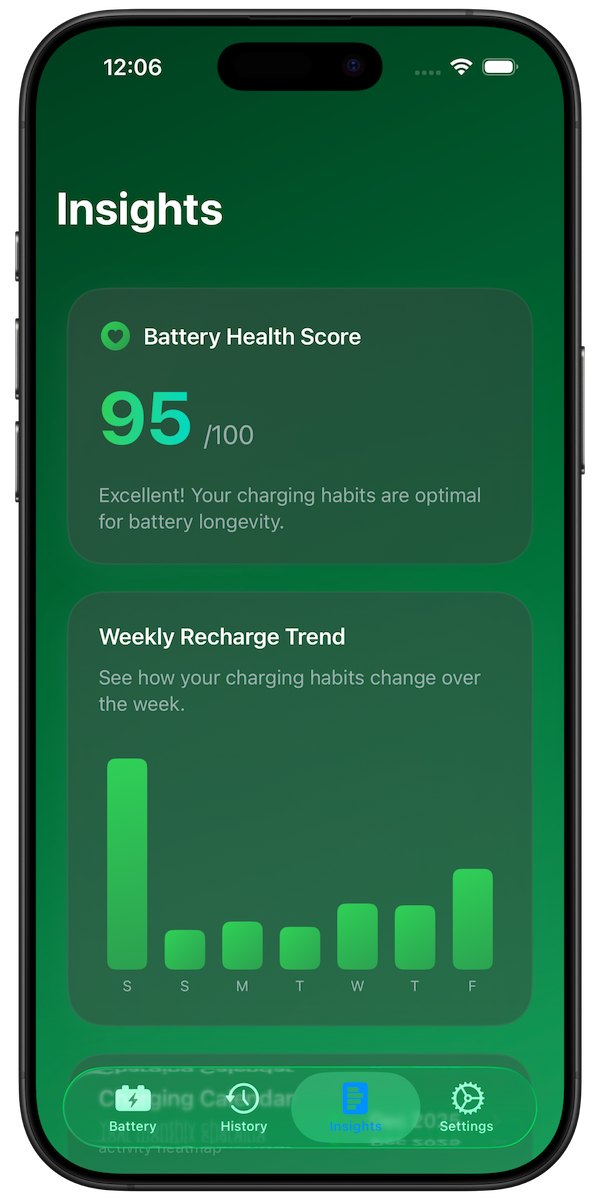
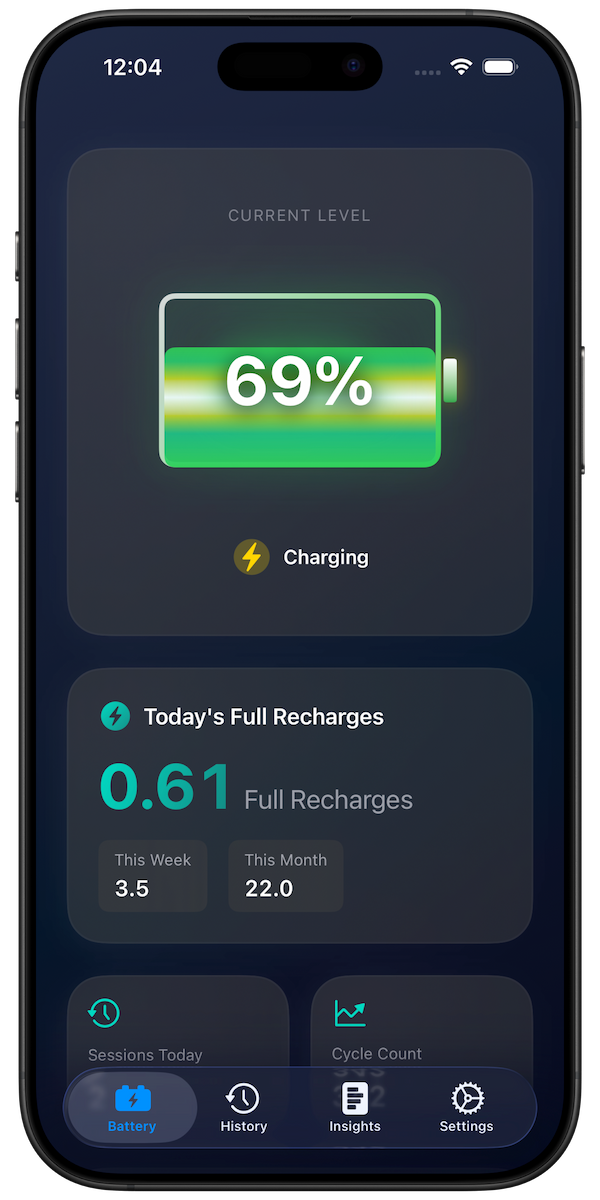
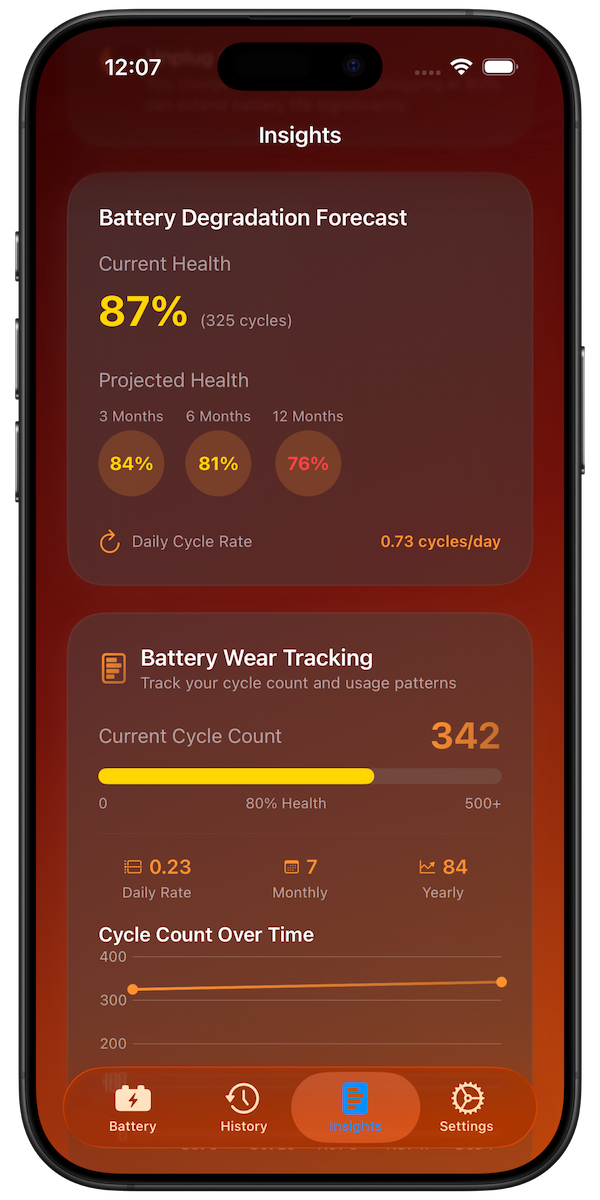
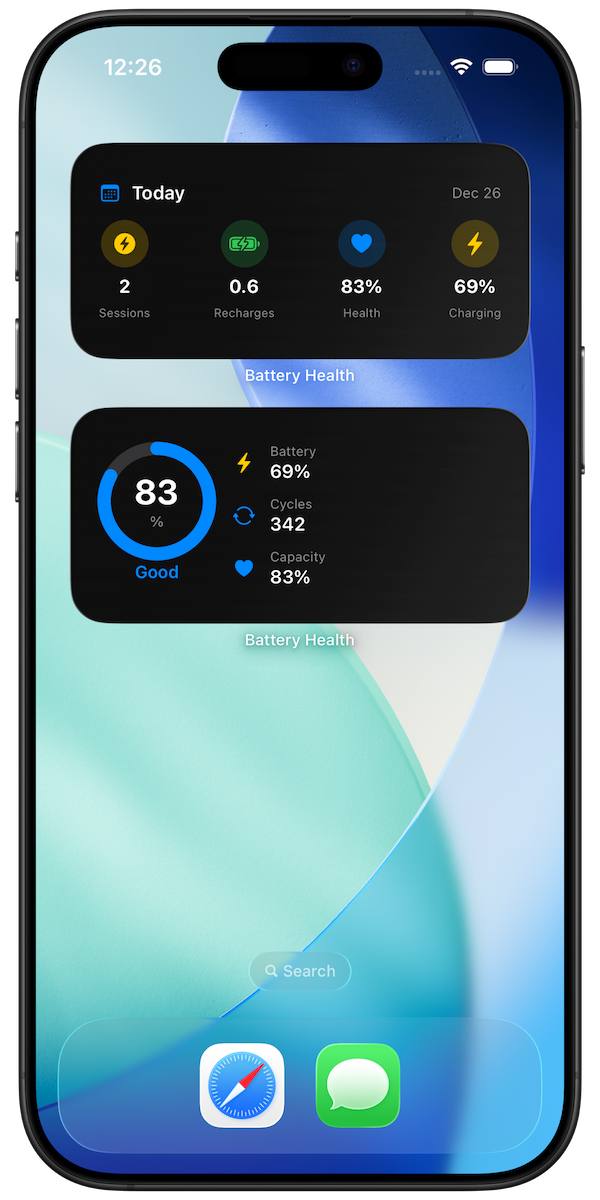
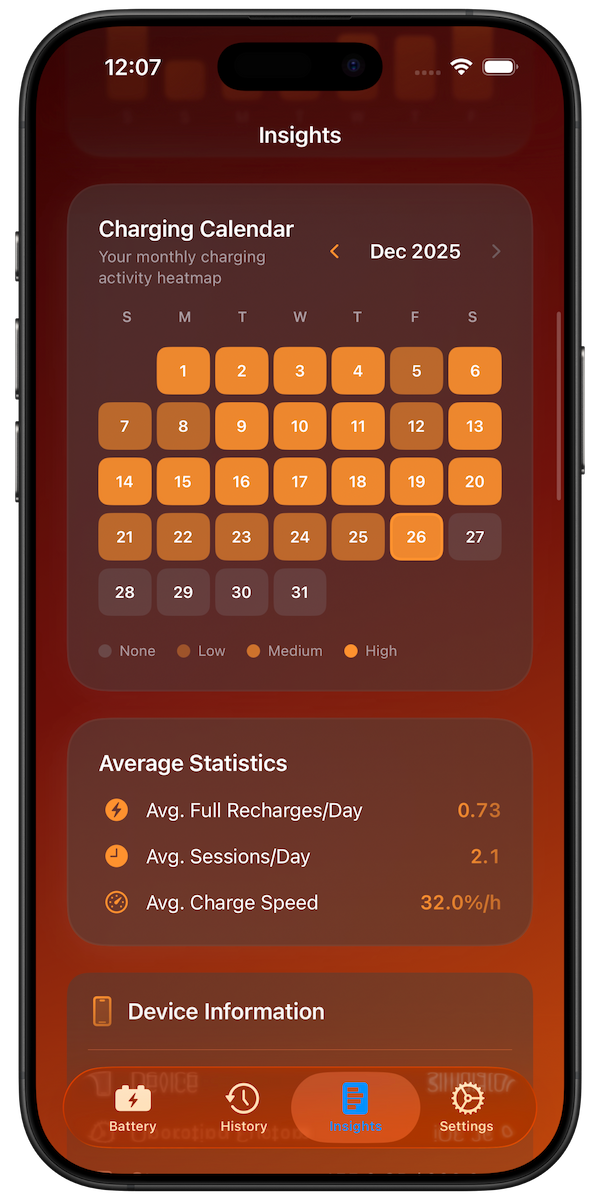
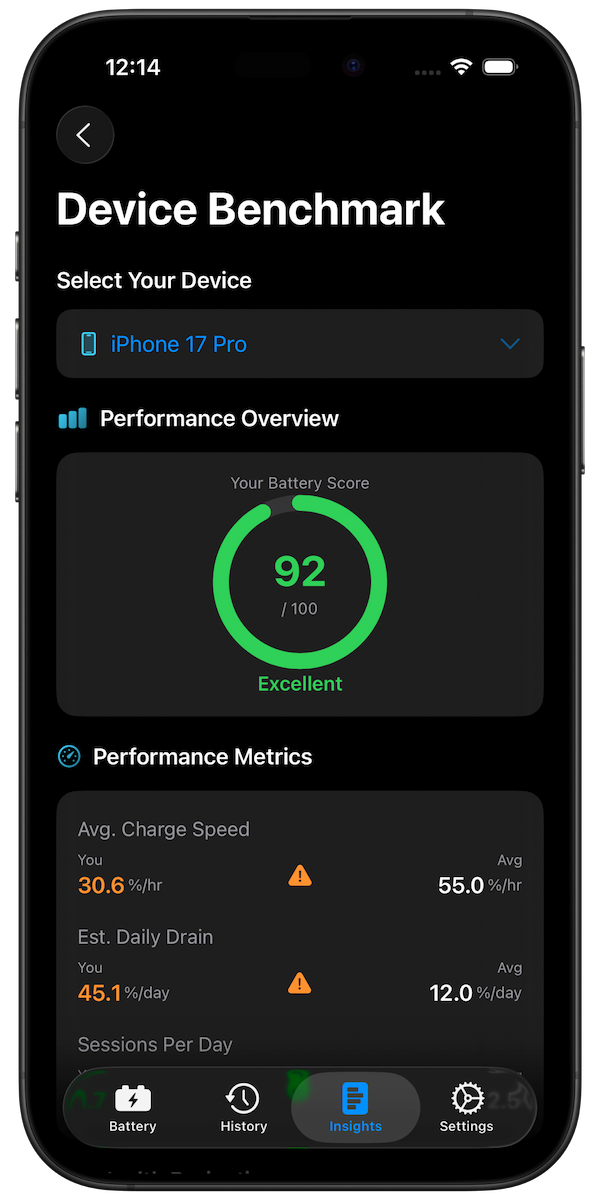
To see if these tips are working, track your battery habits and health over time with Battery Health Pro. The app monitors:
- Daily and weekly charging patterns
- Full recharge cycles accumulated
- Battery health trends over months
- Personalized improvement recommendations
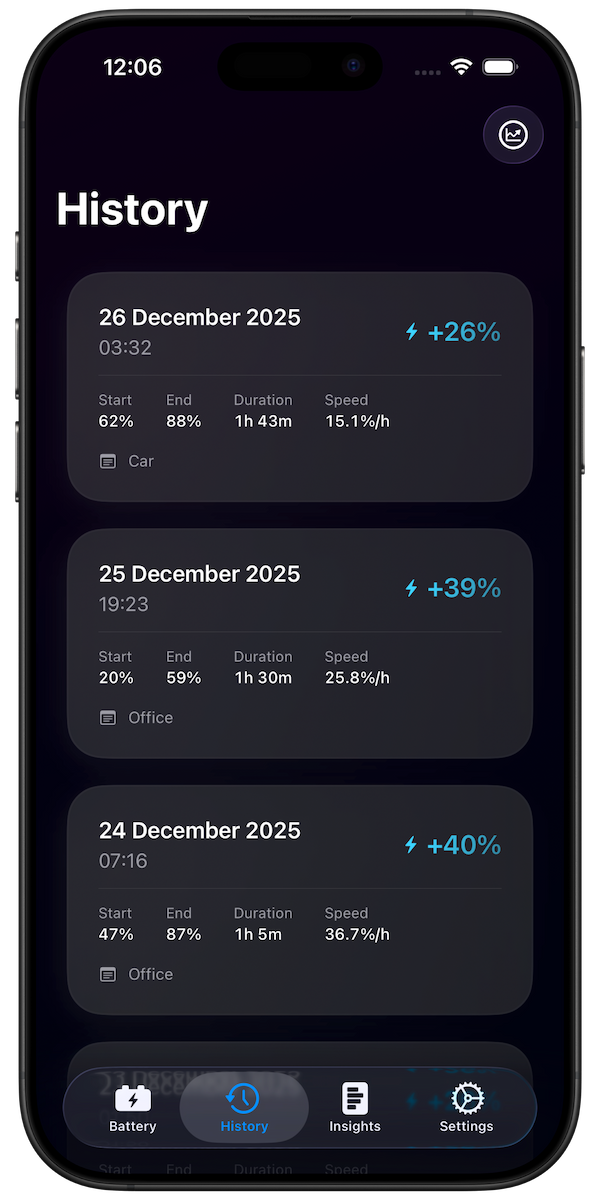
Track your charging sessions with detailed history and analytics
Download Battery Health Pro Free
Conclusion
Extending your iPhone battery life comes down to two goals: making your current charge last longer each day, and preserving your battery's total capacity over years of use. By following these 10 tips and tracking your habits with Battery Health Pro, you can maximize both.