Battery health monitoring is essential for maintaining optimal device performance and extending the lifespan of your electronic devices. Whether you're a power user, professional, or simply want to get the most out of your devices, understanding battery health principles is crucial for long-term device management. This comprehensive guide explores how Battery Health Pro provides professional-grade battery monitoring and optimization tools.
Understanding Battery Health Fundamentals
Battery health is determined by several factors that affect both performance and longevity. Understanding these principles helps you make informed decisions about device usage and charging practices.
Key Battery Health Metrics
- Battery Capacity: Maximum charge the battery can hold
- Cycle Count: Number of complete charge-discharge cycles
- Charging Speed: Rate at which the battery charges
- Temperature: Operating temperature affects battery life
- Voltage: Electrical potential of the battery
How Batteries Degrade Over Time
All batteries degrade naturally over time, but understanding the degradation process helps you minimize its impact on your devices.
Chemical Degradation
- Electrode Wear: Physical changes in battery electrodes
- Electrolyte Breakdown: Chemical changes in battery fluid
- Lithium Plating: Formation of metallic lithium deposits
- SEI Layer Growth: Solid electrolyte interface expansion
Usage-Related Degradation
- Deep Discharge: Draining battery to very low levels
- High Temperature: Exposure to excessive heat
- Fast Charging: Rapid charging generates more heat
- Overcharging: Keeping battery at 100% for extended periods
Optimal Charging Practices
Proper charging habits can significantly extend battery life and maintain optimal performance throughout your device's lifespan.
Charging Best Practices
- Partial Charging: Keep battery between 20-80% when possible
- Avoid Deep Discharge: Don't let battery drop below 20%
- Temperature Control: Charge at room temperature
- Unplug When Full: Don't leave device plugged in at 100%
Charging Patterns
- Top-Up Charging: Frequent small charges are better than deep cycles
- Overnight Charging: Use optimized charging features
- Fast Charging: Use sparingly to reduce heat generation
- Wireless Charging: Monitor temperature during wireless charging
How Battery Health Pro Tracks Performance
Battery Health Pro provides comprehensive monitoring tools that track your battery's real performance using the same metrics Apple uses internally.
Real "Full Recharges" Tracking
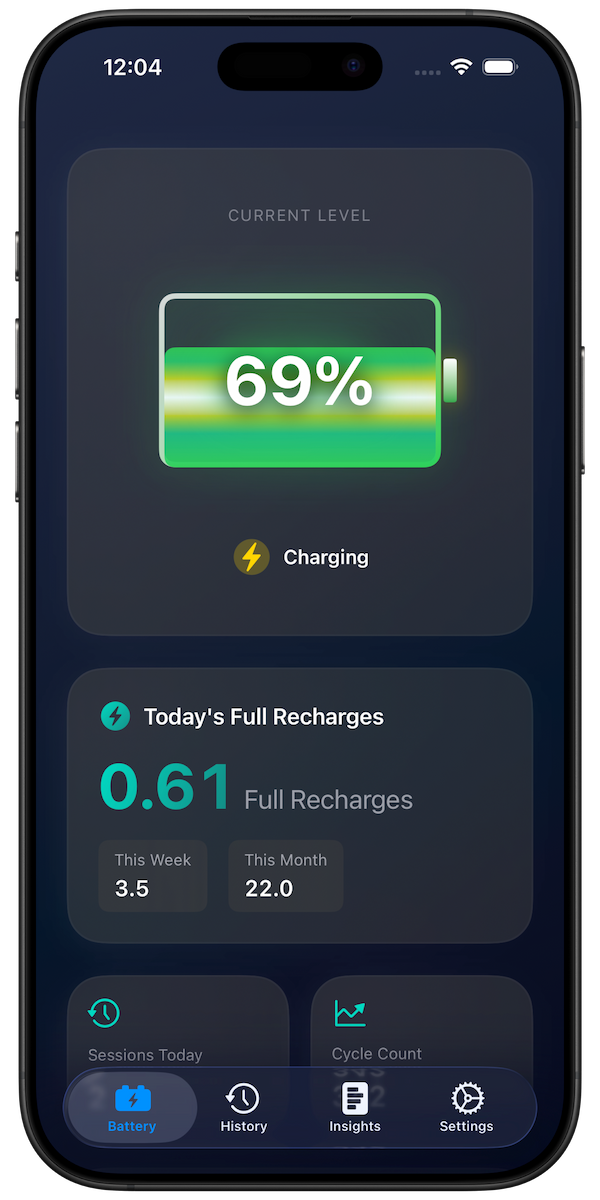
The app tracks your actual full recharge cycles, which is the same metric Apple uses to measure battery wear. This provides accurate insight into your battery's true health status.
Live Battery Monitoring
- Current Level: Real-time battery percentage
- Charging Status: Whether device is charging or discharging
- Charging Speed: Rate of charge or discharge
- Temperature Monitoring: Battery temperature tracking
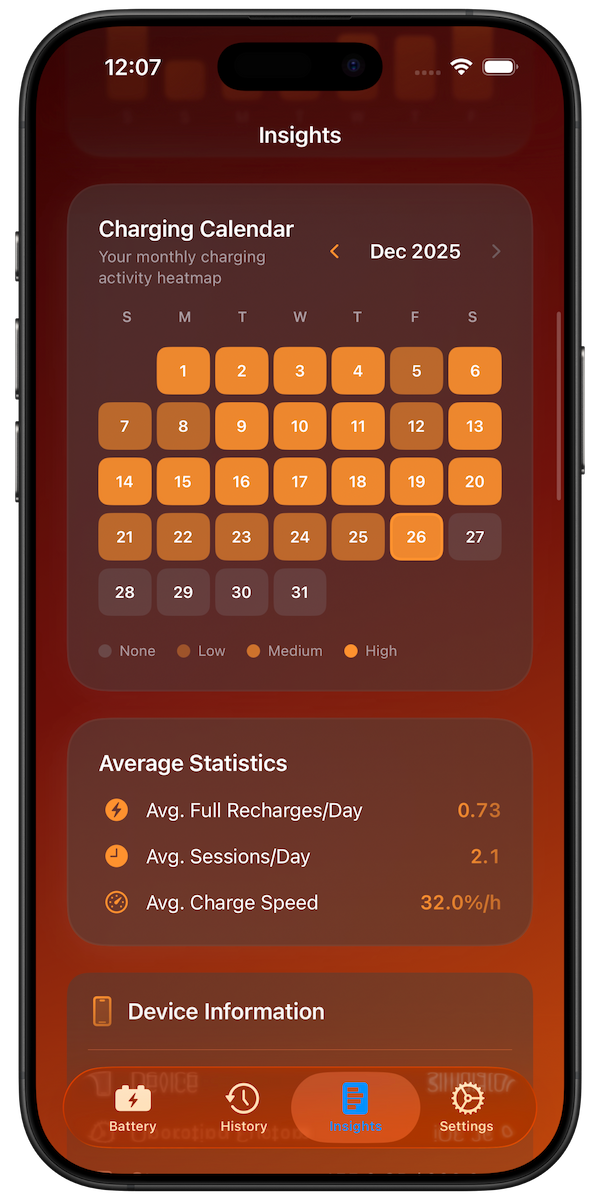
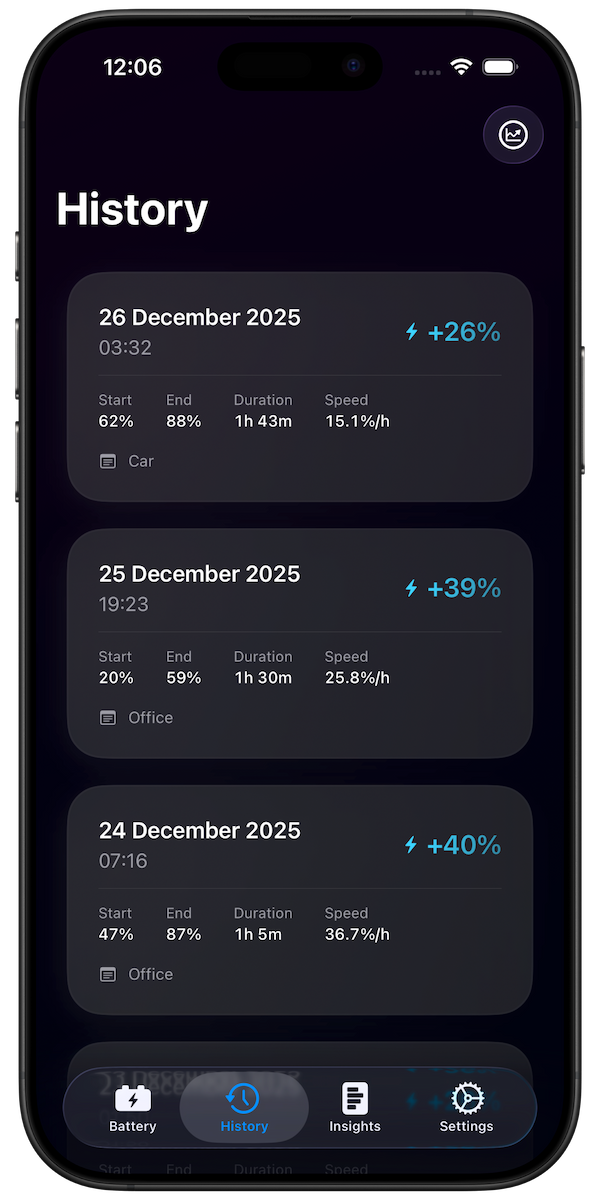
Historical Data Analysis
- Daily Patterns: Track charging and usage patterns
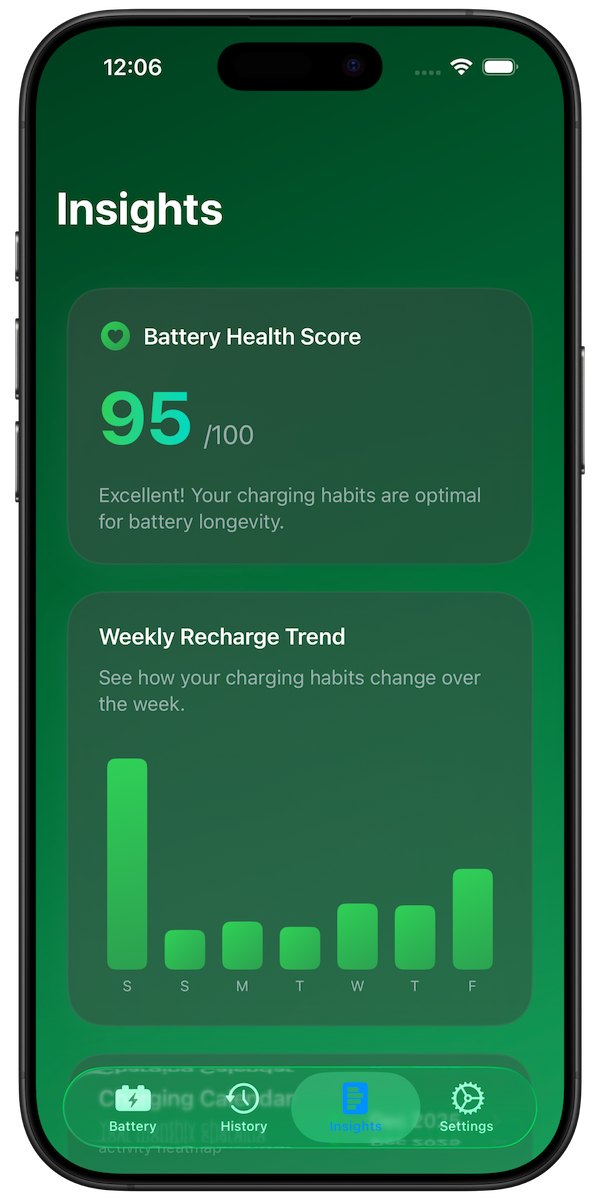
- Weekly Trends: Identify long-term battery health trends
- Cycle Analysis: Monitor complete charge cycles
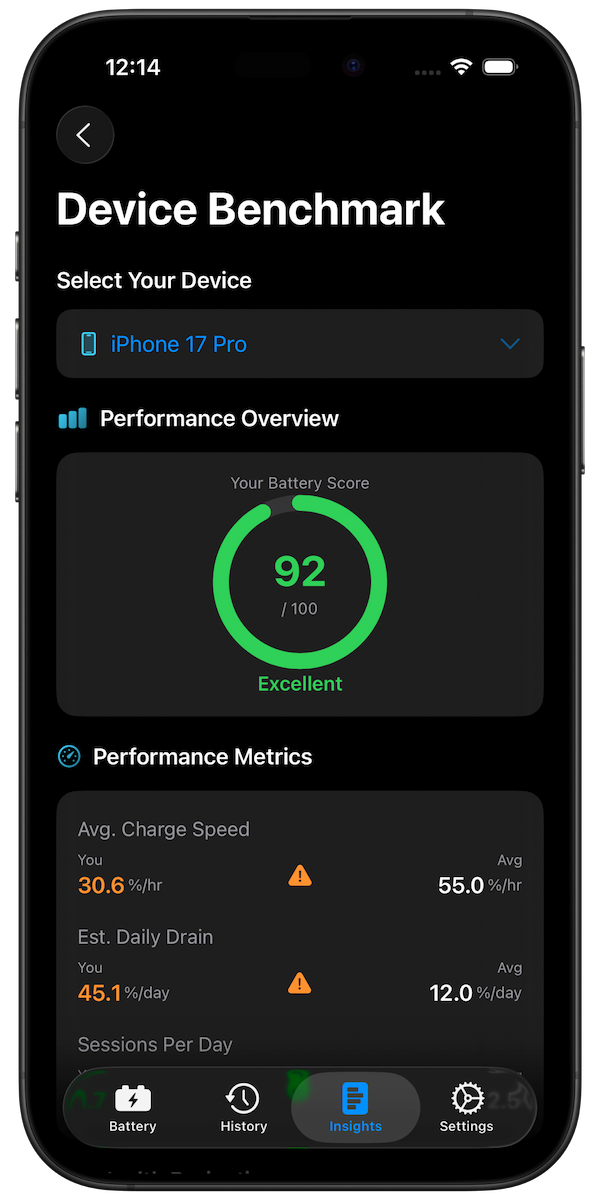
- Performance Metrics: Track battery efficiency over time
Advanced Battery Insights
Professional battery monitoring requires understanding complex metrics and their implications for device performance.
Pro Features and Analytics
- Unlimited History: Track battery health over months and years
- Advanced Insights: Time above 80%, average charge speed
- Overnight Charging Analysis: Monitor charging patterns during sleep
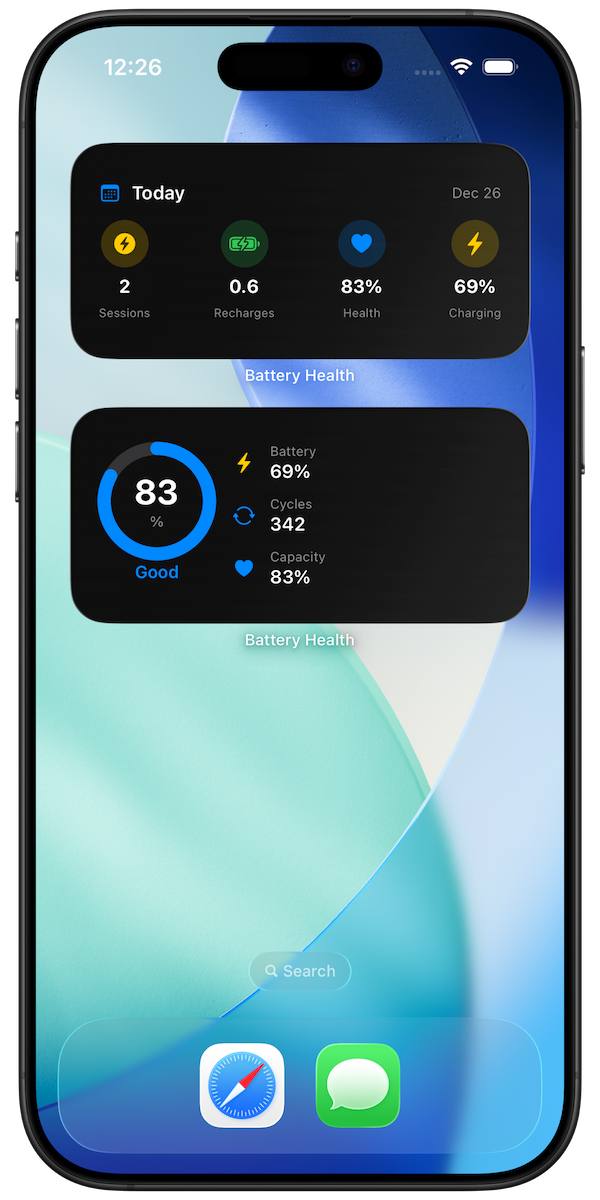
- Multiple Widgets: Customizable home screen widgets
- Charge Alerts: Notifications for optimal charging times
Performance Optimization
- Charging Recommendations: Personalized advice based on usage
- Efficiency Analysis: Identify patterns that affect battery life
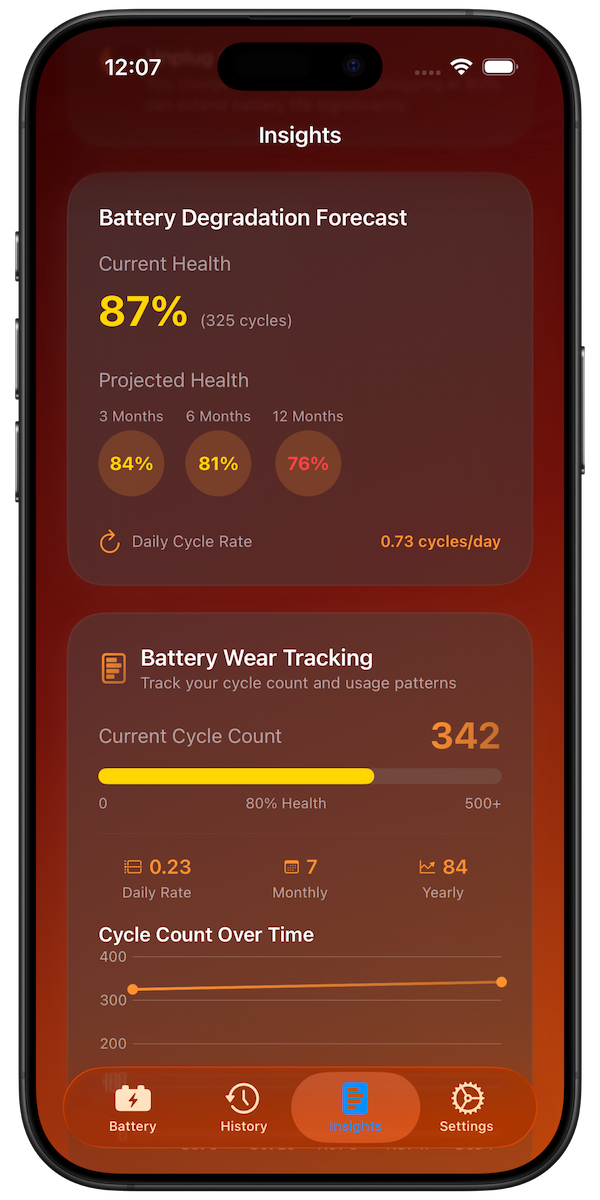
- Health Predictions: Forecast battery performance trends
- Optimization Tips: Specific recommendations for your device
Temperature and Environmental Factors
Environmental conditions significantly impact battery health and performance, requiring careful monitoring and management.
Temperature Effects
- High Temperature: Accelerates chemical degradation
- Low Temperature: Reduces battery capacity temporarily
- Optimal Range: 20-25°C (68-77°F) for best performance
- Extreme Conditions: Avoid temperatures above 35°C or below 0°C
Environmental Considerations
- Humidity: High humidity can affect device performance
- Altitude: Air pressure changes can impact battery chemistry
- Storage Conditions: Proper storage when not in use
- Usage Environment: Consider where you use your device most
Battery Replacement Planning
Understanding when to replace your battery helps maintain optimal device performance and avoid unexpected failures.
Replacement Indicators
- Capacity Below 80%: Significant performance impact
- Rapid Discharge: Battery drains faster than expected
- Charging Issues: Difficulty charging or holding charge
- Unexpected Shutdowns: Device turns off at higher battery levels
Replacement Planning
- Performance Monitoring: Track declining performance metrics
- Cost-Benefit Analysis: Compare replacement cost to device value
- Timing Considerations: Plan replacement before critical failure
- Backup Planning: Ensure data backup before replacement
Professional Battery Management
Advanced users and professionals require sophisticated battery management strategies for optimal device performance.
Enterprise Considerations
- Fleet Management: Monitor multiple devices across organization
- Performance Standards: Set minimum battery health requirements
- Replacement Scheduling: Plan battery replacements proactively
- Cost Optimization: Balance performance with replacement costs
Data-Driven Decisions
- Usage Analytics: Analyze patterns to optimize charging
- Performance Trends: Track long-term battery health changes
- Predictive Analysis: Predict when battery replacement is needed
- Optimization Strategies: Implement data-driven charging practices
Common Battery Myths and Misconceptions
Many common beliefs about battery health are outdated or incorrect. Understanding the facts helps you make better decisions.
Myths to Avoid
- Memory Effect: Modern lithium batteries don't have memory effect
- First Charge: No need to charge for 24 hours on first use
- Draining Completely: Deep discharge actually harms modern batteries
- Overcharging Protection: Modern devices prevent overcharging
Best Practices
- Regular Use: Use your device regularly for optimal battery health
- Software Updates: Keep device software updated for battery optimizations
- Background Apps: Manage background app refresh to reduce battery drain
- Display Settings: Optimize display brightness and timeout settings
Future of Battery Technology
Battery technology continues to evolve, offering new possibilities for device performance and longevity.
Emerging Technologies
- Solid-State Batteries: Higher energy density and safety
- Fast Charging: Improved charging speeds with less heat
- Wireless Charging: More efficient wireless power transfer
- AI Optimization: Machine learning for battery management
Adaptation Strategies
- Technology Updates: Stay informed about new battery technologies
- Usage Adaptation: Adjust usage patterns for new battery types
- Monitoring Evolution: Use advanced monitoring tools as they become available
- Best Practices: Continuously update battery management practices
Conclusion
Battery health monitoring is essential for maintaining optimal device performance and extending the lifespan of your electronic devices. Battery Health Pro provides the tools and insights needed to implement effective battery management strategies.
By understanding battery health principles, using appropriate monitoring tools, and implementing best practices, you can optimize your device's battery performance and longevity. The key is to balance usage needs with battery health considerations to achieve the best results for your specific requirements.