How you charge your iPhone has a significant impact on how long your battery lasts over its lifetime. These science-backed charging practices will help you get the most out of your iPhone battery.
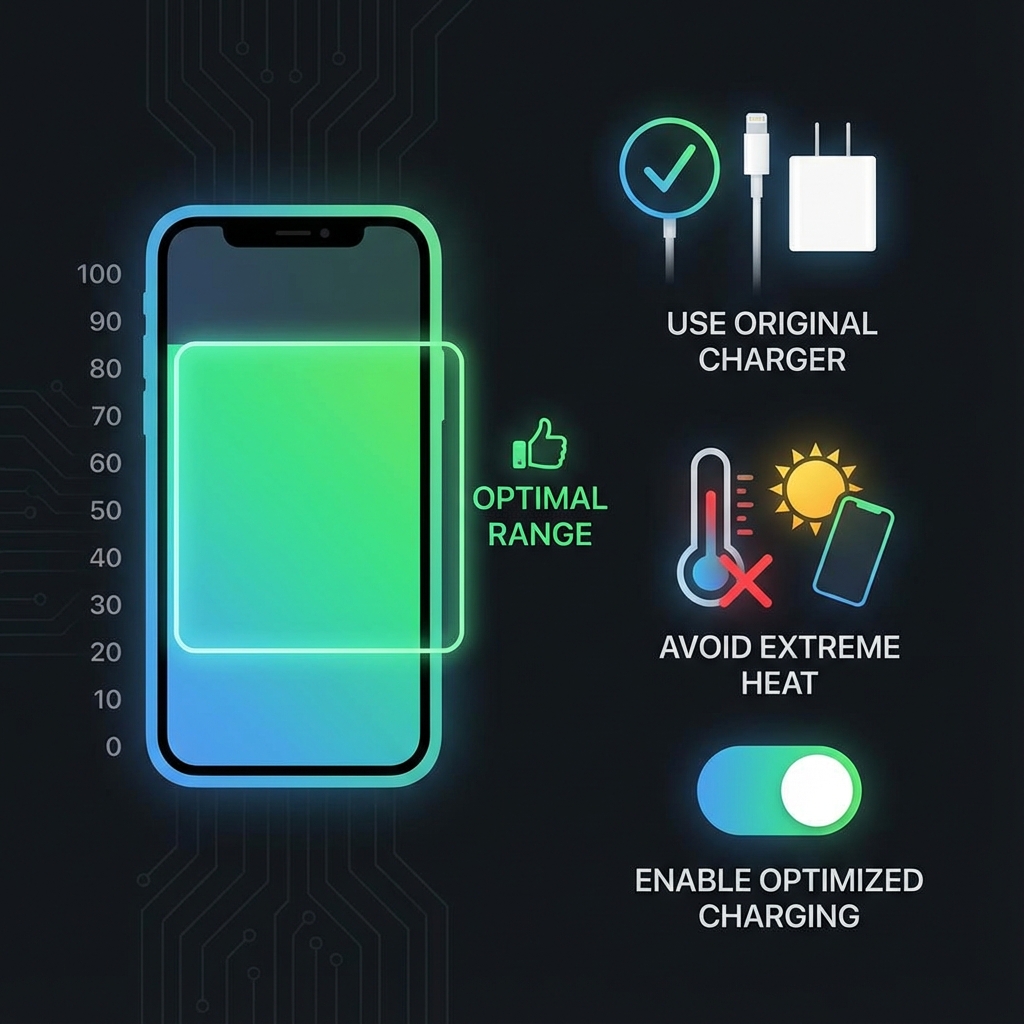
Optimal charging zone for maximum battery lifespan
The Science of Battery Charging
Lithium-ion batteries experience the most stress at extreme charge levels. The chemistry that stores energy works hardest when:
- Near 100%: High voltage stress on the cathode
- Near 0%: Risk of deep discharge damage
- Sweet spot: 20-80% minimizes stress on both electrodes
The 20-80 Charging Rule
For maximum battery longevity, try to keep your iPhone between 20% and 80%:
- Start charging when you hit 20-30%
- Unplug around 80% when convenient
- Occasional full charges (0-100%) are fine for calibration
- Do not stress about being perfect, even partial compliance helps
Optimal Charging Zone
Green zone = Maximum battery longevity
Optimized Battery Charging (Enable This!)
Apple built a smart solution into iOS. When enabled, your iPhone learns your schedule and waits to charge past 80% until you need it:
- Go to Settings > Battery > Battery Health
- Enable Optimized Battery Charging
- The feature works best with consistent daily routines
For example, if you typically wake at 7am, your iPhone will hold at 80% until just before then, minimizing time at full charge.
Charging Speed and Heat
Faster charging generates more heat, and heat accelerates battery degradation:
| Charger Type | Speed | Heat Generated | Best For |
|---|---|---|---|
| 5W (old cube) | Slow | Low | Overnight charging |
| 20W USB-C | Fast | Medium | Daily use |
| 30W+ USB-C | Very Fast | Higher | Quick top-ups only |
| MagSafe 15W | Medium | Medium | Convenience charging |
Temperature Matters
Temperature is the biggest factor in battery aging after cycle count:
- Ideal charging temp: 16-22°C (62-72°F)
- Remove case if phone gets warm while charging
- Never charge in direct sunlight or hot cars
- Avoid heavy use while plugged in (generates heat)
Overnight Charging: Is It Bad?
With Optimized Battery Charging enabled, overnight charging is mostly fine. The phone learns your schedule and manages the charge intelligently.
Without Optimized Charging, your phone sits at 100% for hours, which causes some extra stress. Enable the feature for best results.
Use Quality Chargers
Cheap or counterfeit chargers can damage your battery:
- MFi Certified: Look for "Made for iPhone" logo
- Avoid: Very cheap chargers from unknown brands
- Apple or trusted brands: Anker, Belkin, etc.
- Cables matter too: Damaged cables can cause issues
Track Your Charging Habits
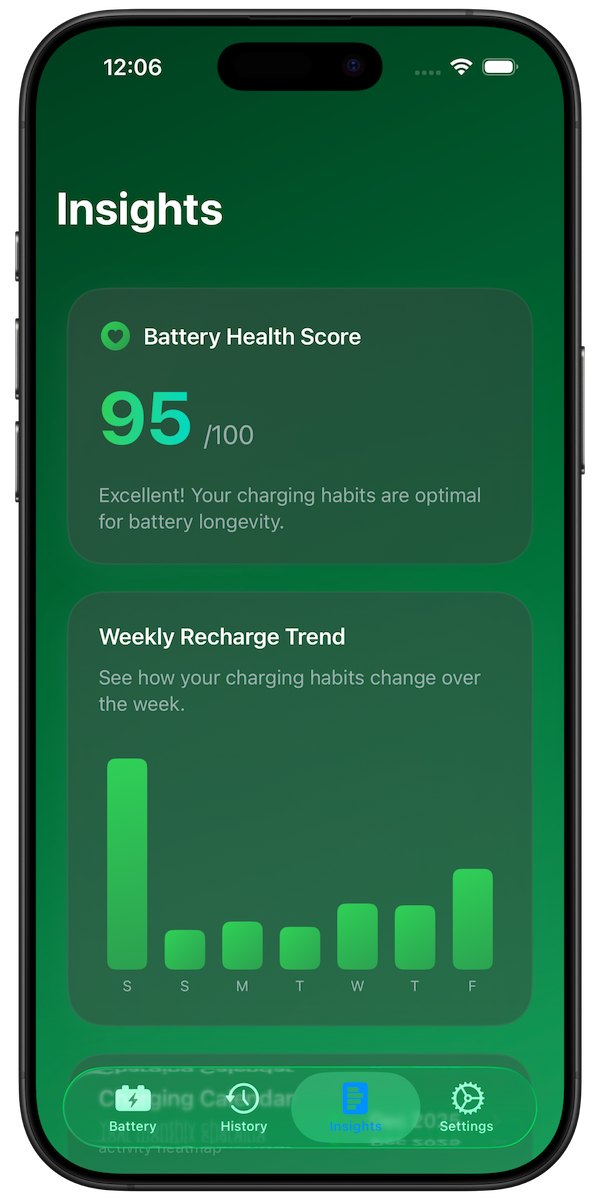
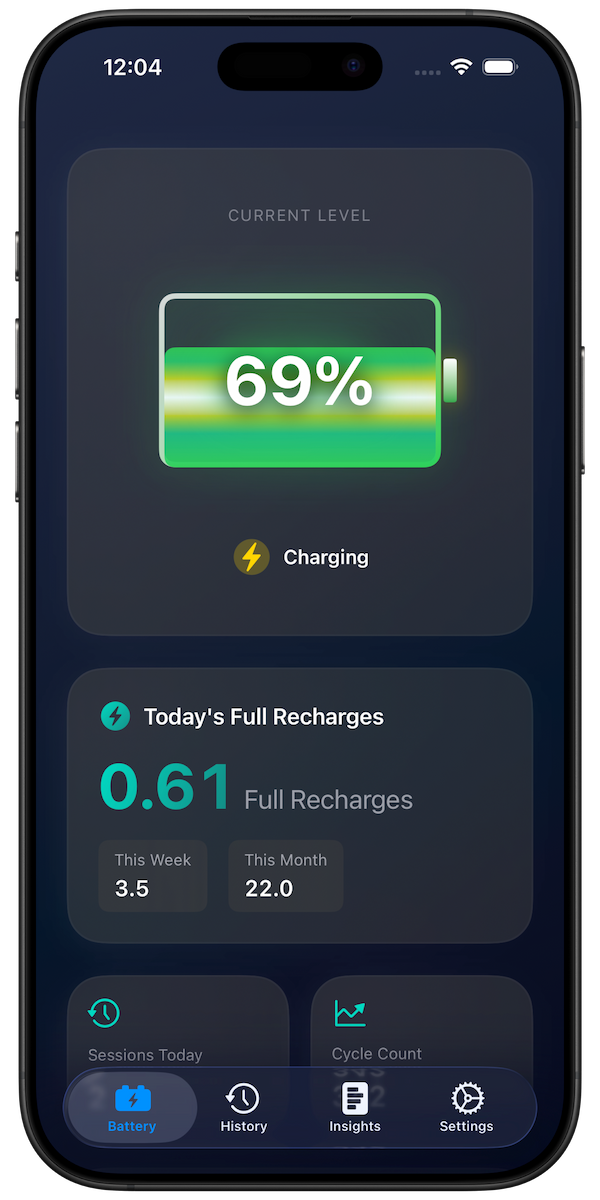
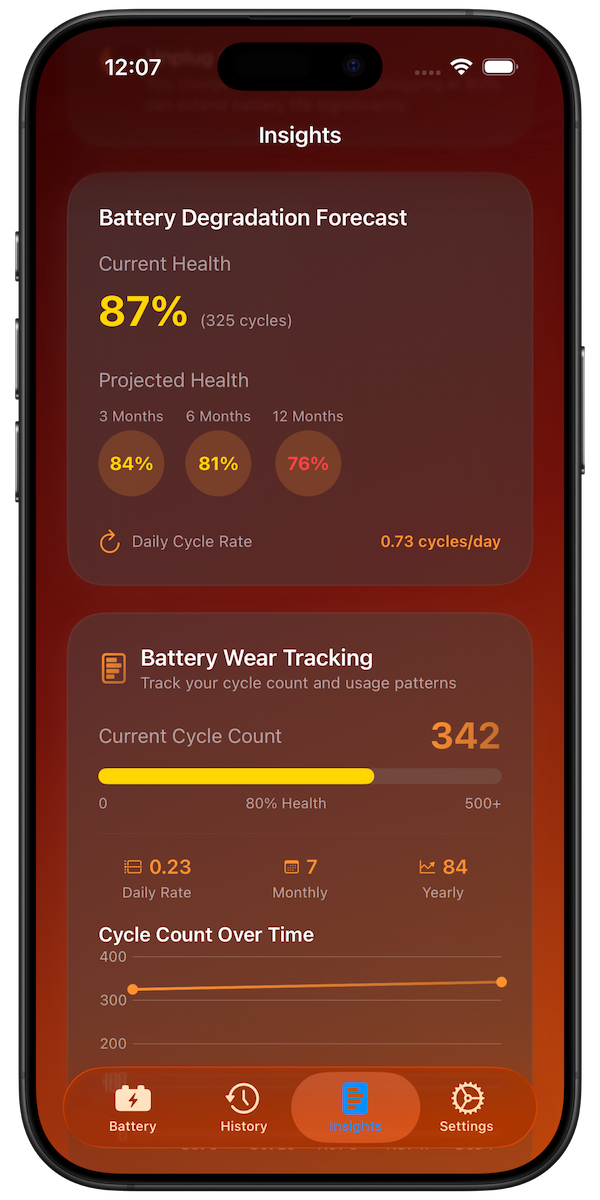
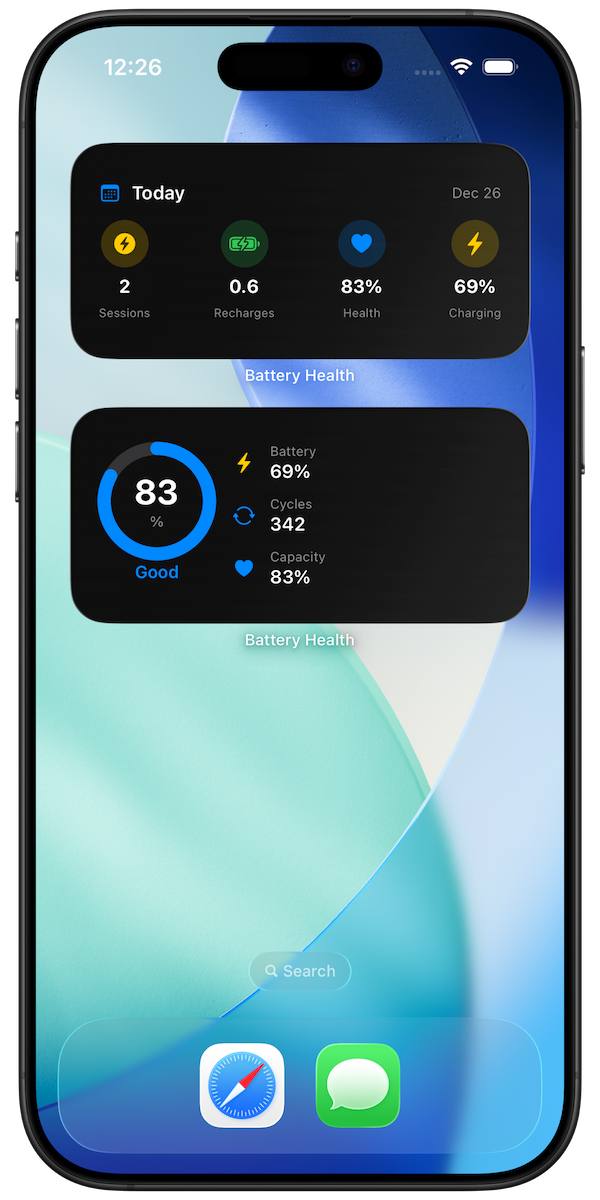
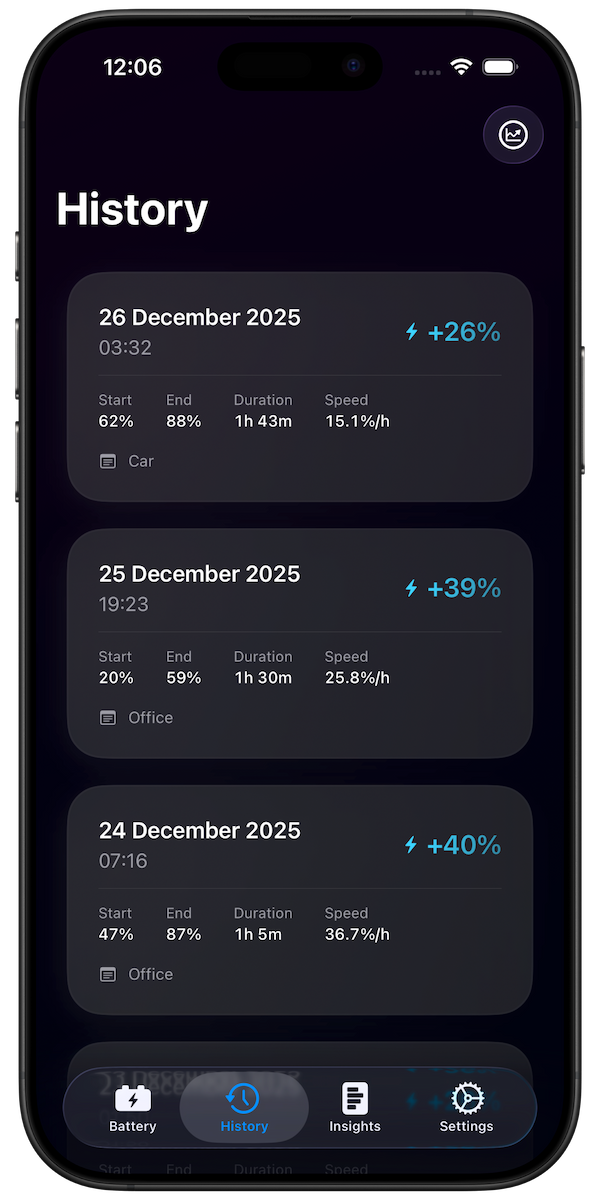
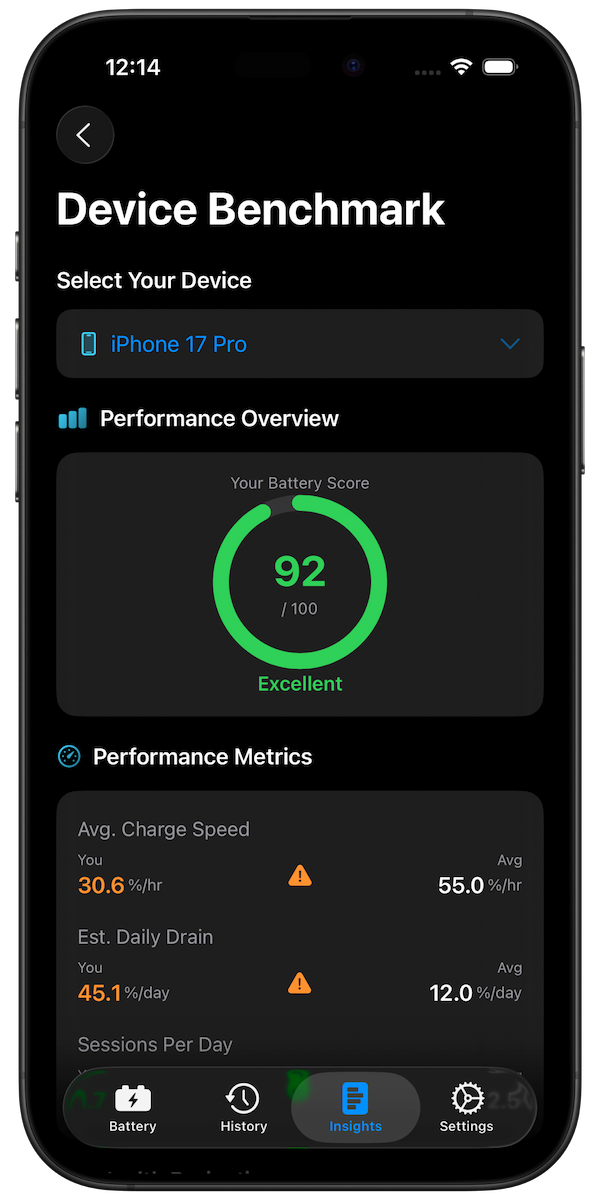
Battery Health Pro tracks every charging session so you can understand and improve your habits:
- See how many full recharges you use daily
- Track time spent above 80% and below 20%
- View charging calendar showing patterns over months
- Get AI-powered recommendations to improve
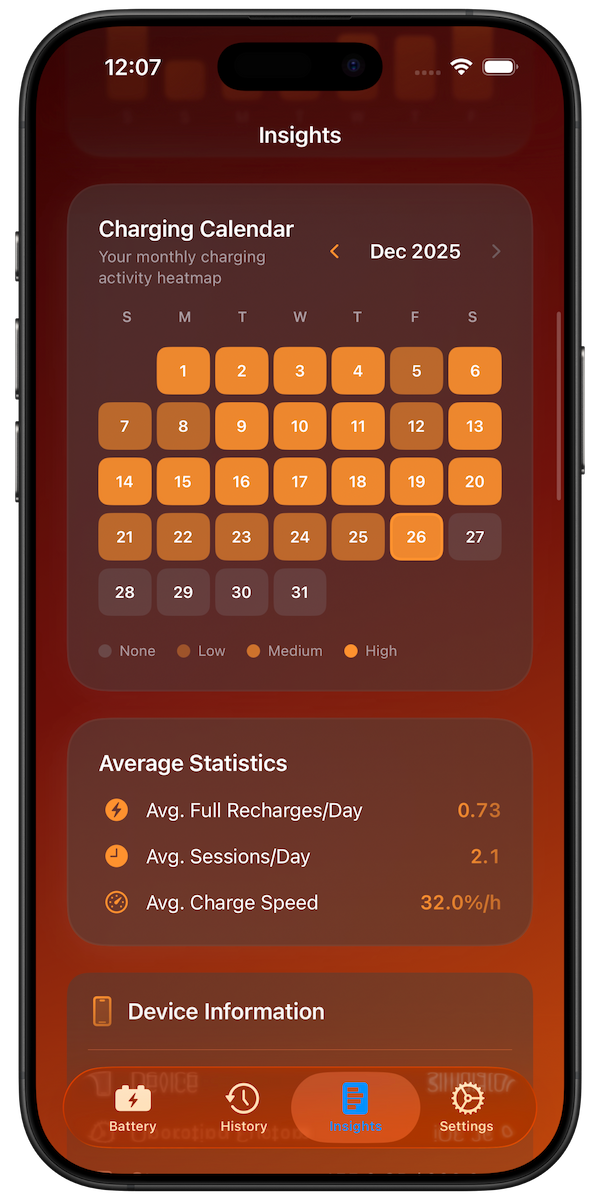
Charging Calendar shows your daily patterns
Download Battery Health Pro Free
Summary: Best Practices Checklist
- Enable Optimized Battery Charging
- Aim for 20-80% range when practical
- Use slower chargers for overnight charging
- Keep phone cool while charging
- Use MFi-certified chargers and cables
- Track your habits with Battery Health Pro