Your charging habits have a direct impact on your iPhone's battery longevity. Tracking these habits helps you understand your usage patterns and make changes that extend your battery's lifespan. This guide shows you how to monitor your charging behavior effectively.
Why Track Your Charging Habits?
Understanding your charging patterns helps you:
- Identify behaviors that accelerate battery wear
- Predict when your battery will need replacement
- Make informed decisions about charging times
- Extend your battery's overall lifespan
What iOS Shows You
Apple provides basic battery information in Settings > Battery:
- Last 24 Hours/10 Days: Usage graphs showing battery level over time
- Battery Health: Maximum capacity and peak performance status
- Cycle Count: Total complete charge cycles (iOS 26+)
However, iOS does not track detailed charging sessions or provide insights into how your habits affect long-term battery health.
Key Metrics to Track
For comprehensive charging analysis, you should monitor:
| Metric | What It Tells You | Ideal Range |
|---|---|---|
| Daily Full Recharges | How hard you use your battery | 0.5-1.0 per day |
| Time Above 80% | Stress on battery from high charge | Less than 4 hours/day |
| Overnight Charging | Hours at 100% while sleeping | Enable Optimized Charging |
| Charging Speed | Heat generated during charging | Standard (5W-20W) when possible |
| Deep Discharges | Times battery dropped below 20% | Less than once per week |
Track Your Charging with Battery Health Pro
Battery Health Pro automatically tracks all your charging sessions and provides detailed insights that iOS does not offer.
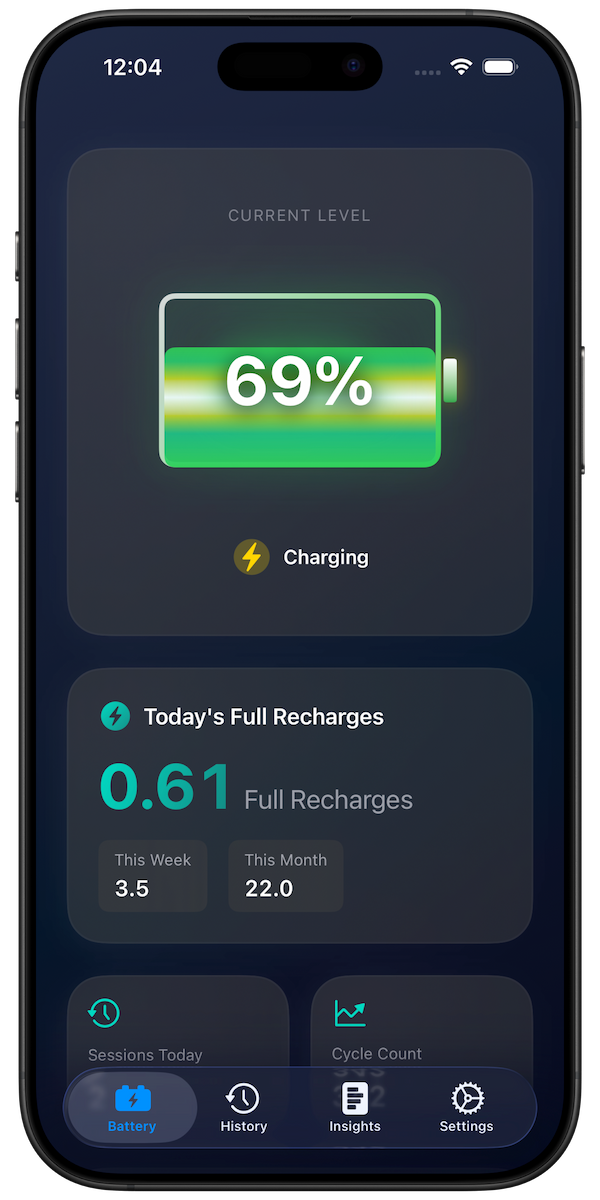
Full Recharge Tracking
The app tracks your cumulative charging percentage, the same metric Apple uses internally to calculate battery cycles. Every time you charge:
- 30% to 80% = 0.5 full recharges
- 10% to 100% = 0.9 full recharges
- Multiple small charges add up over time
Charging Calendar
View your charging patterns as a visual heatmap showing:
- Which days you charge most
- Patterns like heavy weekend or weekday use
- Monthly trends over time
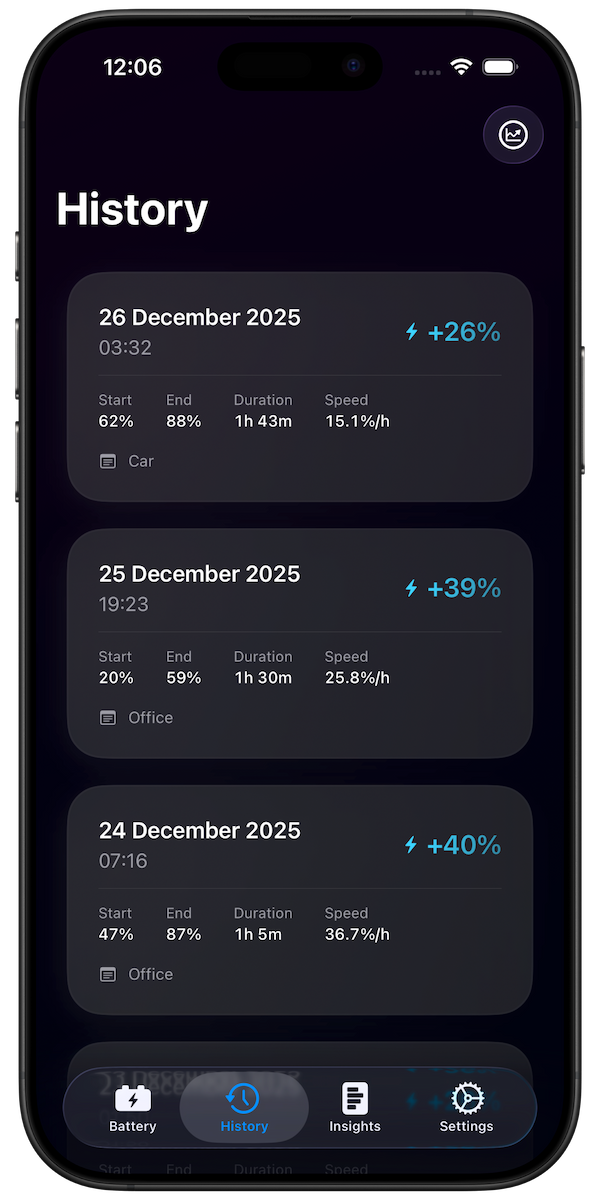
Charging History
See every charging session with details:
- Start and end times
- Battery levels before and after
- Charge speed (% per hour)
- Session duration
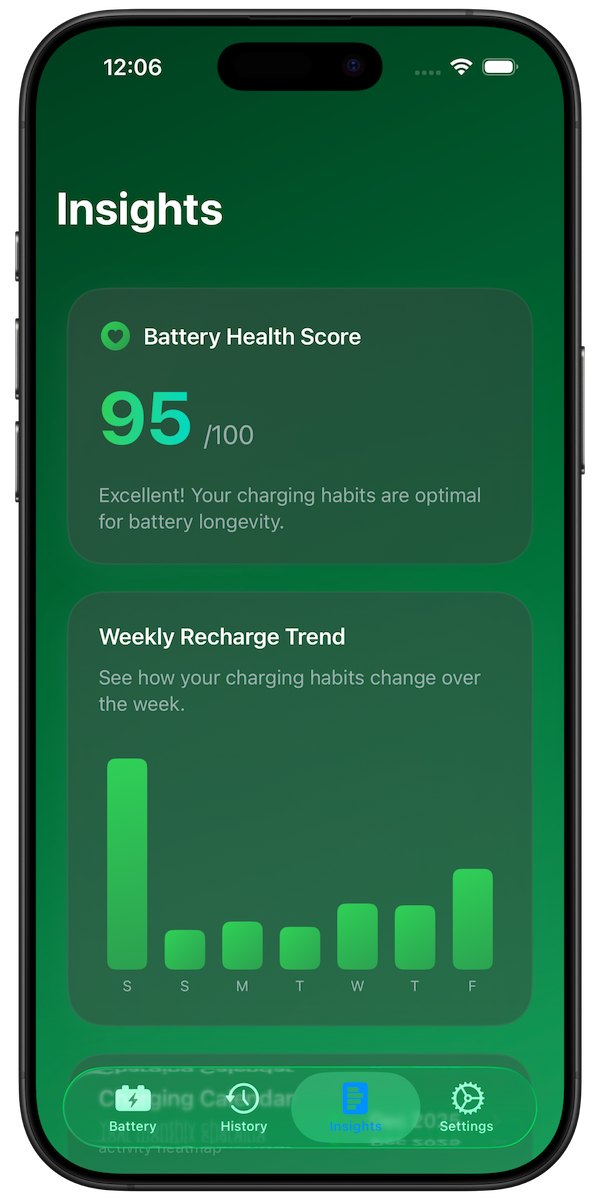
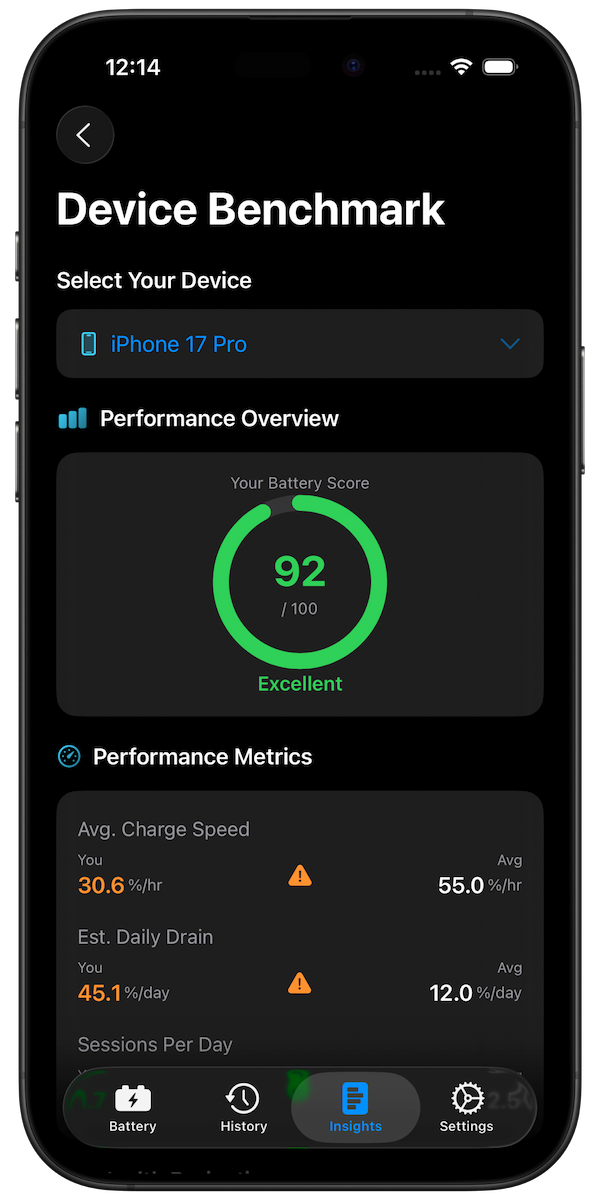
AI-Powered Health Score
Get an overall rating of your charging habits based on:
- Time spent above 80%
- Overnight charging frequency
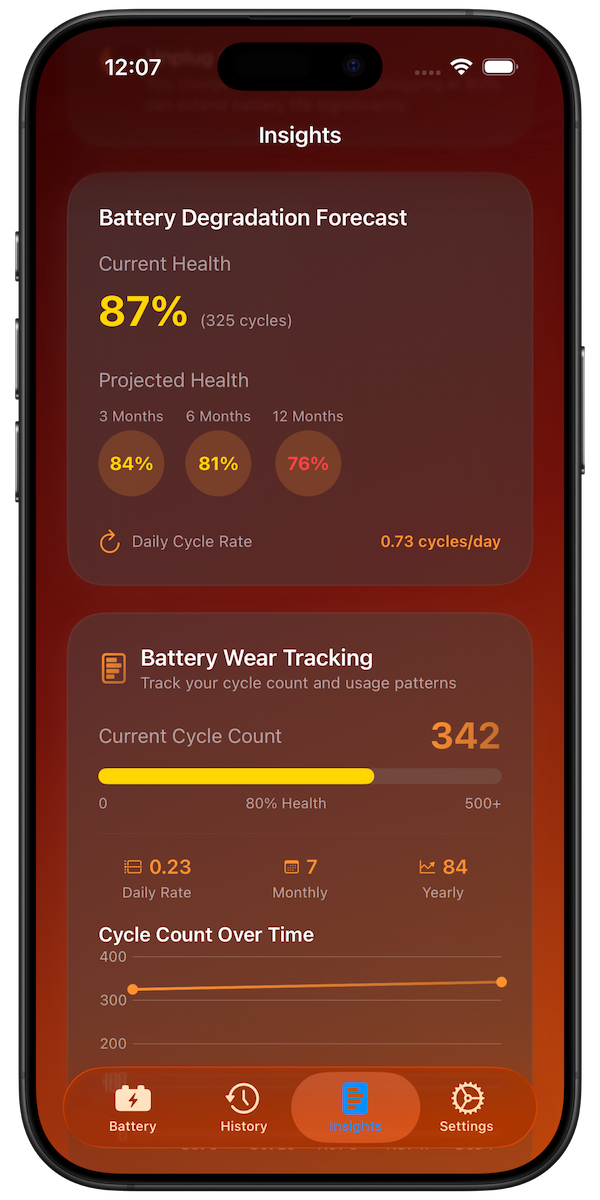
- Daily cycle rate
- Deep discharge frequency
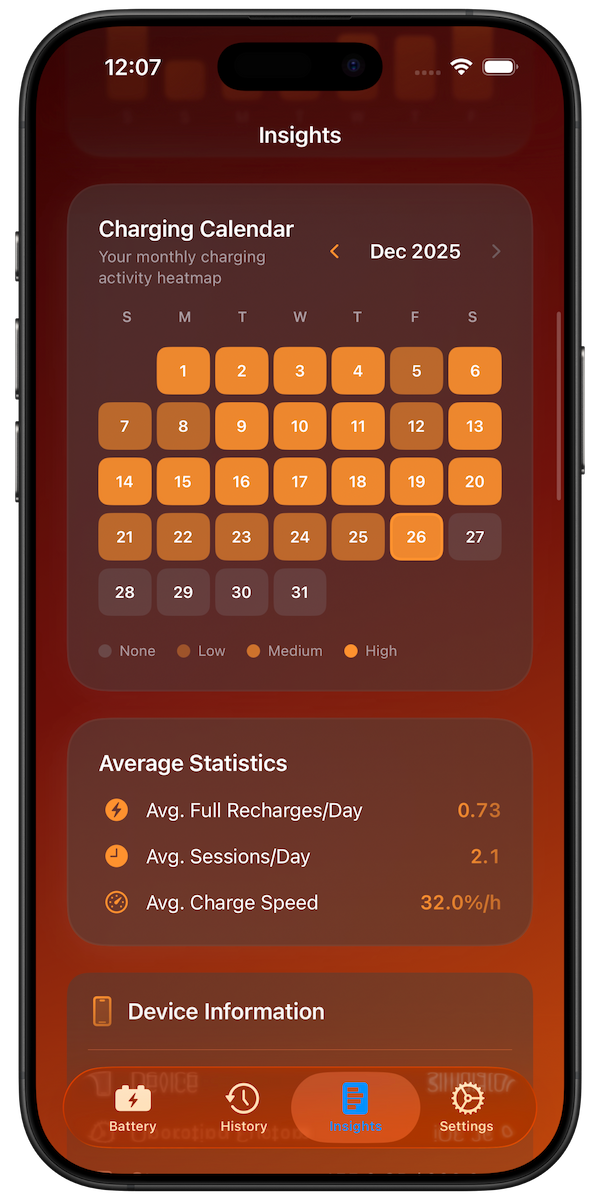
Charging Calendar shows your daily patterns as a visual heatmap
Download Battery Health Pro Free
Setting Up Charge Alerts
One of the most effective ways to improve charging habits is setting alerts. Battery Health Pro lets you create custom notifications:
- 80% Alert: Reminder to unplug and avoid stress from high charge
- 20% Alert: Reminder to charge before deep discharge
- Custom Alerts: Set any percentage based on your needs
Analyzing Your Patterns
After tracking for a week, look for these patterns:
- High cycle days: Days where you use more than 1 full recharge
- Overnight full charge: Phone sitting at 100% for hours
- Fast charging overuse: Using fast chargers when standard would work
- Deep discharge patterns: Regularly running to 0%
Making Improvements
Based on your tracked data, consider these changes:
- Charge during the day instead of overnight
- Set an 80% alert to unplug earlier
- Use standard chargers for overnight charging
- Charge before reaching 20%
Conclusion
Tracking your charging habits is the first step to extending your iPhone battery's lifespan. While iOS provides basic information, Battery Health Pro gives you the detailed insights you need to understand and improve your charging patterns.