Your iPhone's battery health percentage tells you how much capacity your battery has compared to when it was new. But what percentage is considered "bad"? This guide explains exactly what the numbers mean and when you should take action.
Understanding Battery Health Percentage
When you buy a new iPhone, it has 100% battery health. This means it can hold its full designed charge capacity. Over time, as you use and charge your phone, this percentage decreases due to normal chemical aging.
Check your current percentage: Settings > Battery > Battery Health
Battery Health Zones
Battery Health Ranges Explained
| Percentage | Status | What to Expect |
|---|---|---|
| 95-100% | Excellent | Like-new battery performance |
| 90-95% | Very Good | Minimal noticeable difference |
| 85-90% | Good | Slightly shorter battery life |
| 80-85% | Fair | Noticeably reduced battery life |
| 70-80% | Poor | Significant capacity loss, consider replacement |
| Below 70% | Critical | Replace battery immediately |
Apple's Official 80% Threshold
Apple considers a battery to be functioning normally if it retains 80% or more of its original capacity. This is important because:
- AppleCare+ coverage: Free battery replacement if below 80%
- Performance management: iOS may reduce performance below 80%
- Warranty: Batteries that degrade too quickly may be covered
Real-World Impact by Percentage
Here is what different battery health levels mean for daily use:
At 90% Health
- A phone that lasted 10 hours now lasts about 9 hours
- Most users will not notice a significant difference
- No action needed
At 80% Health
- A phone that lasted 10 hours now lasts about 8 hours
- You may need to charge during the day
- Consider replacement within 6-12 months
At 70% Health
- A phone that lasted 10 hours now lasts about 7 hours
- Frequent charging required
- Replace battery soon
When to Replace Your Battery
Replace your iPhone battery when:
- Maximum Capacity drops below 80%
- You see "Your battery's health is significantly degraded"
- Peak Performance Capability shows "Performance management applied"
- Your phone randomly shuts off at 20-30% battery
- Battery life no longer meets your daily needs
Track Your Battery Health Over Time
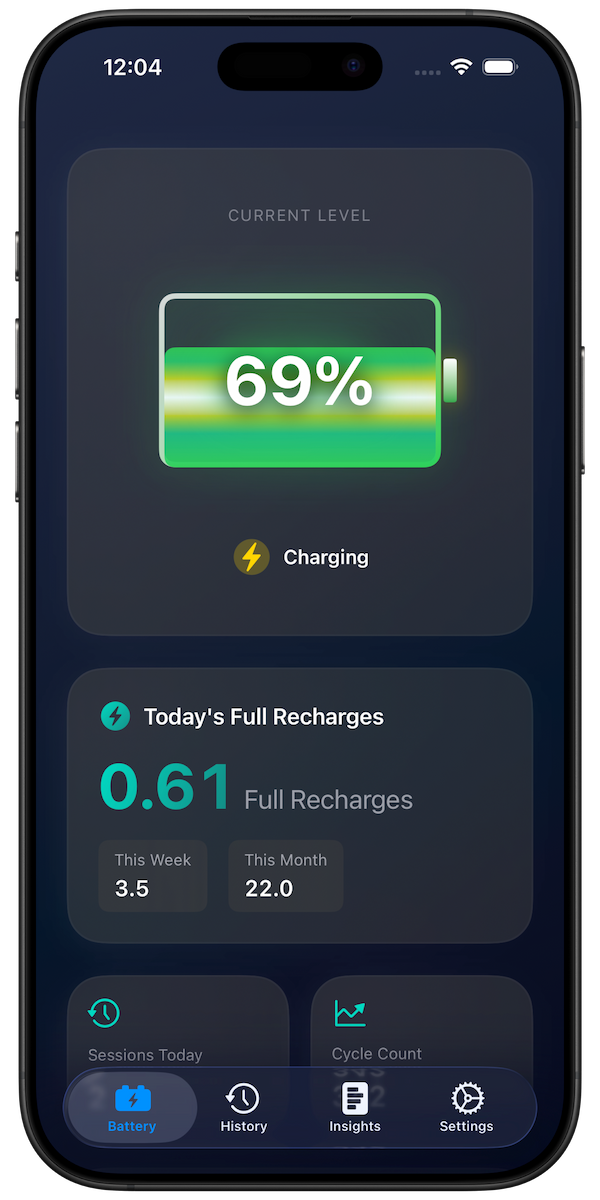
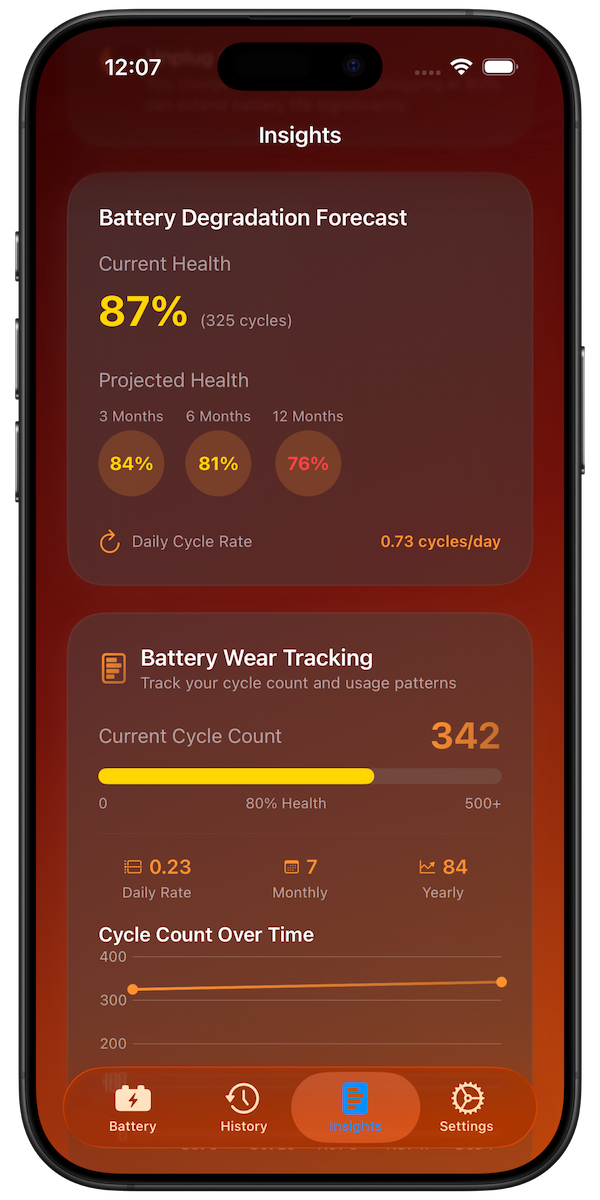
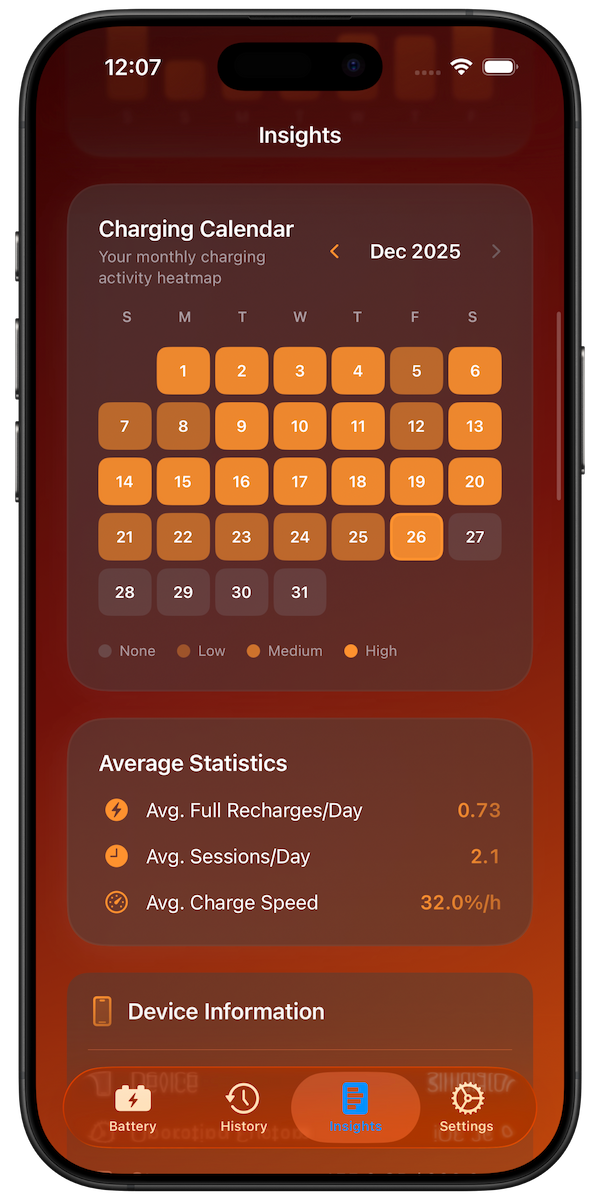
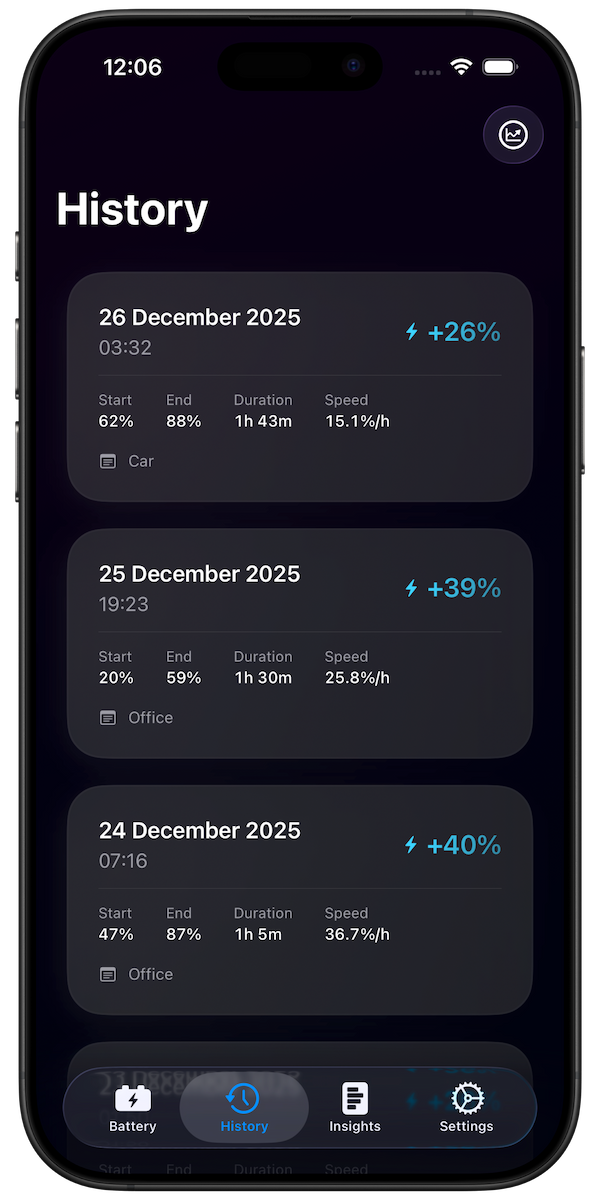
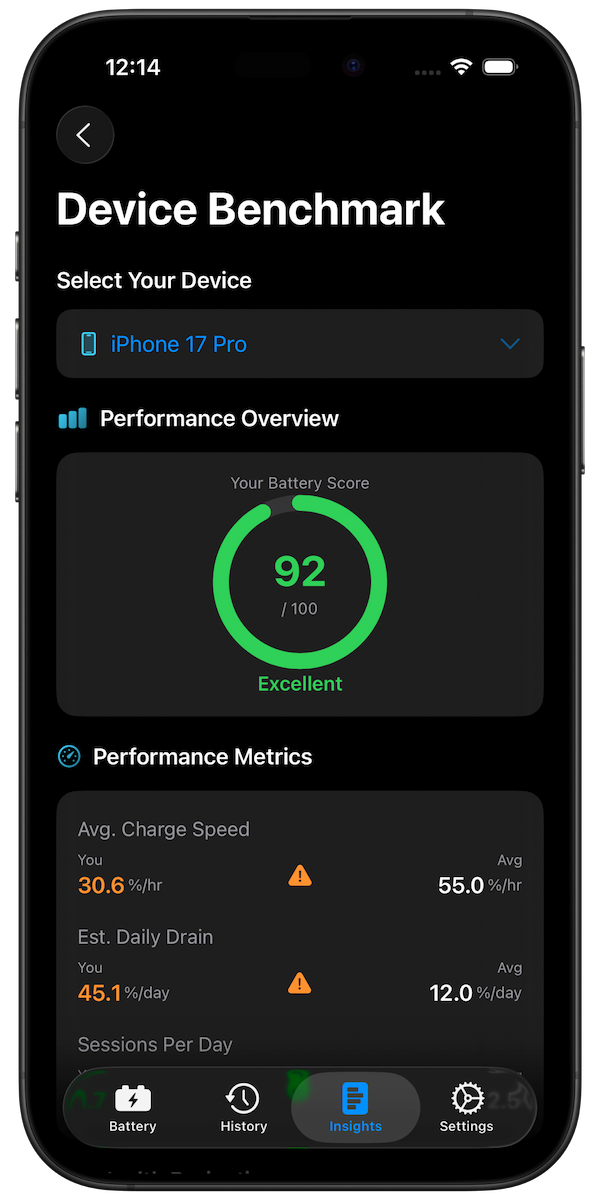
iOS only shows your current battery health percentage. To understand how your battery is degrading over time and predict when you will need a replacement, use Battery Health Pro.
The app tracks your charging patterns and uses AI to forecast your battery health over the next 3, 6, and 12 months.
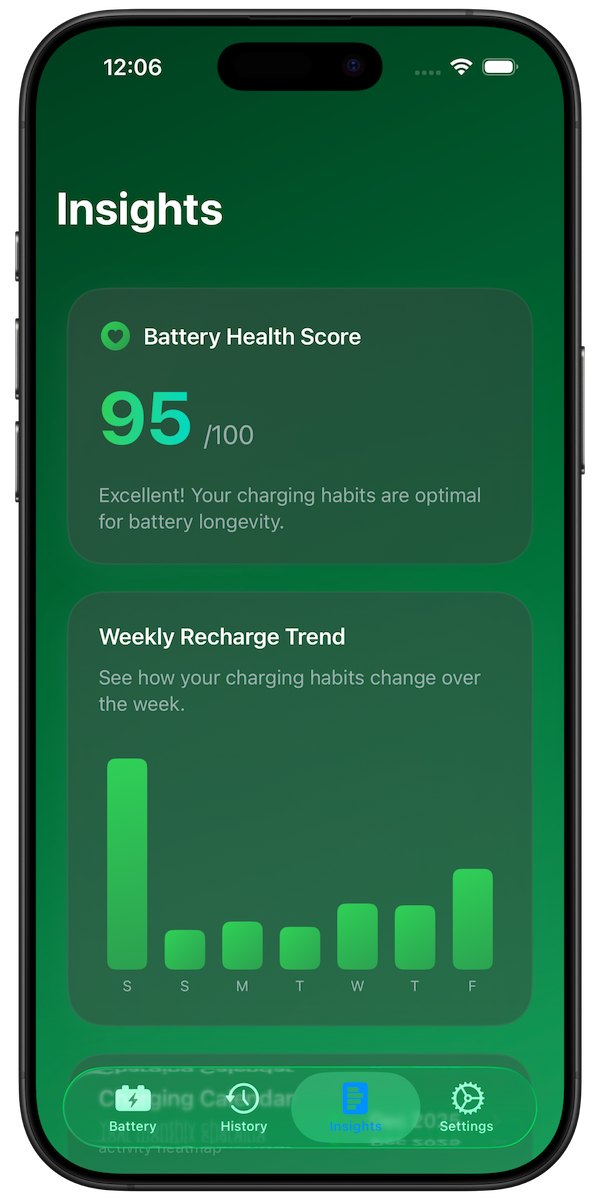
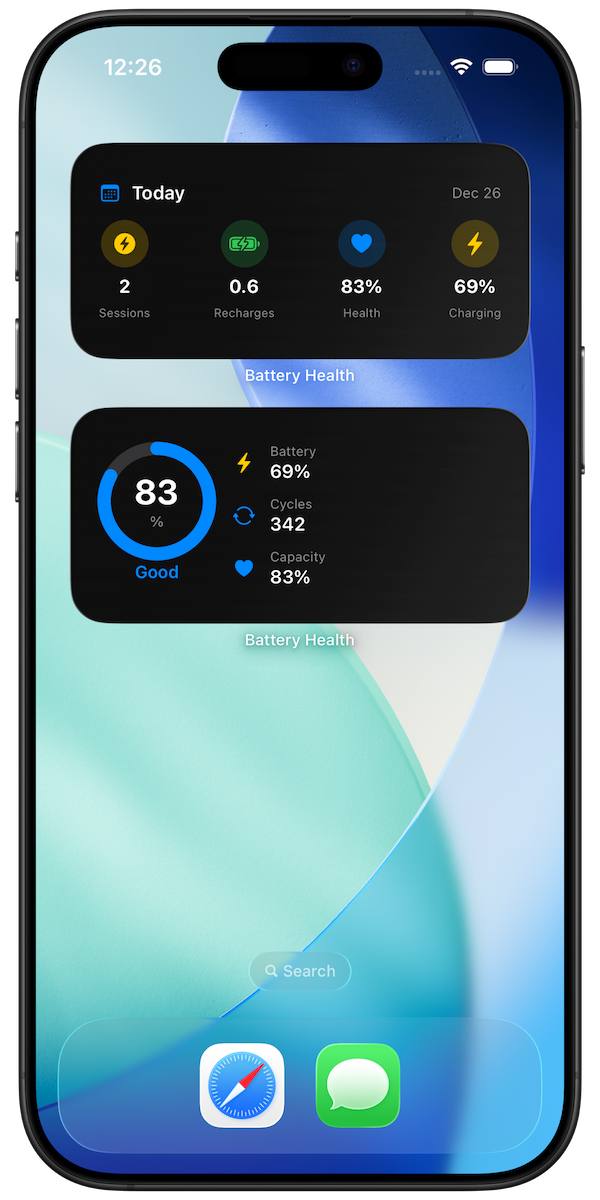
AI-powered Battery Health Score with personalized recommendations
How to Slow Battery Degradation
Keep your battery healthy longer with these tips:
- Enable Optimized Battery Charging in Settings
- Avoid extreme temperatures (hot cars, direct sunlight)
- Keep your iPhone between 20-80% when possible
- Use Apple-certified chargers
- Update to the latest iOS version
Conclusion
A battery health percentage below 80% is generally considered "bad" by Apple's standards. If your iPhone is between 80-90%, it is still functioning normally but showing wear. Below 80%, you should plan for a battery replacement.
Want to track your battery health over time? Battery Health Pro gives you detailed insights and predictions to help you plan ahead.