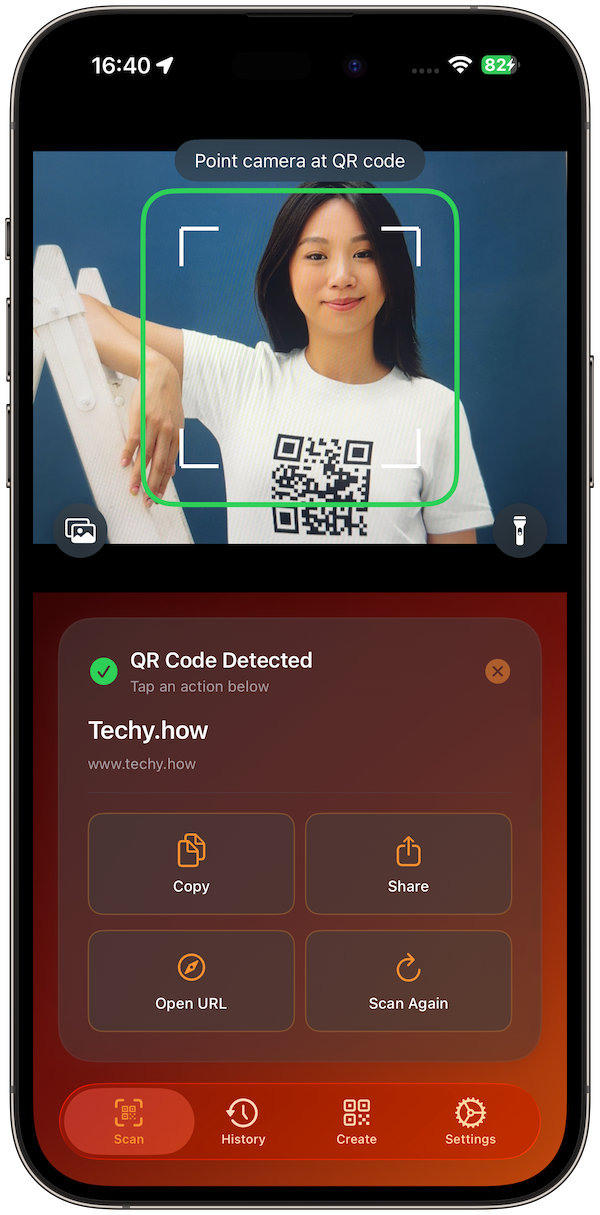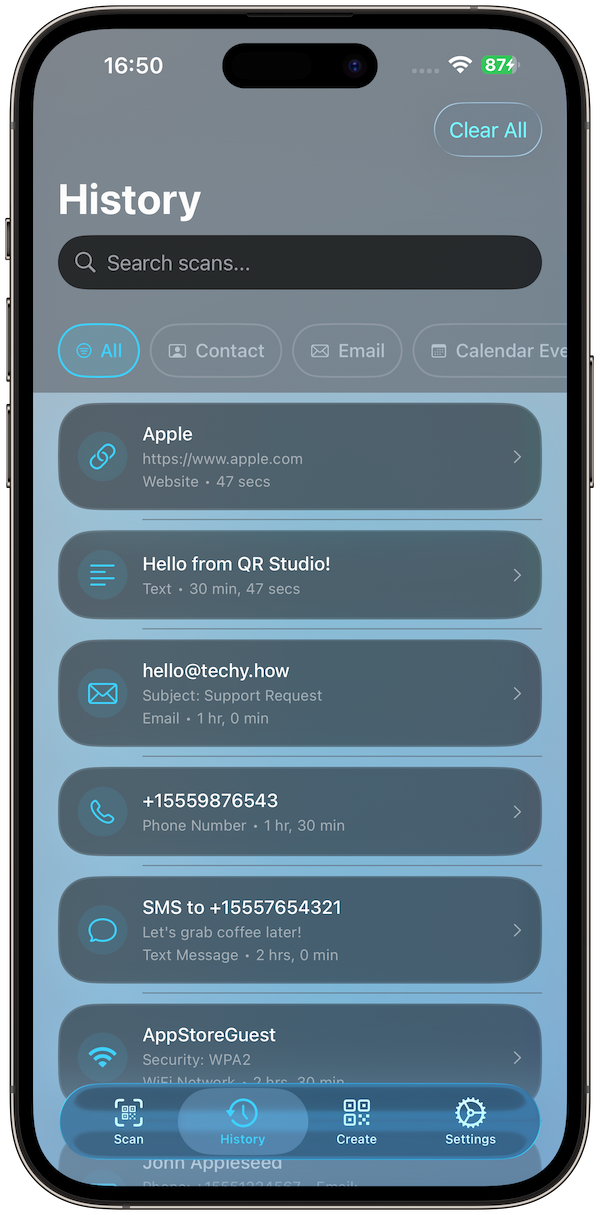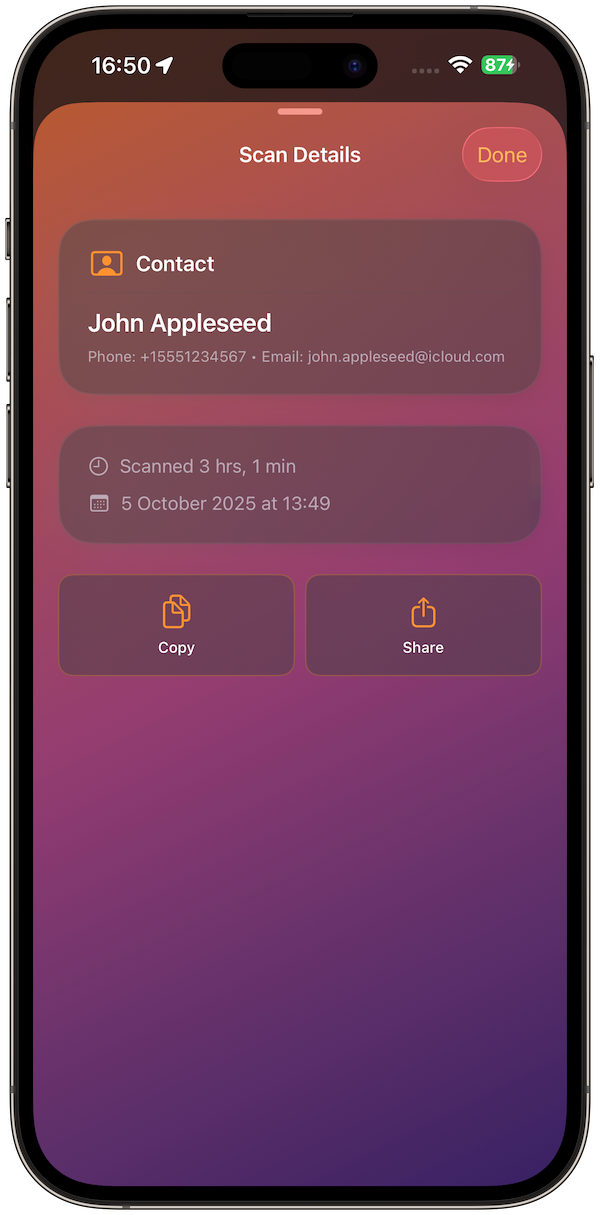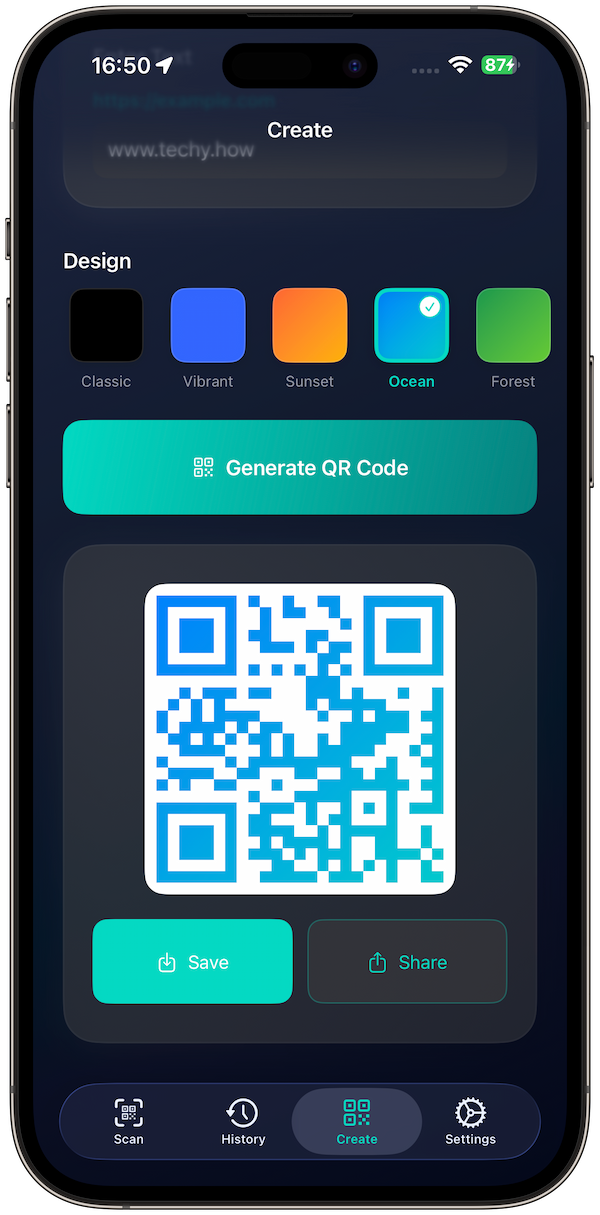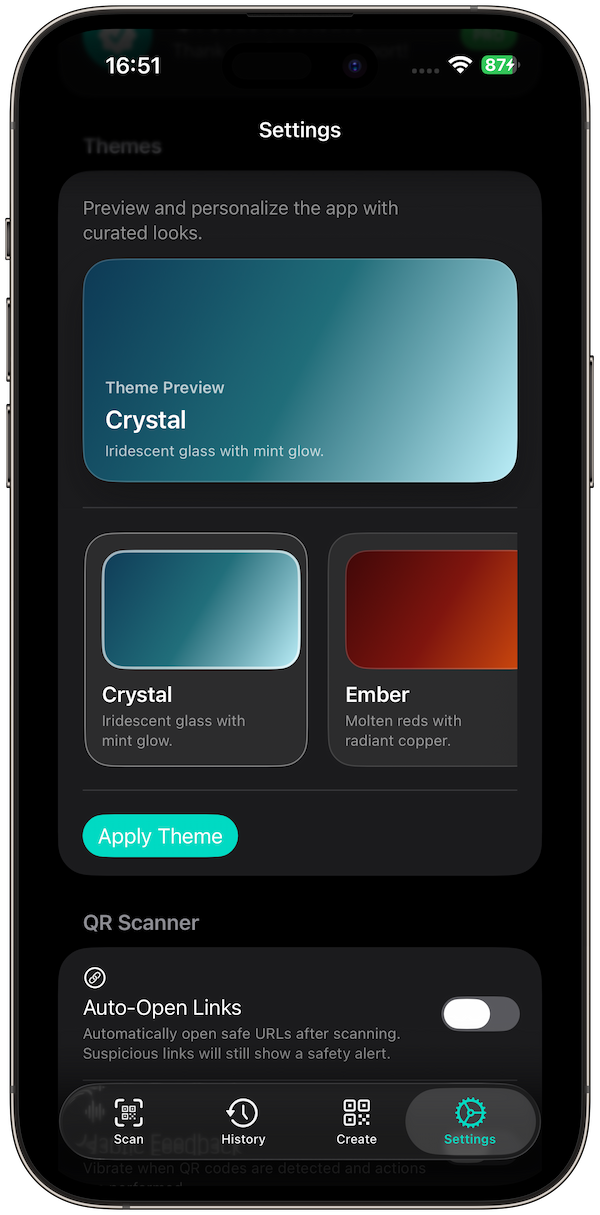
QR codes have become an essential tool for businesses, educators, and individuals looking to bridge the physical and digital worlds. From simple text sharing to complex business applications, QR codes offer endless possibilities for information exchange. This comprehensive guide explores how QR Code Snap simplifies QR code creation and management while providing professional-grade features.
Understanding QR Codes
QR (Quick Response) codes are two-dimensional barcodes that can store various types of information and be quickly scanned by smartphones and other devices.
What QR Codes Can Store
- Text: Plain text messages and notes
- URLs: Website links and web addresses
- Contact Information: vCard format for business cards
- Wi-Fi Credentials: Network name and password
- Email: Pre-filled email messages
- Phone Numbers: Direct dialing links
- SMS: Pre-written text messages
- Events: Calendar invitations and events
Business Applications of QR Codes
QR codes offer numerous opportunities for businesses to enhance customer engagement and streamline operations.
Marketing and Promotion
- Product Information: Link to detailed product pages
- Promotional Content: Special offers and discounts
- Social Media: Direct links to social profiles
- Customer Feedback: Link to review and survey forms
Operational Efficiency
- Contactless Menus: Restaurant and café menus
- Event Management: Registration and check-in systems
- Inventory Tracking: Product identification and tracking
- Document Access: Quick access to manuals and guides
QR Code Snap Features and Capabilities
QR Code Snap provides professional-grade QR code creation tools with both free and premium features.
Free Version Features
- Unlimited Scanning: Scan any QR code instantly
- Basic Generation: Create text and URL QR codes
- Standard Export: Download in standard resolution
- History: Keep track of scanned codes
Pro Version Features
- Advanced Types: Wi-Fi, vCard, Email, Phone, SMS, Event QR codes
- Custom Design: Colors, patterns, and styling options
- High-Resolution Export: Up to 4K PNG and PDF formats
- Batch Creation: Generate multiple codes at once
- Analytics: Track scan statistics and performance
Professional QR Code Design
Creating effective QR codes requires understanding design principles and technical limitations.
Design Best Practices
- High Contrast: Ensure clear distinction between light and dark areas
- Appropriate Size: Make codes large enough for easy scanning
- Clean Background: Avoid busy backgrounds that interfere with scanning
- Error Correction: Use appropriate error correction levels for the environment
Customization Options
- Color Schemes: Brand-consistent color choices
- Logo Integration: Add company logos to QR codes
- Border Styles: Custom borders and frames
- Pattern Variations: Different QR code patterns and styles
Technical Considerations
Understanding QR code technical specifications helps ensure reliable performance across different use cases.
Data Capacity
- Numeric Data: Up to 7,089 characters
- Alphanumeric: Up to 4,296 characters
- Binary Data: Up to 2,953 bytes
- Kanji Characters: Up to 1,817 characters
Error Correction Levels
- Level L: ~7% error correction (smallest size)
- Level M: ~15% error correction (balanced)
- Level Q: ~25% error correction (high reliability)
- Level H: ~30% error correction (maximum reliability)
Industry-Specific Applications
Different industries can leverage QR codes for specific use cases and benefits.
Healthcare
- Patient Information: Medical records and treatment plans
- Medication Tracking: Drug information and dosage instructions
- Appointment Scheduling: Quick access to booking systems
Education
- Course Materials: Access to digital resources and assignments
- Student Information: Grade reports and academic records
- Event Management: Campus events and activities
Retail and E-commerce
- Product Information: Detailed specifications and reviews
- Inventory Management: Stock tracking and management
- Customer Service: Support and warranty information
Security and Privacy Considerations
While QR codes are convenient, they also present security considerations that users should understand.
Security Best Practices
- Verify Sources: Only scan QR codes from trusted sources
- Check URLs: Verify destination URLs before visiting
- Use Secure Apps: Use reputable QR code scanners
- Regular Updates: Keep scanning apps updated
Privacy Protection
- Data Minimization: Only include necessary information
- Secure Storage: Protect QR code data appropriately
- Access Control: Limit access to sensitive QR codes
Future of QR Codes
QR code technology continues to evolve, offering new possibilities for digital interaction.
Emerging Applications
- Augmented Reality: AR experiences triggered by QR codes
- IoT Integration: Smart device control and configuration
- Blockchain Applications: Cryptocurrency payments and verification
- AI Integration: Intelligent content delivery based on user context
Conclusion
QR codes represent a powerful bridge between physical and digital worlds, offering endless possibilities for information sharing, business operations, and user engagement. QR Code Snap provides the tools needed to create, customize, and manage QR codes professionally.
By understanding QR code capabilities, design principles, and security considerations, you can leverage this technology effectively for your business or personal needs. The key is to focus on user experience, security, and clear communication of value to maximize QR code effectiveness.