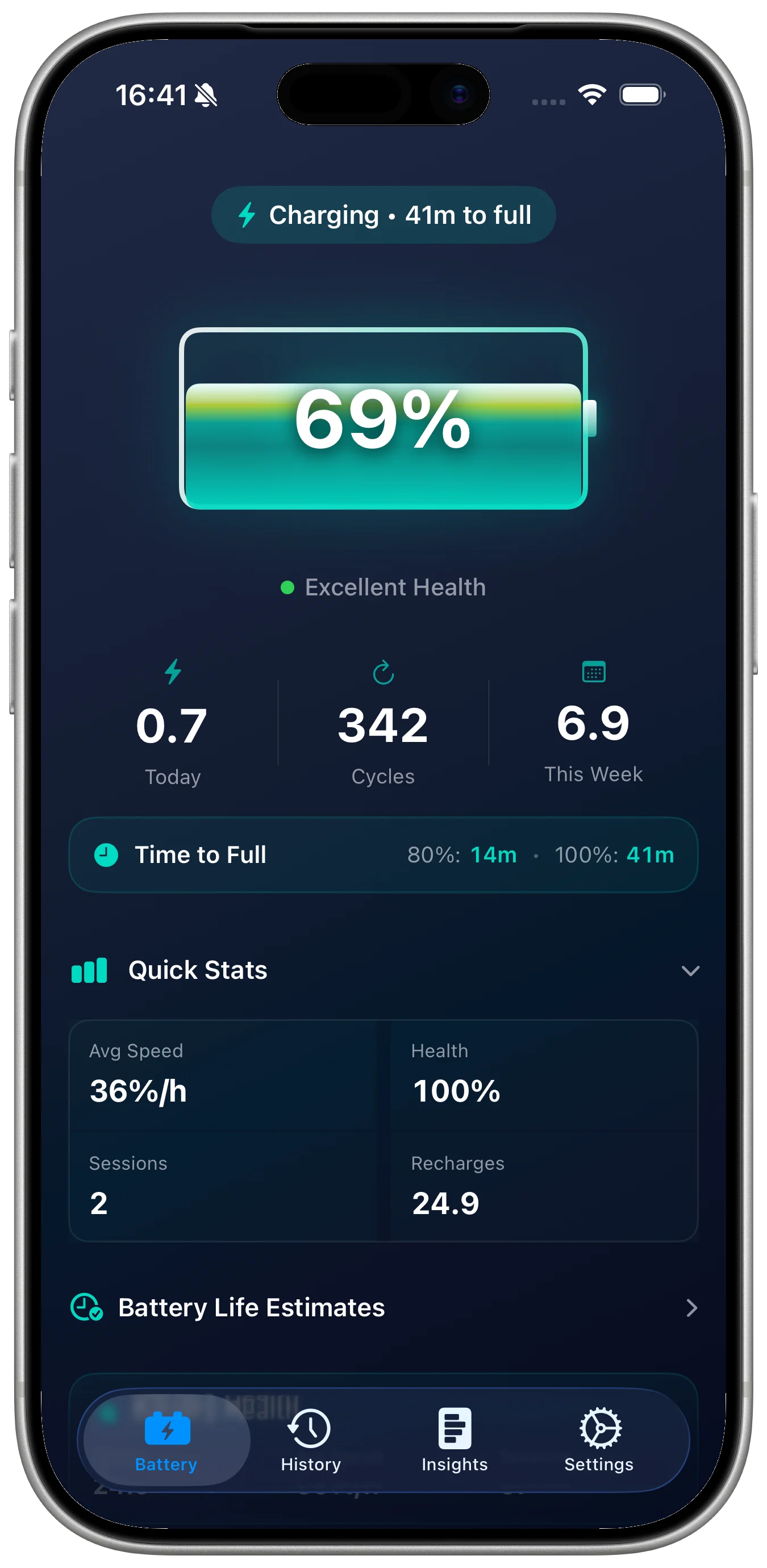

Battery cycle count is one of the clearest ways to understand how much an iPhone battery has been used. A cycle is not the same as one plug-in session. It represents a full discharge and recharge spread across normal use, so two separate 50 percent recharges can add up to one cycle. The number matters because lithium-ion batteries age with charge cycles, heat, and time.
Start with the built-in battery view
Open the iPhone battery settings first. The built-in health view gives a quick status check and helps you confirm whether the device is reporting service warnings. It is useful as a starting point, but it is not designed as a long-term record for people who want to compare battery wear over weeks or months.
Look at cycle count in context
A cycle count is most useful when it is paired with the device age, maximum capacity, charge habits, and recent behavior. A higher cycle count is expected on a device used heavily every day. A lower count with weak runtime can point to heat exposure, storage age, or usage patterns rather than cycles alone.
Keep a repeatable record
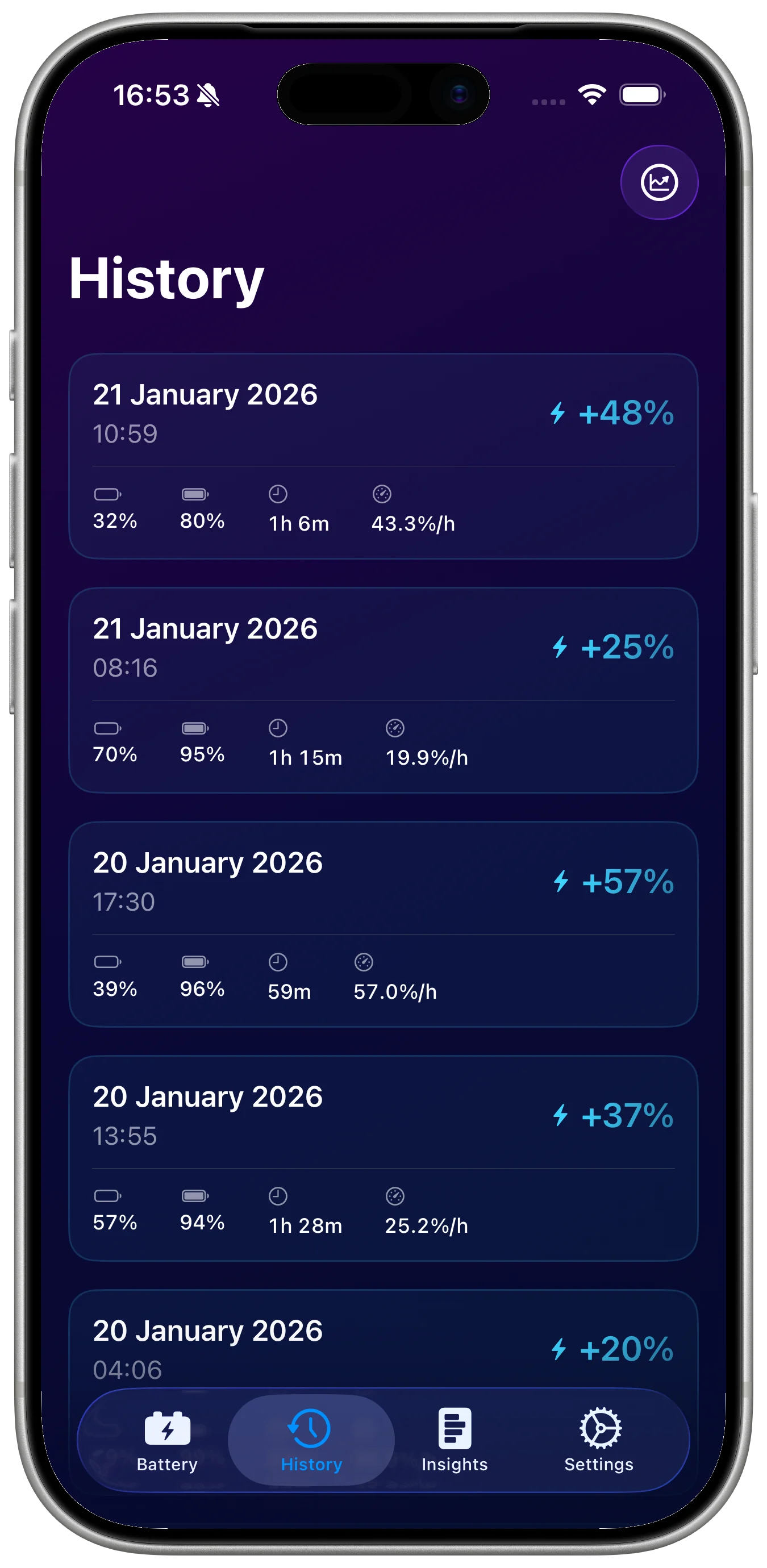
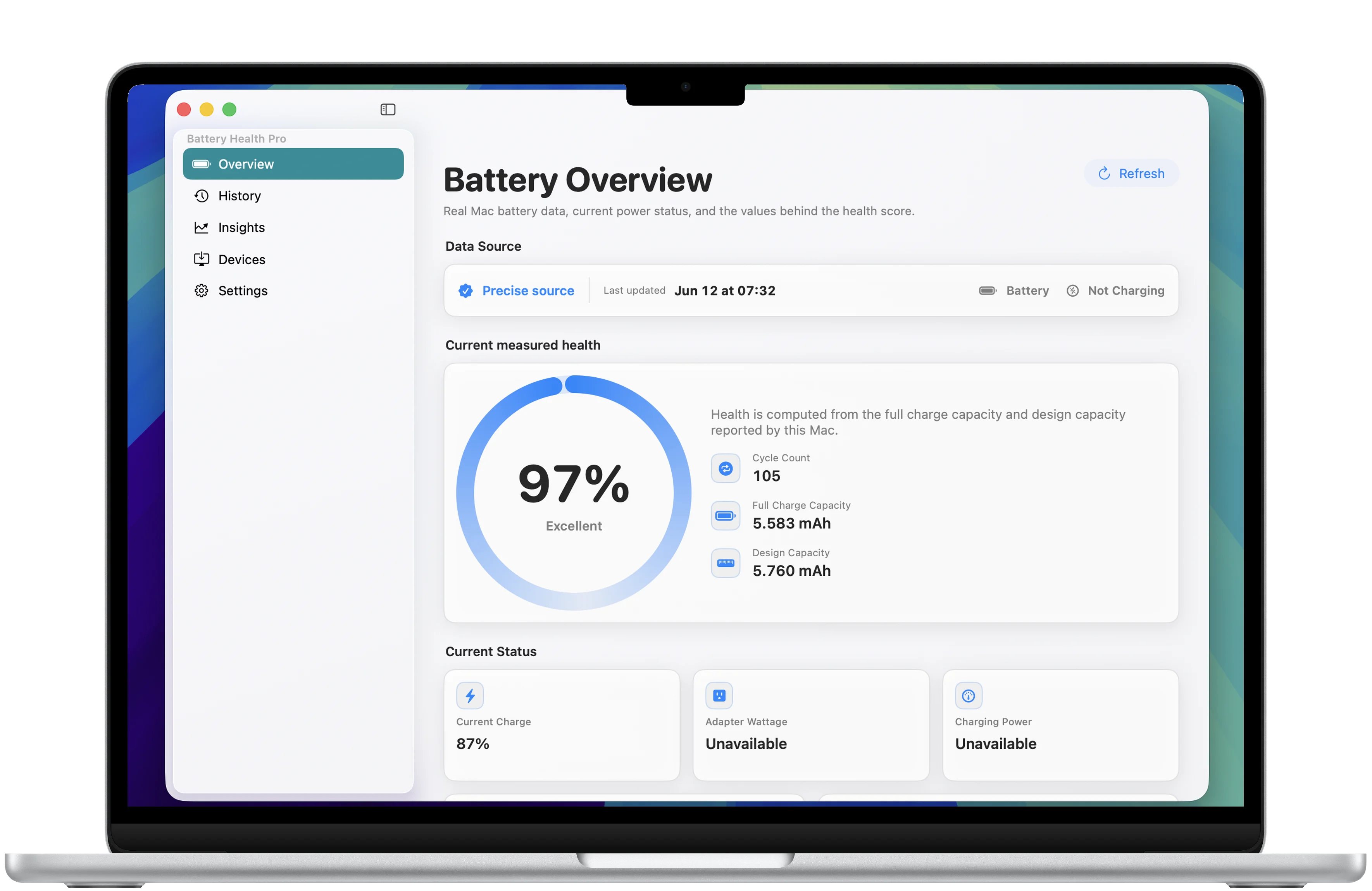
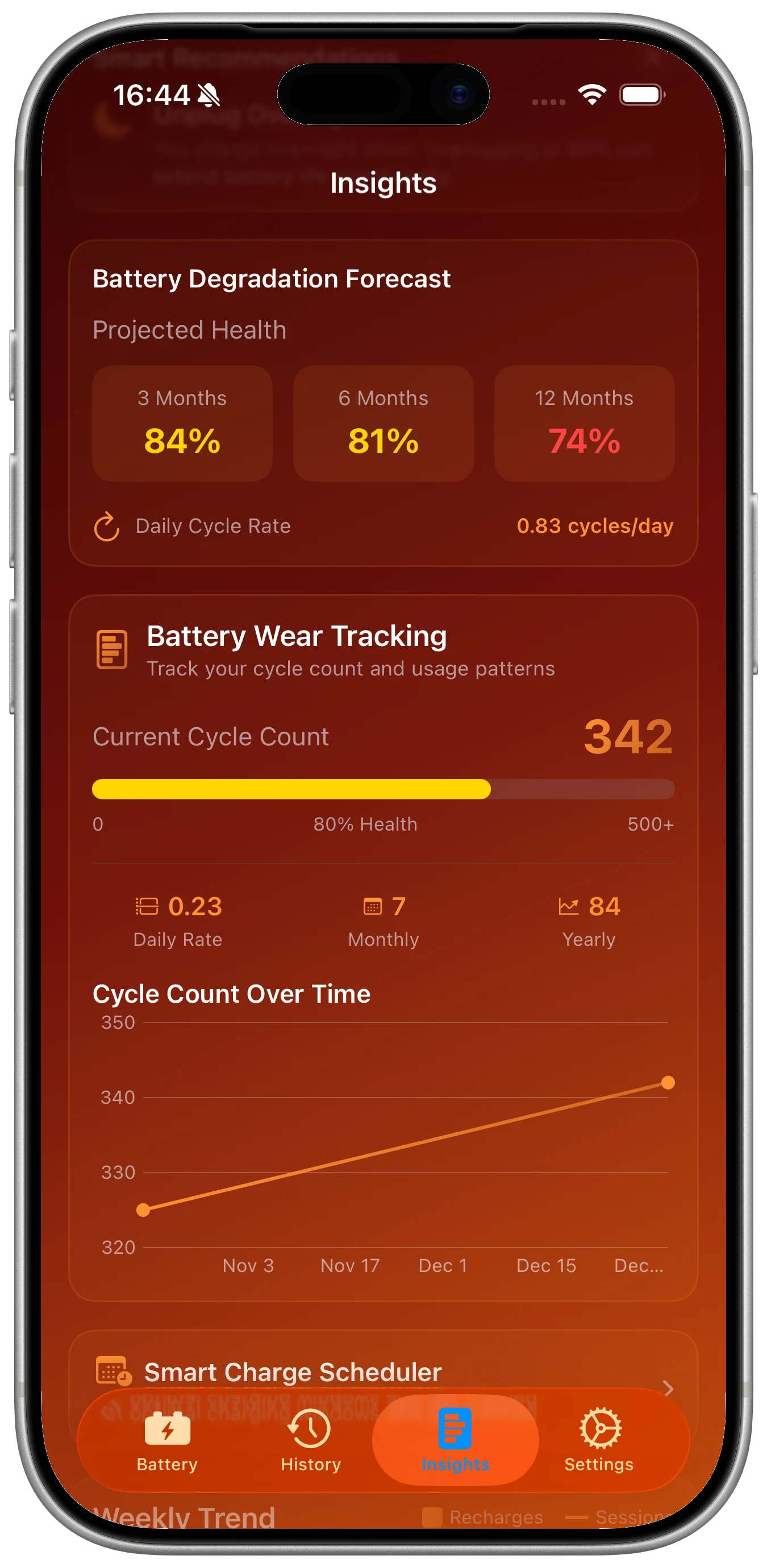
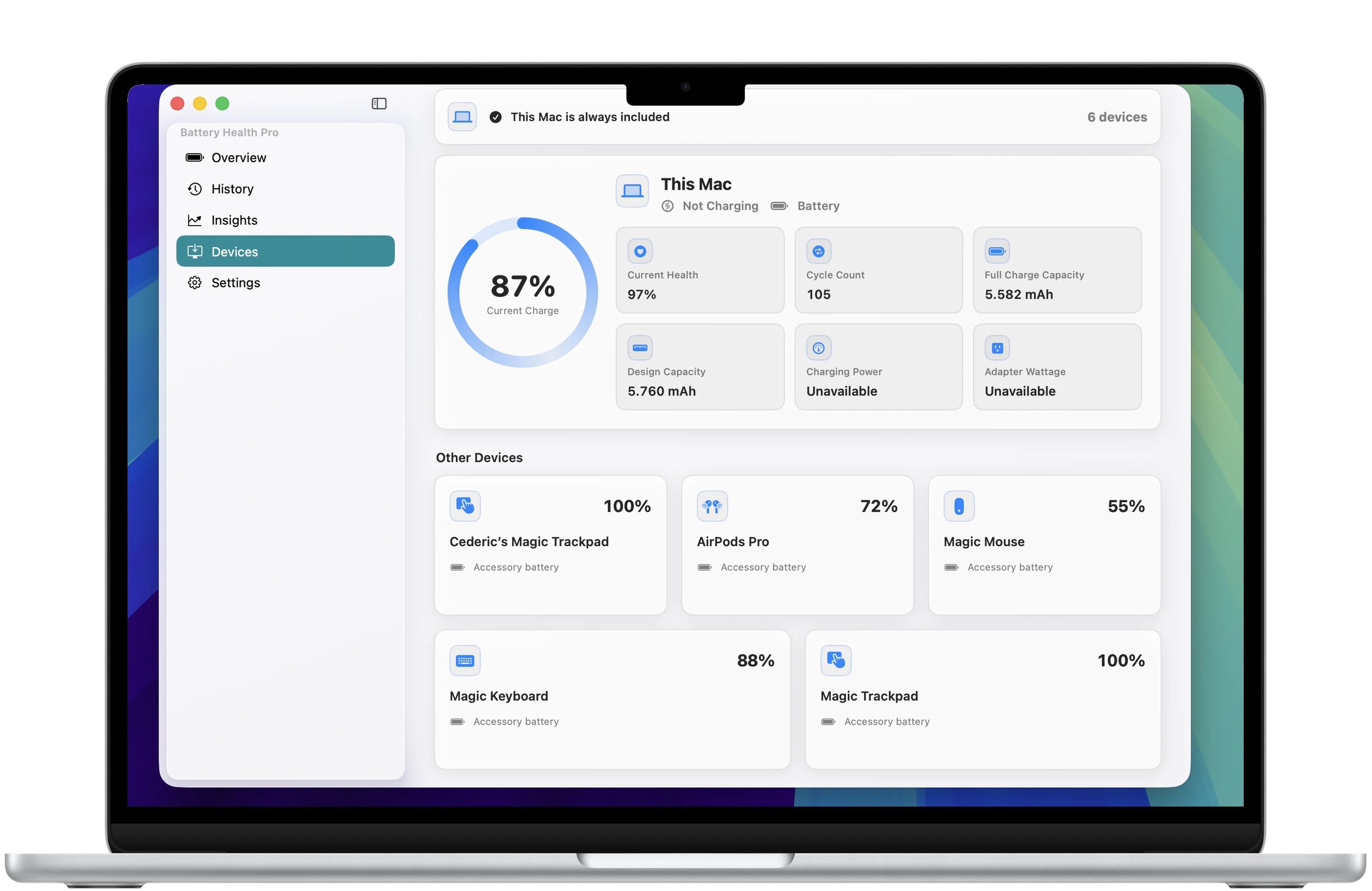
The practical habit is to log battery checks the same way each time. Note the cycle count, health estimate, charge pattern, and any service context. Battery Health Pro is built for that workflow: cycle count tracking, charge history, battery health scoring, long-term trends, widgets, alerts, and exportable records in one private dashboard.
When to check again
Check before buying a used iPhone, before selling one, after a major iOS update, when battery life changes suddenly, and before a service appointment. If you only check once, the number is a snapshot. If you track it over time, it becomes evidence.
Use the app when you need history
If you want a clean battery log instead of scattered notes, Battery Health Pro gives you a focused place to review cycle count, charging history, degradation trends, alerts, and exports for service, resale, or personal records.