
A monthly retainer is easier to manage when the agreement, time used, remaining capacity, deliverables, and renewal rules live in one structured record. Client Retainer Manager is built for independent consultants, freelancers, and small studios that want that workflow on Mac.
Record the terms behind each retainer
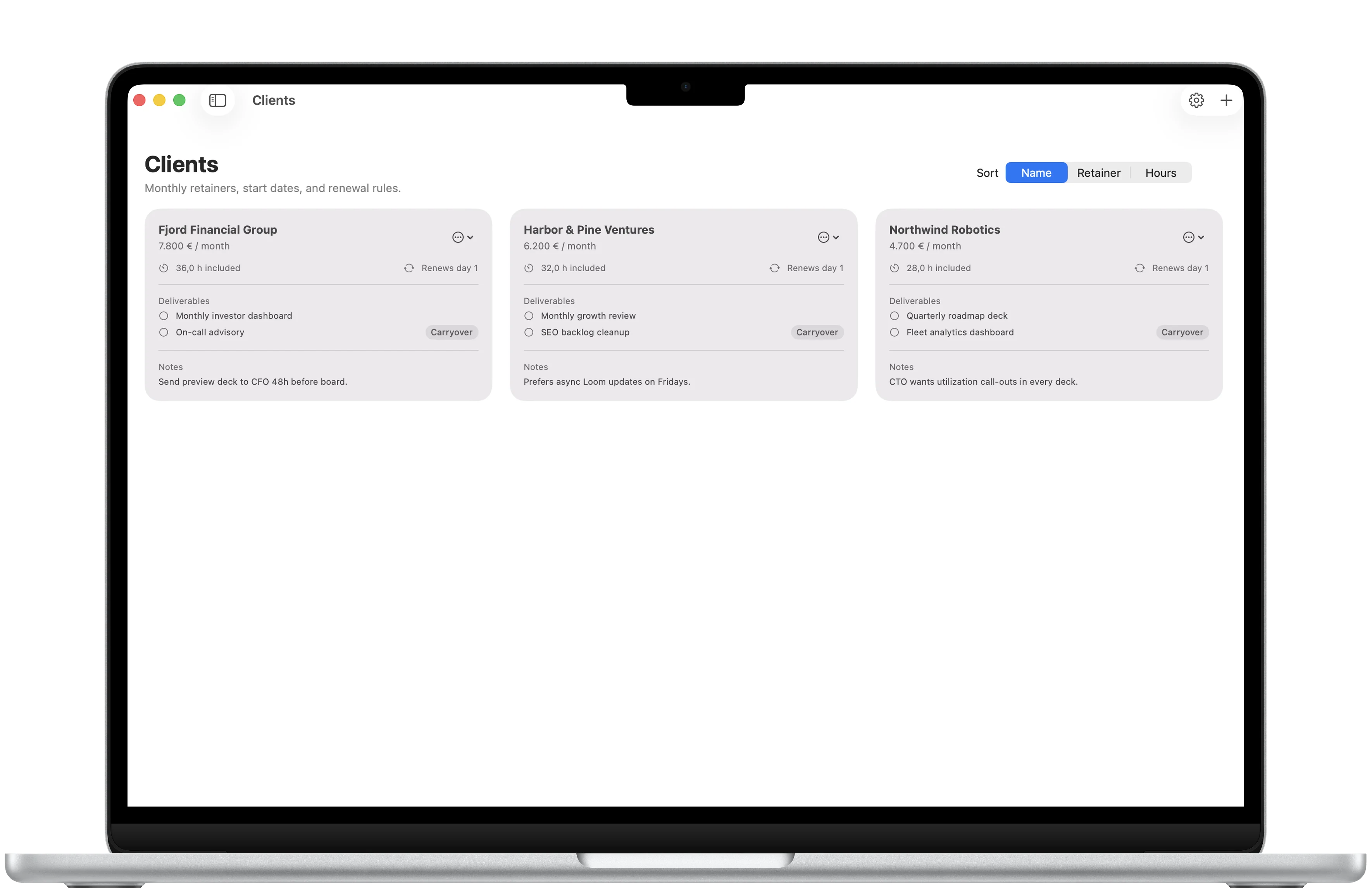
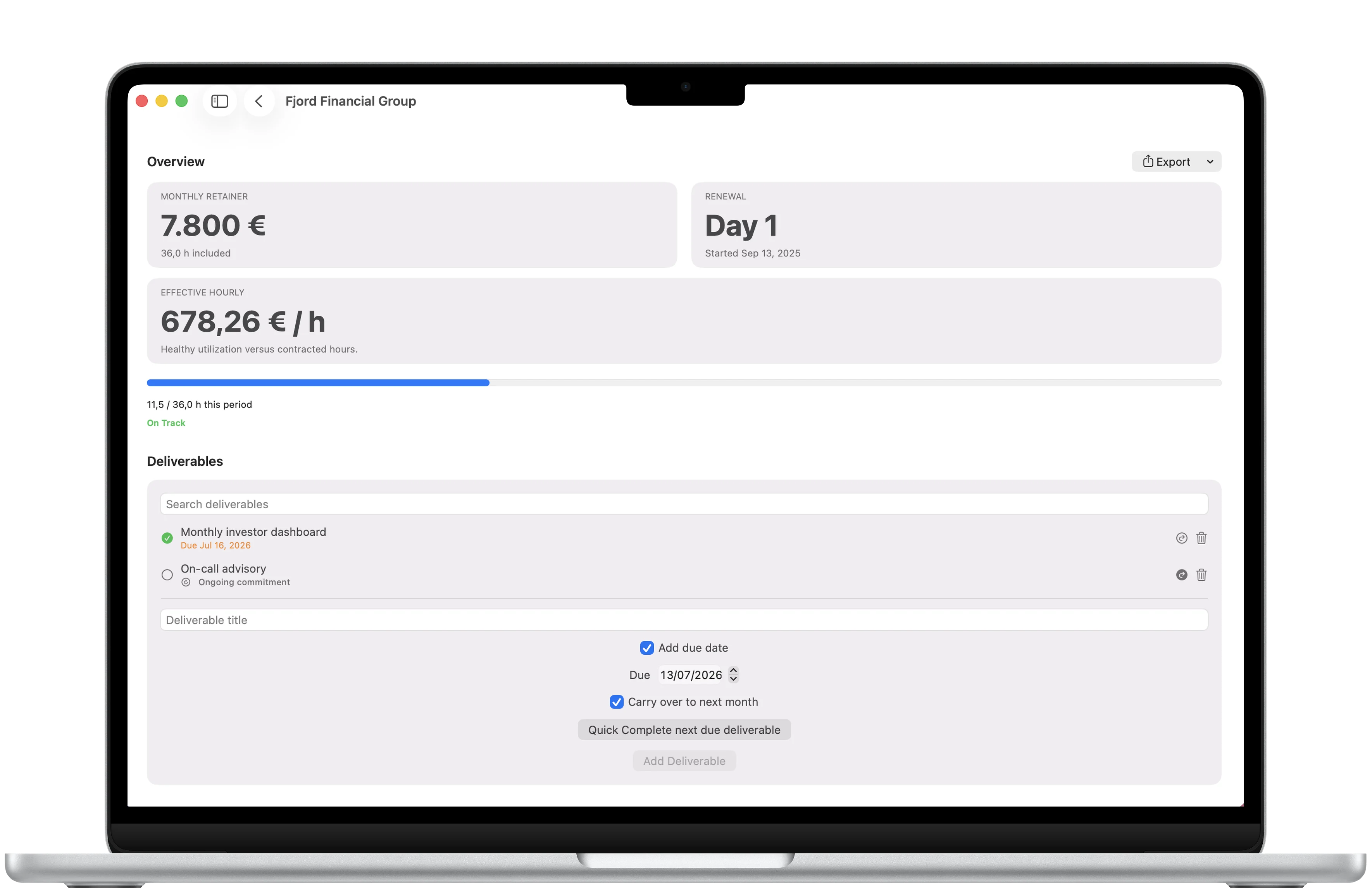
Start with the client record. Store the monthly retainer, included hours, renewal rules, deliverables, notes, billing contact, and payment terms. Keeping those facts together makes the current month easier to review.
Log work as it happens
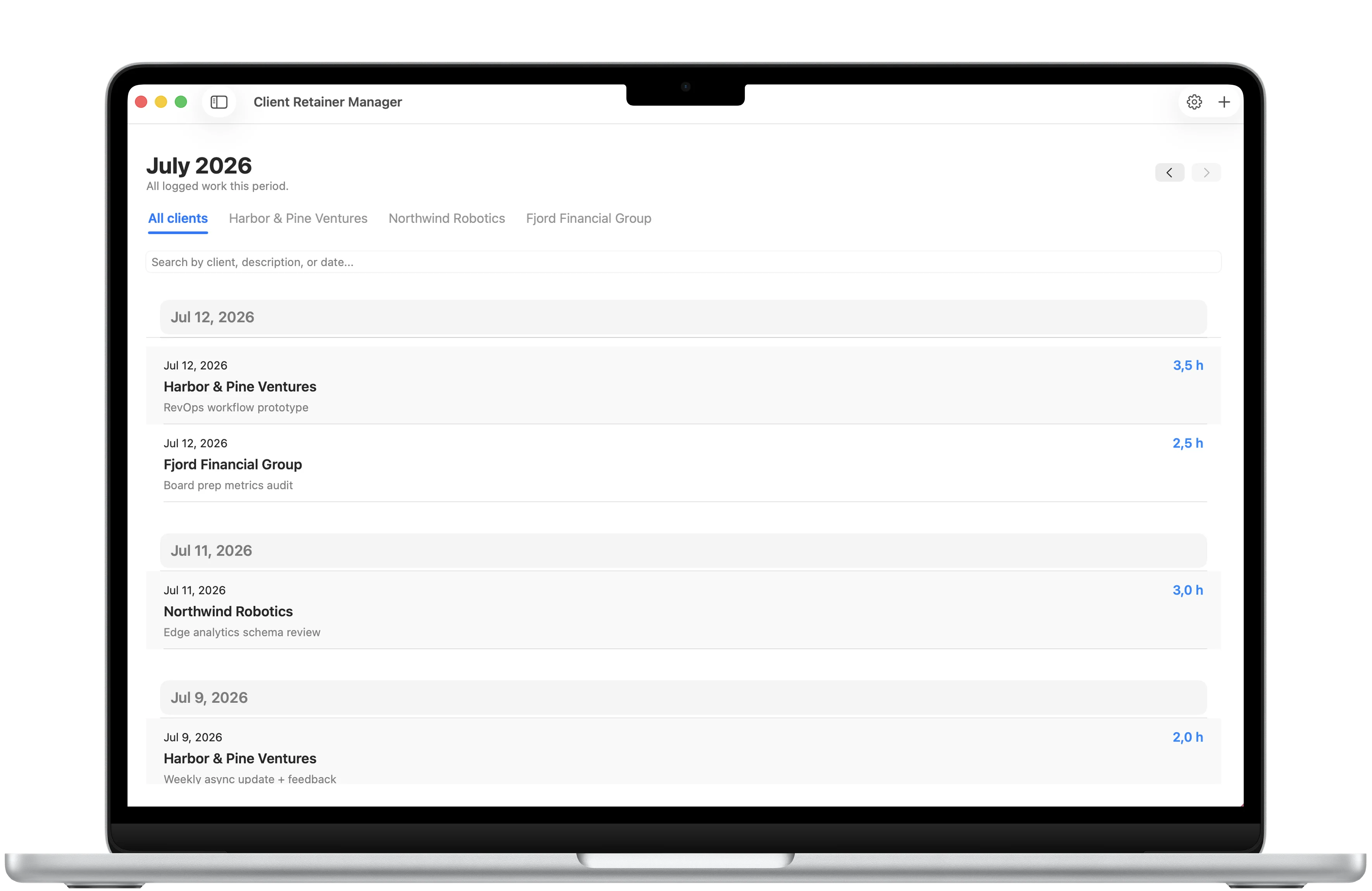
Each time entry records the client, date, hours, and a short work summary. Entries can be reviewed by client, date, or project so the monthly total has a clear record behind it.
Watch utilization and commitments
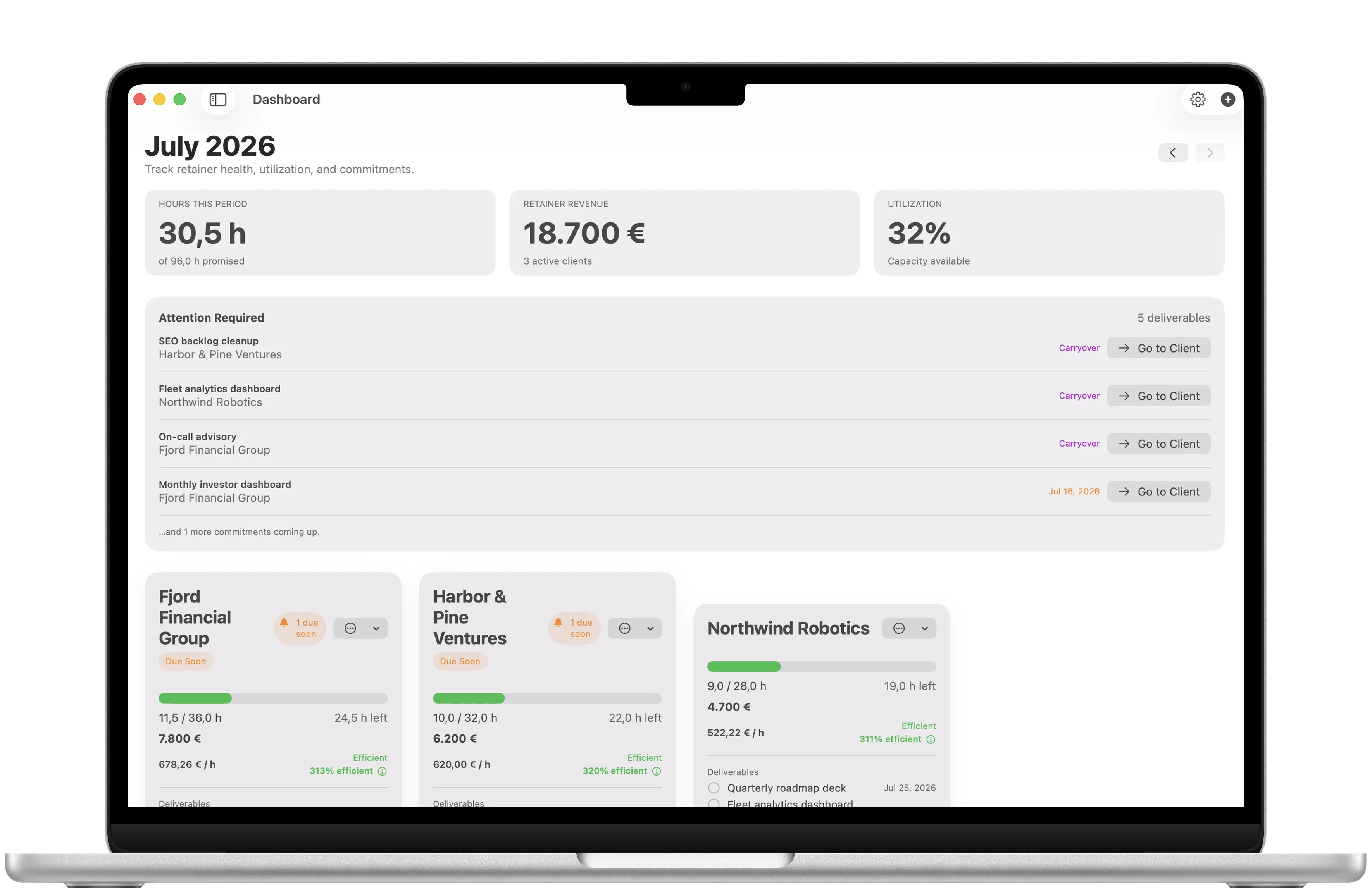
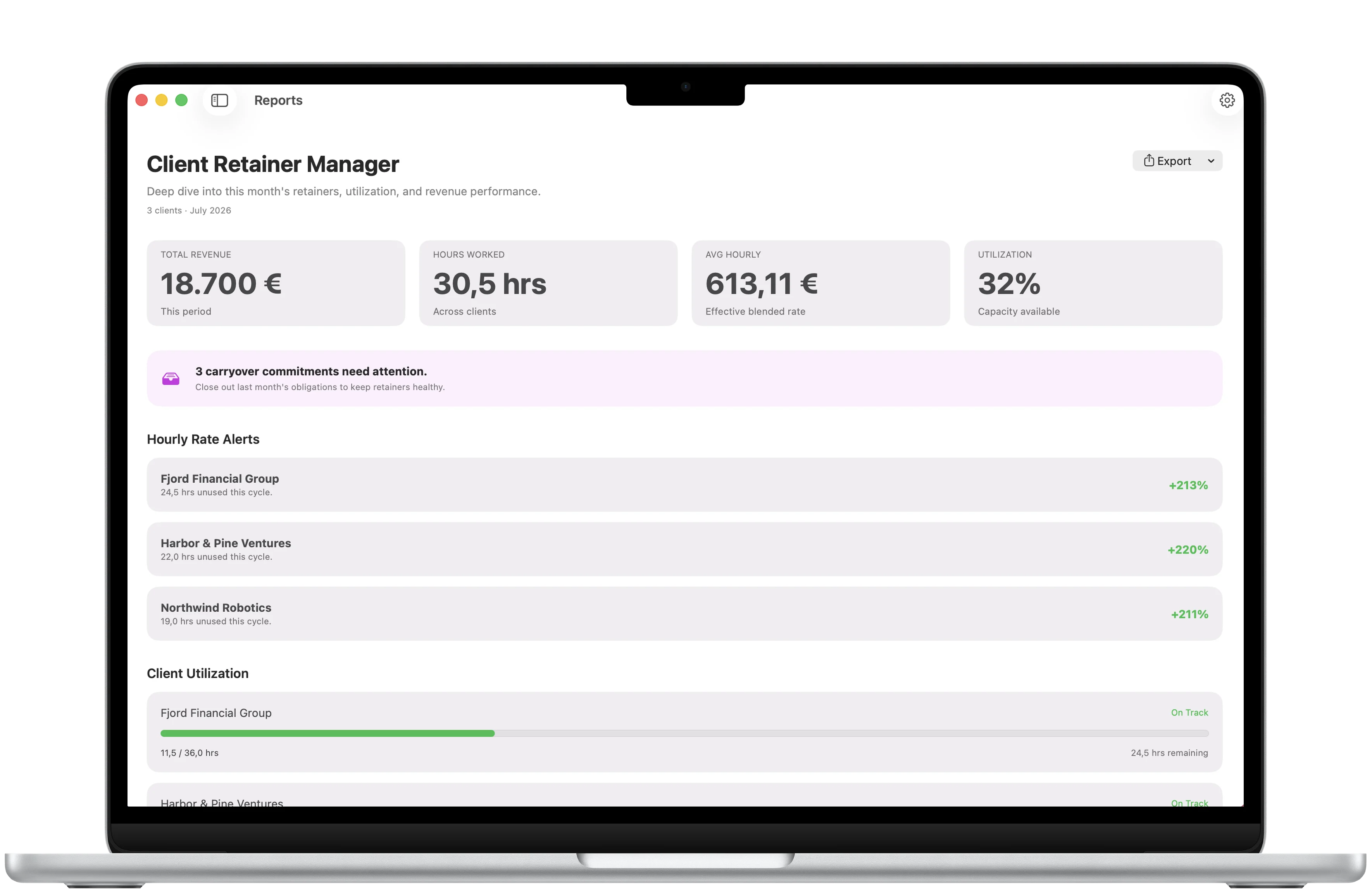
The monthly dashboard derives hours used, revenue, included capacity, utilization, client health, and deliverable alerts. Upcoming, overdue, and carryover commitments stay visible while there is still time to act.
Use Pro when the month needs a report
The free experience covers the current month and ordinary client and time management. A one-time Pro unlock adds historical month navigation, CSV export, PDF monthly summaries, client summaries and invoices, custom report branding, reports, and hourly rate analysis.
Keep the workspace local
Client Retainer Manager stores its workspace in a local snapshot in Application Support on the Mac. The app has no accounts, syncing, servers, or analytics.