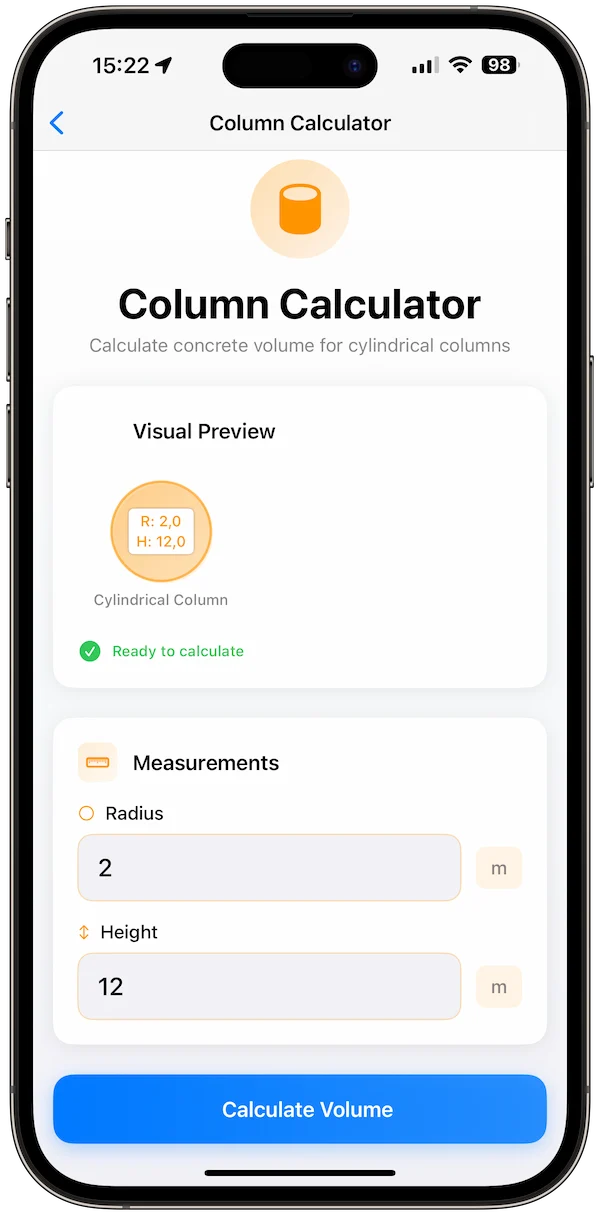

A concrete slab estimate starts with volume. Measure the slab length, width, and thickness, then convert everything into the same unit before multiplying. The basic formula is length times width times thickness. That gives the concrete volume you need before waste, form variation, and ordering margin.
Measure the slab clearly
Measure the finished slab area, not just the visible floor space. Include the full length and width inside the forms. Thickness matters just as much as surface area, so avoid guessing. A small thickness error across a large slab can change the final volume enough to affect cost and delivery.
Convert before multiplying
If the length and width are in feet but the thickness is in inches, convert the thickness to feet before calculating. For example, a 4 inch slab is one third of a foot. Once the units match, multiply length by width by thickness to get cubic feet, then convert to cubic yards if you are ordering ready-mix.
Add a practical waste margin
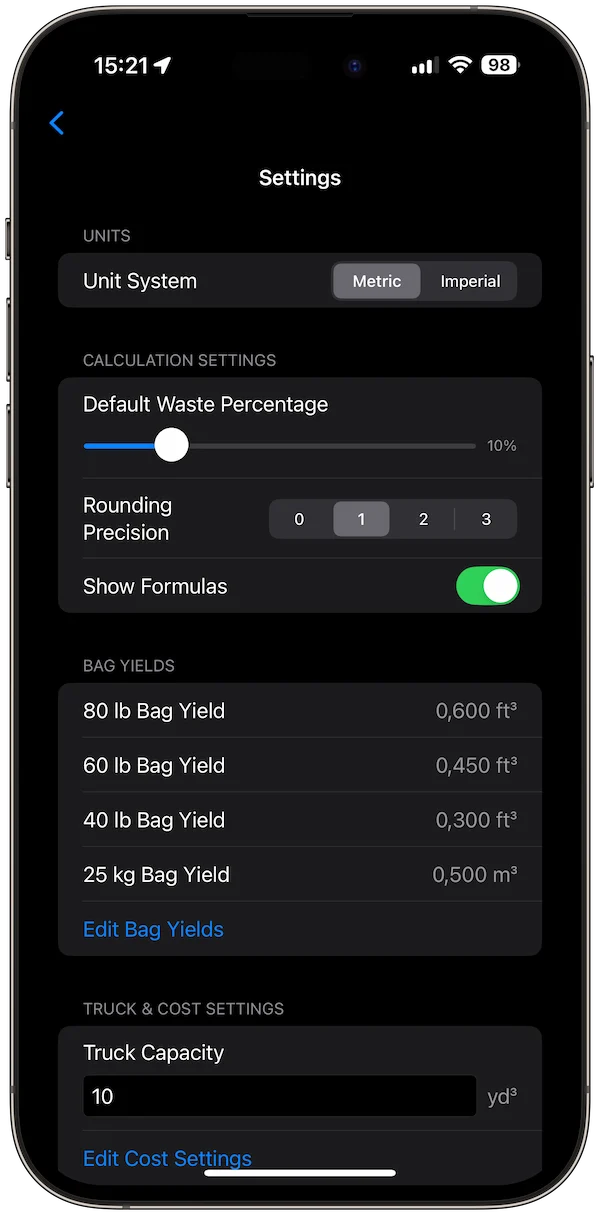
Concrete jobs rarely match the drawing perfectly. Forms can be uneven, the base can vary, and small spills or over-excavation can change the required amount. A waste margin helps avoid running short during the pour. The right margin depends on the job size and site conditions, so treat it as a planning input rather than a fixed rule.
Compare bags and ready-mix
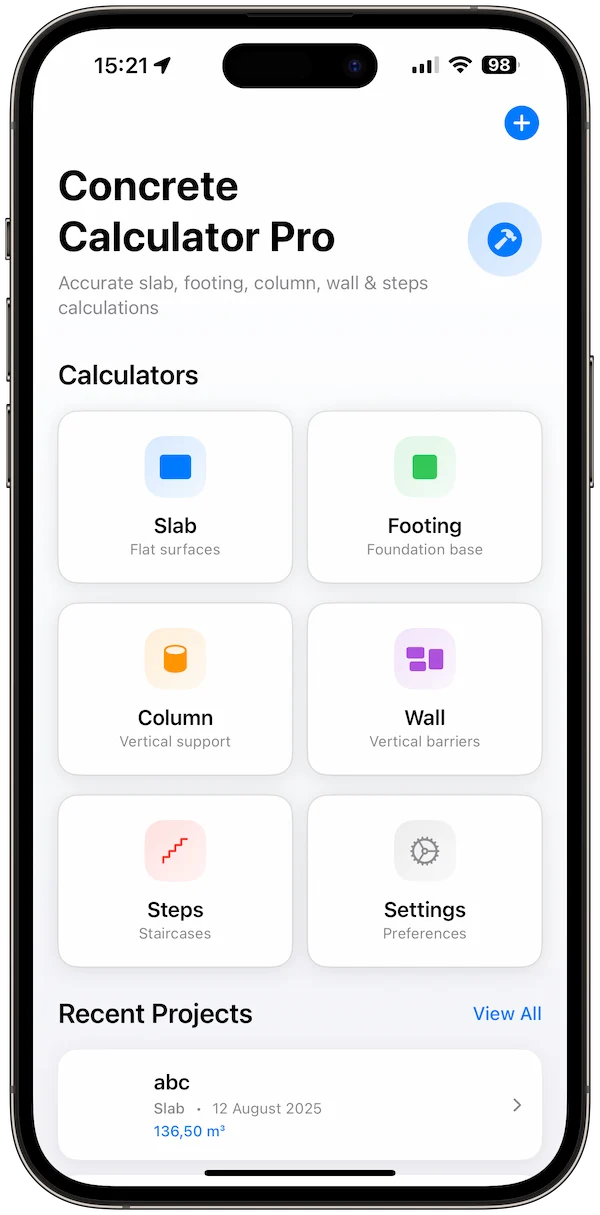
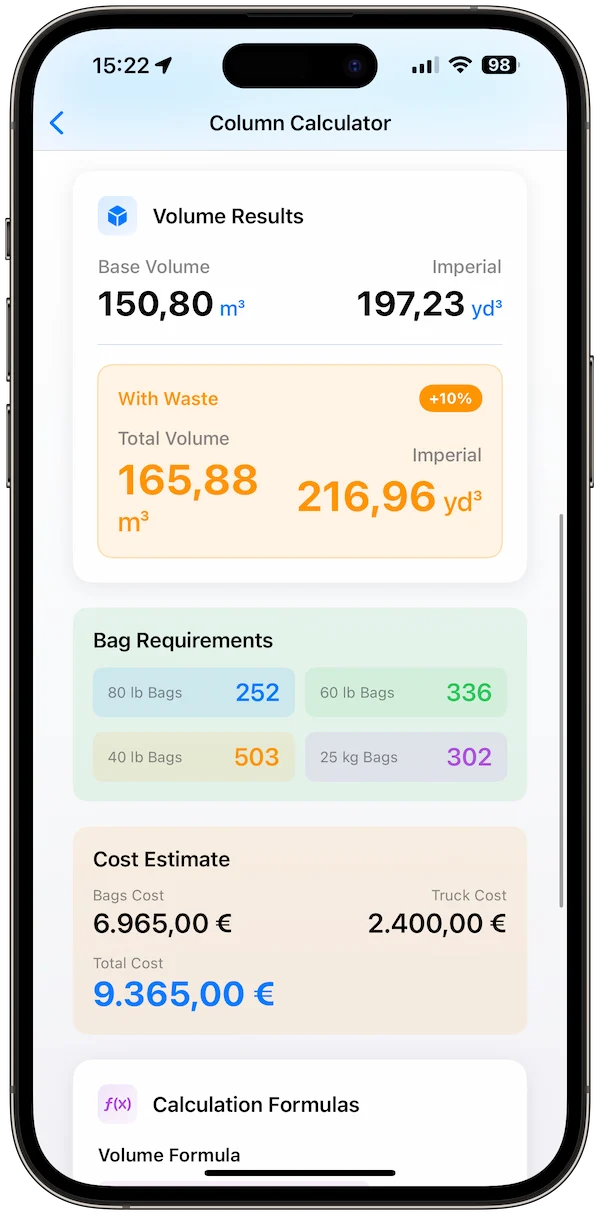
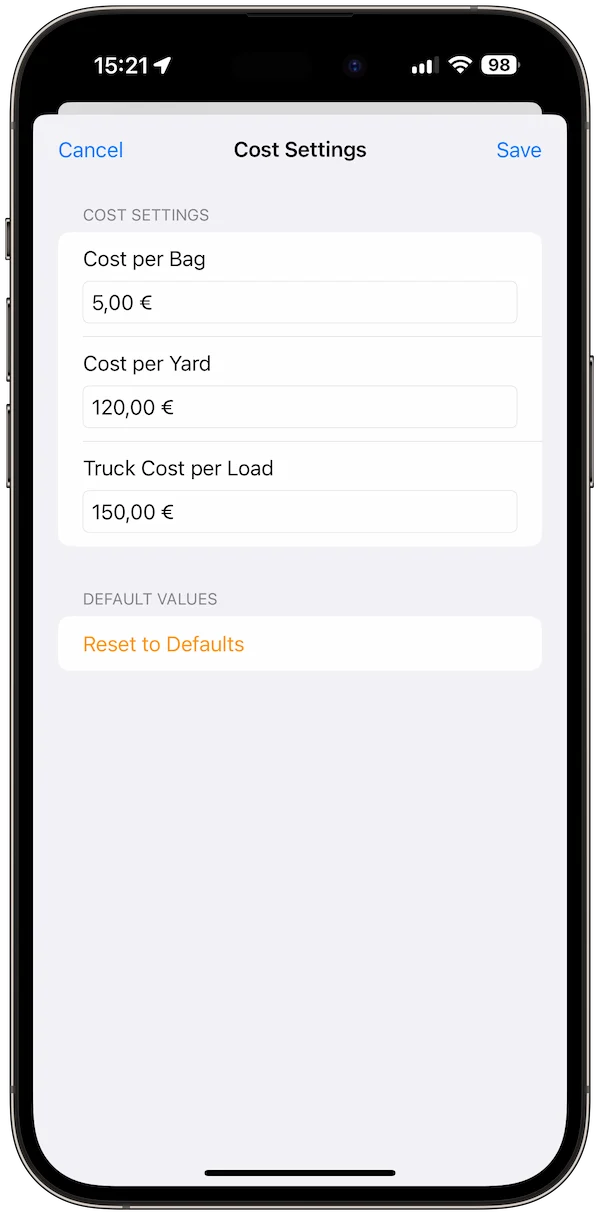
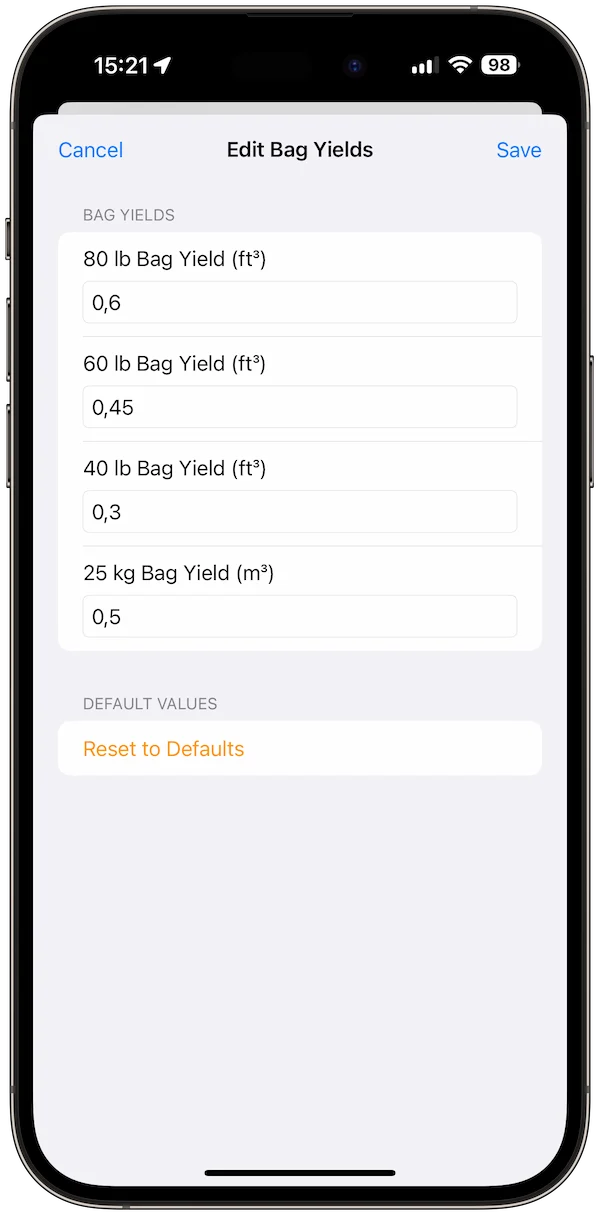
Small slabs may be practical with bags. Larger slabs usually make more sense as ready-mix. Concrete Calculator Pro helps with both paths by estimating volume, bag counts, ready-mix quantity, waste, and cost while supporting slabs, footings, columns, walls, steps, metric units, and imperial units.
Keep the estimate with the project
If you are comparing multiple slab sizes or cost options, save each estimate before changing dimensions. Concrete Calculator Pro supports saved, duplicated, and exported project estimates so the final numbers stay easy to review before the pour.