
Deep Focus Noise Pro combines three generated noise colors with 21 bundled soundscapes, featured mixes, custom user presets, and timers. Everything runs on-device on iPhone and iPad.
Choose a noise color
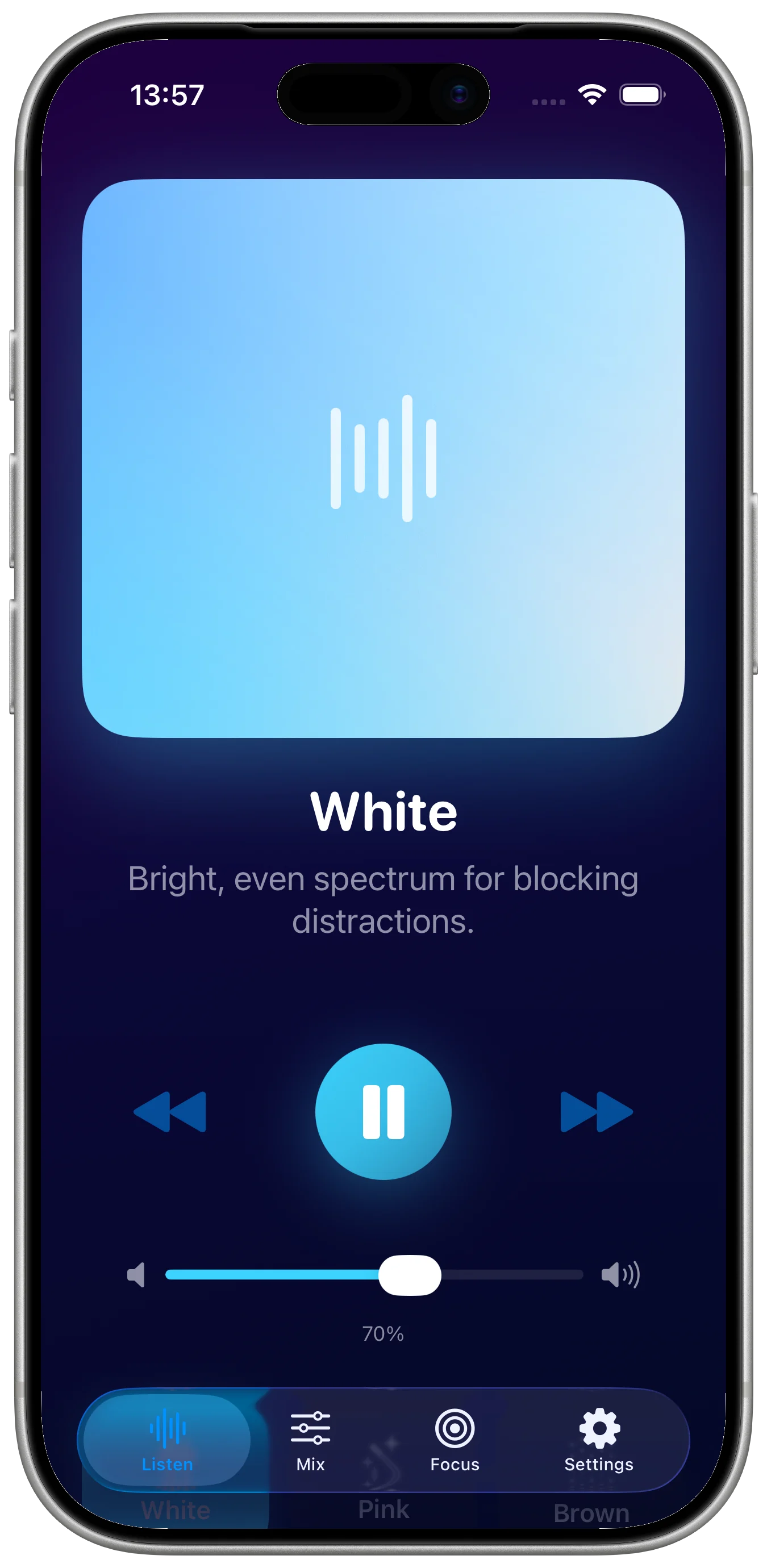
White noise uses a bright, even spectrum for blocking distractions. Pink noise has balanced, soothing tones for calm focus. Brown noise emphasizes deep, warm low frequencies for restful sleep.
Add a soundscape
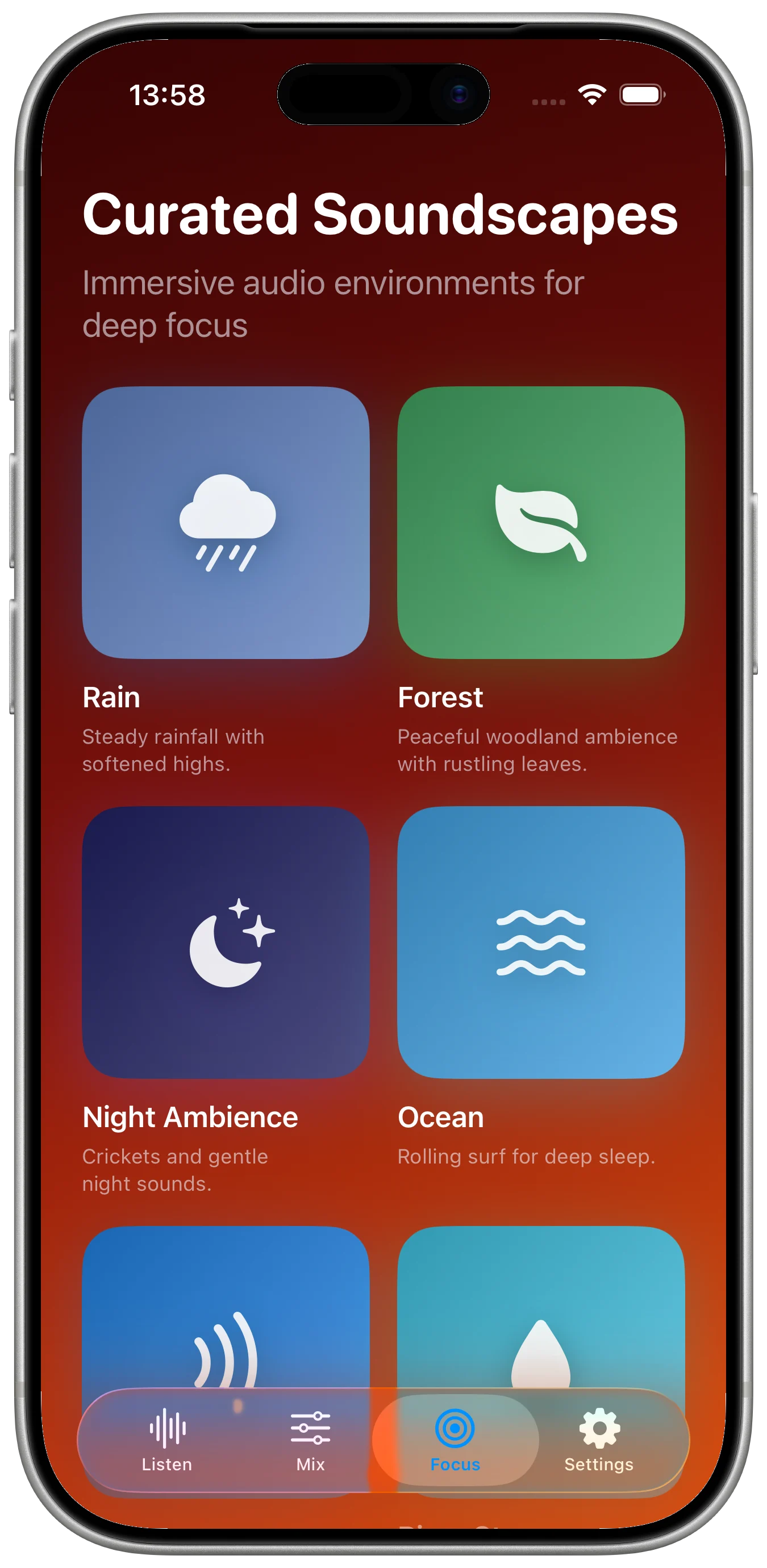
The app includes 21 soundscapes across nature, weather, indoor, transport, and distinctive ambient settings. Rain, Forest, and Night Ambience are free. A one-time Pro unlock adds the remaining 18 soundscapes.
Adjust the playback
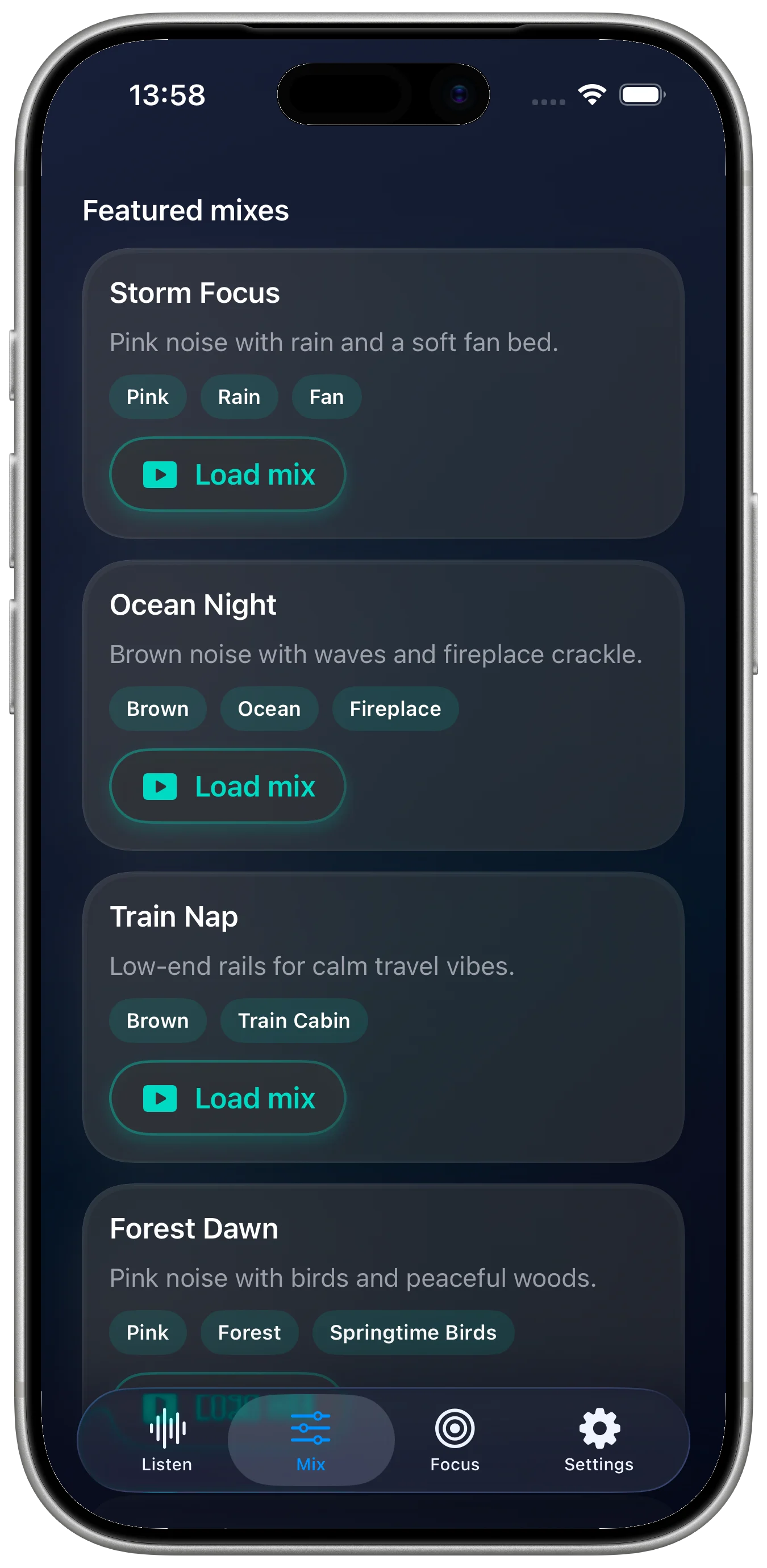
Set intensity from 25 to 100 percent, adjust stereo width, and keep playback running in the background. You can load featured mixes or create and save a custom user preset.
Use a focus or sleep timer
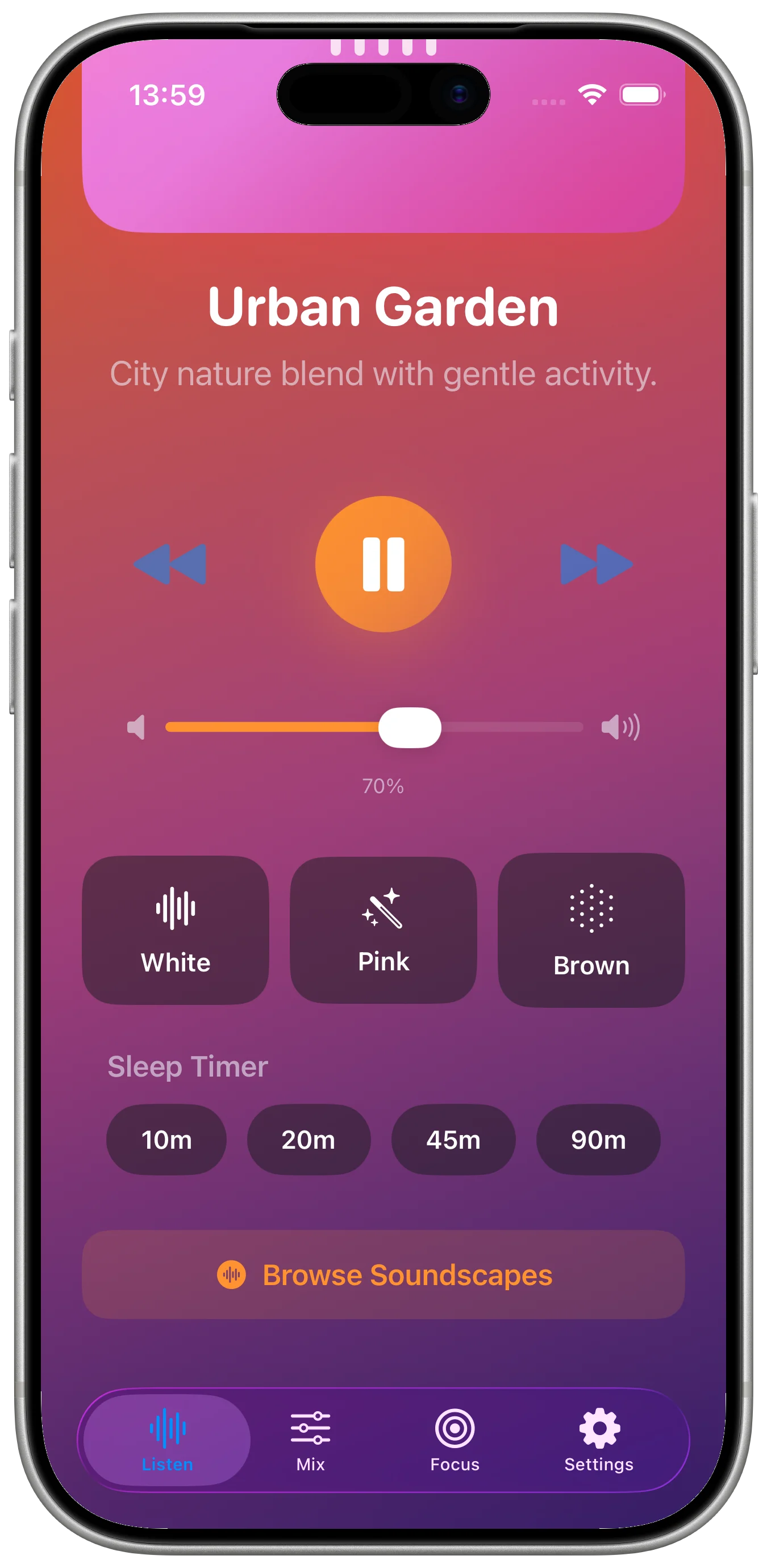
The sleep timer offers 10, 20, 45, and 90 minute choices with a gentle fade. A separate deep work timer supports focused sessions.
Keep the audio workflow offline
Noise is generated on-device and soundscapes are bundled with the app. Custom presets and preferences stay local, with no accounts, servers, tracking, or analytics.