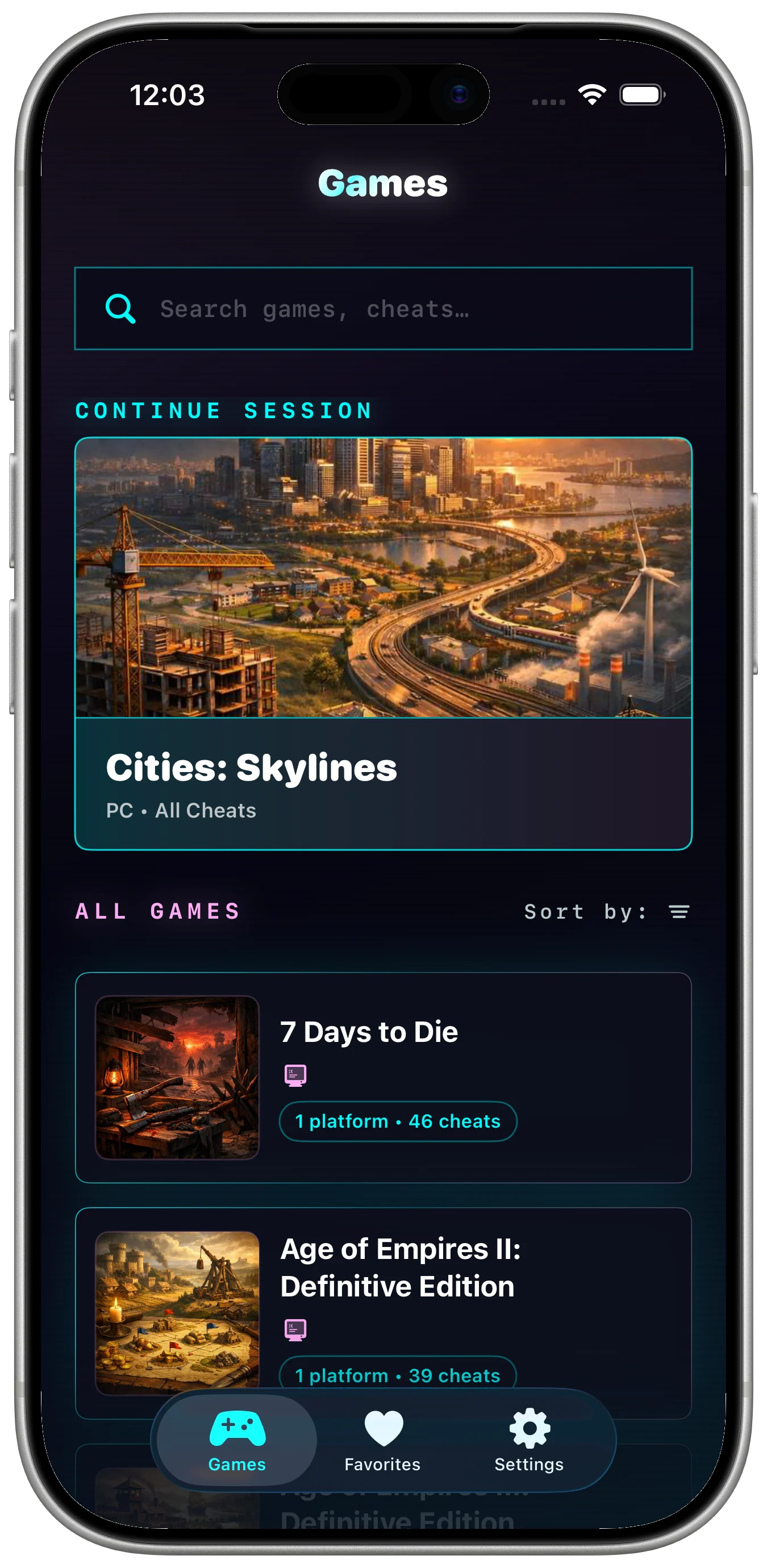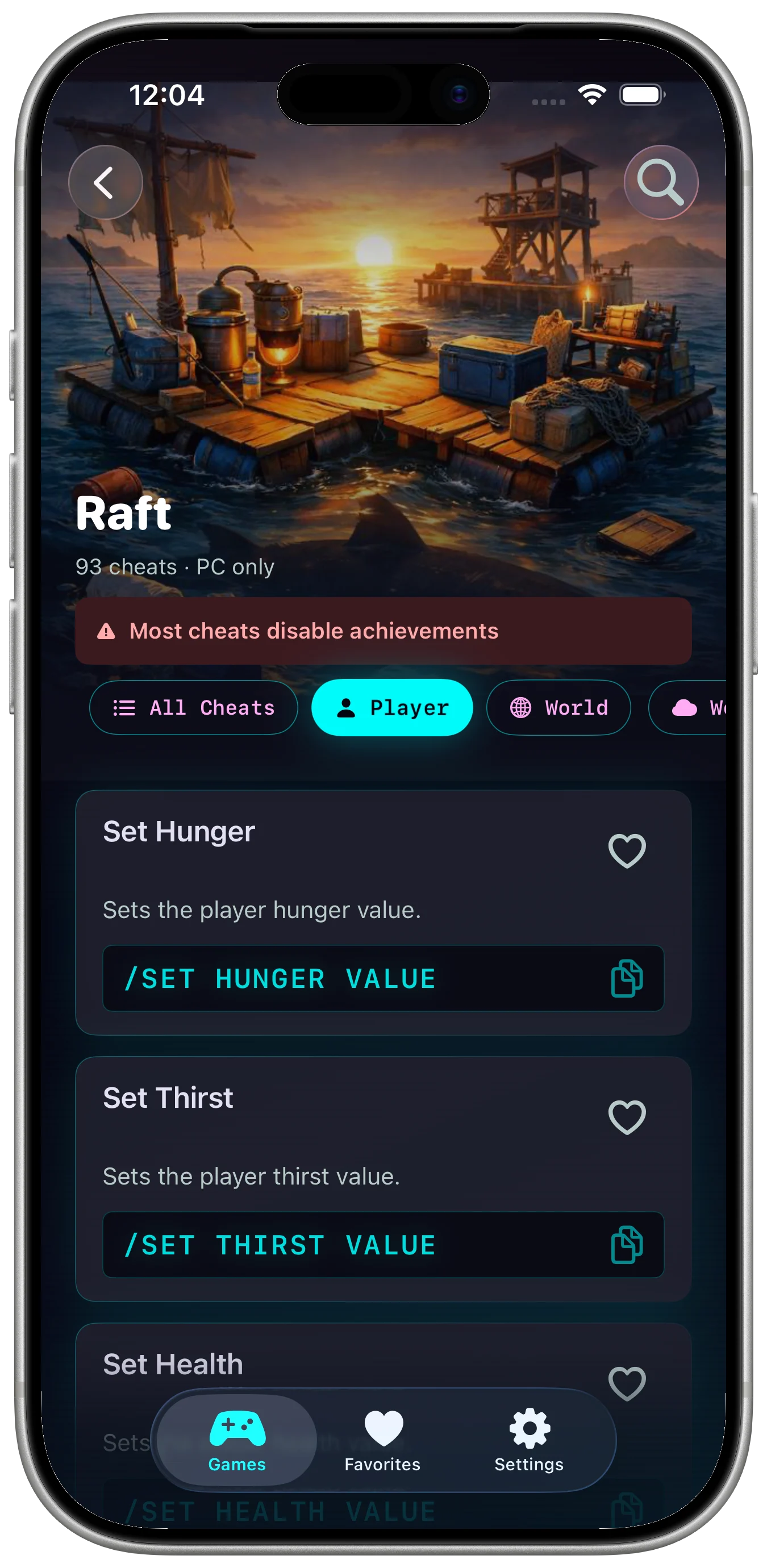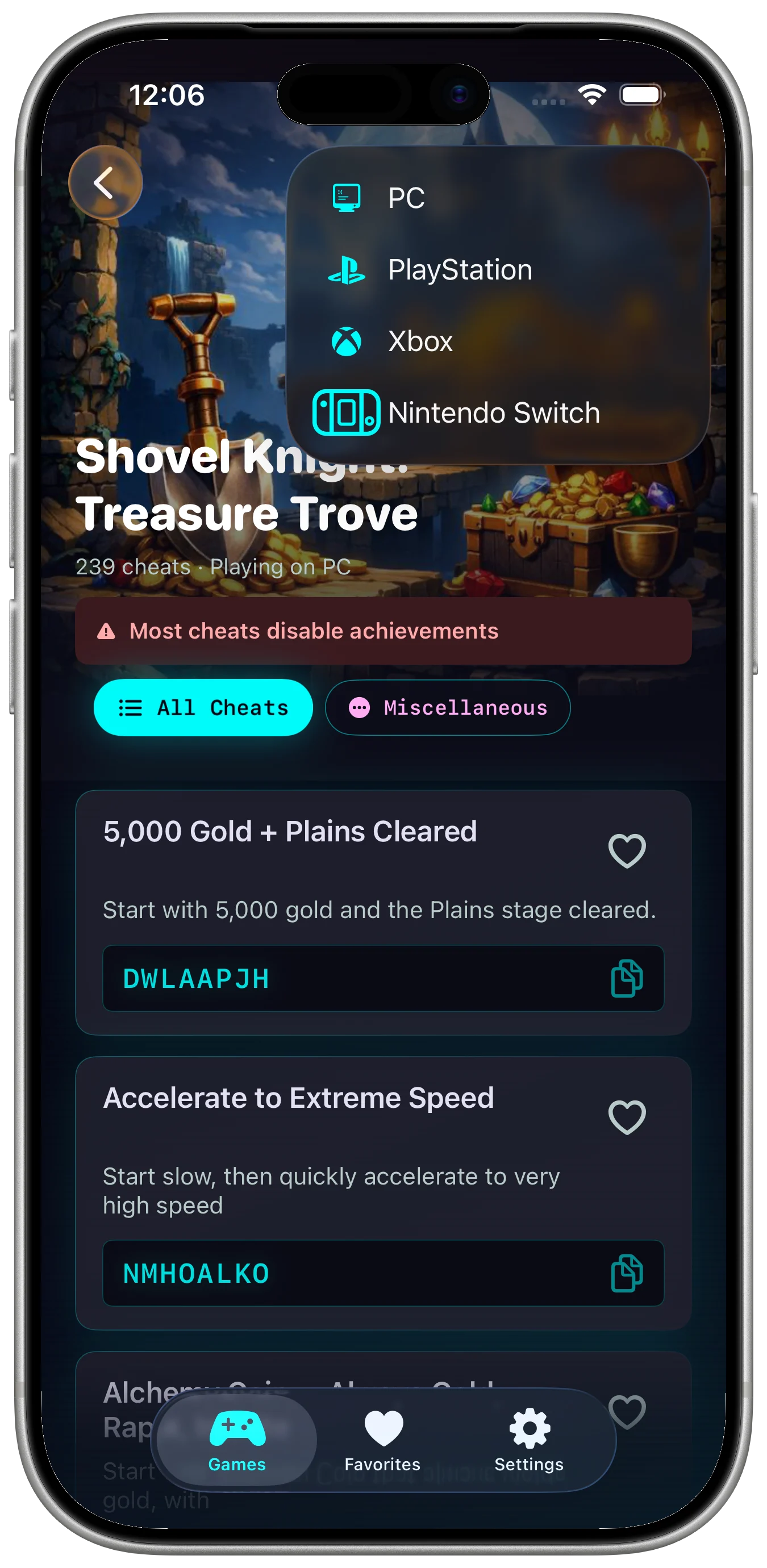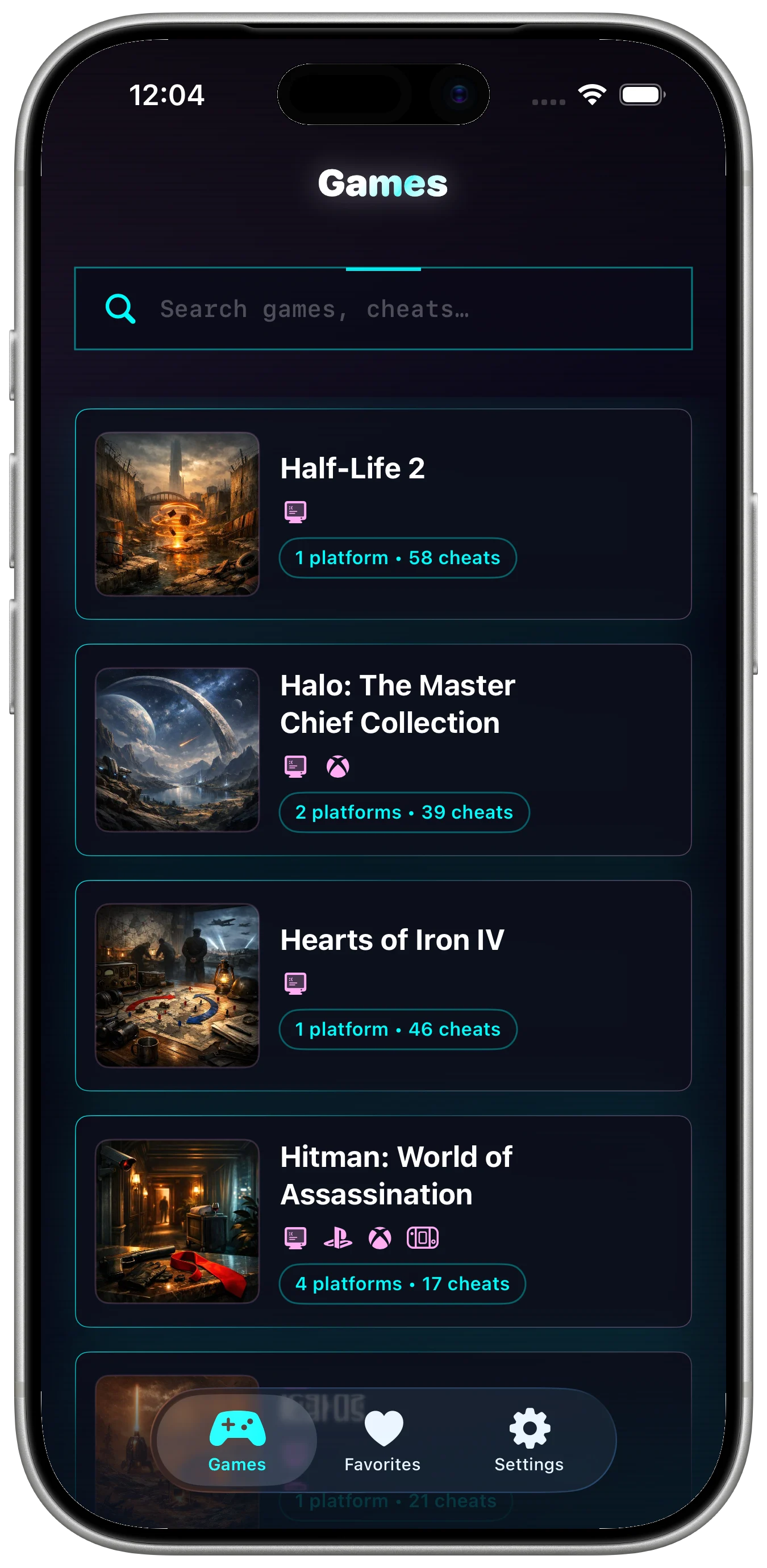

Cheat codes and console commands are most useful when they are easy to find at the moment you need them. Browser tabs, old forum posts, and scattered notes can slow down a game session, especially when you switch between platforms or titles.
Search by game and platform
Start with the game name, then narrow by platform, command, or description. A code for one platform may not apply to another, so the platform context matters.
Favorite the codes you reuse
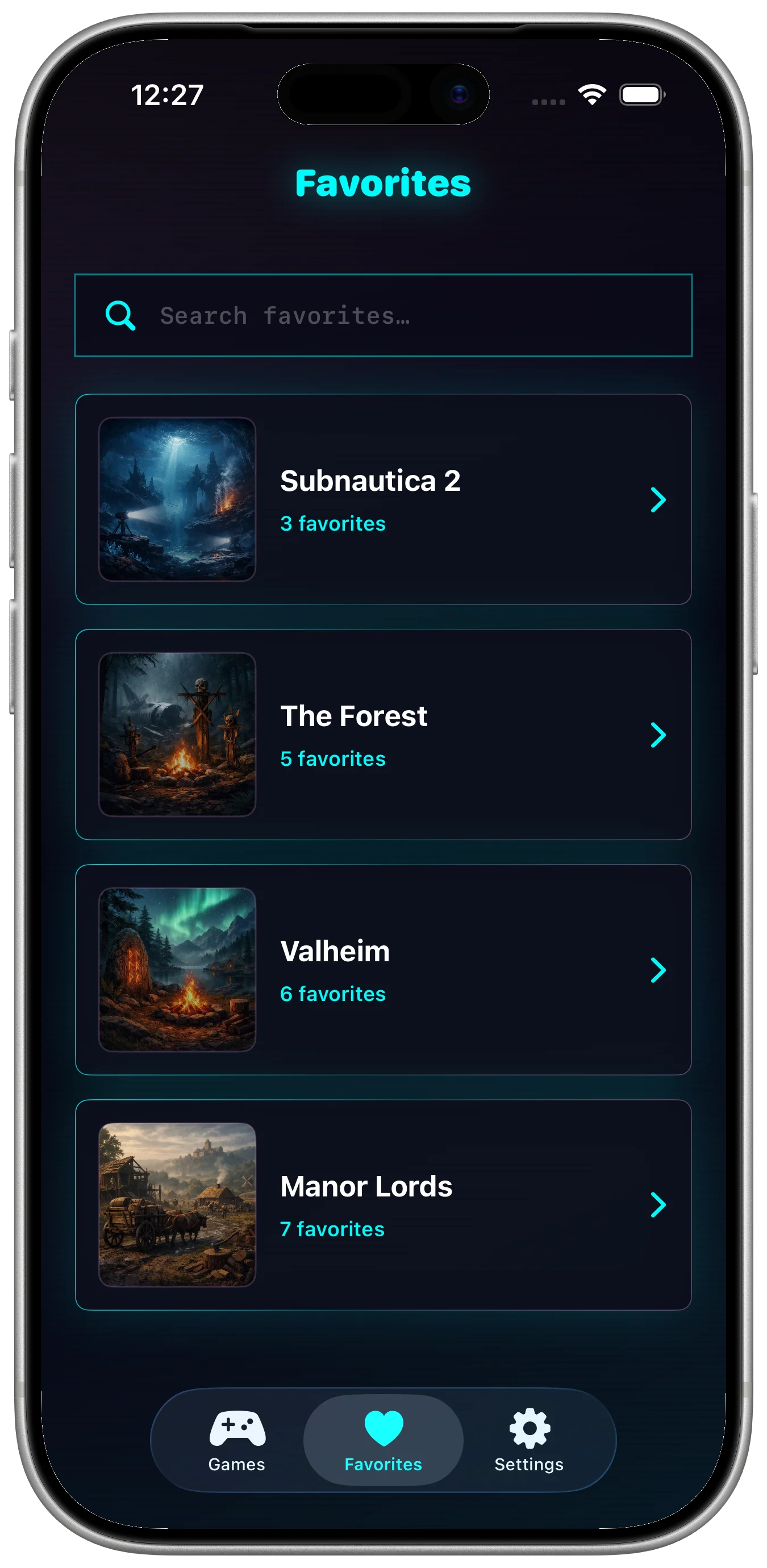
Master Cheats is an offline game cheat-code and console-command library for PC, PlayStation, Xbox, Nintendo, Switch, and mobile titles. It supports search, favorites, last-viewed history, themes, and multilingual search.
Keep the reference offline
An offline reference helps when you want to stay in the game flow without depending on a connection or digging through old pages.