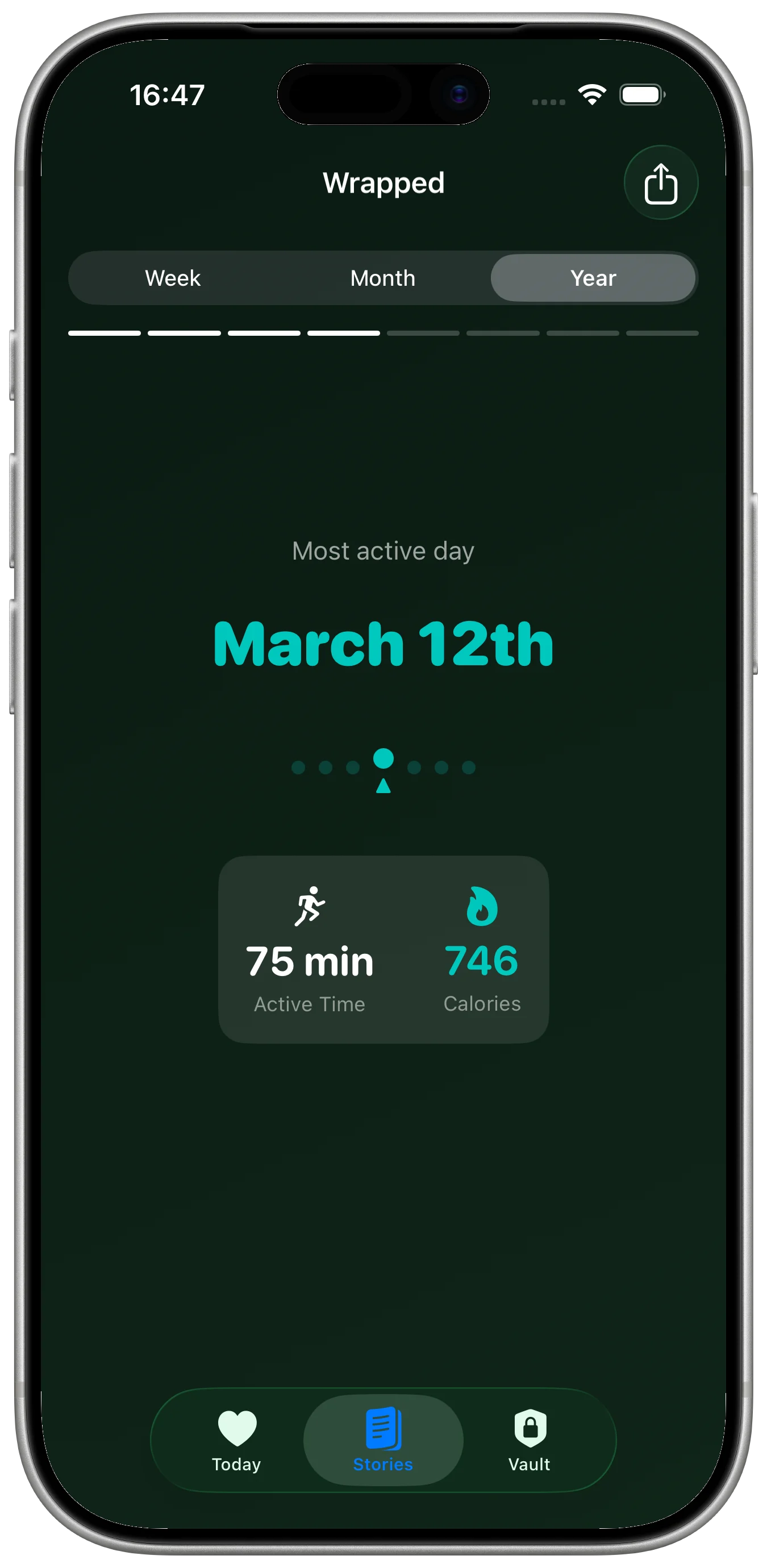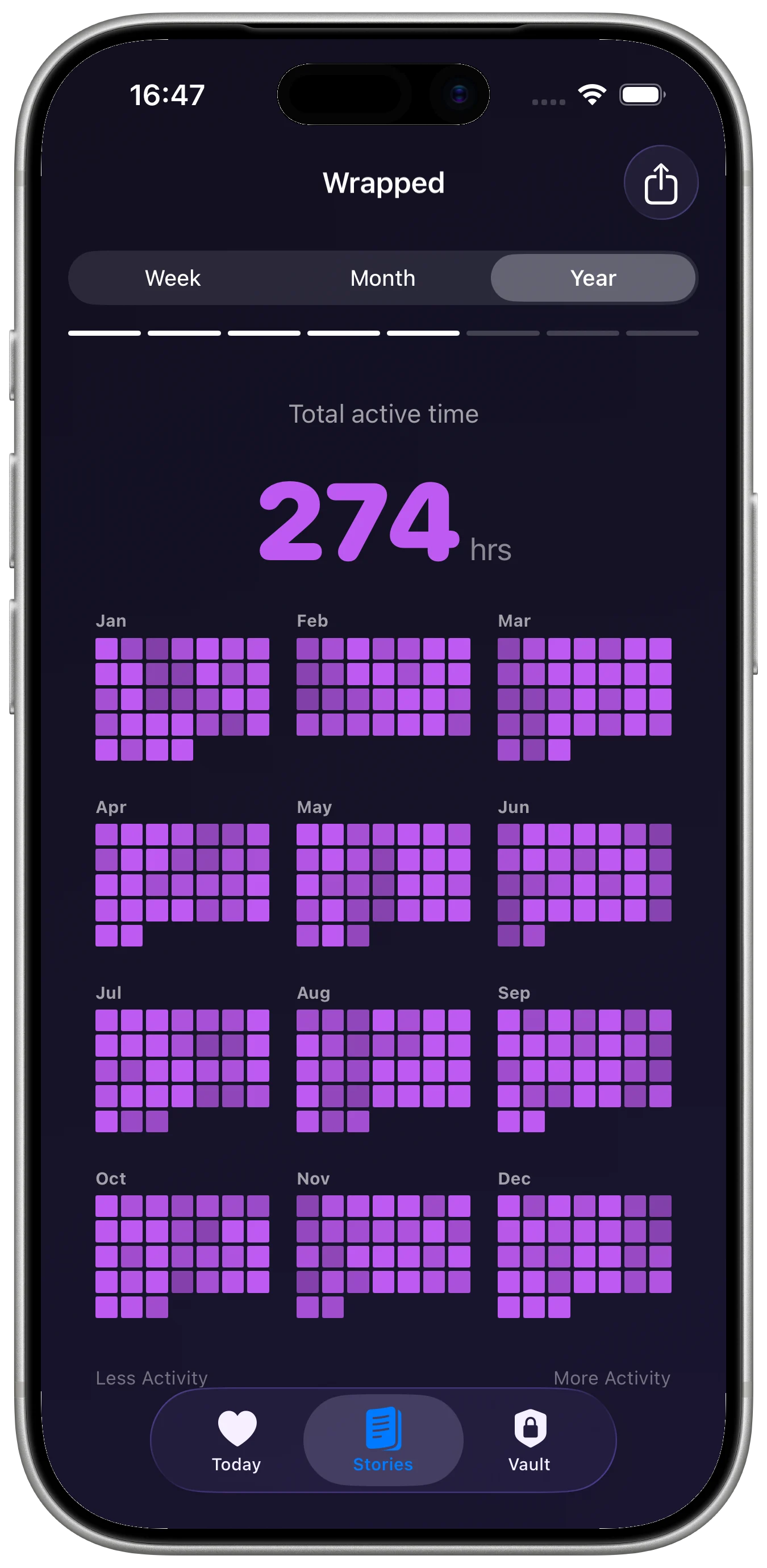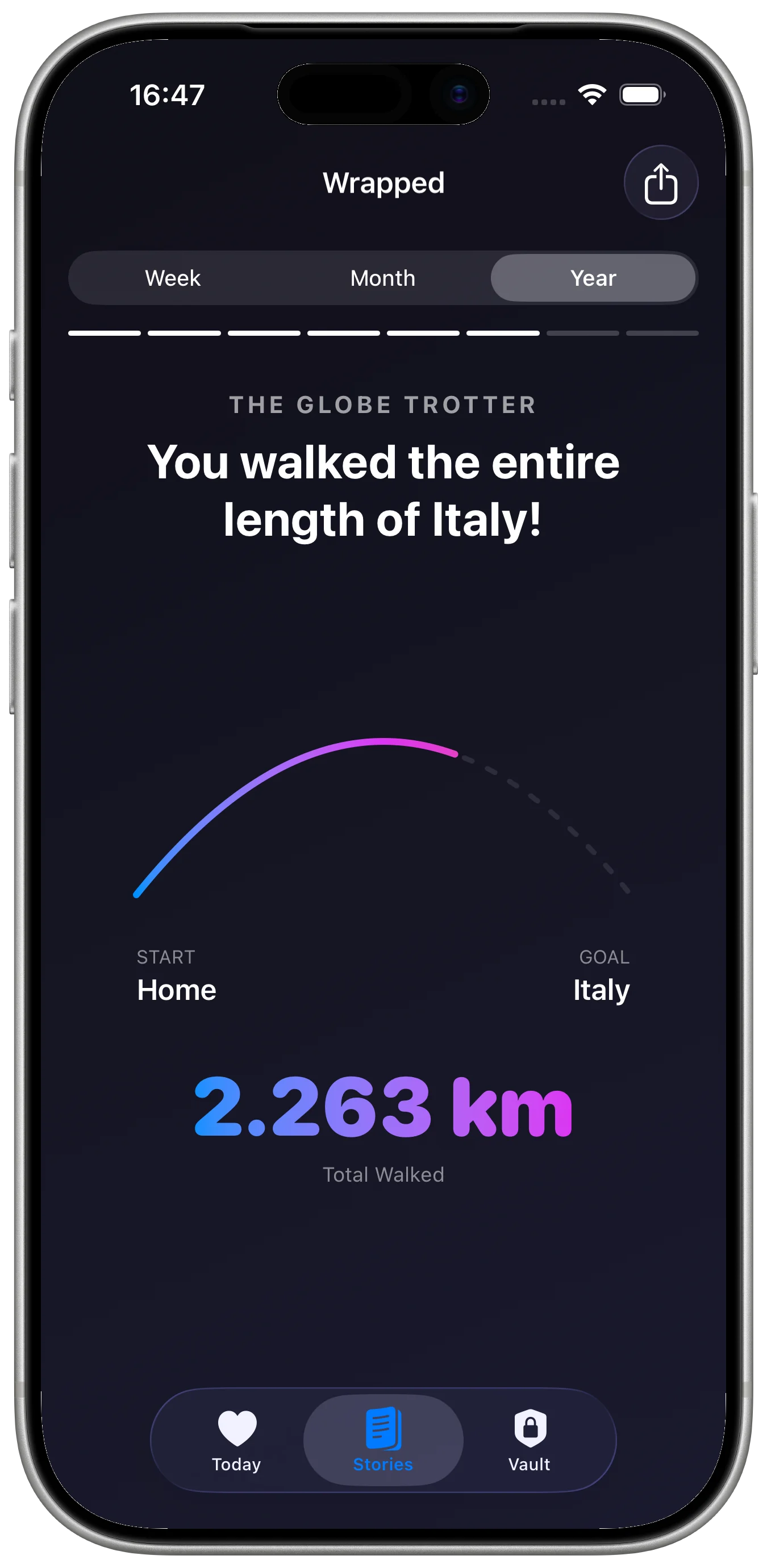

Pulse Story: Health Tracker AI turns authorized Apple Health metrics into a Today dashboard and daily, weekly, monthly, and yearly stories. Its visual summaries add relatable context to activity, movement, sleep, and heart data.
Connect Apple Health
During onboarding, the app asks for Apple Health access. With permission, it can read activity, steps, active calories, distance, flights climbed, exercise, stand, heart rate, resting heart rate, heart rate variability, sleep, and hourly data.
Start with Today
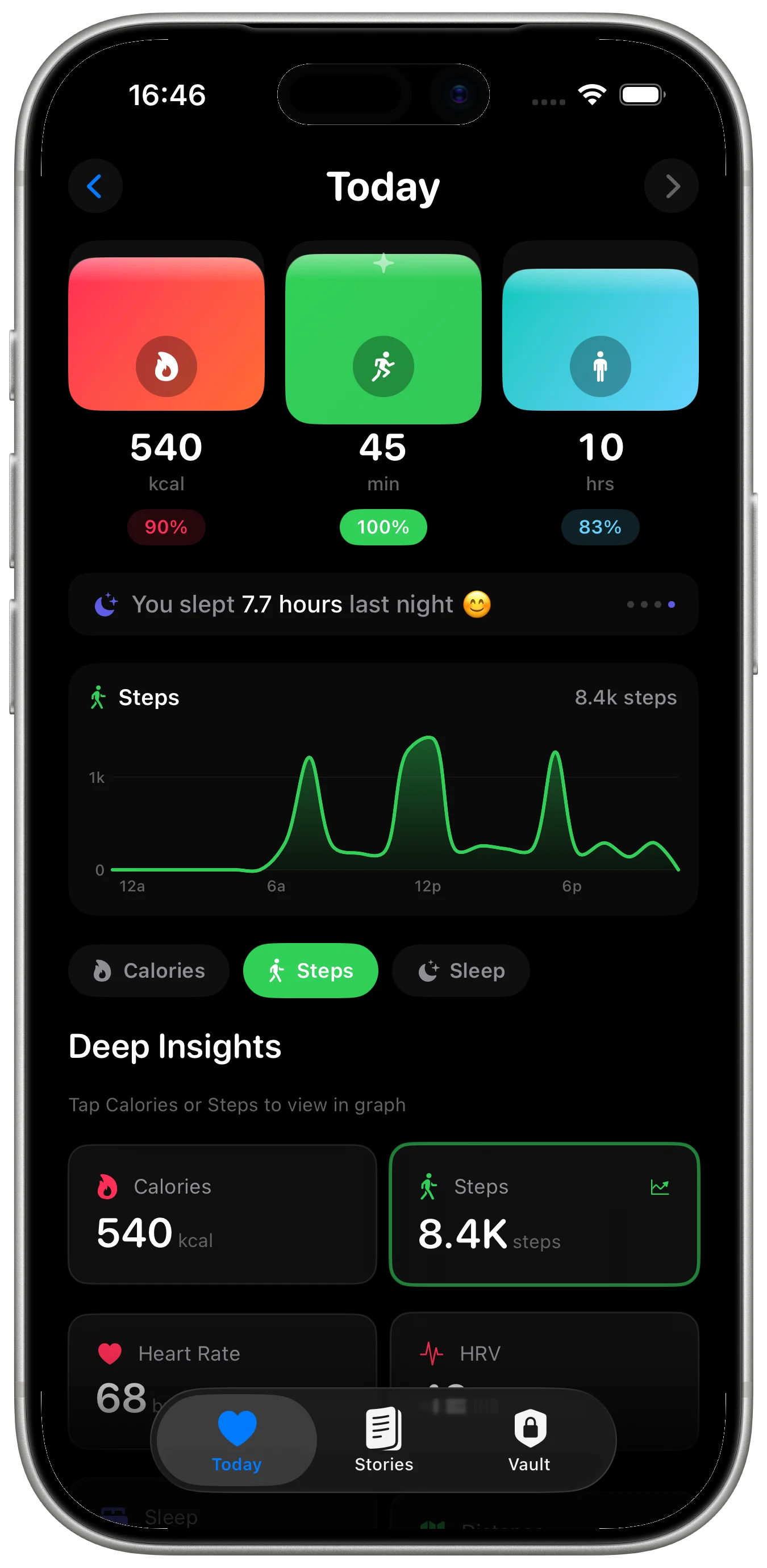
The Today dashboard brings activity rings, steps, calories, sleep, heart metrics, and selected deep insights together. Calories, steps, and sleep can be selected for a closer view.
Move through stories and trends
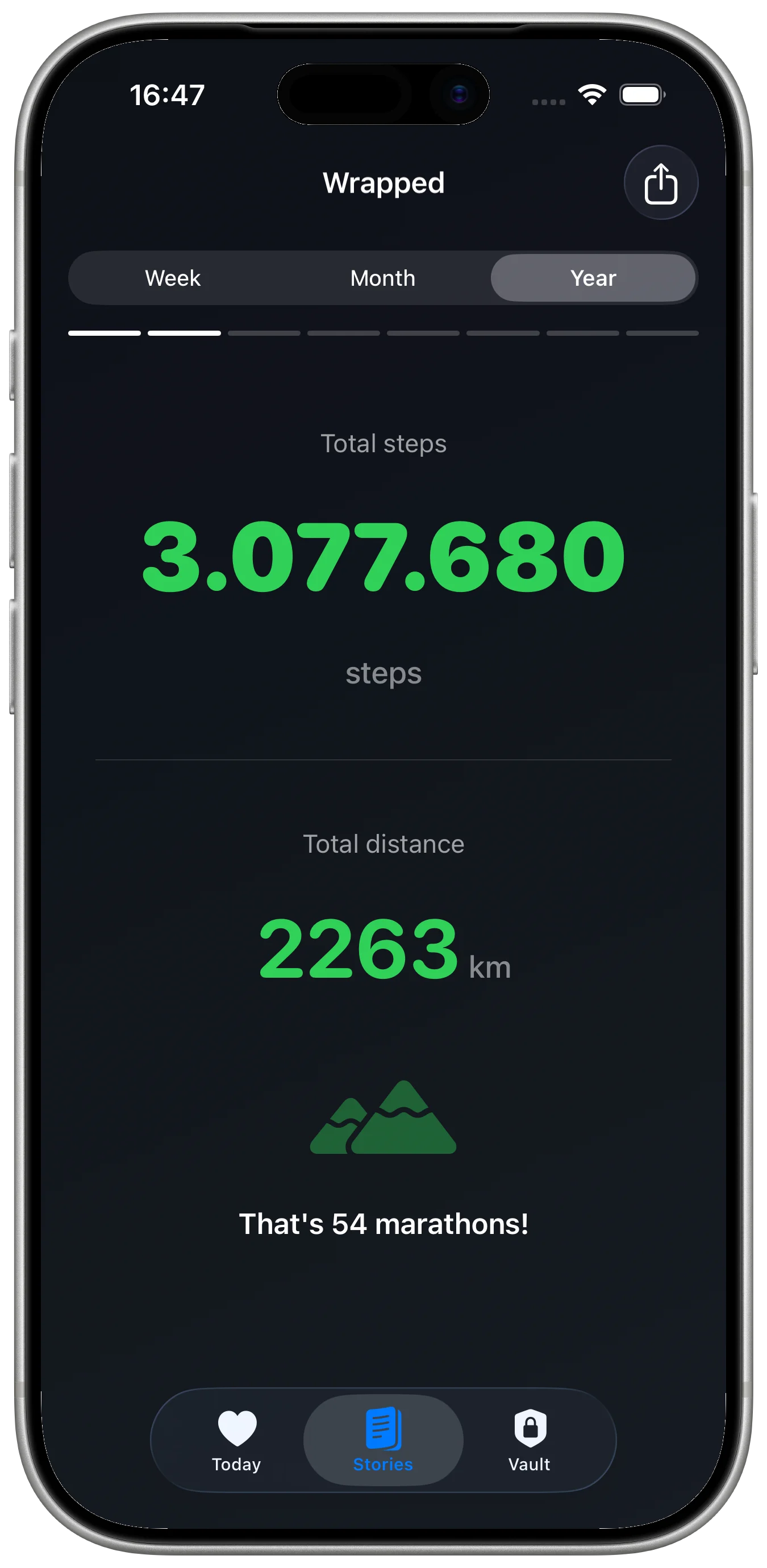
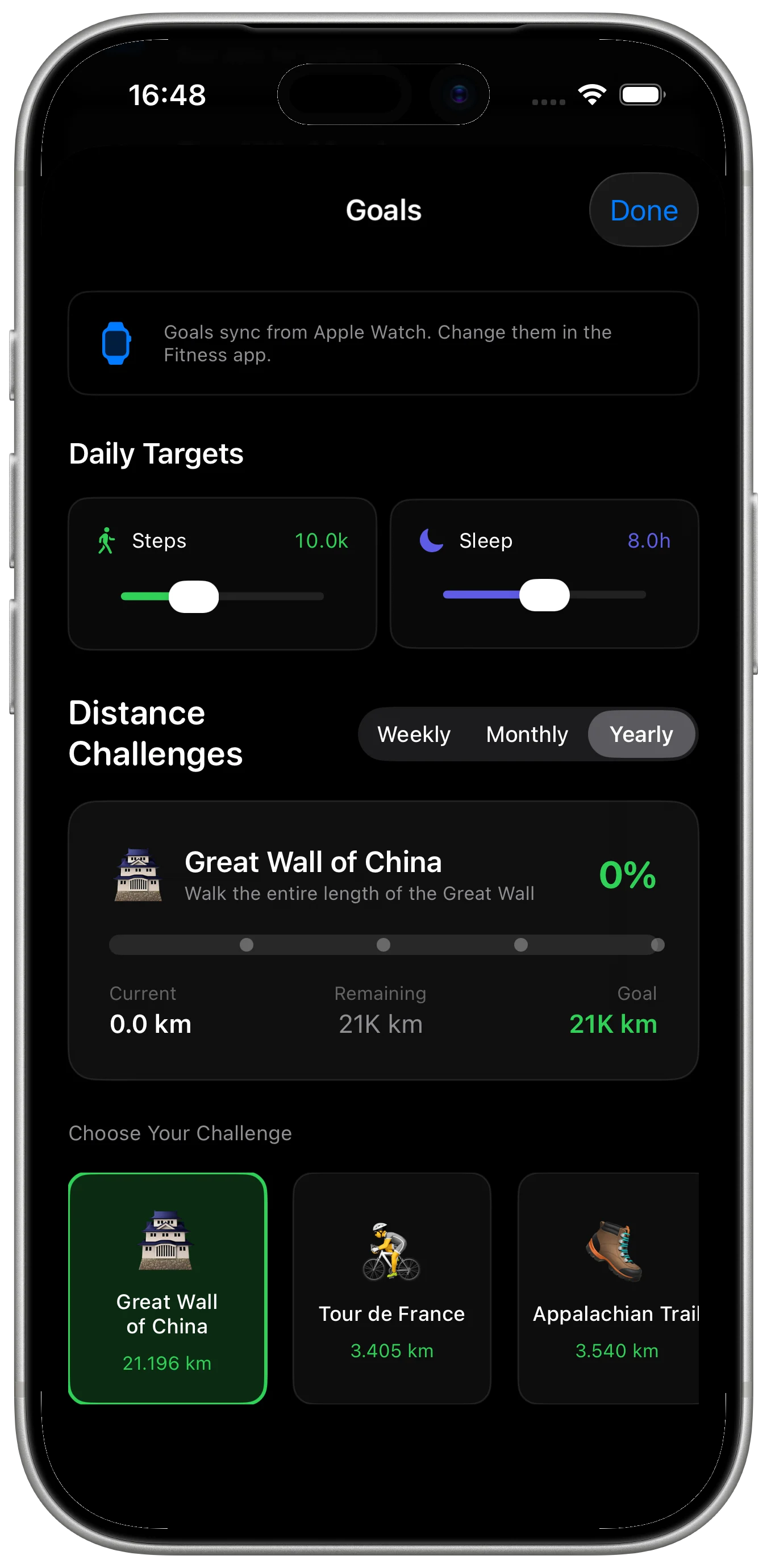
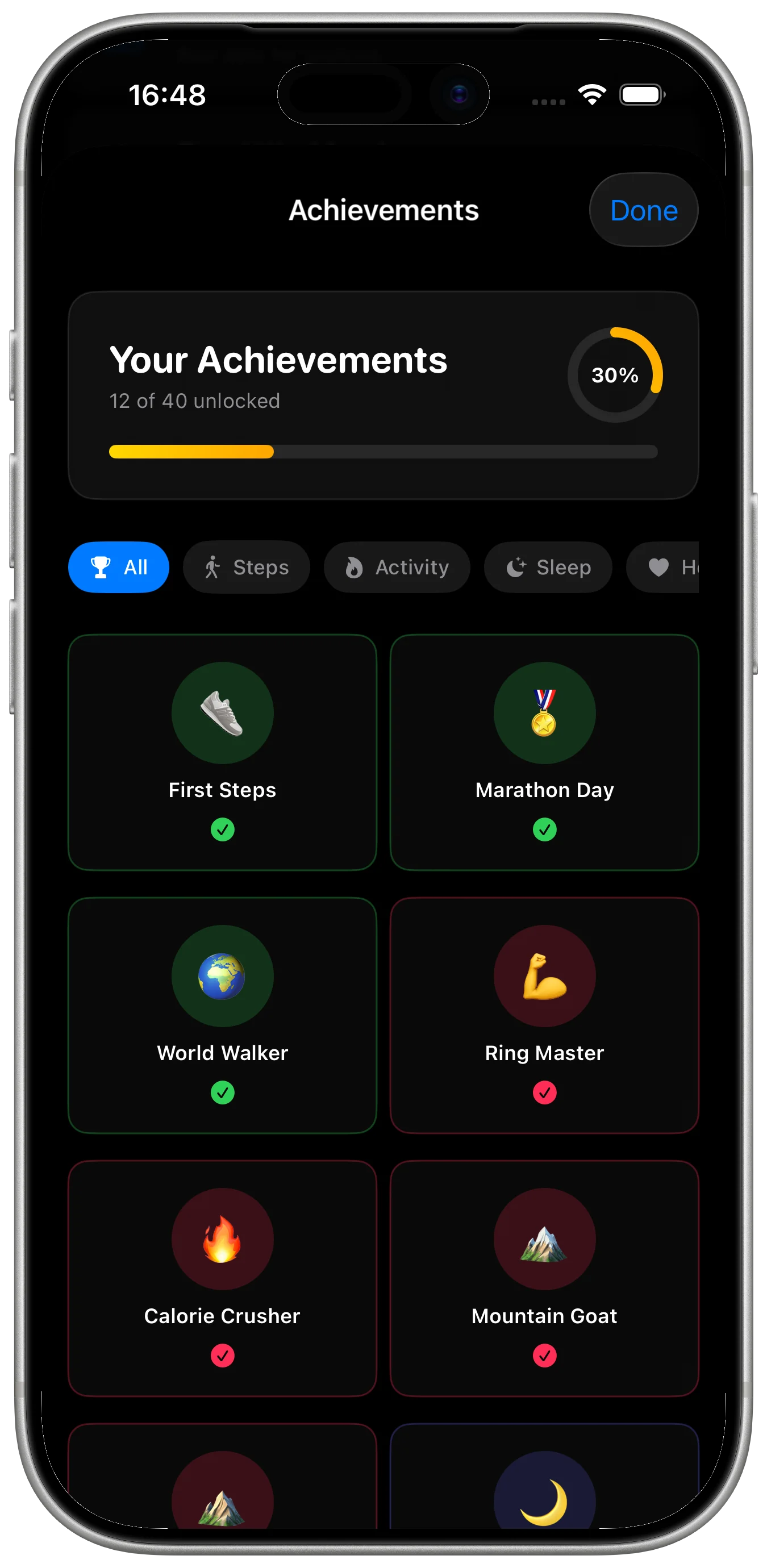
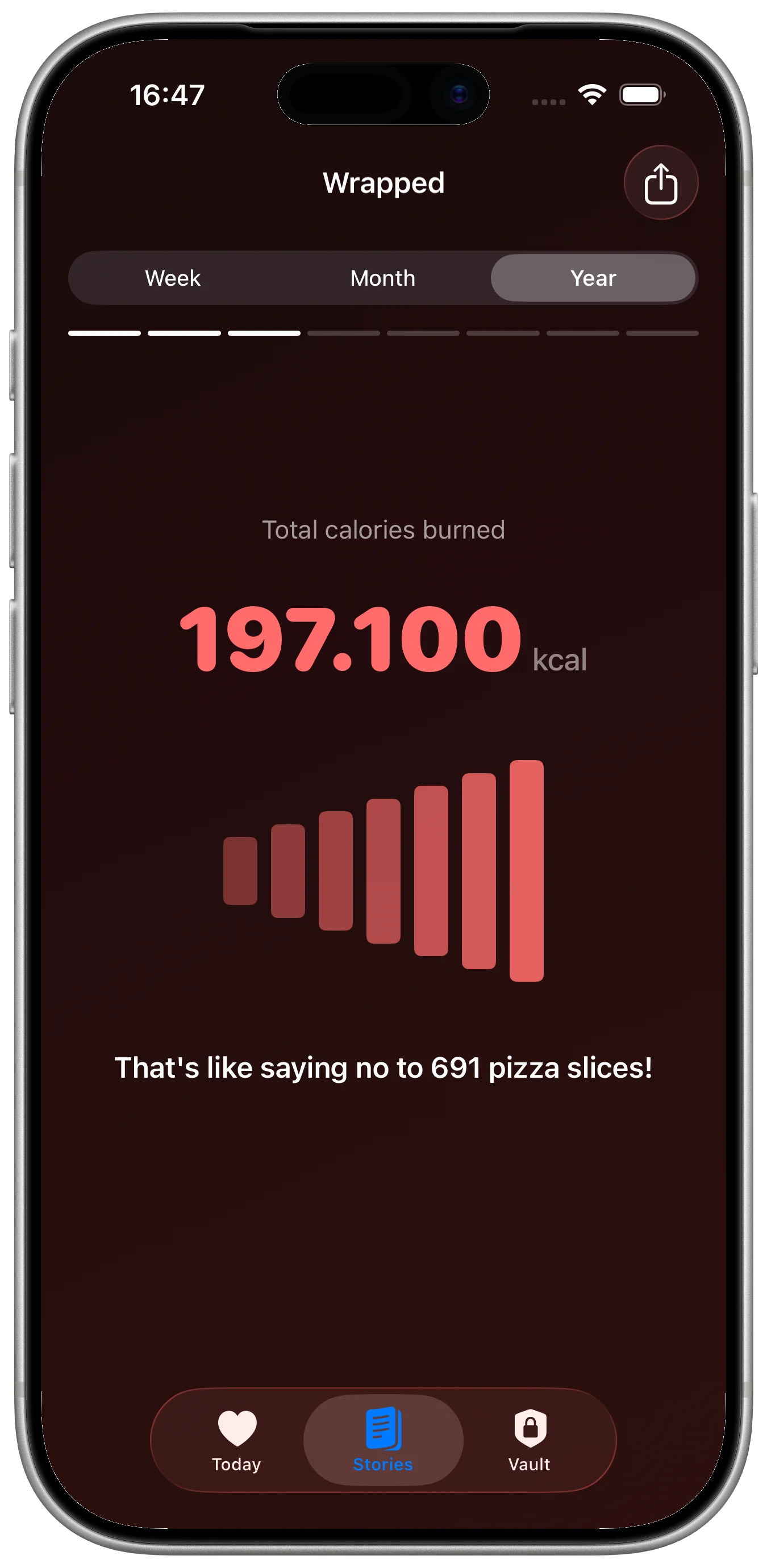
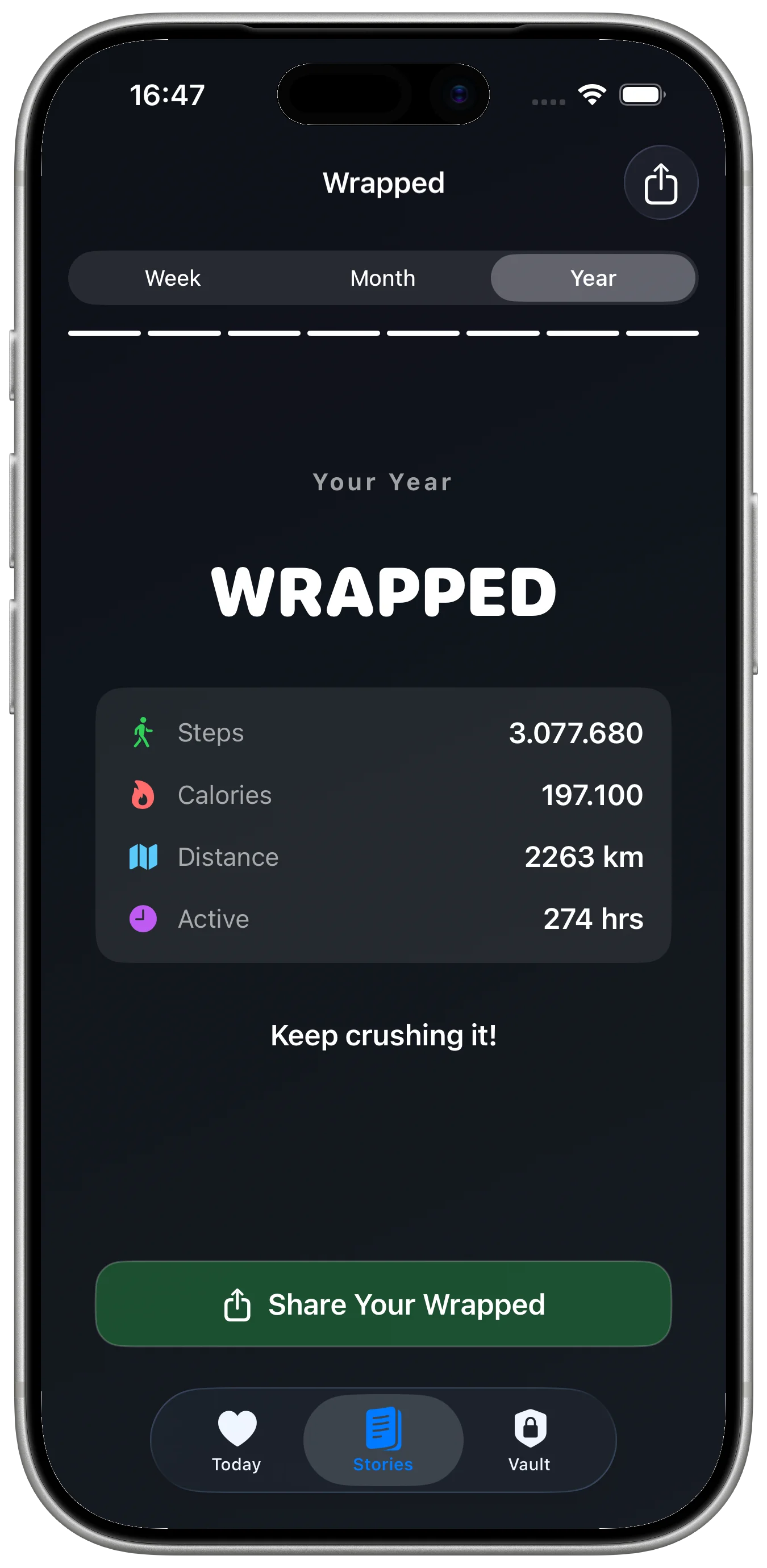
Daily, weekly, monthly, and yearly stories summarize progress with visual cards and relatable comparisons. Life Scrub and Trends add time-based views, while goals, achievements, and notifications support ongoing use.
Use Pro for reports and history
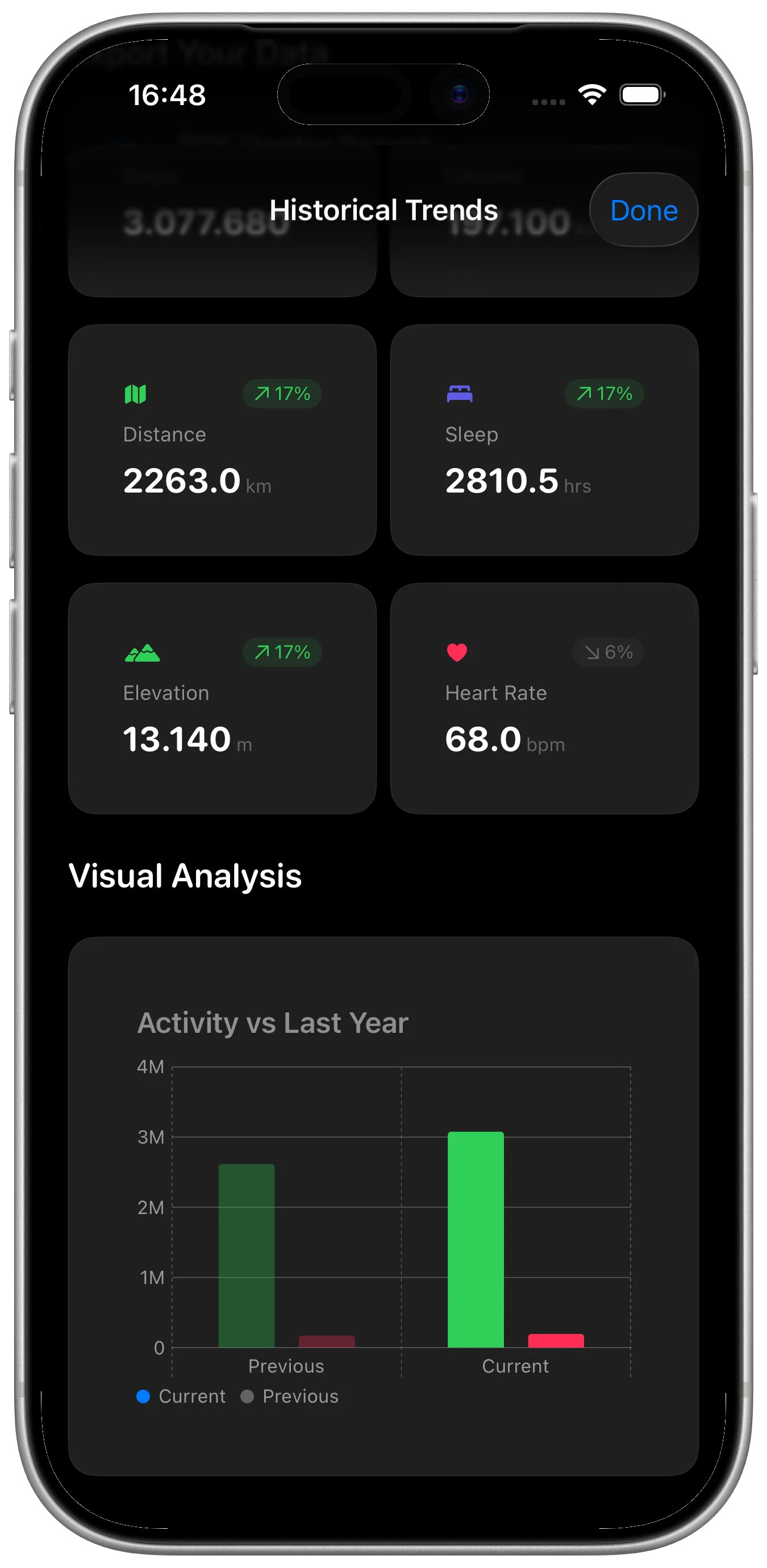
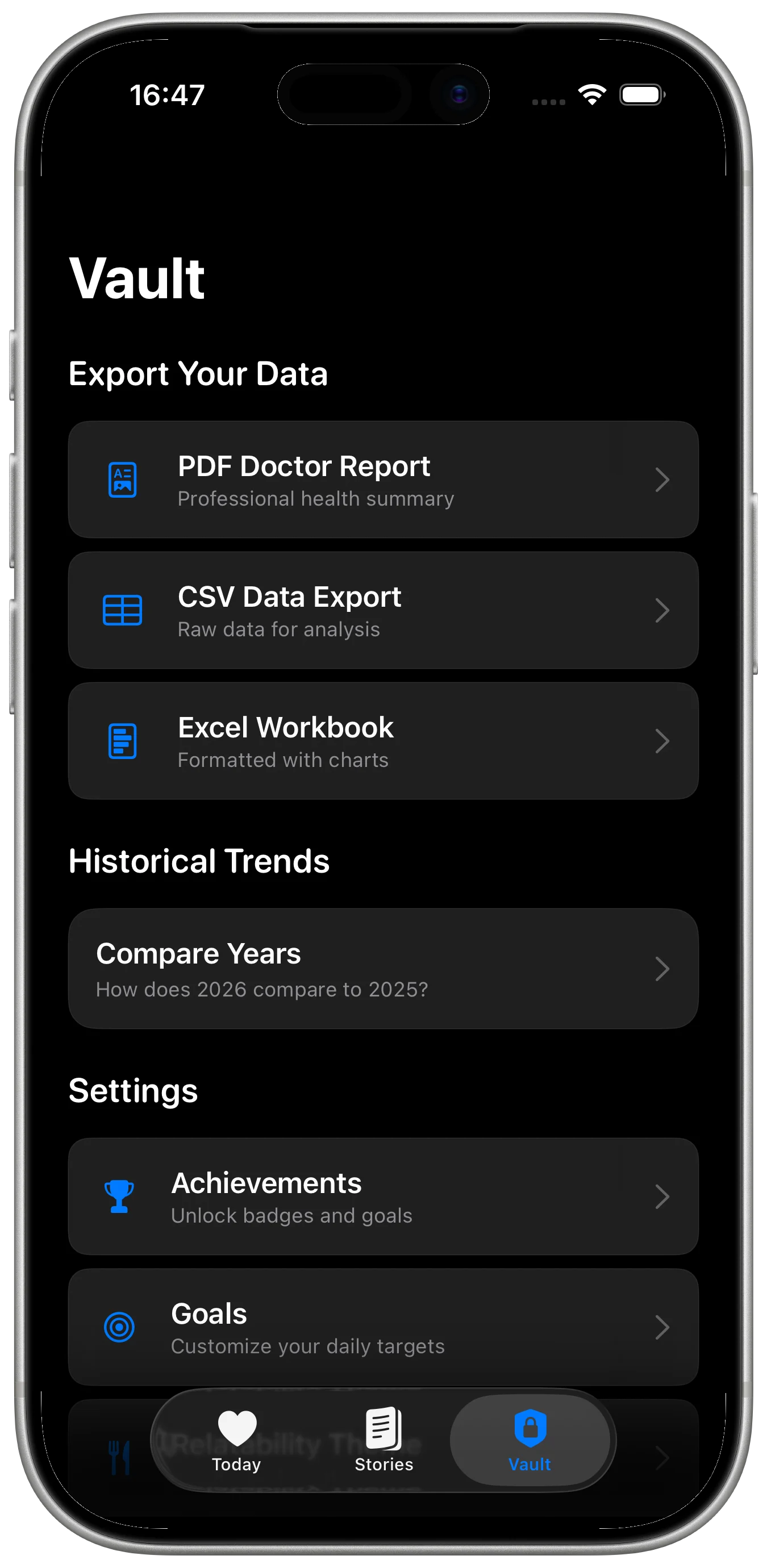
A one-time Pro unlock adds PDF Doctor Reports, CSV and Excel exports, and full historical trends. The daily dashboard, weekly, monthly, and yearly stories, and relatability themes remain part of the general experience.
Keep health processing on-device
Pulse Story has no network or API client, CloudKit, or analytics. Health data is processed on-device and is not uploaded, shared, or collected by the app. Pulse Story is for informational and wellness purposes only and does not replace professional medical advice, diagnosis, or treatment.