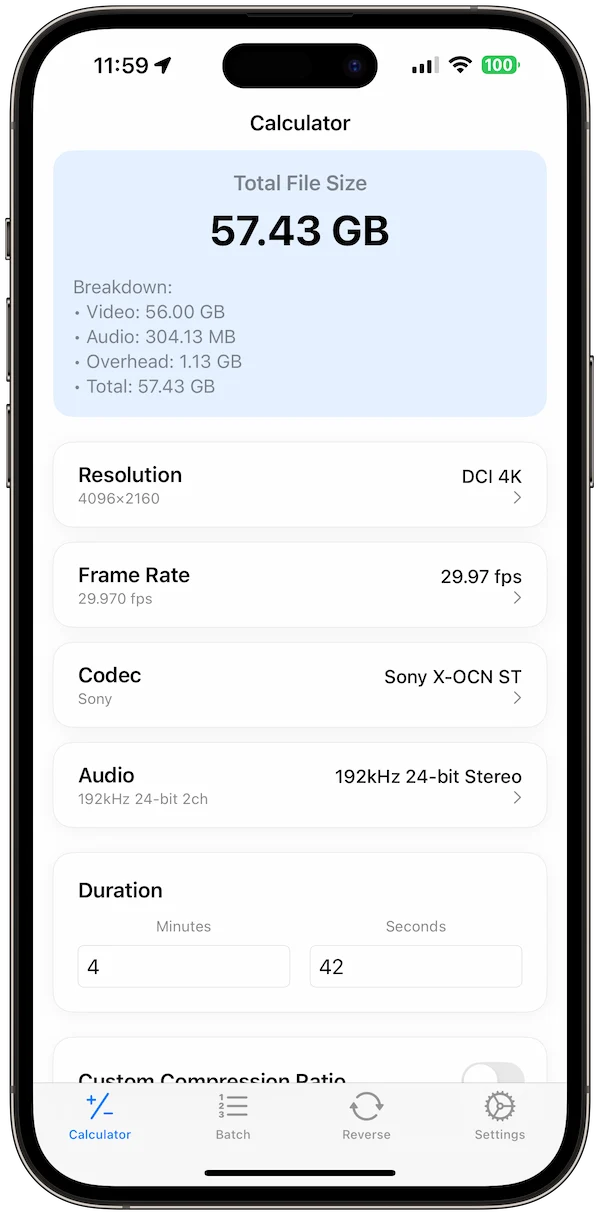

Video file size is easiest to estimate before export when you know the settings that matter. Duration and bitrate are the biggest inputs, while codec, resolution, frame rate, and audio settings explain why two videos with the same length can produce very different files.
Start with duration and bitrate
Bitrate describes how much data the video uses each second. Multiply bitrate by duration and you get the rough file size before container overhead and audio. This is why a short high-bitrate export can be larger than a long compressed file.
Check the codec before comparing sizes
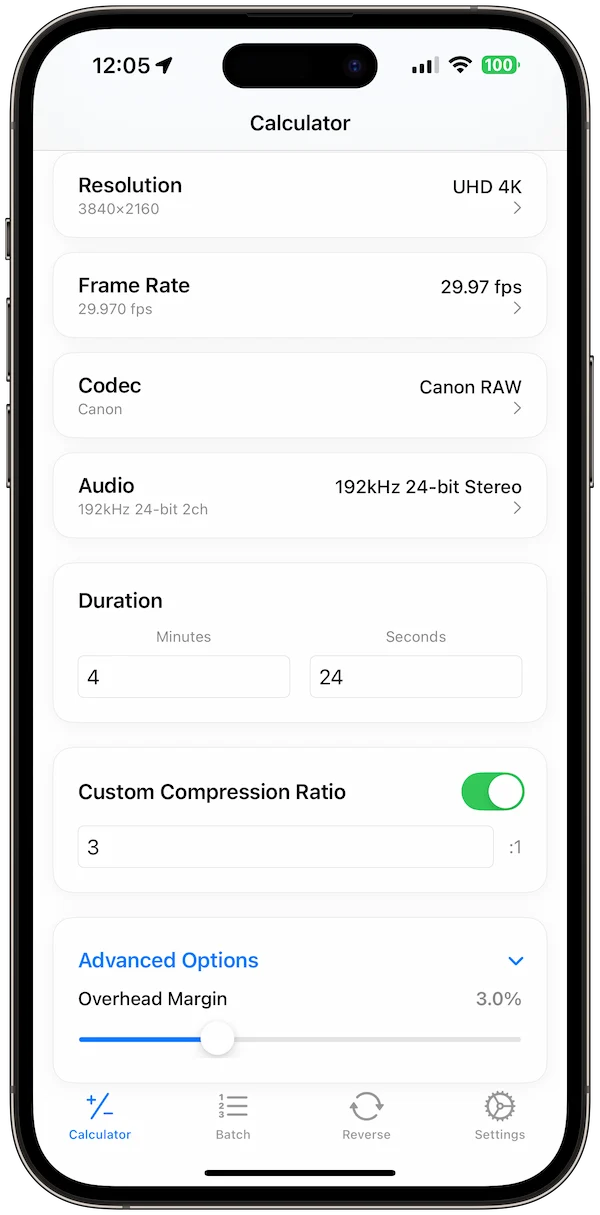
H.264, H.265, ProRes, DNx, AV1, VP9, and other codecs are not interchangeable for storage planning. Some are designed for delivery, some for editing, and some for archival or professional post-production. A codec-aware estimate is more useful than a generic size guess.
Do not ignore audio
Audio is smaller than video in most exports, but it still matters for long recordings, podcasts with video, lectures, screen recordings, and batch exports. Include sample rate, channels, and audio bitrate when planning storage for a full project.
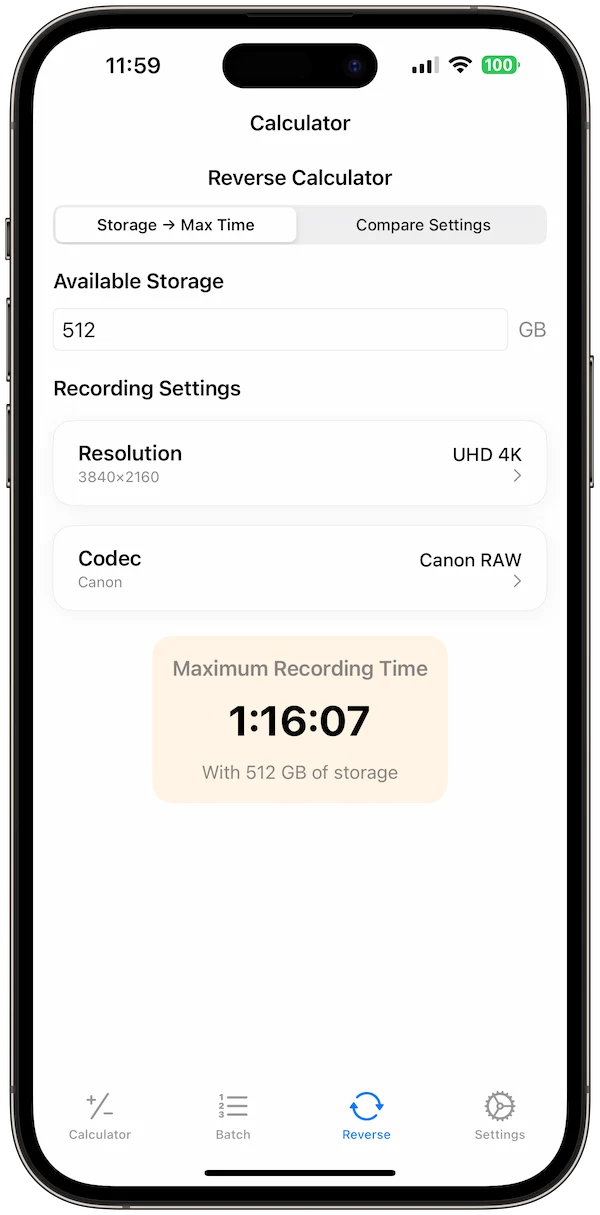
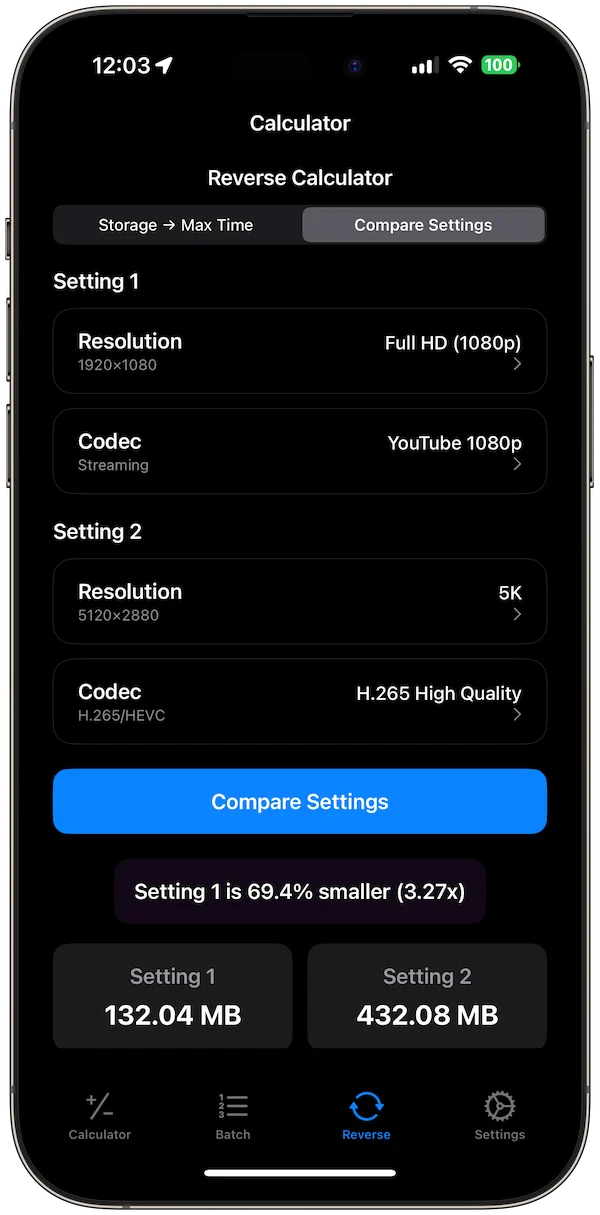
Reverse-calculate from a target size
Sometimes the question is not how large the file will be. It is what bitrate you need to stay under a delivery limit. A reverse calculation helps when a client, platform, or upload workflow has a maximum file size.
Use Video Size Calculator Pro for export planning
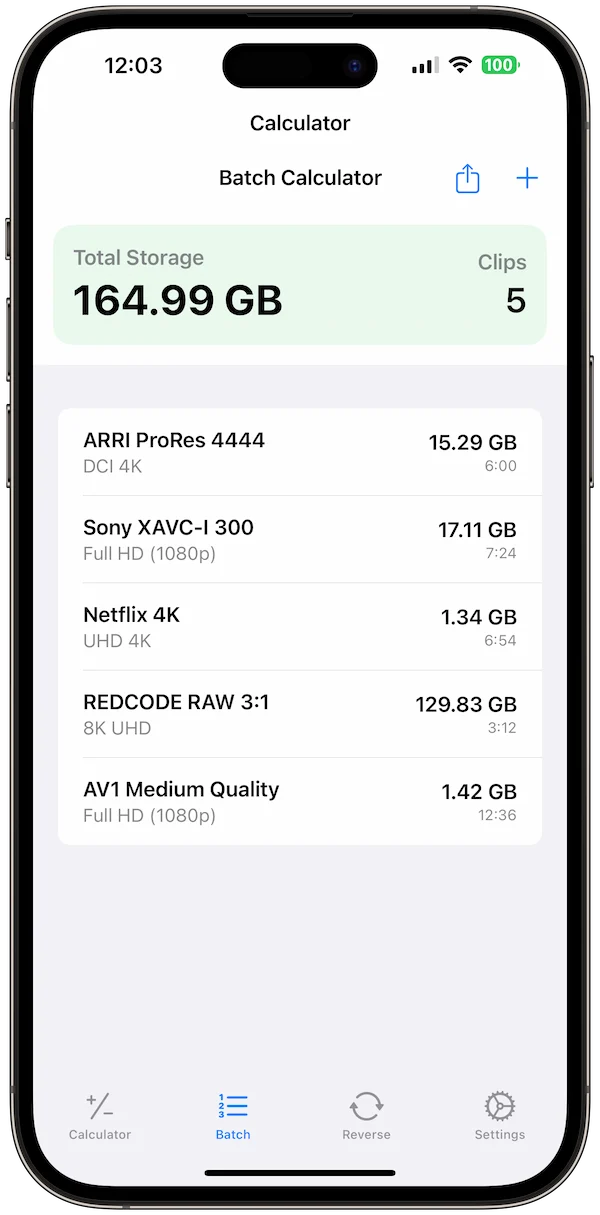
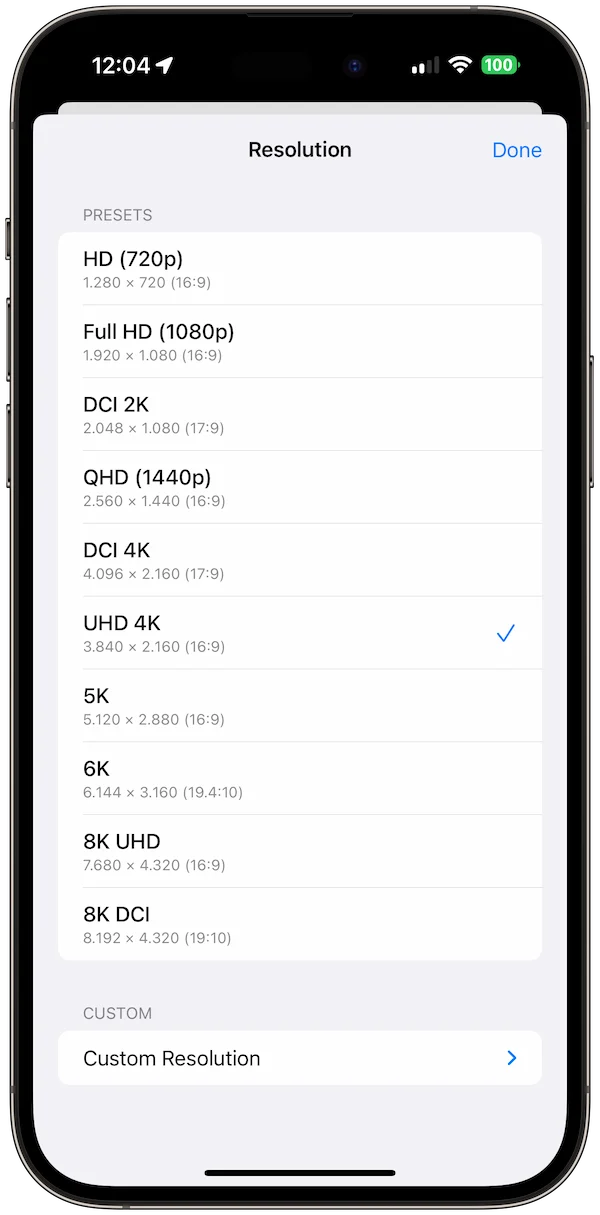
Video Size Calculator Pro supports codec-aware file-size estimates, ProRes, DNx, H.264, H.265, AV1, VP9, resolution and frame-rate presets, audio settings, batch planning, reverse calculations, storage-unit options, and offline use. It is built for filmmakers, editors, creators, and post-production teams who need storage numbers before export.