Planning a video project? One of the most important questions filmmakers face is: "How much storage space will my video actually need?" Get it wrong and you'll either run out of storage mid-project or waste money on unnecessary storage upgrades.
In this guide, we'll walk through the video file size calculation formula with real examples, show you how different codecs and settings affect file sizes, and demonstrate how Video Size Calculator Pro eliminates the guesswork entirely.
The Video File Size Formula
The basic formula for calculating video file size is:
File Size = (Bitrate × Duration) ÷ 8
But understanding bitrate, codecs, and compression requires deeper knowledge of video production workflows.
Key Components
- Bitrate (Mbps): Data rate per second, varies by codec and quality
- Duration (seconds): Length of your video
- Codec: Compression algorithm (H.264, H.265, ProRes, etc.)
- Resolution: Pixel dimensions (1080p, 4K, 8K)
Example 1: Basic 1080p H.264 Video
Let's calculate file size for a common YouTube video:
- Resolution: 1920×1080 (1080p)
- Codec: H.264
- Bitrate: 8 Mbps
- Duration: 5 minutes (300 seconds)
Step-by-Step Calculation
Step 1: Identify the values
Bitrate = 8 Mbps
Duration = 300 seconds
Step 2: Apply the formula
File Size = (8 × 300) ÷ 8 = 300 MB
Result: 5-minute 1080p video = 300 MB
Example 2: 4K ProRes Video
For professional 4K footage with minimal compression:
- Resolution: 3840×2160 (4K)
- Codec: ProRes 422 HQ
- Bitrate: 220 Mbps
- Duration: 2 minutes (120 seconds)
Calculation Process
File Size: (220 × 120) ÷ 8 = 3,300 MB = 3.3 GB
Result: 2-minute 4K ProRes = 3.3 GB
Example 3: H.265 4K Streaming
For efficient 4K streaming with H.265 compression:
- Resolution: 3840×2160 (4K)
- Codec: H.265/HEVC
- Bitrate: 25 Mbps
- Duration: 10 minutes (600 seconds)
Calculation Process
File Size: (25 × 600) ÷ 8 = 1,875 MB = 1.9 GB
Result: 10-minute 4K H.265 = 1.9 GB (much smaller than ProRes)
Common Video Codecs and Bitrates
Different codecs have vastly different bitrate requirements for the same quality level.
Codec Comparison (1080p)
- H.264 (YouTube): 8-12 Mbps
- H.265/HEVC: 4-8 Mbps (50% smaller than H.264)
- ProRes 422: 147 Mbps
- ProRes 422 HQ: 220 Mbps
- DNxHD 145: 145 Mbps
- AV1: 3-6 Mbps (30% smaller than H.265)
Resolution Impact
- 720p: ~1.5 Mbps (H.264)
- 1080p: ~8 Mbps (H.264)
- 4K: ~25-35 Mbps (H.264)
- 8K: ~100+ Mbps (H.264)
Audio File Size Calculations
Don't forget audio! It adds significant size to your video files.
Audio Bitrate Examples
- AAC 128 kbps: 128 kbps per channel
- AAC 256 kbps: 256 kbps per channel
- PCM 16-bit: 1,411 kbps per channel
- PCM 24-bit: 2,304 kbps per channel
Audio Size Calculation
Formula: (Audio Bitrate × Duration × Channels) ÷ 8
Example: 5-minute stereo AAC 256 kbps
Size = (256 × 300 × 2) ÷ 8 = 19.2 MB
Real-World Project Examples
Let's calculate file sizes for common video projects.
YouTube Video (10 minutes, 1080p)
- Video: H.264, 8 Mbps = 600 MB
- Audio: AAC 128 kbps stereo = 9.6 MB
- Total: ~610 MB
Short Film (30 minutes, 4K ProRes)
- Video: ProRes 422 HQ, 220 Mbps = 49.5 GB
- Audio: PCM 24-bit stereo = 1.4 GB
- Total: ~51 GB
Live Stream Recording (2 hours, 1080p H.265)
- Video: H.265, 6 Mbps = 5.4 GB
- Audio: AAC 256 kbps stereo = 1.2 GB
- Total: ~6.6 GB
Storage Planning Guidelines
Understanding file sizes helps you plan storage needs for different project types.
Storage Requirements by Project Type
- YouTube Channel (1080p): 1-2 GB per hour
- Professional 4K: 50-100 GB per hour
- Documentary (mixed): 20-50 GB per hour
- Live Streaming Archive: 3-6 GB per hour
Common File Size Mistakes
- Ignoring audio: Audio can add 10-20% to file size
- Wrong codec choice: ProRes for streaming wastes space
- Overestimating quality needs: Higher bitrates don't always mean better quality
- Forgetting multiple formats: You may need several versions
How Video Size Calculator Pro Simplifies This
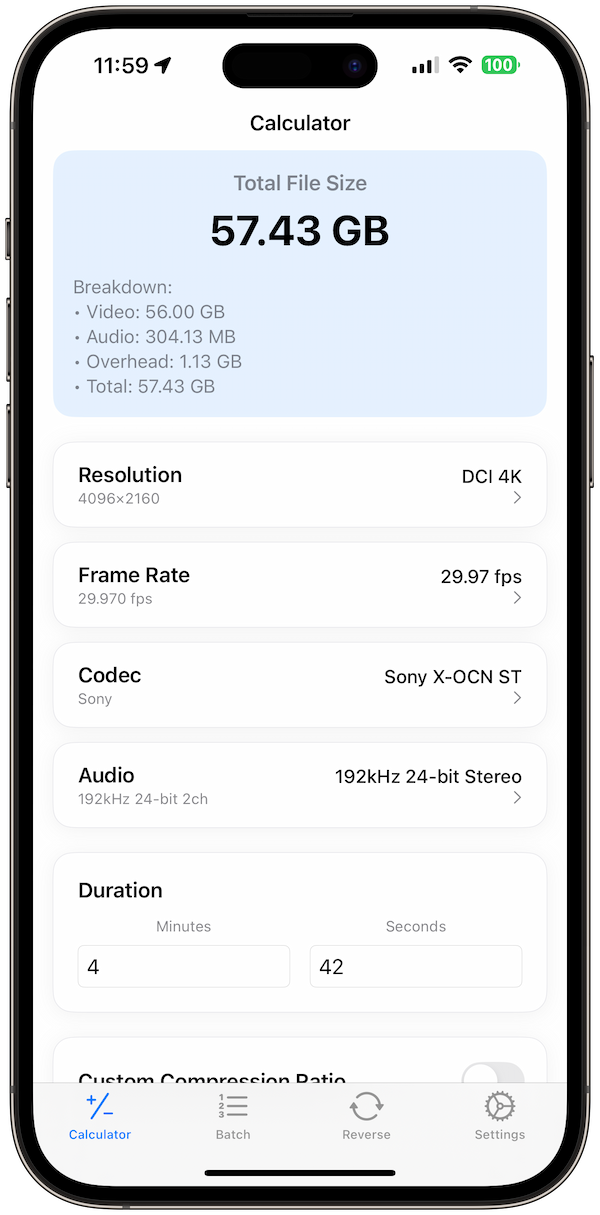
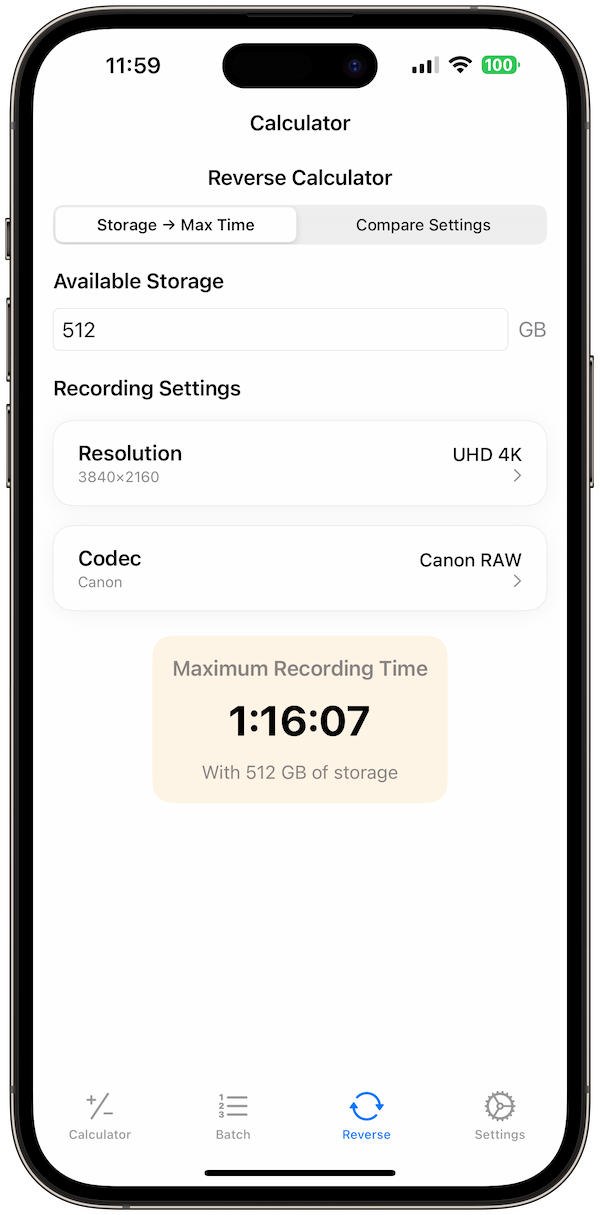
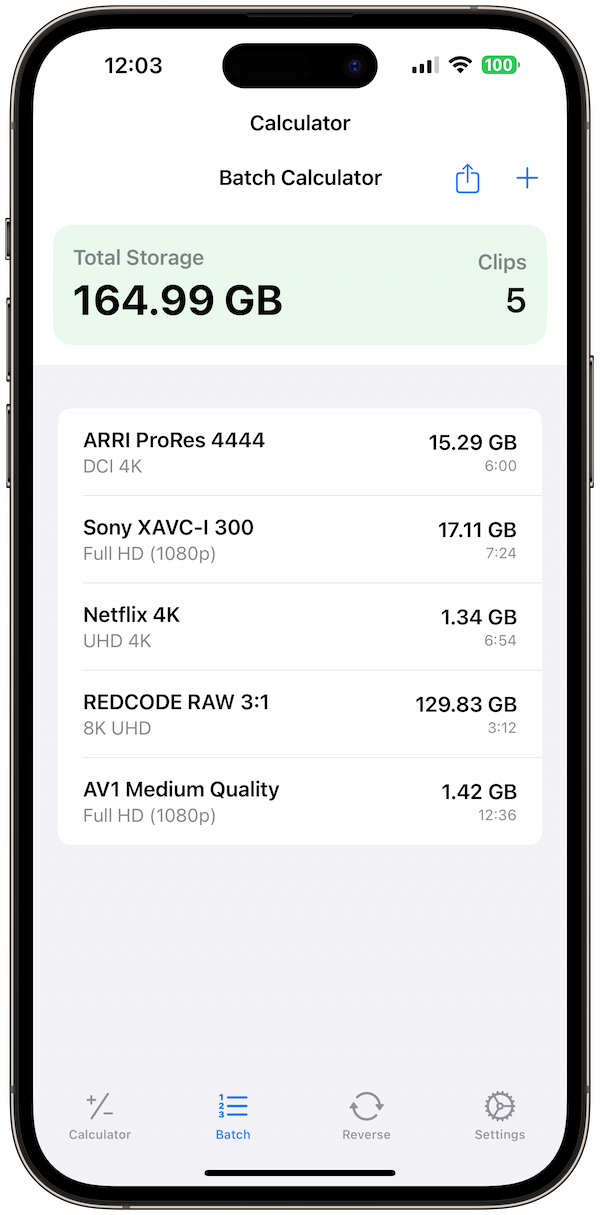
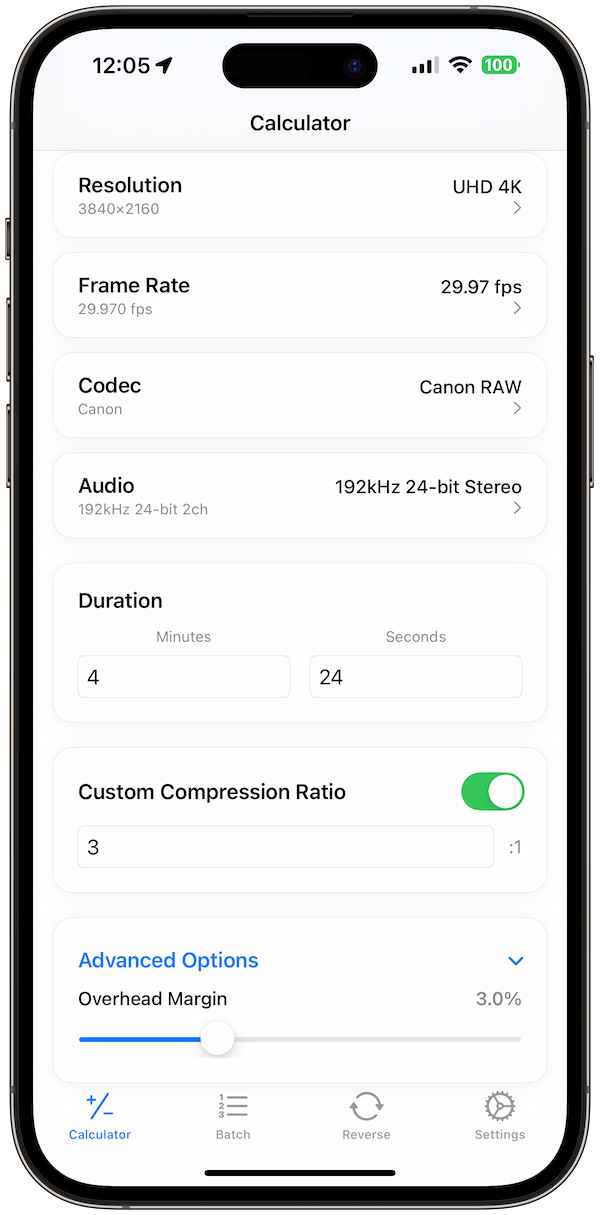
Instead of manual calculations, Video Size Calculator Pro handles all the math instantly:
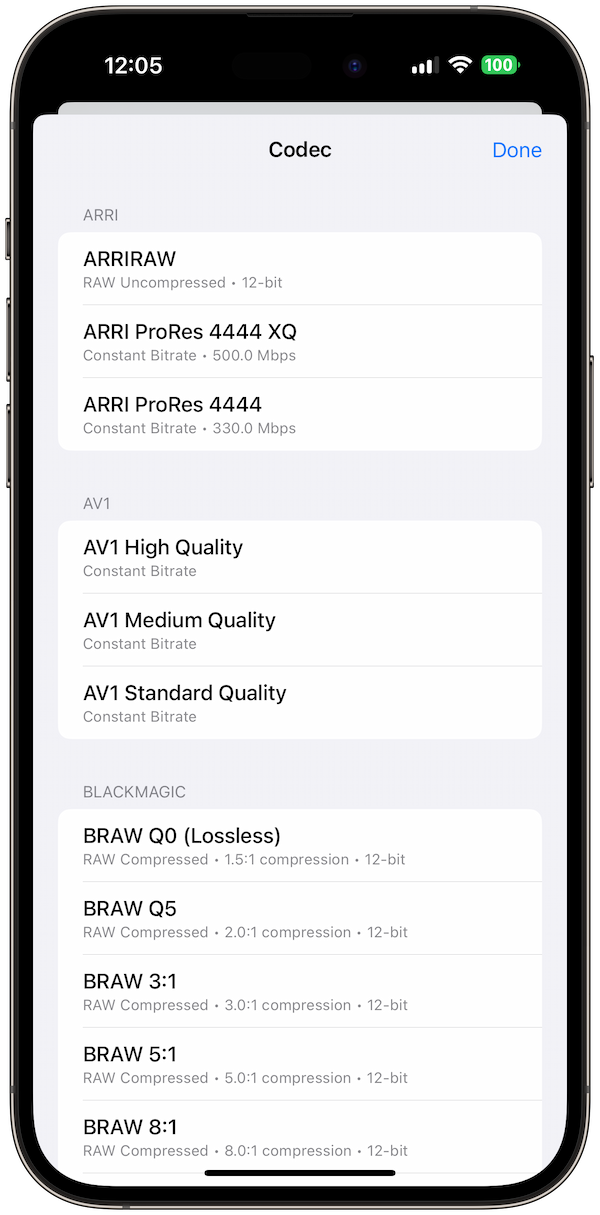
- 25+ codecs: ProRes, H.264, H.265, AV1, DNxHD, and more
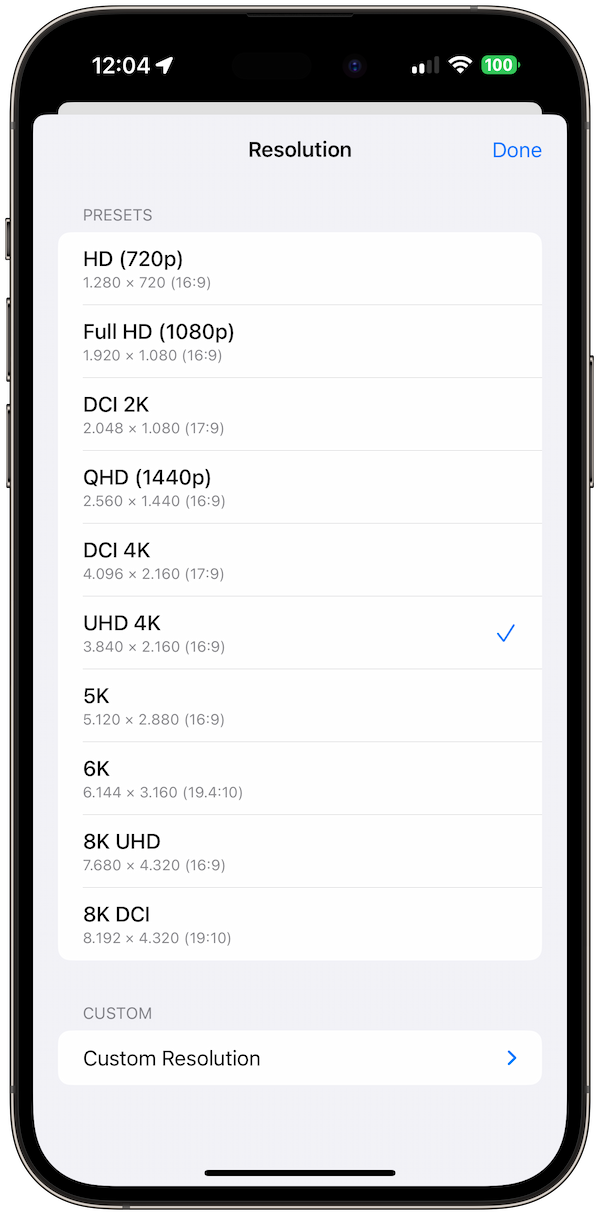
- Resolution presets: From 720p to 8K with DCI formats
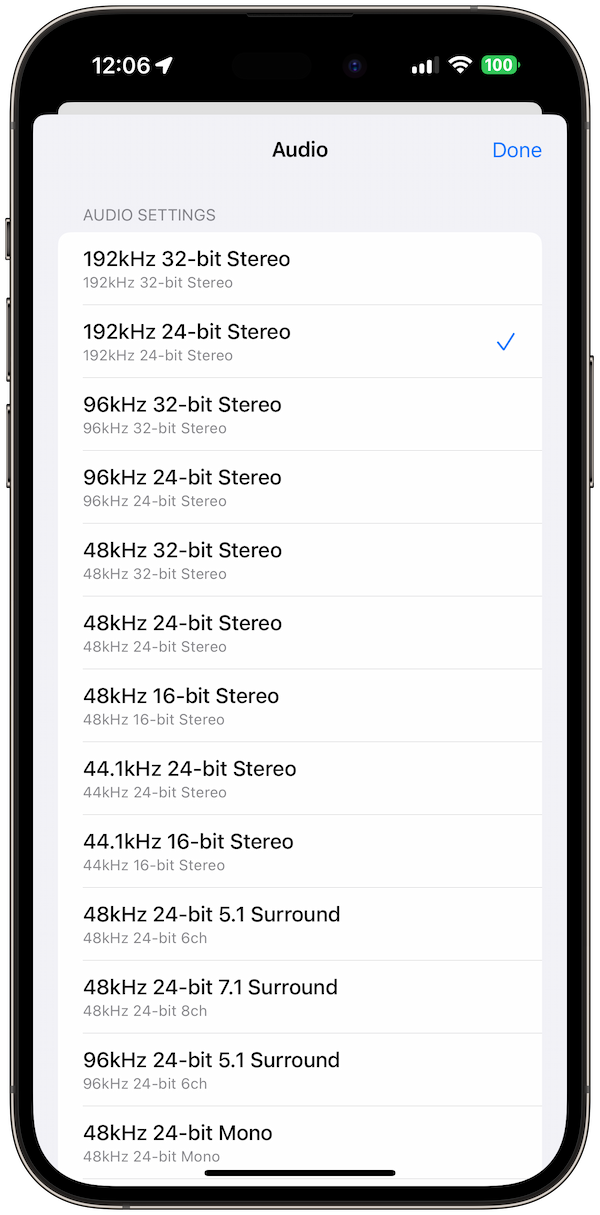
- Audio calculations: PCM, AAC, Dolby with custom channels
- Batch calculator: Multiple clips with different settings
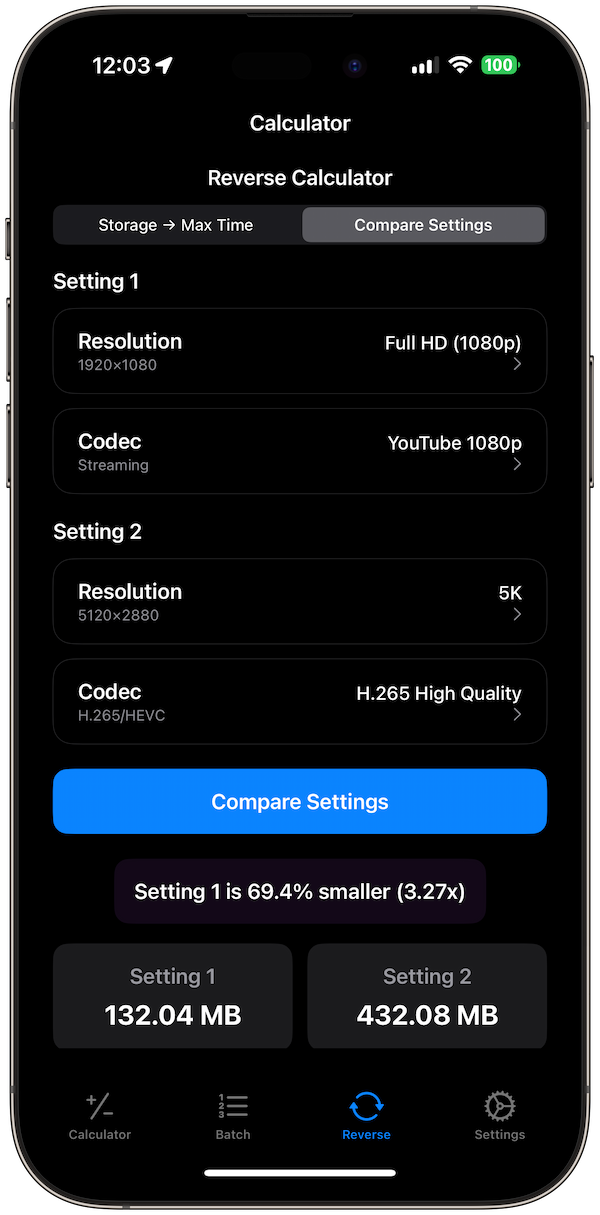
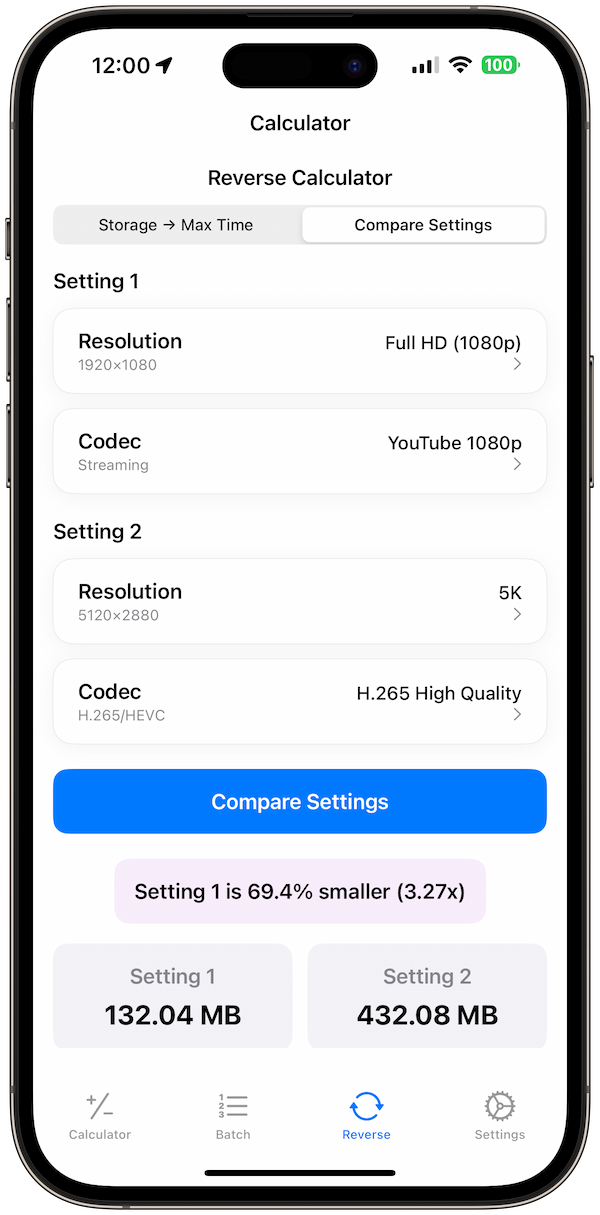
- Reverse calculator: Find optimal settings for target file size
- Cost estimation: Storage costs and bandwidth planning
💡 Pro Tip: Use Video Size Calculator Pro's "Batch Calculator" to plan storage for entire projects with multiple video clips.
Professional Tips for File Size Management
- Choose the right codec: H.265 for efficiency, ProRes for quality
- Plan your workflow: Different codecs for different stages
- Consider delivery: Streaming vs. archival requirements
- Test your settings: Quality vs. file size trade-offs
Final Thoughts
Accurate video file size calculations are essential for project planning, storage management, and delivery optimization. While the math is straightforward, choosing the right settings requires understanding your workflow and delivery requirements.
Ready to plan your next video project? Download Video Size Calculator Pro and get instant, accurate file size calculations for any video format and codec.
References
- Adobe: Supported File Formats and Codecs
- Apple: AVFoundation Documentation
- YouTube: Upload Settings
- Netflix: Video Specifications
Related Guides: Compare video codecs for different projects and learn storage planning strategies for video production.