Planning video storage is one of the most critical aspects of video production. Get it wrong and you'll face storage bottlenecks, lost footage, or expensive cloud storage bills. Get it right and you'll have a smooth, efficient workflow with room to grow.
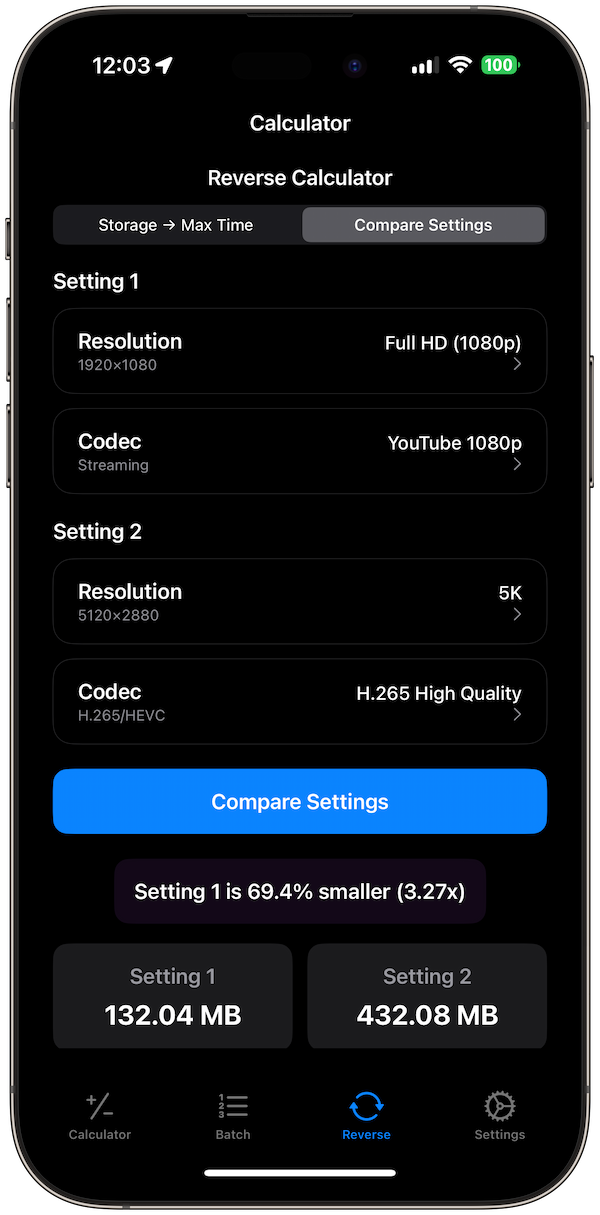
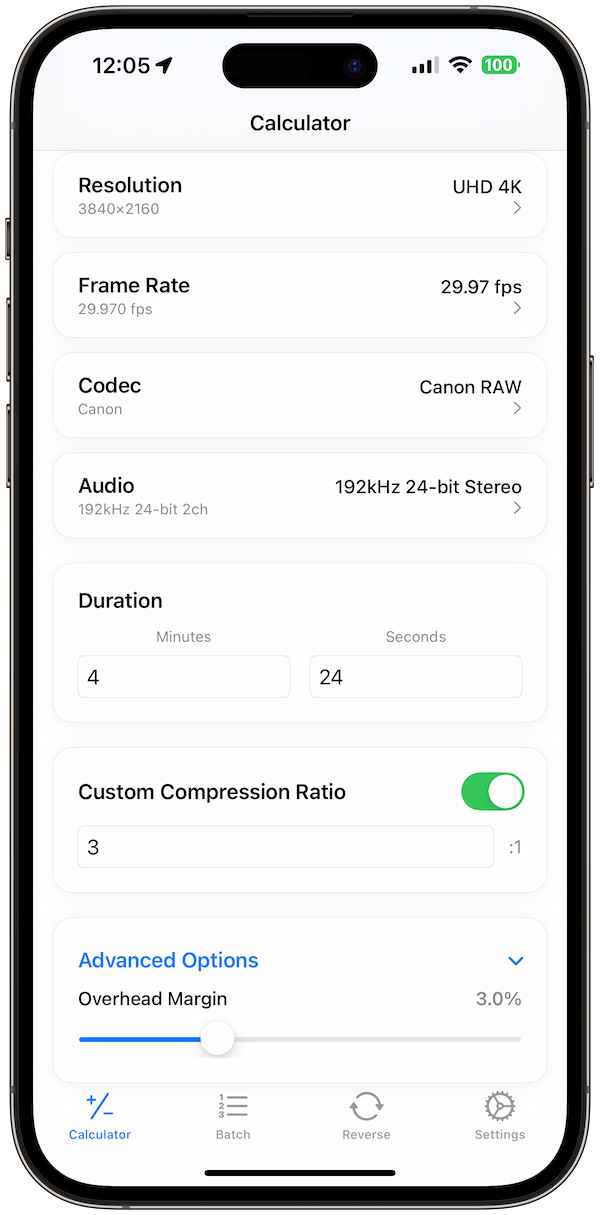
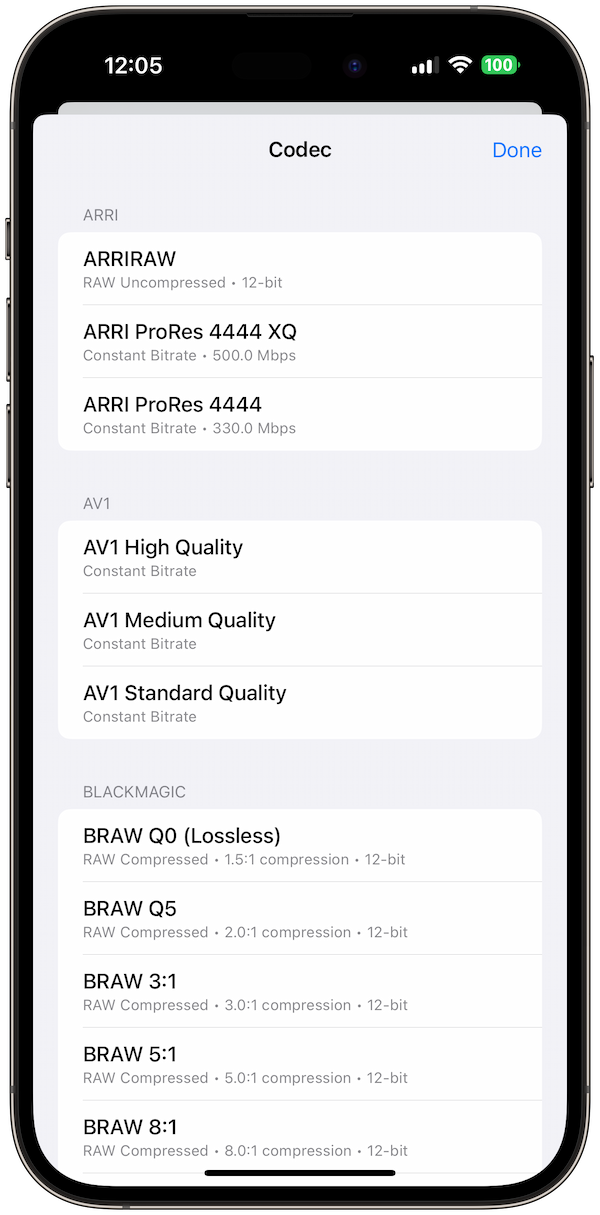
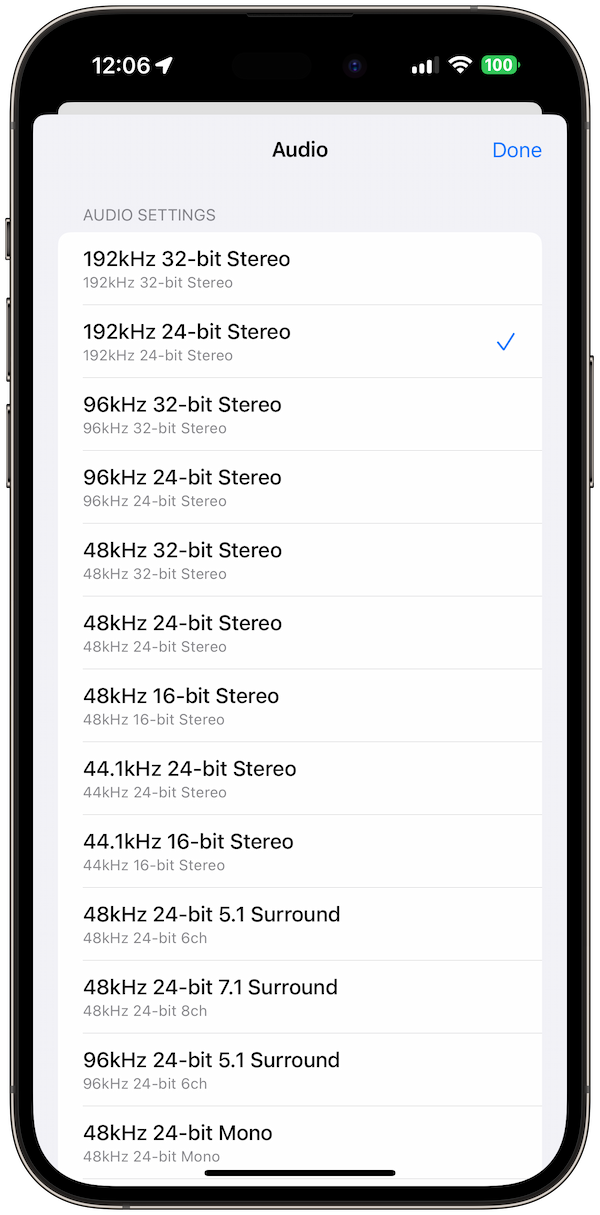
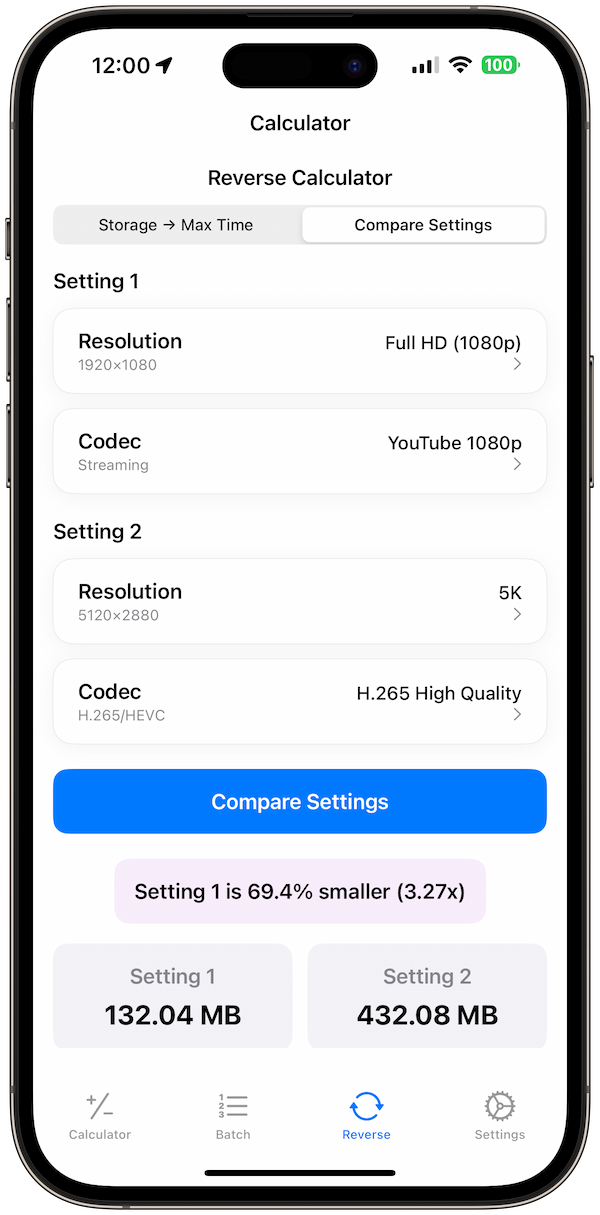
This guide shows you how to calculate storage needs for different video projects, from YouTube channels to professional film production, and demonstrates how Video Size Calculator Pro helps you plan storage accurately.
Understanding Video Storage Requirements
Video storage needs vary dramatically based on resolution, codec, quality settings, and project scope. Understanding these factors helps you plan storage infrastructure effectively.
Key Storage Factors
- Resolution: 720p vs 1080p vs 4K vs 8K
- Codec: H.264 vs ProRes vs RAW
- Quality settings: Bitrate and compression
- Project duration: Hours of footage
- Workflow stages: Raw, edited, final versions
Storage Requirements by Project Type
Different types of video projects have vastly different storage needs.
YouTube Channel (1080p H.264)
- Bitrate: 8 Mbps
- Storage per hour: 3.6 GB
- Monthly content: 20 hours = 72 GB
- Annual storage: 864 GB
- Recommended storage: 2 TB (with headroom)
Professional 4K Production (ProRes 422 HQ)
- Bitrate: 220 Mbps
- Storage per hour: 99 GB
- Feature film (2 hours): 198 GB
- Documentary (10 hours): 990 GB
- Recommended storage: 10+ TB RAID array
Live Streaming Archive (1080p H.265)
- Bitrate: 6 Mbps
- Storage per hour: 2.7 GB
- Daily streaming (8 hours): 21.6 GB
- Monthly archive: 648 GB
- Recommended storage: 4 TB with cloud backup
Example 1: YouTube Channel Storage Planning
Let's calculate storage needs for a growing YouTube channel:
Channel Specifications
- Content: 2 videos per week
- Average length: 10 minutes per video
- Resolution: 1080p
- Codec: H.264
- Bitrate: 8 Mbps
Storage Calculation
Weekly content: 2 videos × 10 minutes = 20 minutes
Storage per video: (8 Mbps × 600 seconds) ÷ 8 = 600 MB
Weekly storage: 2 × 600 MB = 1.2 GB
Monthly storage: 1.2 GB × 4 = 4.8 GB
Annual storage: 4.8 GB × 12 = 57.6 GB
Recommended Storage Setup
- Primary storage: 1 TB SSD (fast editing)
- Archive storage: 2 TB HDD (cost-effective)
- Cloud backup: Google Drive or Dropbox
- Total cost: ~$200-300
Example 2: Documentary Production Storage
Planning storage for a professional documentary project:
Project Specifications
- Runtime: 90 minutes final
- Shooting ratio: 20:1 (30 hours of footage)
- Resolution: 4K ProRes 422 HQ
- Bitrate: 220 Mbps
- Additional content: B-roll, interviews, archival
Storage Calculation
Raw footage: 30 hours × 99 GB = 2,970 GB
Edited sequences: 5 hours × 99 GB = 495 GB
Final deliverables: 1.5 hours × 99 GB = 149 GB
Total project storage: 3,614 GB (3.6 TB)
Recommended Storage Setup
- Working storage: 8 TB RAID 5 array
- Backup storage: 8 TB external drives
- Archive storage: LTO tape or cloud
- Total cost: ~$2,000-3,000
Storage Planning by Workflow Stage
Different stages of video production require different storage strategies.
Acquisition Stage
- Raw footage: Highest quality, largest files
- Storage type: Fast SSDs for immediate access
- Backup strategy: Multiple copies, different locations
- Duration: Keep until project completion
Editing Stage
- Proxy files: Lower quality for smooth editing
- Storage type: Fast storage for real-time playback
- Backup strategy: Regular incremental backups
- Duration: Keep during active editing
Delivery Stage
- Final deliverables: Optimized for distribution
- Storage type: Reliable, long-term storage
- Backup strategy: Multiple formats and locations
- Duration: Permanent archive
Cloud Storage vs. Local Storage
Choosing between cloud and local storage depends on your workflow and budget.
Local Storage Advantages
- Speed: No internet dependency
- Cost: One-time purchase
- Control: Complete data ownership
- Privacy: No third-party access
Cloud Storage Advantages
- Scalability: Pay for what you use
- Accessibility: Work from anywhere
- Backup: Built-in redundancy
- Collaboration: Easy sharing
Hybrid Approach
- Local: Active projects and editing
- Cloud: Archive and backup
- Benefits: Best of both worlds
- Cost: Balanced approach
Storage Cost Analysis
Understanding storage costs helps you make informed decisions.
Local Storage Costs (2024)
- HDD (4 TB): $80-120 (~$0.02/GB)
- SSD (1 TB): $100-150 (~$0.10/GB)
- NVMe (2 TB): $200-300 (~$0.15/GB)
- RAID array (8 TB): $800-1,200 (~$0.10/GB)
Cloud Storage Costs (2024)
- Google Drive (2 TB): $10/month (~$0.005/GB/month)
- Dropbox (3 TB): $20/month (~$0.007/GB/month)
- AWS S3 (standard): $0.023/GB/month
- Backblaze B2: $0.005/GB/month
Common Storage Planning Mistakes
- Underestimating needs: Not accounting for growth
- Ignoring backup: Single point of failure
- Wrong storage type: HDD for real-time editing
- No redundancy: RAID or cloud backup
How Video Size Calculator Pro Simplifies Planning
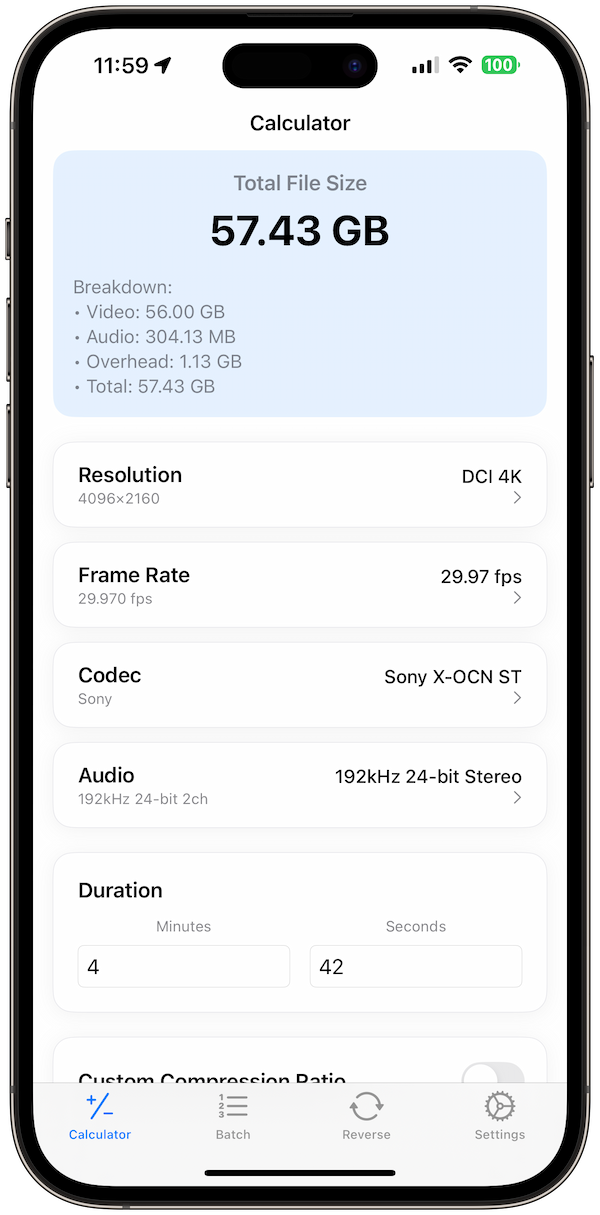
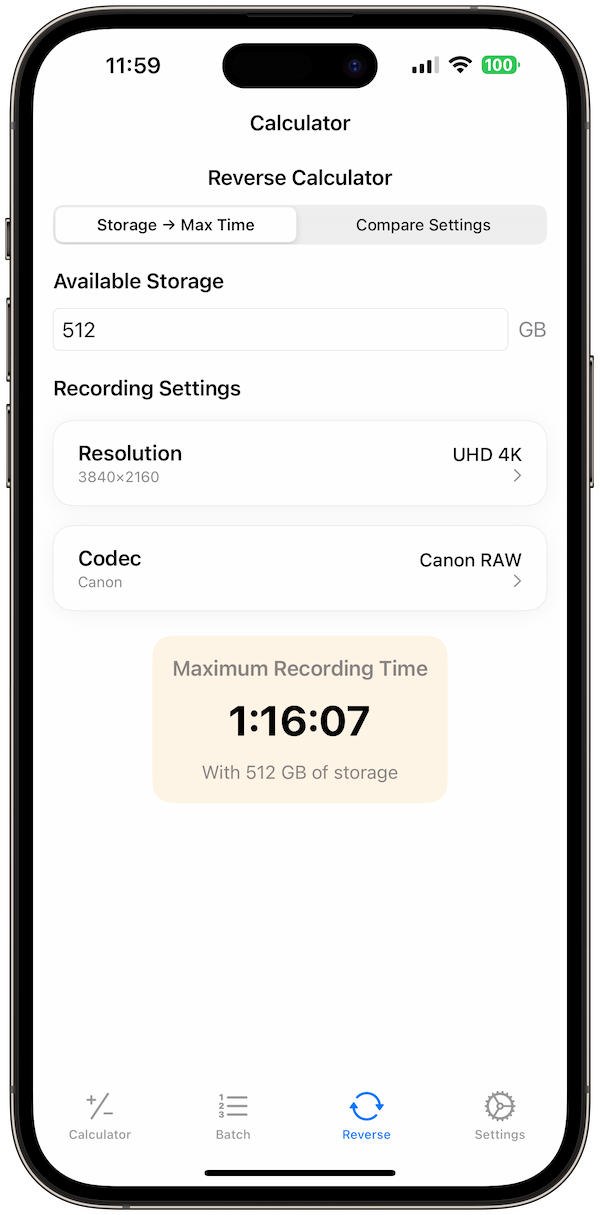
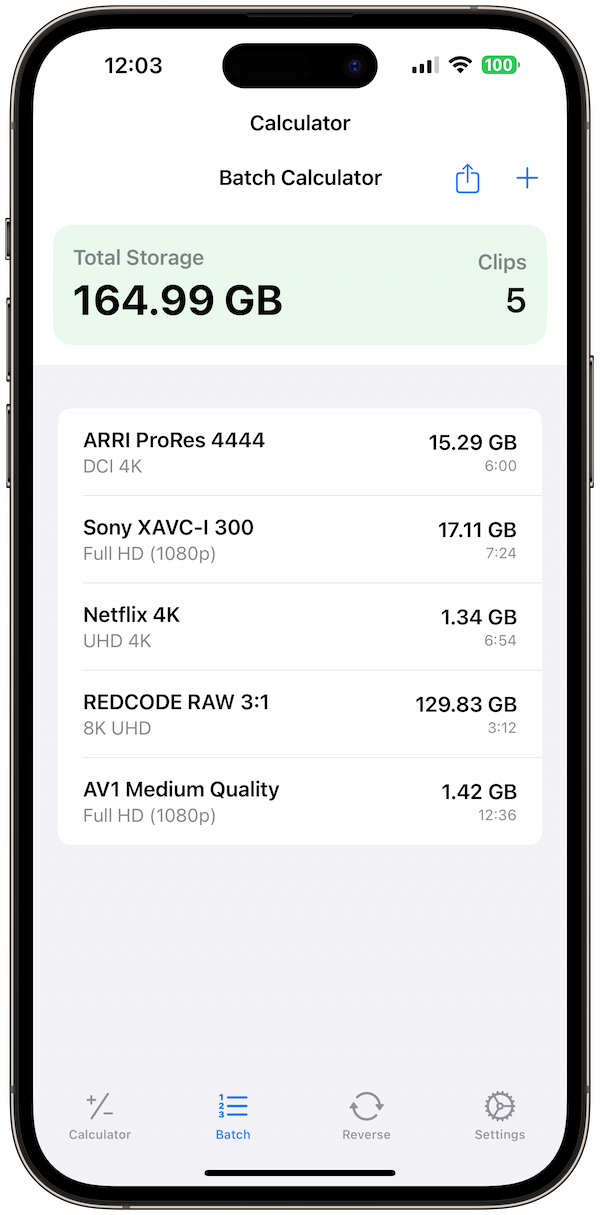
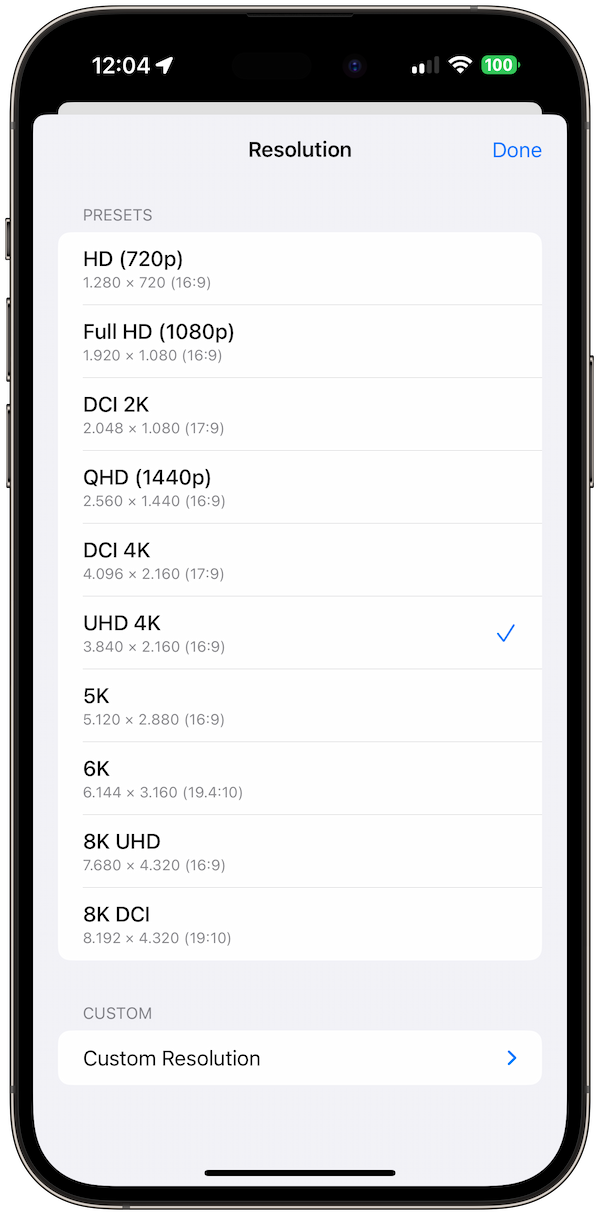
Video Size Calculator Pro makes storage planning effortless:
- Project planning: Calculate total storage needs
- Cost estimation: Compare storage options
- Workflow optimization: Different codecs for different stages
- Batch calculations: Multiple projects at once
- Future planning: Growth projections
💡 Pro Tip: Use Video Size Calculator Pro's "Project Planner" to calculate storage needs for entire productions with multiple video formats and codecs.
Professional Storage Recommendations
- Start small: 1-2 TB for initial projects
- Plan for growth: 3-5x current needs
- Use RAID: Redundancy for important projects
- Cloud backup: 3-2-1 rule (3 copies, 2 media, 1 offsite)
- Regular testing: Verify backup integrity
Final Thoughts
Proper video storage planning is essential for successful video production. By understanding your needs, choosing the right storage solutions, and planning for growth, you can avoid costly mistakes and ensure smooth workflows.
Ready to plan your video storage? Download Video Size Calculator Pro and get instant storage calculations and cost analysis for any video project.
References
- Adobe: Premiere Pro Help
- Apple: AVFoundation Documentation
- Avid: Support Center
- Backblaze: Cloud Storage Pricing
Related Guides: Master video file size calculations and codec selection for optimal video production workflows.