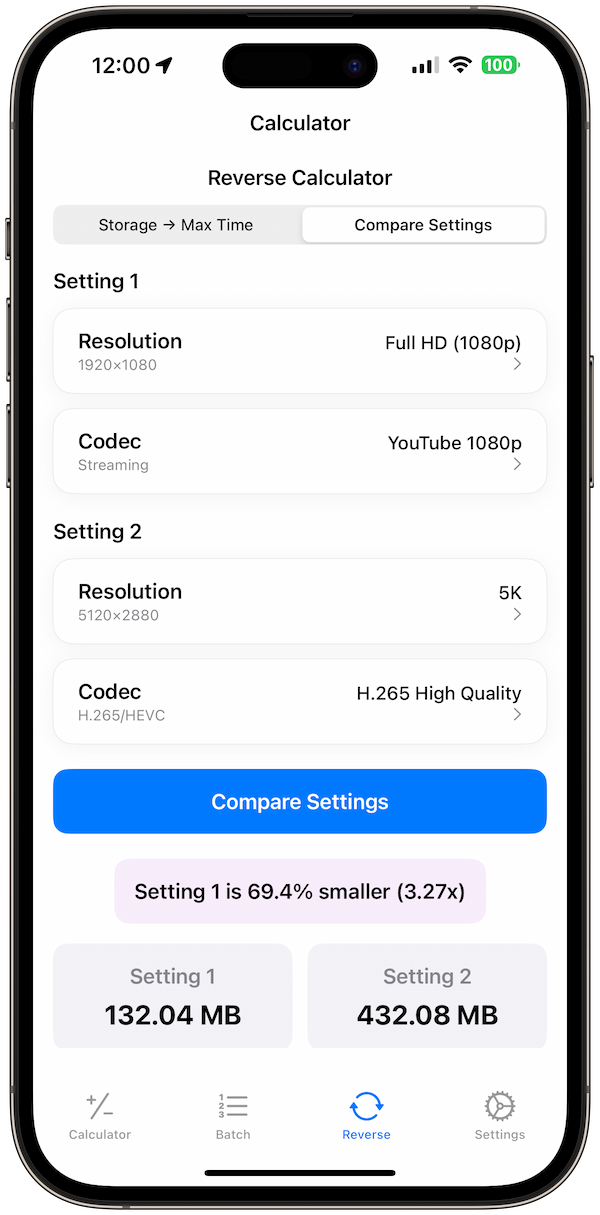
Choosing the right video codec can make or break your project. Use the wrong codec and you'll waste storage space, struggle with playback, or deliver incompatible files. Get it right and you'll have perfect quality with optimal file sizes.
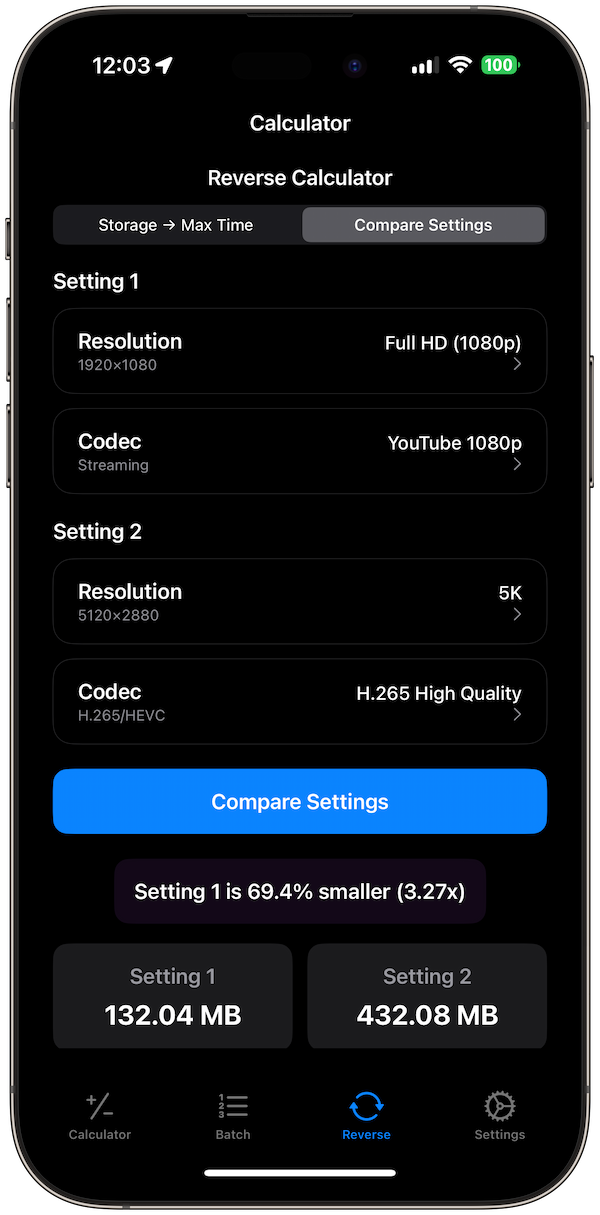
This comprehensive guide compares all major video codecs, shows you when to use each one, and demonstrates how Video Size Calculator Pro helps you make informed decisions for any project.
🎬 Understanding Video Codecs
A codec (coder-decoder) compresses and decompresses video data. Different codecs use different algorithms, resulting in varying file sizes, quality, and compatibility.
📊 Key Codec Characteristics
🎯 H.264 (AVC) - The Universal Standard
H.264 is the most widely supported codec, making it the go-to choice for most applications.
📋 H.264 Specifications
✅ Best Use Cases for H.264
📊 H.264 Example
H.265 (HEVC) - The Efficiency King
H.265 offers 50% better compression than H.264 while maintaining the same quality.
H.265 Specifications
- Release: 2013
- Compression: Lossy
- Bitrate (1080p): 4-8 Mbps
- File size: 50% smaller than H.264
- Compatibility: Modern devices
Best Use Cases for H.265
- 4K video streaming
- Storage-constrained projects
- High-quality web delivery
- Mobile 4K content
- Bandwidth-limited streaming
H.265 Example
10-minute 4K video:
- Bitrate: 25 Mbps
- File size: 1.9 GB
- Quality: Excellent 4K
- Playback: Modern devices only
ProRes - Professional Quality
ProRes is Apple's professional codec family, designed for post-production workflows.
ProRes Variants
- ProRes 422 Proxy: 45 Mbps (preview/offline)
- ProRes 422 LT: 102 Mbps (light compression)
- ProRes 422: 147 Mbps (standard)
- ProRes 422 HQ: 220 Mbps (high quality)
- ProRes 4444: 330 Mbps (uncompressed alpha)
Best Use Cases for ProRes
- Professional video editing
- Color grading workflows
- Motion graphics projects
- Final Cut Pro editing
- High-end post-production
ProRes Example
10-minute 4K ProRes 422 HQ:
- Bitrate: 220 Mbps
- File size: 16.5 GB
- Quality: Broadcast quality
- Playback: Mac/Pro hardware
AV1 - The Future Standard
AV1 is the newest codec, offering 30% better compression than H.265.
AV1 Specifications
- Release: 2018
- Compression: Lossy
- Bitrate (1080p): 3-6 Mbps
- File size: 30% smaller than H.265
- Compatibility: Limited (growing)
Best Use Cases for AV1
- YouTube streaming (supported)
- Netflix content delivery
- Future-proofing content
- Bandwidth-critical applications
- Open-source projects
DNxHD/DNxHR - Avid's Professional Codec
DNxHD and DNxHR are Avid's professional codecs, designed for broadcast workflows.
DNxHD Variants
- DNxHD 36: 36 Mbps (proxy)
- DNxHD 115: 115 Mbps (standard)
- DNxHD 145: 145 Mbps (high quality)
- DNxHD 220: 220 Mbps (uncompressed quality)
Best Use Cases for DNxHD
- Avid Media Composer editing
- Broadcast television workflows
- Professional news production
- Multi-platform delivery
- Archive and master formats
Codec Comparison Table
Here's a direct comparison of file sizes for a 10-minute 1080p video:
File Size Comparison (10-minute 1080p)
- H.264 (8 Mbps): 600 MB
- H.265 (6 Mbps): 450 MB
- AV1 (4 Mbps): 300 MB
- ProRes 422 (147 Mbps): 11 GB
- DNxHD 145 (145 Mbps): 10.9 GB
Choosing the Right Codec
Your choice depends on your workflow, delivery requirements, and quality needs.
For Web Delivery
- YouTube/Vimeo: H.264 (universal compatibility)
- High-quality streaming: H.265 (better compression)
- Future-proofing: AV1 (best compression)
- Mobile-first: H.265 (efficient for mobile)
For Professional Editing
- Final Cut Pro: ProRes (native support)
- Avid Media Composer: DNxHD/DNxHR (native support)
- Adobe Premiere: ProRes or DNxHD (both supported)
- DaVinci Resolve: ProRes (excellent support)
For Storage Efficiency
- Archive storage: H.265 (50% smaller than H.264)
- Long-term storage: AV1 (30% smaller than H.265)
- Backup copies: H.265 (good balance)
- Cloud storage: H.265 (reduced upload costs)
Common Codec Mistakes
- Using ProRes for web: Massive file sizes, poor streaming
- H.264 for 4K editing: Poor performance, large files
- Wrong ProRes variant: Proxy for final delivery
- Ignoring compatibility: AV1 for older devices
How Video Size Calculator Pro Helps
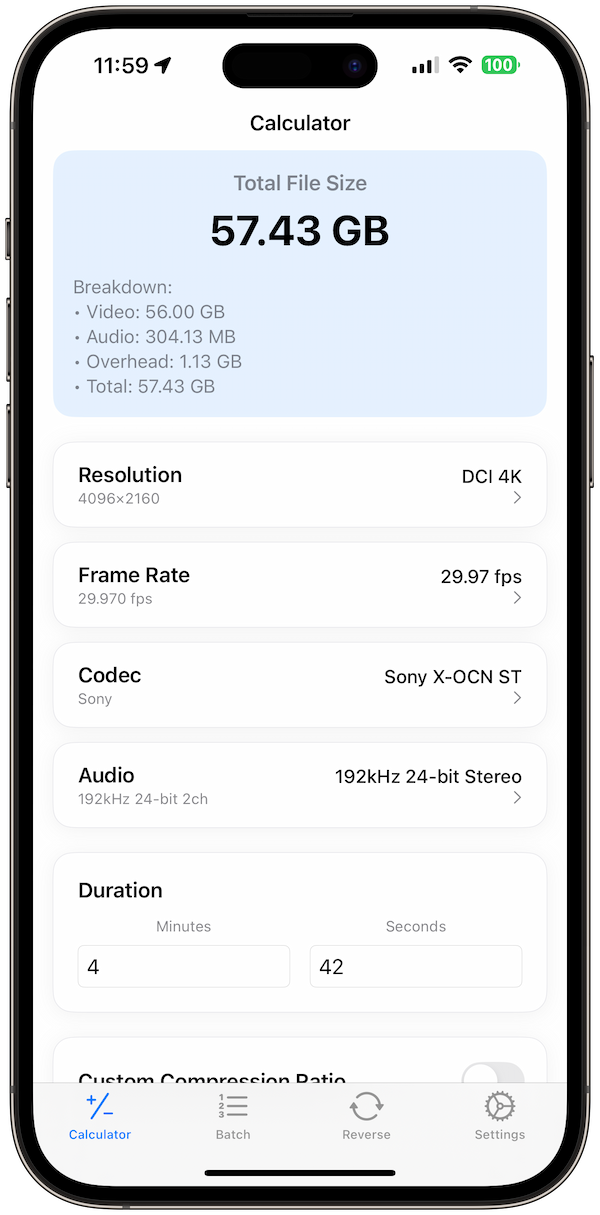
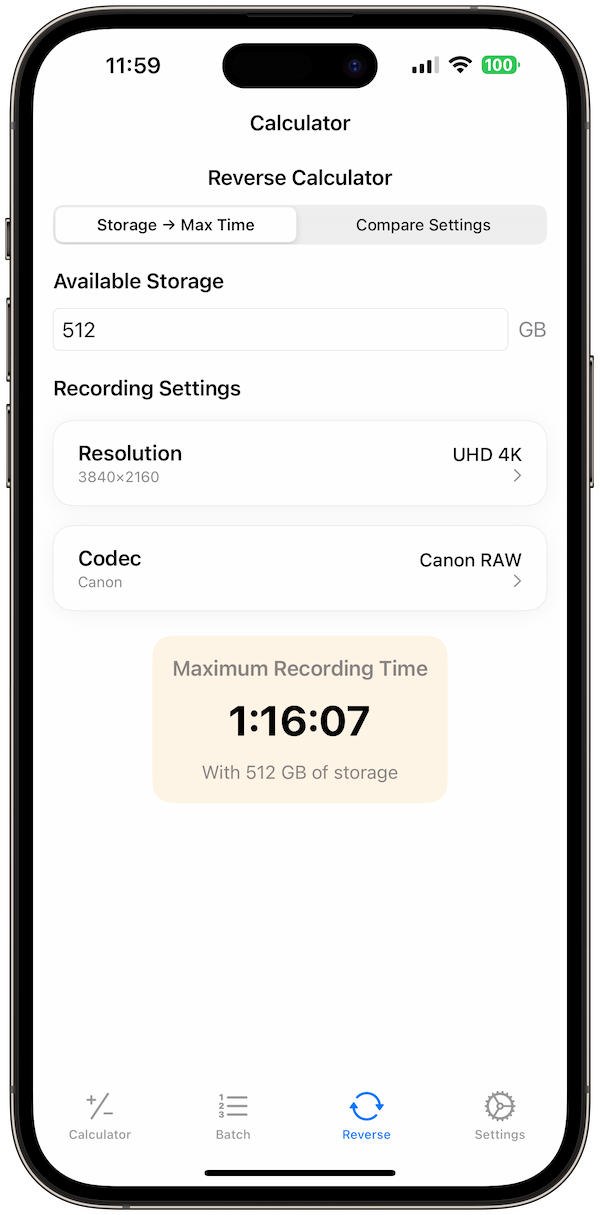
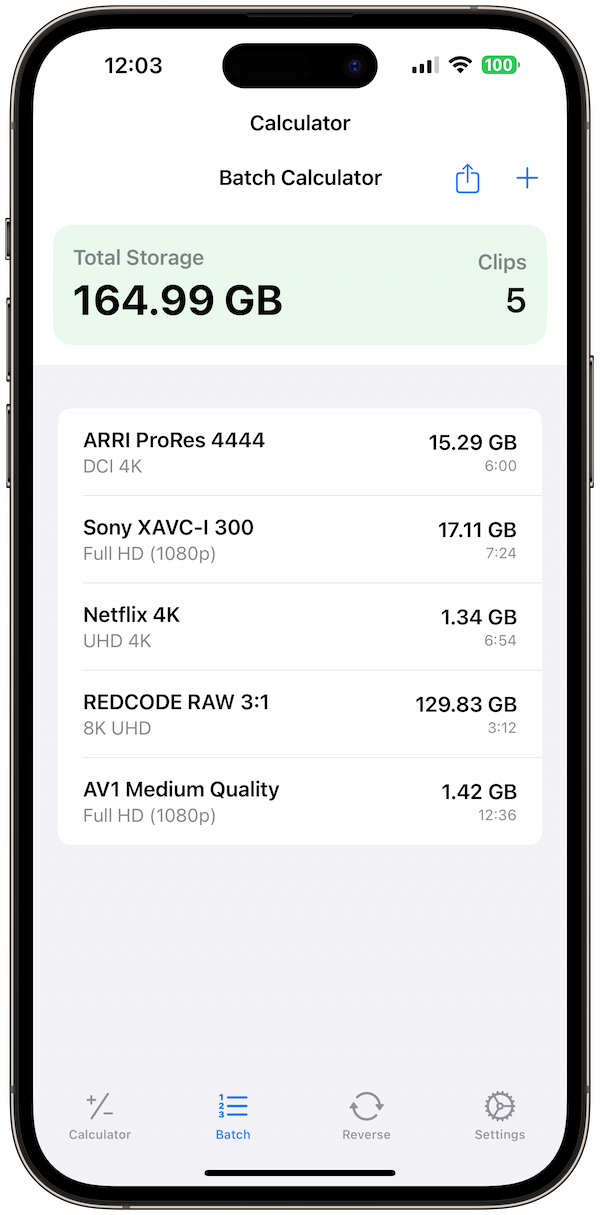
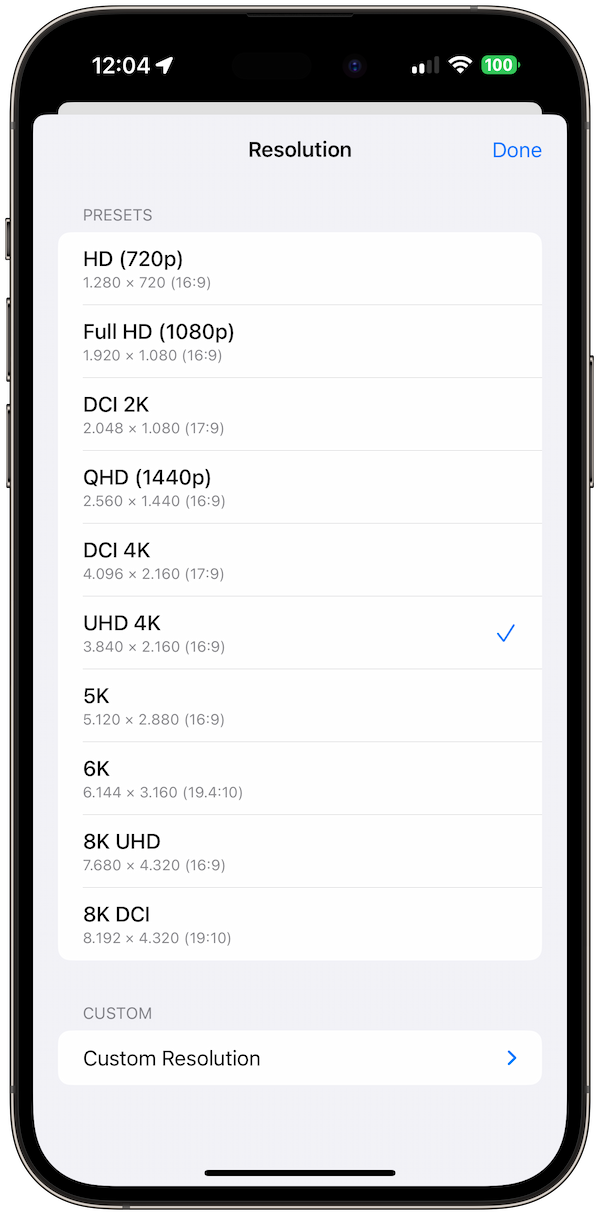
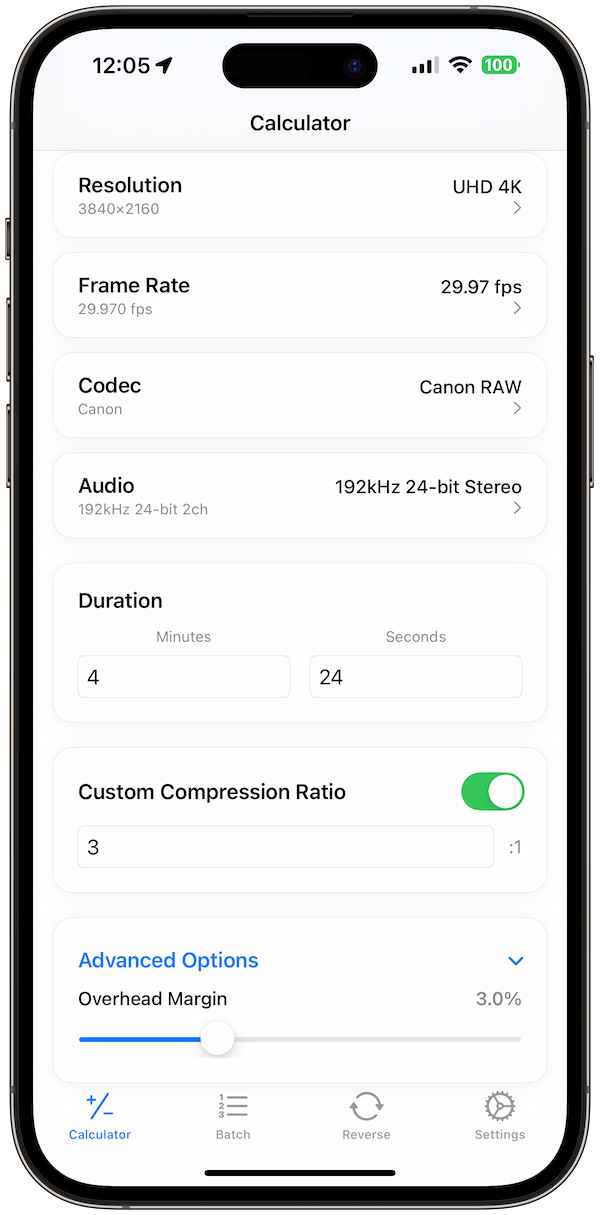
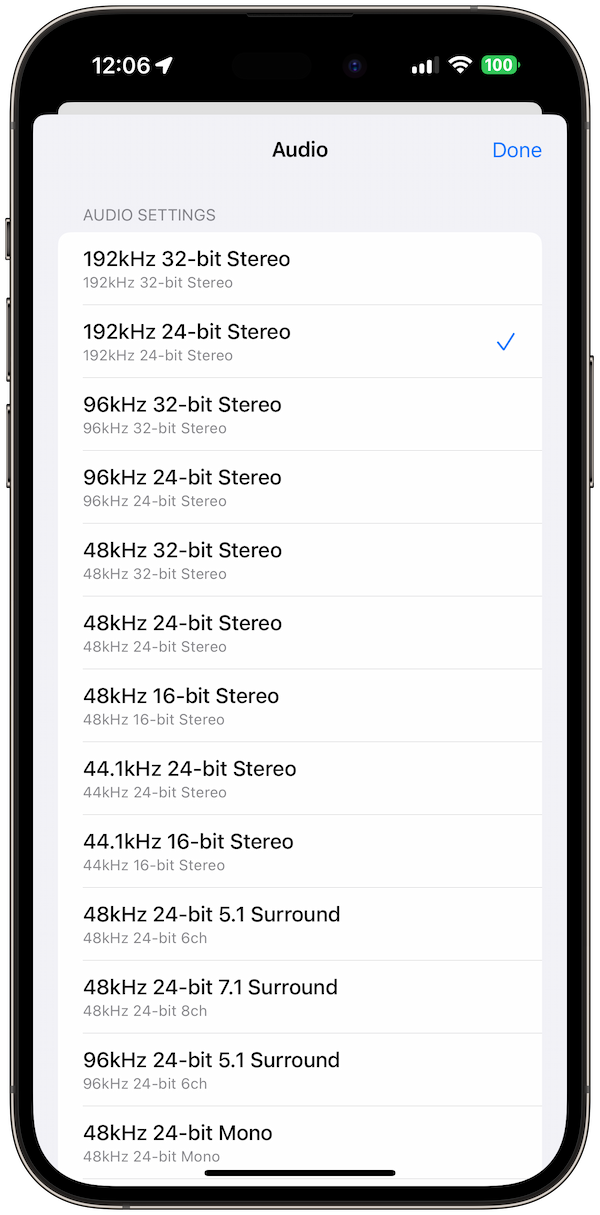
Video Size Calculator Pro makes codec selection easy:
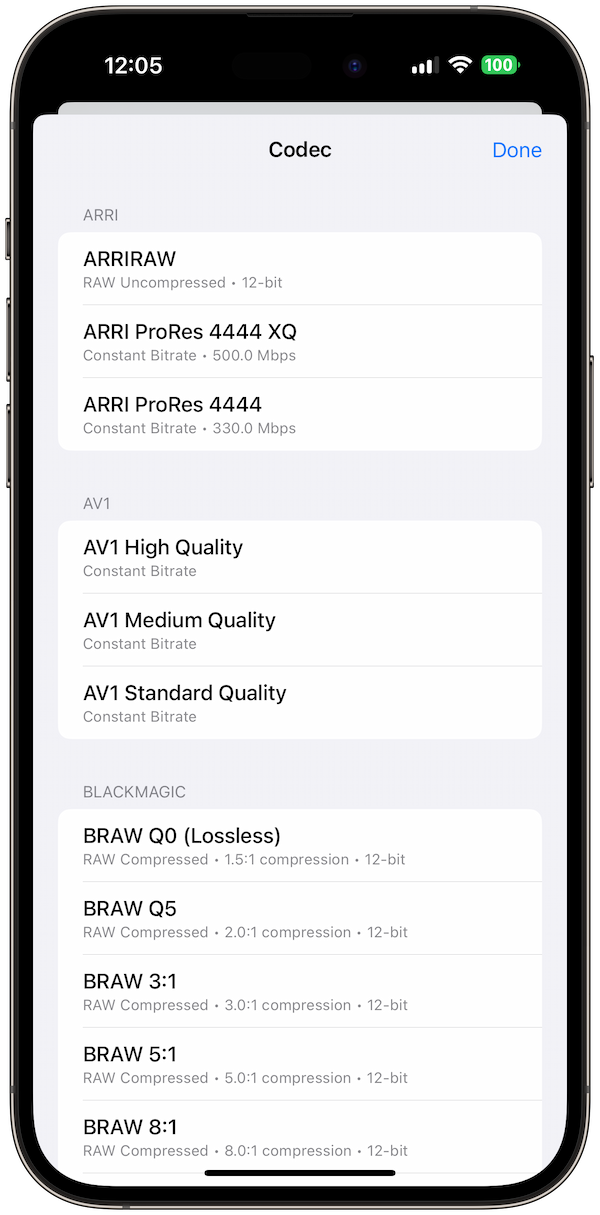
- 25+ codecs: Compare all major codecs side by side
- Real-time calculations: See file sizes instantly
- Quality recommendations: Optimal settings for each use case
- Batch comparisons: Test multiple codecs simultaneously
- Workflow guidance: Recommendations based on your needs
💡 Pro Tip: Use Video Size Calculator Pro's "Codec Comparison" feature to see file sizes for all codecs at once, making it easy to choose the best option for your project.
Professional Workflow Recommendations
- Acquisition: ProRes or DNxHD for maximum quality
- Editing: ProRes or DNxHD for smooth playback
- Color grading: ProRes 4444 for maximum color depth
- Final delivery: H.264 for web, H.265 for 4K
- Archive: H.265 for long-term storage
Final Thoughts
Choosing the right codec is crucial for video project success. While H.264 remains the universal standard, newer codecs like H.265 and AV1 offer significant advantages for specific use cases. Understanding the trade-offs helps you make informed decisions.
Ready to optimize your video workflow? Download Video Size Calculator Pro and get instant codec comparisons and file size calculations for any project.
References
- Apple: AVFoundation Documentation
- Avid: Support Center
- YouTube: Upload Settings
- Netflix: Video Specifications
- Alliance for Open Media: AV1
Related Guides: Learn video file size calculations and storage planning for professional video workflows.