
Back to Guides

QR Code Snap: Scan & Create Download Guide

7/9/2026
4 min read
App Guide
Utilities
QR Code Snap: Scan & Create
QR Code Snap: Scan & Create Download Guide app icon
QR Code Snap: Scan & Create app icon

Try QR Code Snap: Scan & Create

Scan, create, and manage QR codes with a quick utility for everyday links and content.

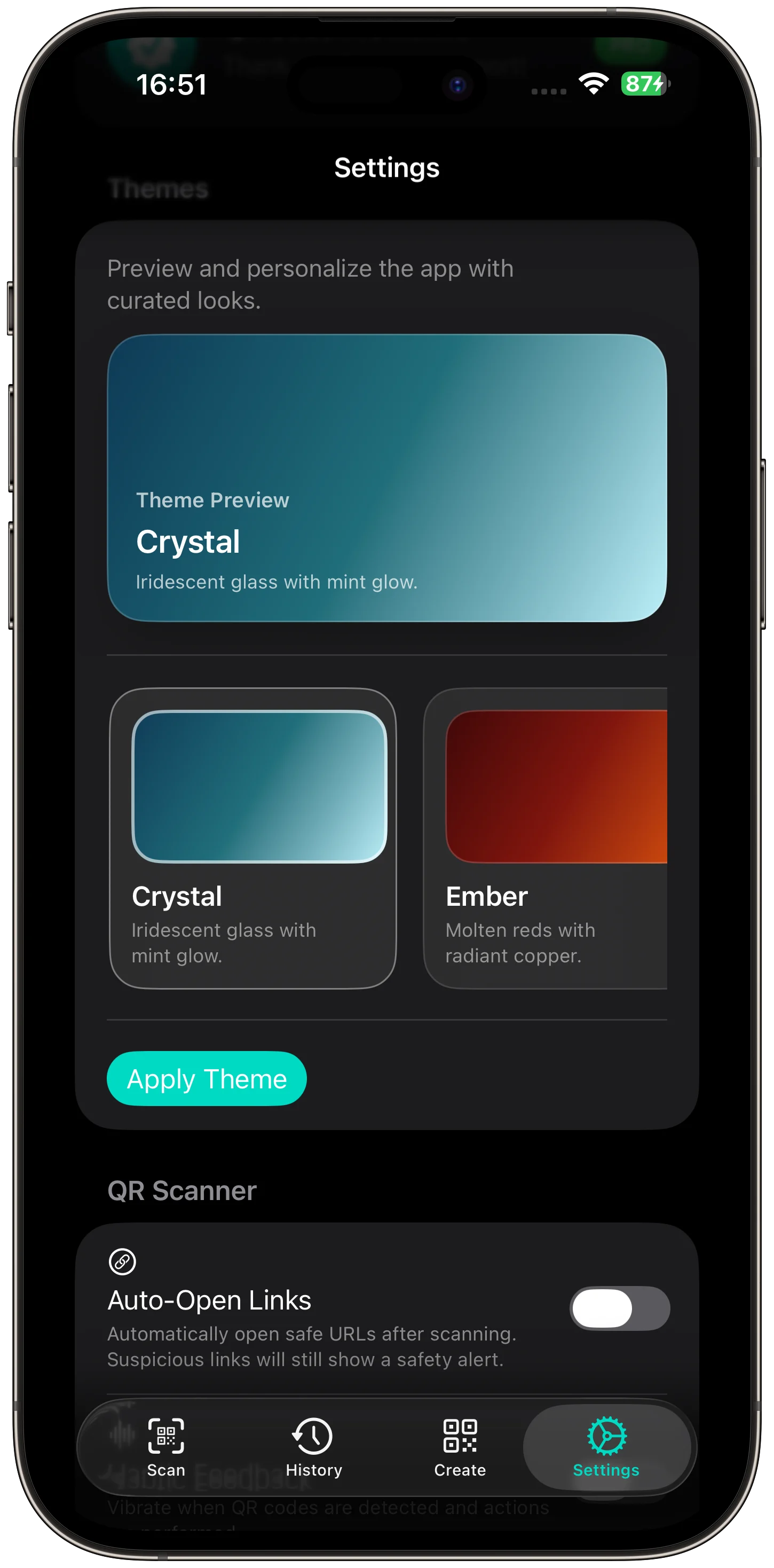
QR Code Snap: Scan & Create is a private QR scanner and generator for iPhone and iPad. It supports fast on-device scanning, VisionKit and AVFoundation capture, common QR types, QR creation, local history, safety previews, themes, no accounts, and offline privacy.

Who QR Code Snap: Scan & Create is for

Users who scan, create, save, and share QR codes without accounts or tracking.

What it helps with

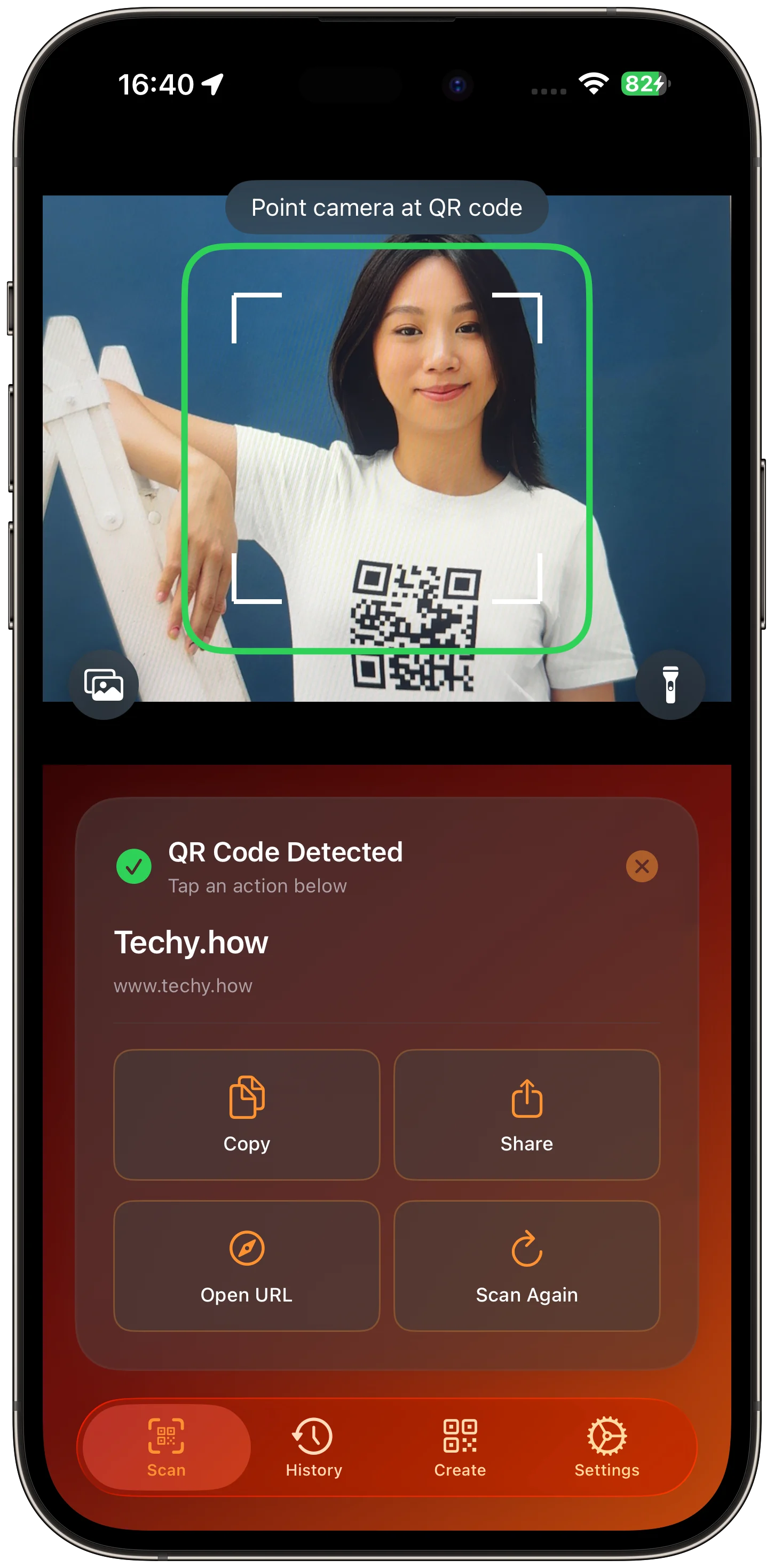
  • Scan QR codes from camera, Photos, or clipboard.
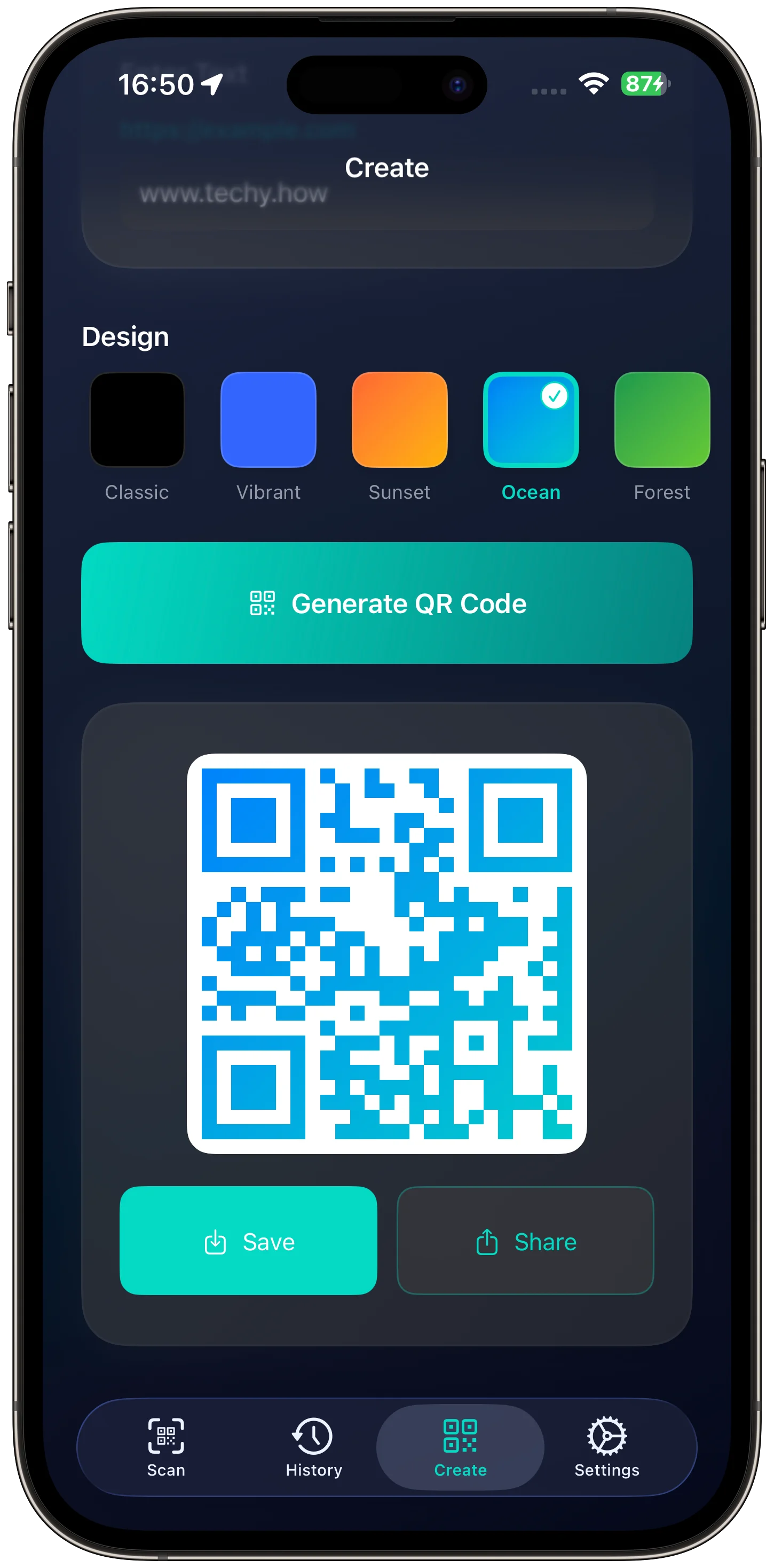
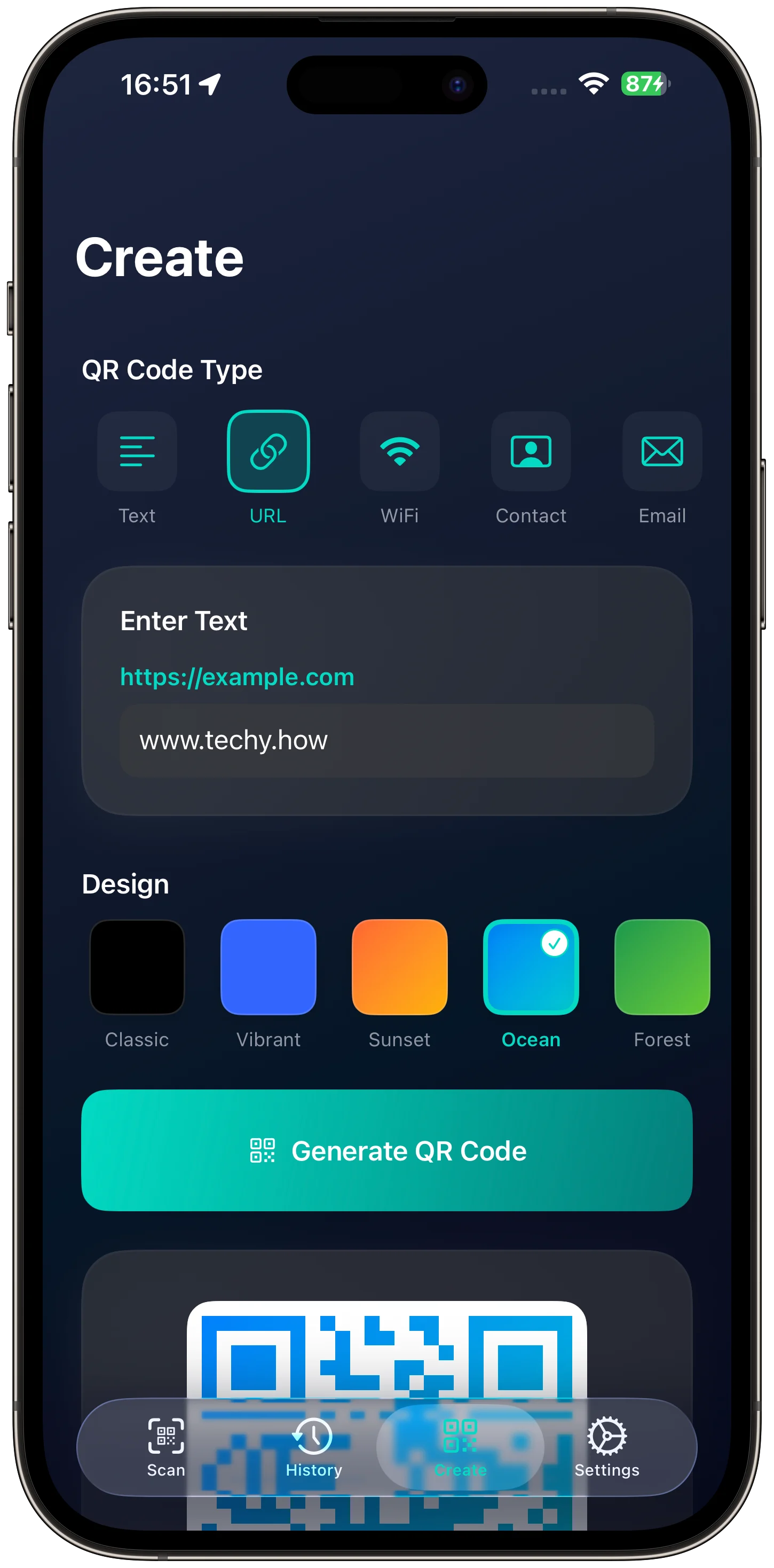
  • Create QR codes for URLs, text, Wi-Fi, contacts, events, email, SMS, and phone.
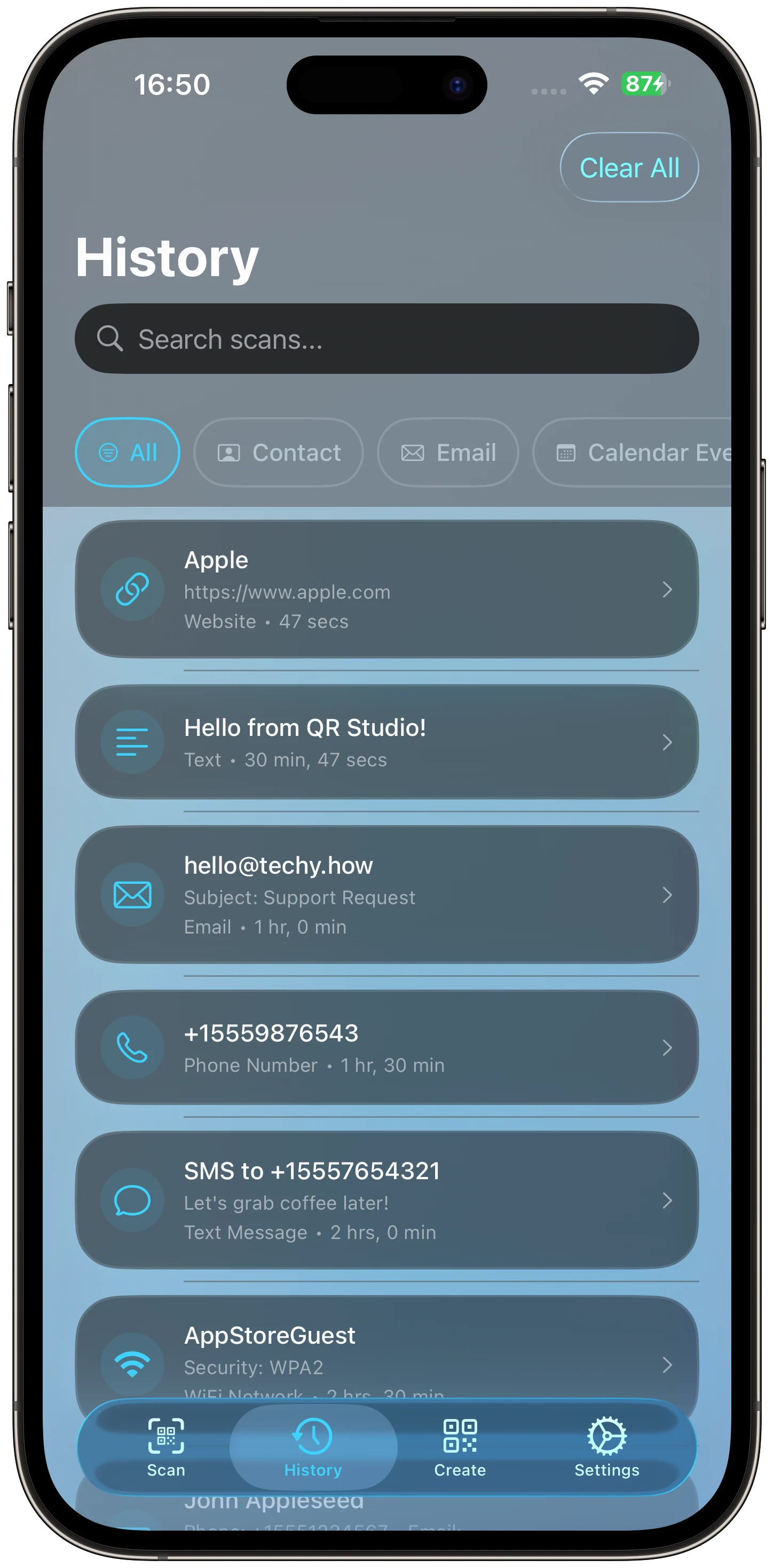
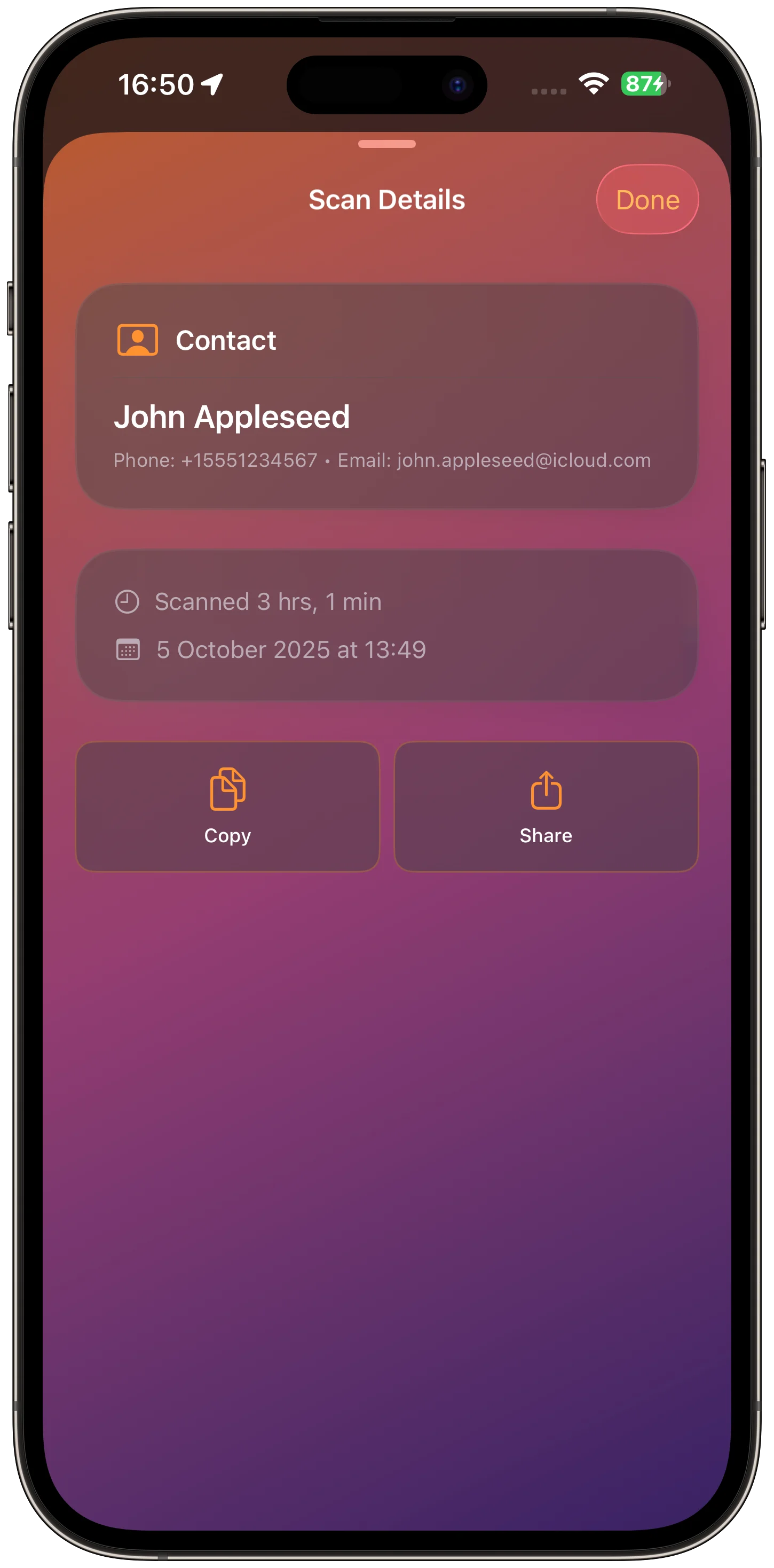
  • Review local scan history.
  • Preview links safely before opening.

Key features to review

  • Scan QR codes from camera, Photos, or clipboard.
  • Create QR codes for URLs, text, Wi-Fi, contacts, events, email, SMS, and phone.
  • Review local scan history.
  • Preview links safely before opening.

Before you download

Review the App Store listing for current device support, privacy details, and purchase options before downloading QR Code Snap: Scan & Create.

QR Code Snap: Scan & Create app icon

Try QR Code Snap: Scan & Create

Scan, create, and manage QR codes with a quick utility for everyday links and content.

App Screenshots

QR Code Snap: Scan & Create app screenshot 1
QR Code Snap: Scan & Create app screenshot 2
QR Code Snap: Scan & Create app screenshot 3
QR Code Snap: Scan & Create app screenshot 4
QR Code Snap: Scan & Create app screenshot 5
QR Code Snap: Scan & Create app screenshot 6
1 of 6