
A secure password should be long, unpredictable, and unique to one account. The safest way to create one is with a generator that uses strong randomness and does not send the password to a server. That matters because a password checker or generator should not become another place where your secret is exposed.
Use length before clever substitutions
Replacing letters with symbols can help only a little if the base password is short or predictable. Length and randomness are stronger. A random password or passphrase made from enough independent choices is harder to guess than a familiar word with a few character swaps.
Make every password unique
Reusing one strong password across multiple accounts is still risky. If one service is breached, attackers can try that same password elsewhere. A good workflow creates a different password for each account and keeps it stored safely.
Generate without sending the password away
Offline generation is valuable because the password can be created on your device without a web account or server round trip. For quick browser checks, the Password Strength Lab on NextTap is built around the same privacy idea: the password never leaves your browser while you test strength or generate a new one.
Move from a test to a repeatable workflow
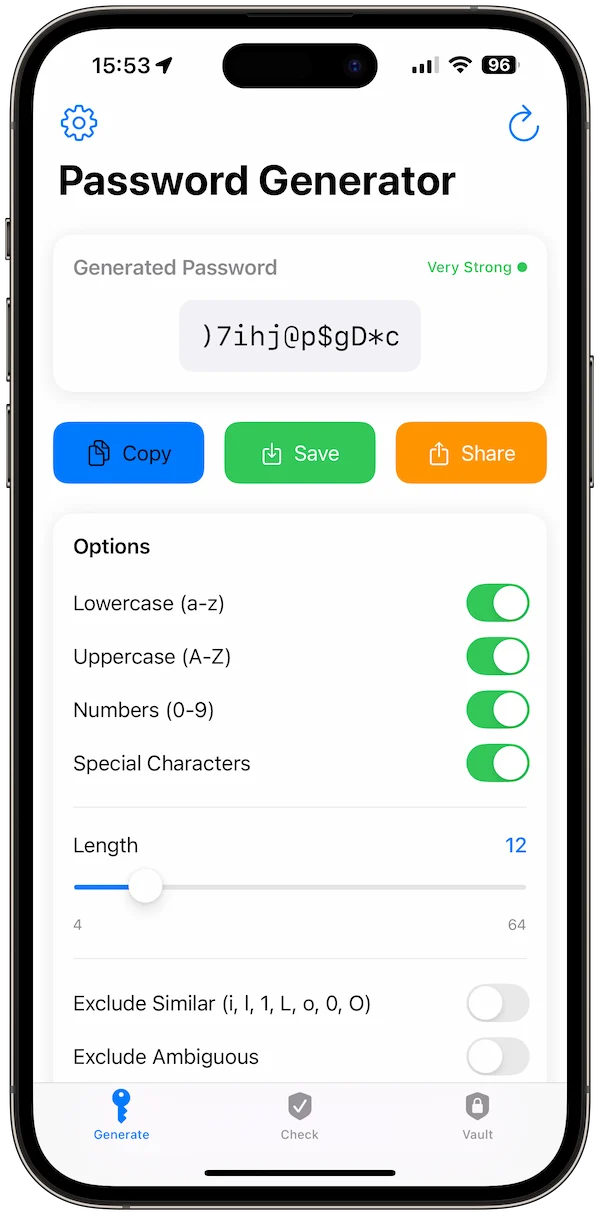
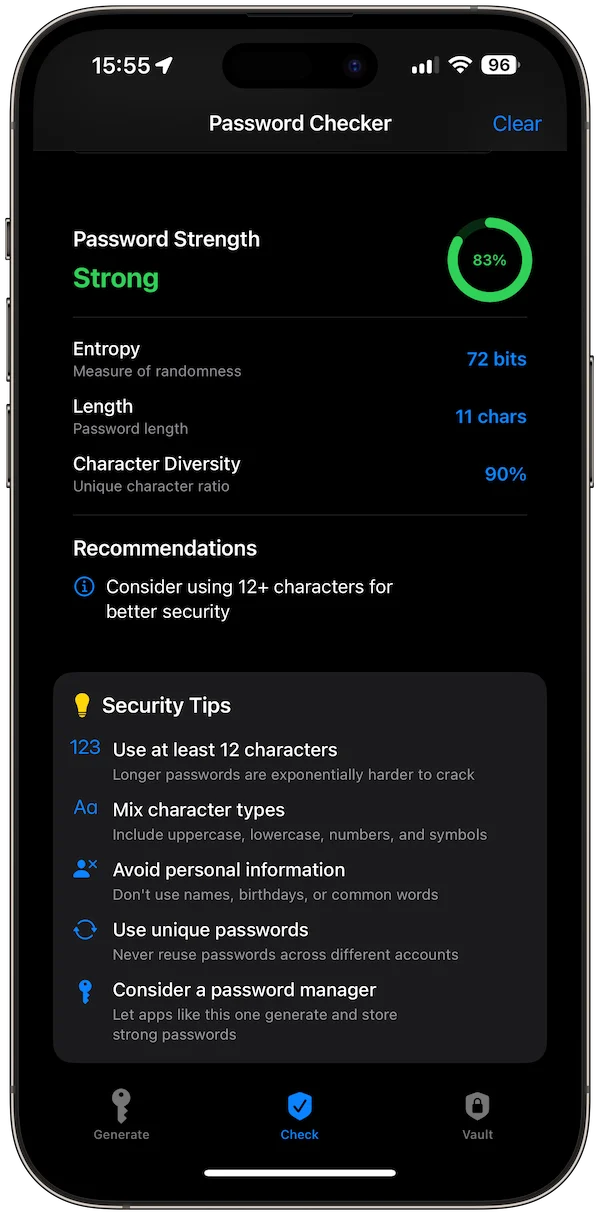
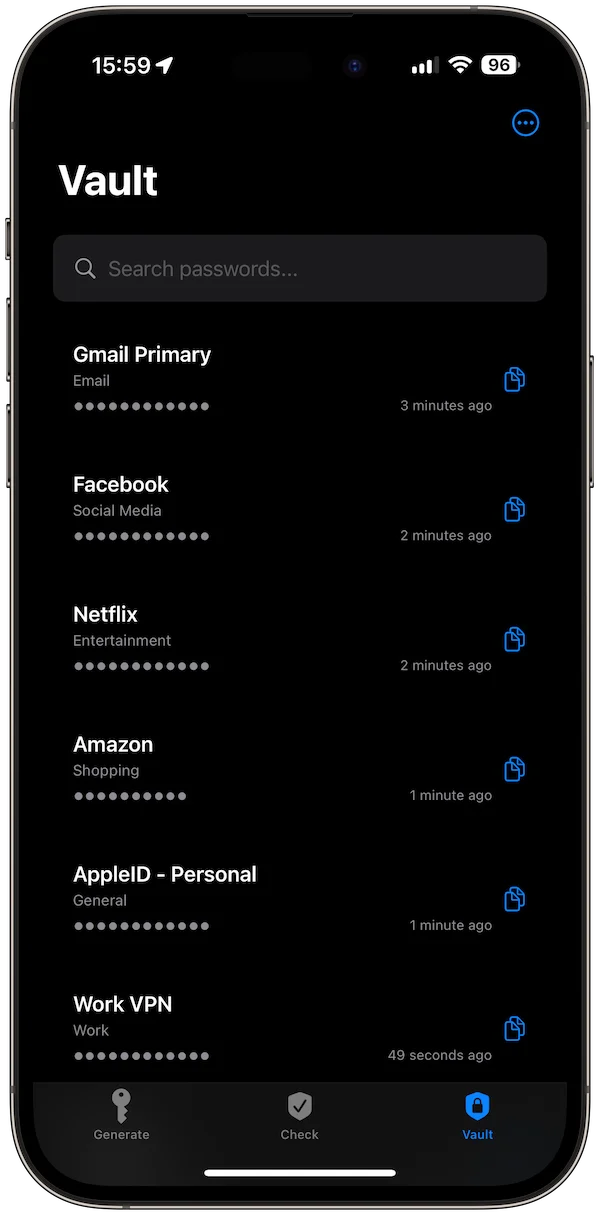
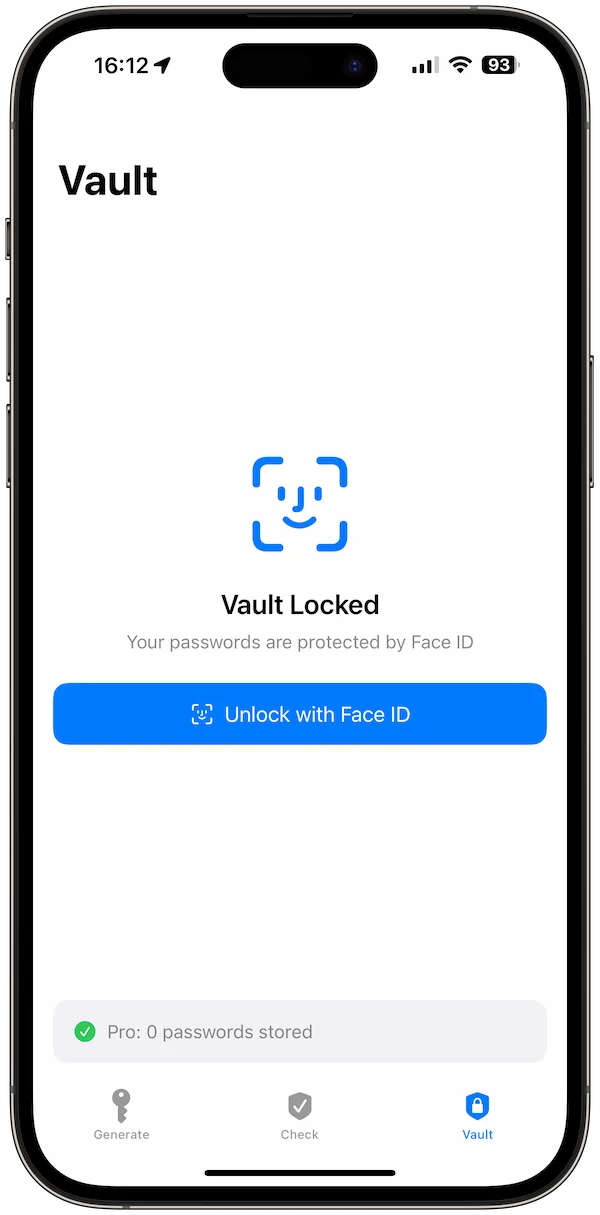
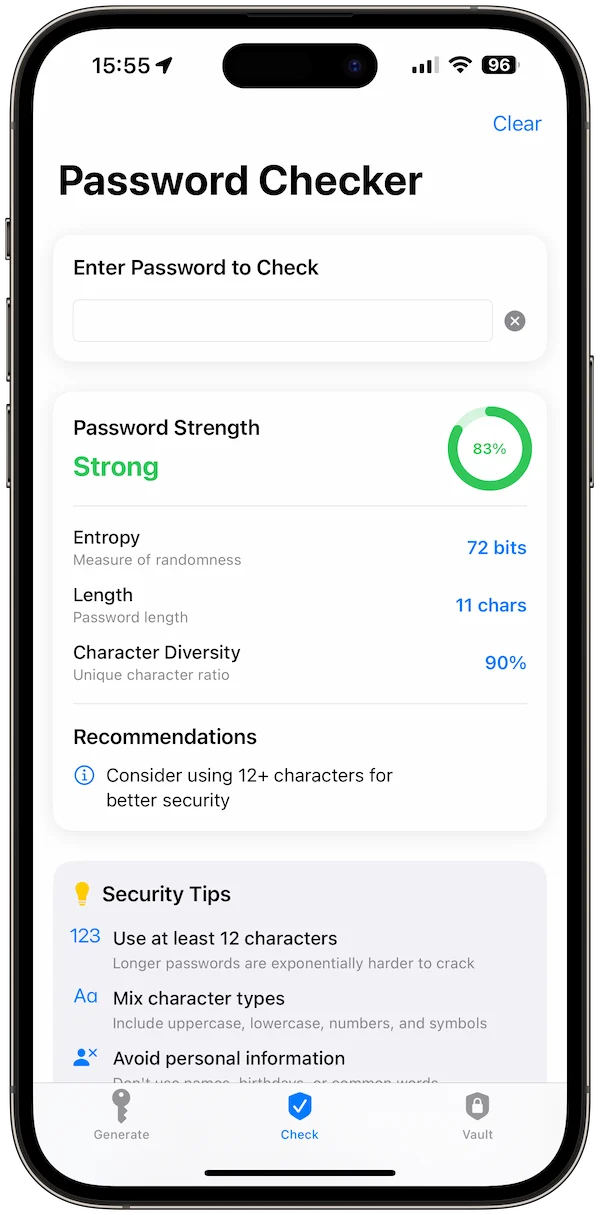
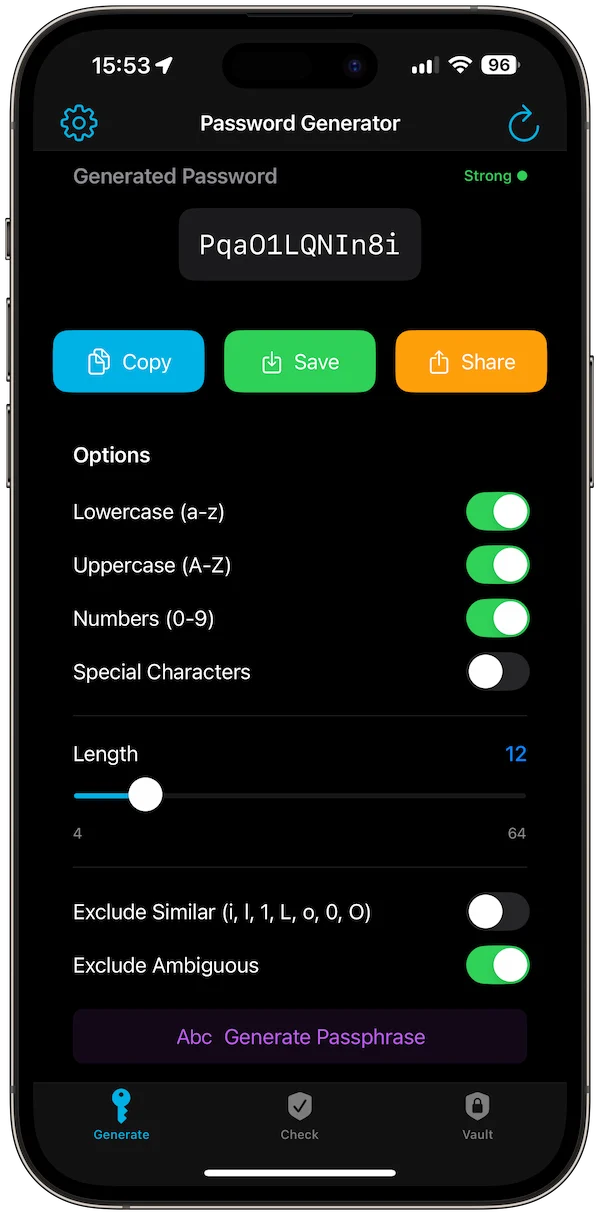
StrongPass Password Generator is the app-side workflow for people who want offline-first password generation, passphrases, local storage, biometric lock, strength feedback, themes, encrypted backups, and no server account. It helps you create stronger credentials and keep private items local.
Review old passwords slowly
You do not need to replace every password in one sitting. Start with email, banking, Apple ID, cloud storage, and any account that controls other accounts. Generate unique passwords, save them carefully, then continue with lower-risk accounts over time.