Your iPhone's battery cycle count tells you exactly how much wear your battery has experienced. In iOS 26, Apple has made it easier than ever to check this important metric. This guide shows you how to find your cycle count and what the numbers mean for your battery's health.
What is a Battery Cycle?
A battery cycle is completed when you use 100% of your battery's capacity, but it does not have to happen all at once. For example:
- Day 1: You use 60% of your battery, then charge to full
- Day 2: You use 40% of your battery
- Total: 60% + 40% = 100% = 1 complete cycle
This cumulative calculation means your actual cycle count reflects real battery usage, not just the number of times you plugged in.
How Battery Cycles Add Up
Partial charges accumulate into full cycles over time
How to Find Battery Cycle Count on iPhone (iOS 26+)
Apple now displays the battery cycle count directly in Settings for all iPhone models running iOS 26 or later:
- Open the Settings app
- Tap Battery
- Tap Battery Health
- Look for Cycle Count in the list
You will see your total cycle count along with your Maximum Capacity percentage and Peak Performance Capability status.
What Your Cycle Count Means
Apple designs iPhone batteries to retain 80% of their original capacity at a certain number of cycles:
| iPhone Model | Designed Cycles | Expected 80% Health |
|---|---|---|
| iPhone 14 and earlier | 500 cycles | ~2 years typical use |
| iPhone 15 series | 1,000 cycles | ~3-4 years typical use |
| iPhone 16 series | 1,000 cycles | ~3-4 years typical use |
| iPhone 17 / iPhone Air | 1,000+ cycles | ~4+ years typical use |
Understanding Your Results
Here is how to interpret your cycle count based on typical usage patterns:
| Cycle Count | Status | Recommendation |
|---|---|---|
| 0-300 | Excellent | Battery is in great condition |
| 300-500 | Good | Normal wear, no action needed |
| 500-800 | Fair | Monitor health percentage closely |
| 800+ | Consider Replacement | If health is below 80%, replace battery |
Track Your Cycles Over Time with Battery Health Pro
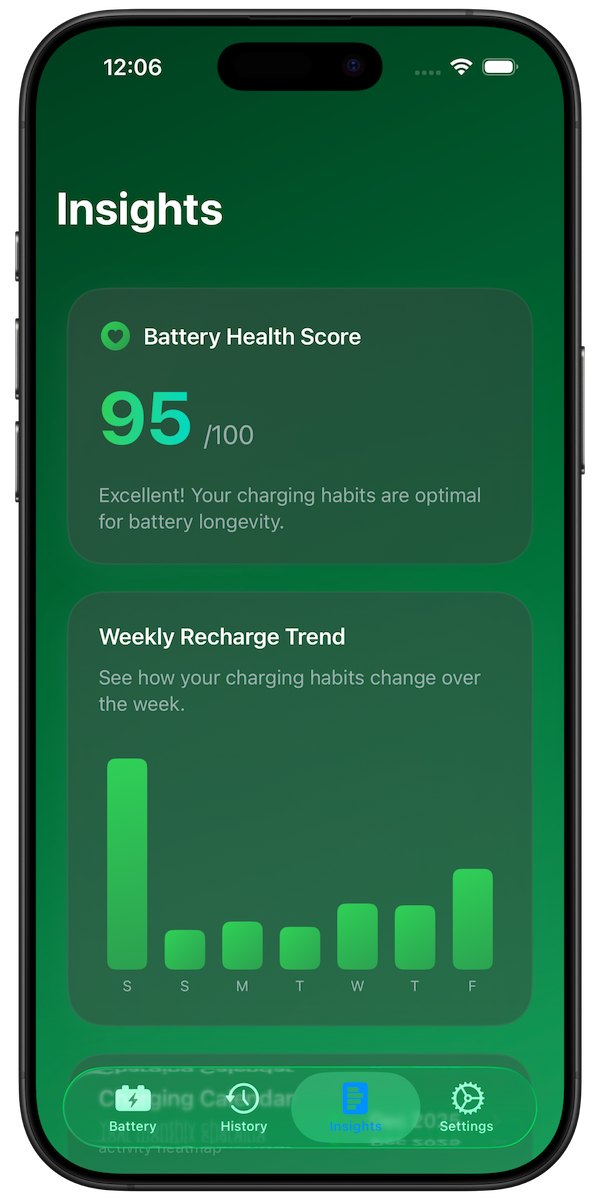
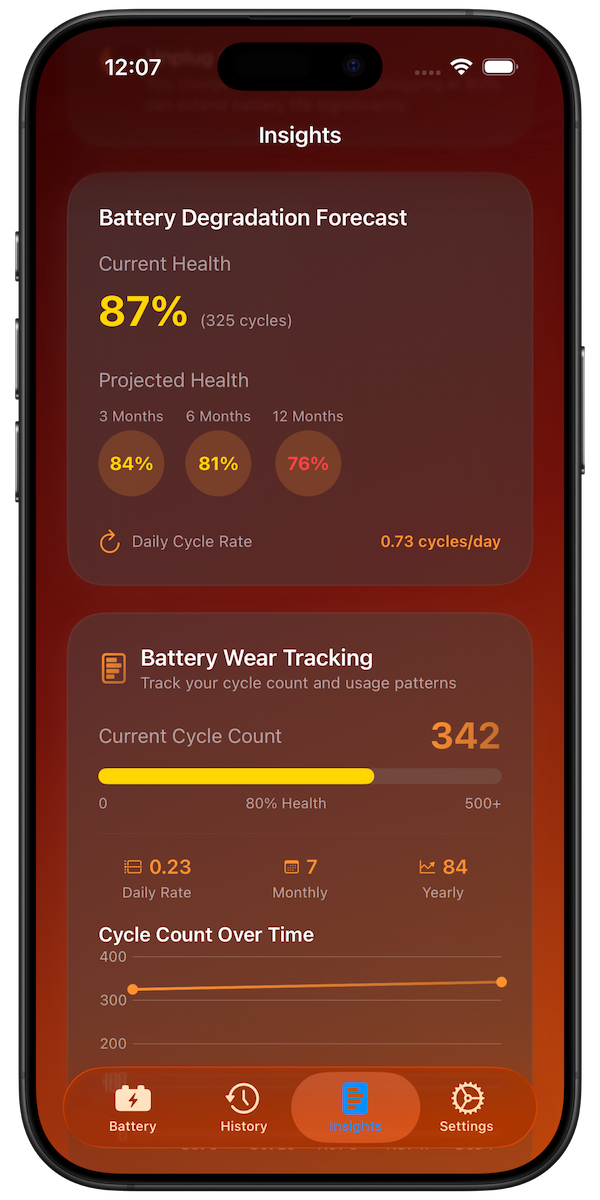
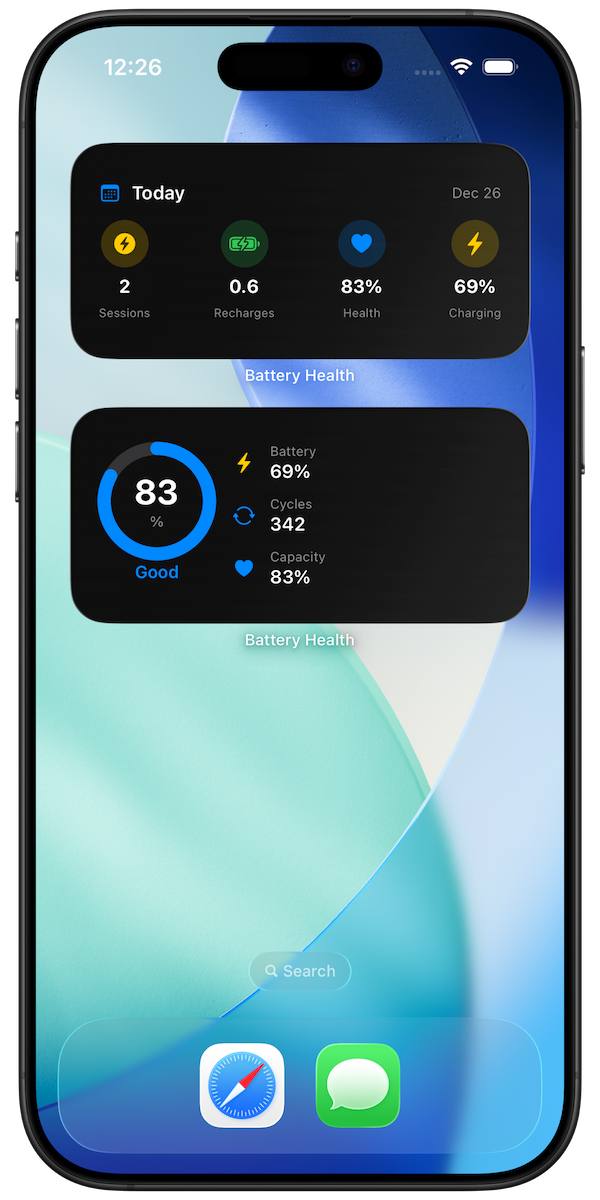
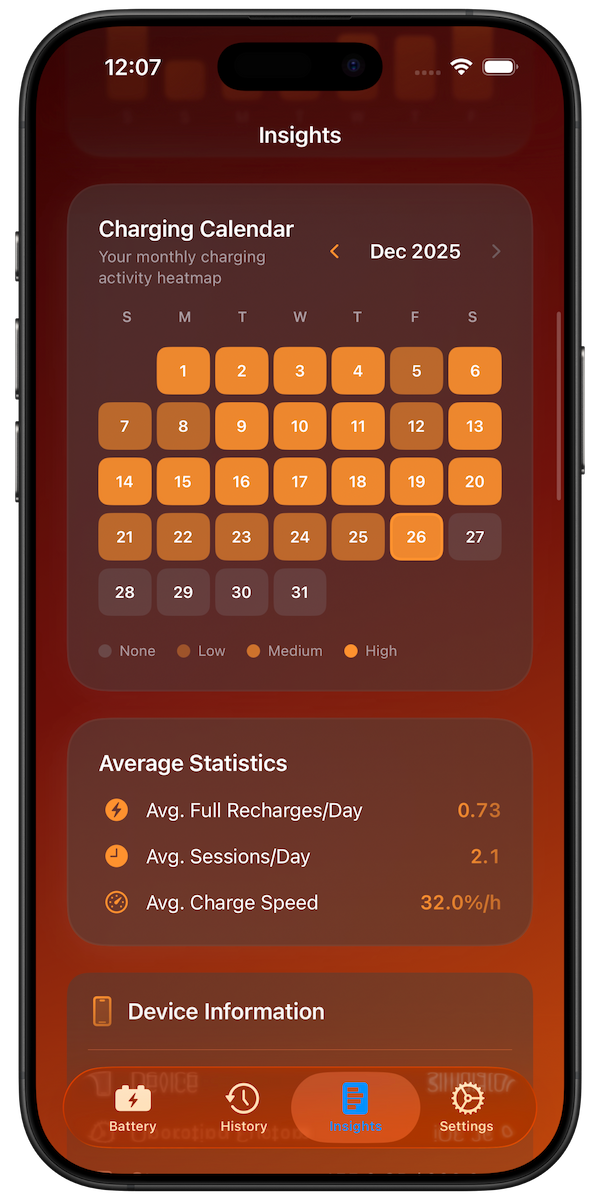
While iOS shows your current cycle count, it does not track your charging patterns or predict future degradation. Battery Health Pro fills this gap by:
- Tracking full recharges: See exactly how many cycles you use per day, week, and month
- Predicting degradation: Forecast your battery health over 3, 6, and 12 months
- Analyzing patterns: Understand which charging habits accelerate wear
- Providing recommendations: Get personalized tips to extend battery life
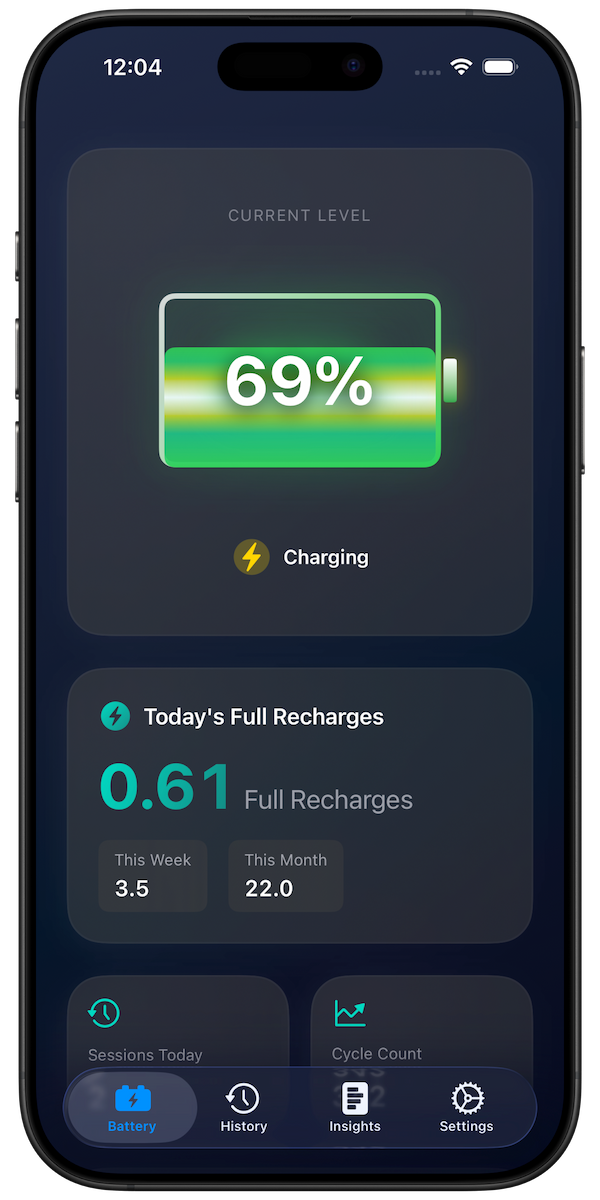
Battery Health Pro tracks your charging cycles and predicts battery degradation
Download Battery Health Pro Free
When Should You Replace Your Battery?
Consider battery replacement when:
- Maximum Capacity drops below 80%
- You see a "Service" message in Battery Health
- Your phone shuts down unexpectedly
- Battery life is significantly reduced
Battery Replacement Cost (2026)
| iPhone Model | Apple Price | AppleCare+ Price |
|---|---|---|
| iPhone 14 and earlier | $89-$99 | $0 (if below 80%) |
| iPhone 15 / 16 series | $99-$119 | $0 (if below 80%) |
| iPhone 17 / iPhone Air | $119-$149 | $0 (if below 80%) |
Related Guides
- iPhone Battery Health: What Percentage is Bad?
- Understanding iPhone Battery Degradation
- Best iPhone Charging Practices in 2026
Sources
Conclusion
Checking your iPhone battery cycle count is now easier than ever with iOS 26. Simply go to Settings > Battery > Battery Health to see your current count. For detailed tracking and predictions, download Battery Health Pro to monitor your charging habits and extend your battery's lifespan.